
This page is not an official page of the app or its developer, but an independent editorial publication created for informational and commentary purposes. Unless expressly stated otherwise, neither the app nor its developer is affiliated with, endorsed by, sponsored by, authorized by, or otherwise officially connected with MWM, Apple, Google Play, the app publisher, or the app's developer, and nothing on this page implies that the app was developed using MWM's services. Any trademarks, logos, screenshots, and other content remain the property of their respective owners.


PicPet
Turn your daily photo dumps into treats! Level up your shared pet, unlock aesthetic rewards, and stay connected with your best friends in a fun, low-pressure way.
Downloads
623K+User Rating
Total Ratings
4K+Publisher
Category
Social NetworkingLocales
2Latest Version
1.5.5Size
39.9 MBFirst Released
Aug 4, 2025Level Up Your Friendships
Ditch the boring group chats. Raise a virtual pet with your besties by sharing daily snaps, earning rewards, and building a digital world together.
Shared Pet Adventure
Invite your inner circle to raise a digital companion. It is a shared responsibility that makes staying in touch feel like a game rather than a chore.
Snap to Feed
Turn your daily POV into pet food. Share unfiltered moments to keep your pet growing without the pressure of social media perfection.
Frequently Asked Questions
Everything you need to know about PicPet
What is PicPet and how does it work?
PicPet is an app designed to help users stay connected with friends by collaboratively raising a virtual pet. Users feed the pet pictures, which helps it grow, level up, and fosters shared experiences.
Can I share photos with friends in PicPet?
Yes, PicPet allows users to add friends and raise a virtual pet together. The app focuses on keeping close connections by sharing daily moments through photos.
How do I feed my pet in the PicPet app?
Users feed their virtual pet in PicPet by dropping pictures. This action earns coins and keeps the pet happy, contributing to its growth and level progression.
What happens if I neglect my pet in PicPet?
Yes, pets can die in the PicPet app if they are not regularly fed or cared for. The app displays a 'Your pet has passed away...' message in such instances.
How do I earn rewards and decorate my room in PicPet?
In PicPet, users can earn coins by feeding their pet pictures. These coins enable them to unlock various rewards and customize their virtual room by placing decorative items.
The following screenshots and description are sourced directly from the app's official store listing and are the property of the app developer.
App Store
Screenshots
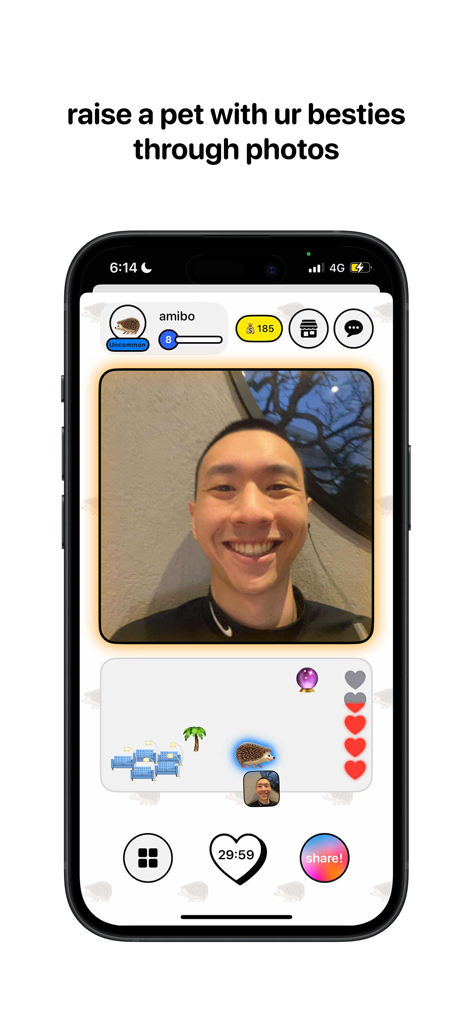
A screenshot of the PicPet app showing a virtual pet hedgehog and a shared photo used to feed it
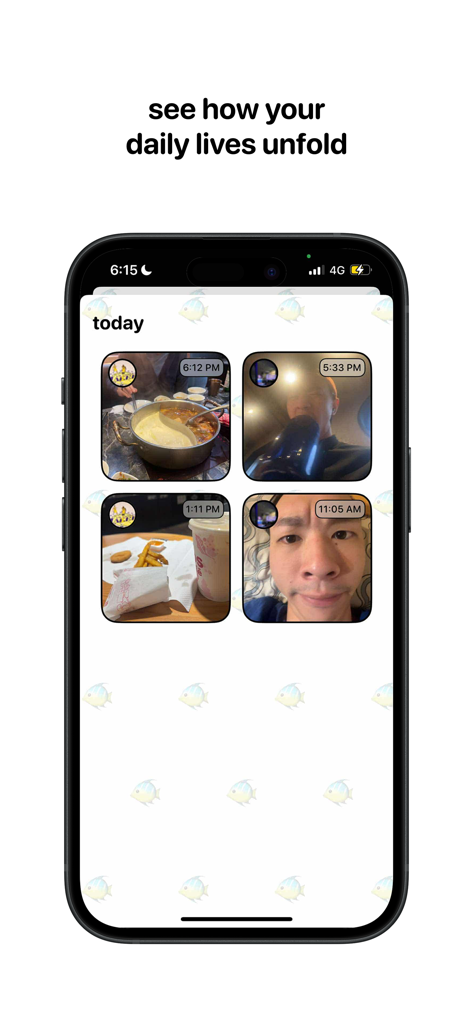
PicPet app screen displaying a daily feed of photos shared by friends including food and selfies
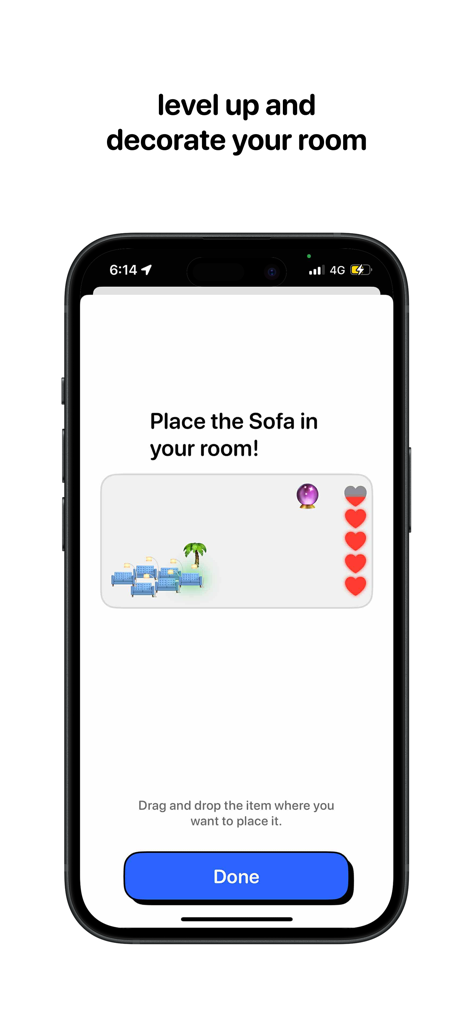
A screenshot of the PicPet app showing the interface to level up and decorate a virtual room by placing furniture like a sofa
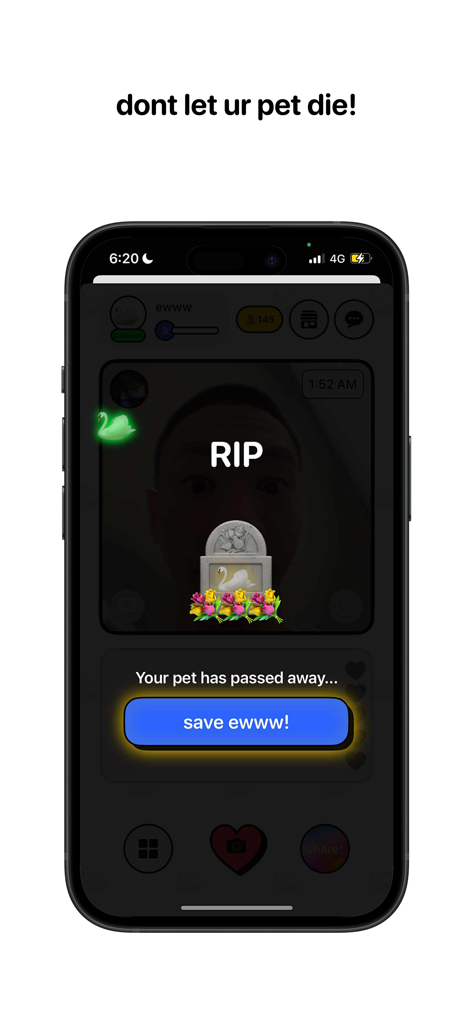
PicPet app interface showing a virtual pet tombstone and a button to save the pet from dying
Description
Download
More Like This
Apps with similar features and user experience

Friends – Pengu, Bao & Mellow
SLAY GmbH

SUSH Virtual Pet Grow & Evolve
Emotion Studio, Inc

元仔-(原PawLove)闺蜜情侣养宠互动工具App
Nanning Duoyoule Network Technology Co., Ltd.

mika-双人&云养宠の日常
Chongqing Good Duck Technology Co., Ltd

PrettyCat: couple game
Ignacio Casale

Chonk: Raise Virtual Panda Pet
Soba Studios, Inc.
This page is not an official page of the app or its developer, but an independent editorial publication created for informational and commentary purposes. Unless expressly stated otherwise, neither the app nor its developer is affiliated with, endorsed by, sponsored by, authorized by, or otherwise officially connected with MWM, Apple, Google Play, the app publisher, or the app's developer, and nothing on this page implies that the app was developed using MWM's services. Any trademarks, logos, screenshots, and other content remain the property of their respective owners.