Pixel Draw 16x16

Pixel Draw 16x16

Logo of Pixel Draw 16x16

Pixel Draw 16x16: The Perfect Companion for Your Yoto MYO Icons

Create sharp, custom track icons for your child’s audio collection in seconds. A simple, private editor with no ads, no subscriptions, and no internet required—just pure creativity for your Make Your Own cards.

Publisher

Simon Pumphrey

Category

Graphics & Design

Downloads

100+

User Rating

1.0/5

Total Ratings

0

Locales

1

Simple. Precise. Pixel-Perfect.

Discover the interface used by 100+ users.
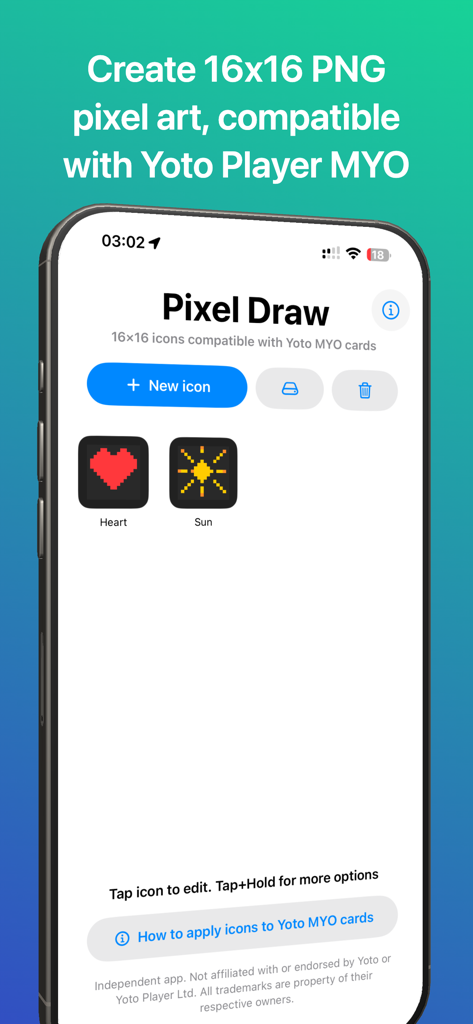
Pixel Draw 16x16 app interface showing custom pixel art icons for Yoto Player MYO cards

Pixel Draw 16x16 app interface showing custom pixel art icons for Yoto Player MYO cards

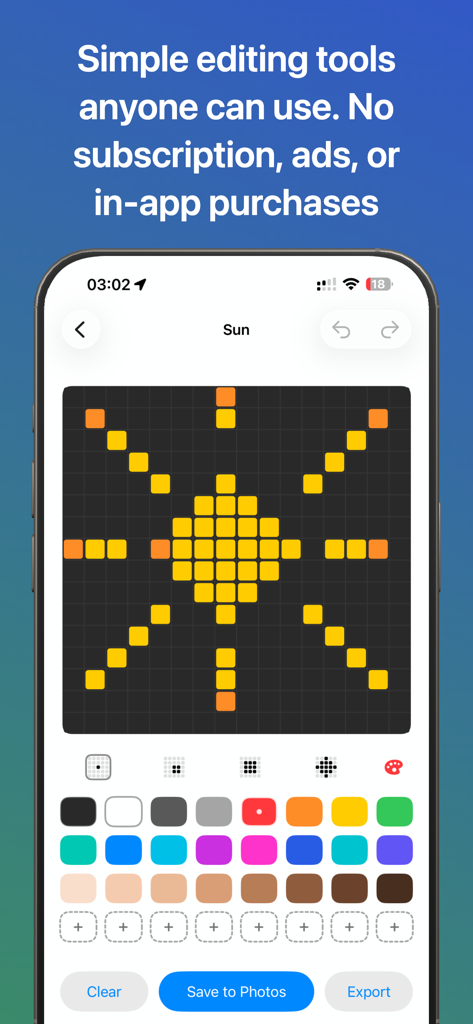
Mobile screen showing the Pixel Draw 16x16 editor with a yellow sun illustration on a dark grid

Mobile screen showing the Pixel Draw 16x16 editor with a yellow sun illustration on a dark grid

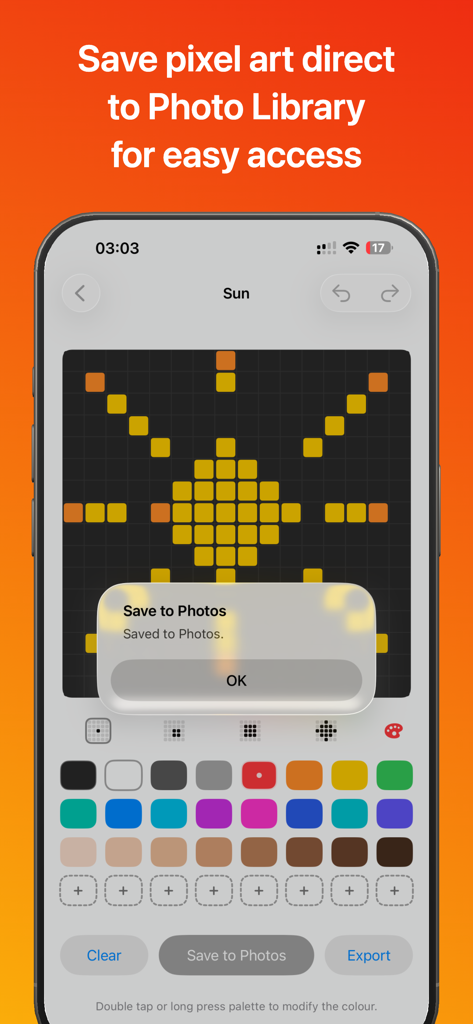
Pixel Draw 16x16 interface showing a sun pixel art being saved to the photo library

Pixel Draw 16x16 interface showing a sun pixel art being saved to the photo library

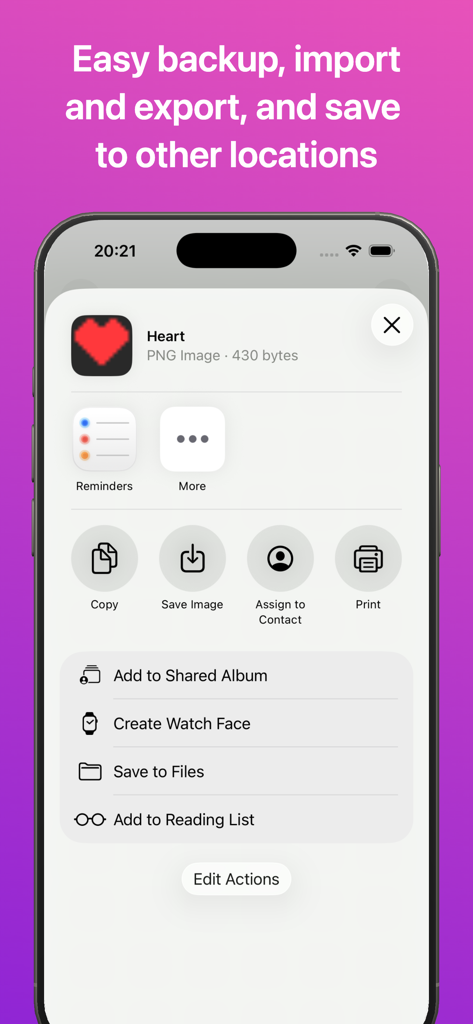
iOS share menu showing options to save and export a 16x16 pixel heart icon from the Pixel Draw app

iOS share menu showing options to save and export a 16x16 pixel heart icon from the Pixel Draw app

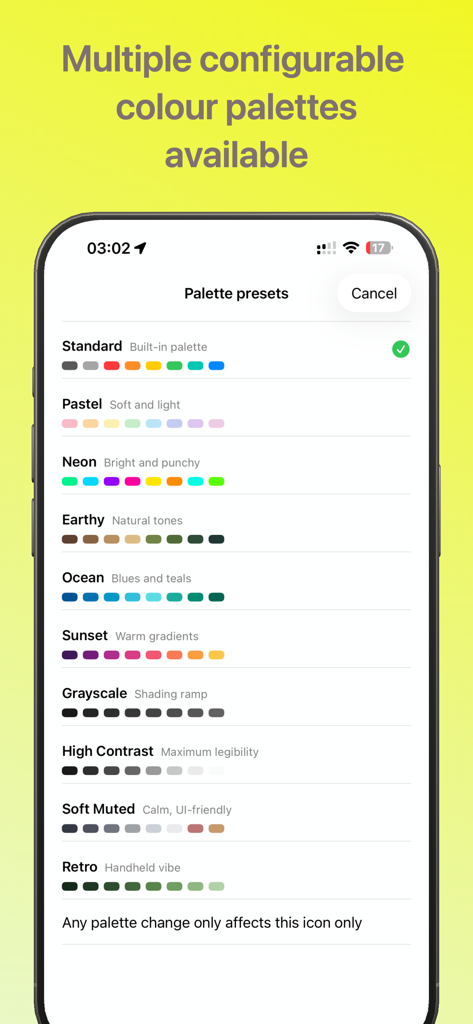
Color palette selection screen in the Pixel Draw 16x16 app

Color palette selection screen in the Pixel Draw 16x16 app

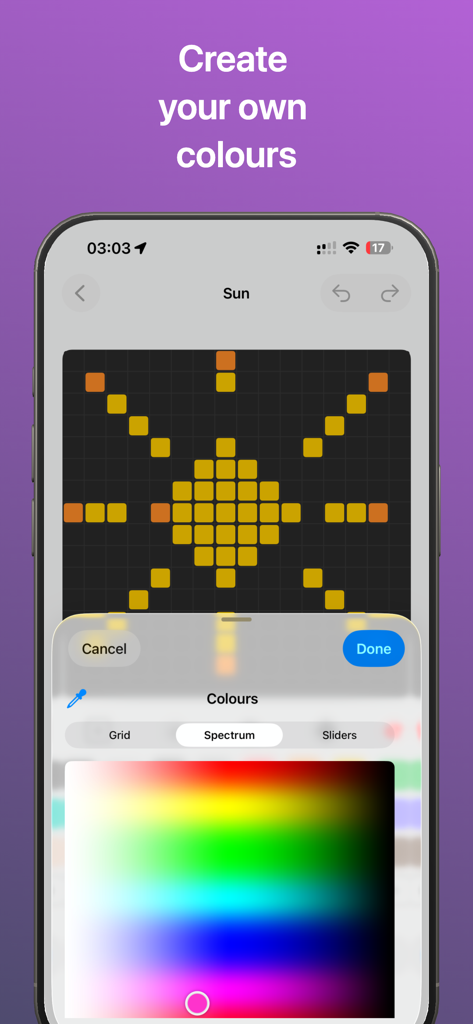
A mobile screen showing the custom color spectrum picker in the Pixel Draw 16x16 pixel art editor.

A mobile screen showing the custom color spectrum picker in the Pixel Draw 16x16 pixel art editor.

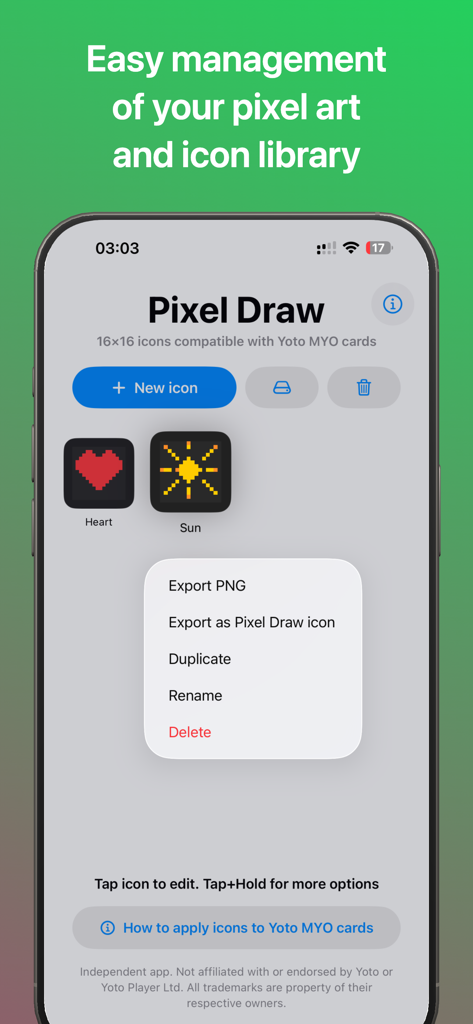
Pixel Draw 16x16 app interface showing the icon library and export options for Yoto MYO cards

Pixel Draw 16x16 app interface showing the icon library and export options for Yoto MYO cards

Craft Perfect Icons for Your Yoto Cards

The tools that make this app stand out, trusted by 100+ users.

🎨

Perfect 16x16 Precision

Draw on a specialized grid that mirrors the Yoto Player display, ensuring your icons stay sharp and clear on every track.

🛡️

Private & Ad-Free

No accounts, no subscriptions, and zero data collection. A safe, offline space for you and your kids to create together.

📲

Instant MYO Export

Save designs directly to your Photos library and follow our simple guide to upload them to your cards in seconds.

About the app

Everything you need to know about Pixel Draw 16x16.

Description

Pixel Draw 16x16 is a simple offline pixel art editor for creating 16x16 PNG images. No login, account, or internet connection is required to use the app. The PNG output from Pixel Draw 16x16 is compatible with Yoto Player Make Your Own (MYO) card playlist track icons. No subscriptions. No in-app purchases. No Advertisements. Simple, safe, and easy to use. Create • Draw on a large and precise 16×16 pixel grid • Tap or drag to paint. • Simple colour palette, with user-defined and custom palette options. • Duplicate and rename icons, build your own personal icon library. • Undo, redo and clear tools for easy use Export • Save PNG output to your Photos library • Export crisp 16×16 PNG files • Manual and auto-backup and import. Note: Icons may appear blurred in the Photos app preview because they are scaled up, but they remain precise and sharp when used at 16×16 resolution. Yoto Compatibility (unofficial) • Pixel Draw 16x16 PNG output is compatible with Yoto MYO card playlist icons • Step-by-step instructions included for how to upload your pixel art Privacy Pixel Draw does not collect, store, or transmit any personal data. All icons are stored locally on your device. Disclaimer This app is independent, unofficial and not affiliated with, or endorsed by, Yoto. Yoto is a trademark of Yoto Ltd.

Latest Version

1.2

Size

2.3 MB

First Released

Feb 14, 2026

Bring Your Custom Yoto Icons to Life

The simplest, ad-free way to design 16x16 pixel art for your MYO cards. Download now and start creating without subscriptions or data tracking.

App information, icons, screenshots, and descriptions displayed on this page are sourced from the Apple App Store and are the property of their respective developers. Download estimates and rankings are based on MWM's proprietary models and may not reflect actual figures. This page is provided for informational and analytical purposes only.

Believe this page infringes your intellectual property? File a dispute