
This page is not an official page of the app or its developer, but an independent editorial publication created for informational and commentary purposes. Unless expressly stated otherwise, neither the app nor its developer is affiliated with, endorsed by, sponsored by, authorized by, or otherwise officially connected with MWM, Apple, Google Play, the app publisher, or the app's developer, and nothing on this page implies that the app was developed using MWM's services. Any trademarks, logos, screenshots, and other content remain the property of their respective owners.


Pixel Draw 3D
The intuitive editor for creative minds and retro fans. Design with precision, customize lighting and shadows, and instantly transform your pixel drawings into stunning 3D views.
Downloads
0User Rating
Total Ratings
0Publisher
Category
EntertainmentLocales
1Latest Version
1.4Size
1.4 MBFirst Released
Sep 15, 2016Bring Your Pixels to Life in 3D
The ultimate creative playground for pixel artists. Seamlessly transition from 2D sketches to 3D voxel masterpieces with intuitive tools and dynamic lighting.
Instant 3D Transformation
Turn your flat drawings into immersive 3D models with a single tap and explore four different camera perspectives.
Dynamic Lighting & Depth
Bring your art to life with 8 adjustable lighting presets and toggleable shadows for a professional finish.
The following screenshots and description are sourced directly from the app's official store listing and are the property of the app developer.
App Store
Screenshots
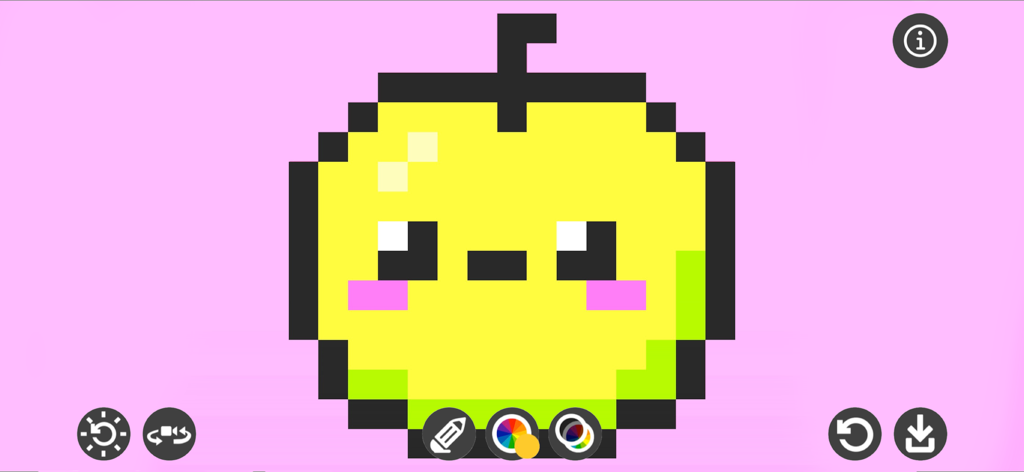
Cute yellow pixel art apple with a face on a pink background in a mobile drawing app interface
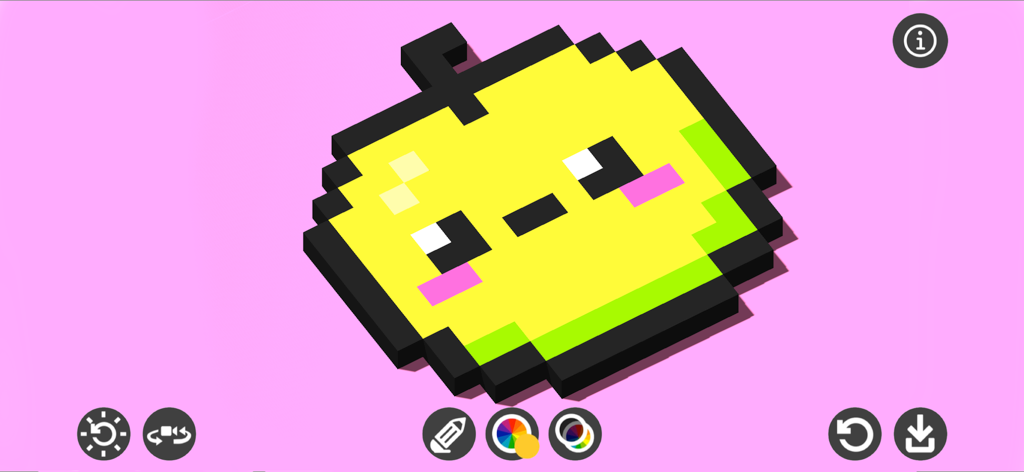
A cute 3D pixel art character in the Pixel Draw 3D editor interface
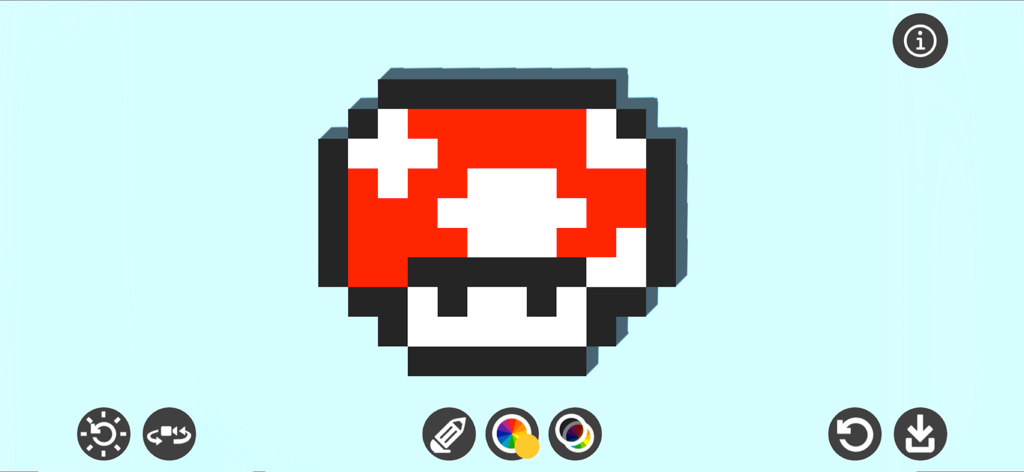
A 3D pixel art mushroom created in the Pixel Draw 3D mobile app interface
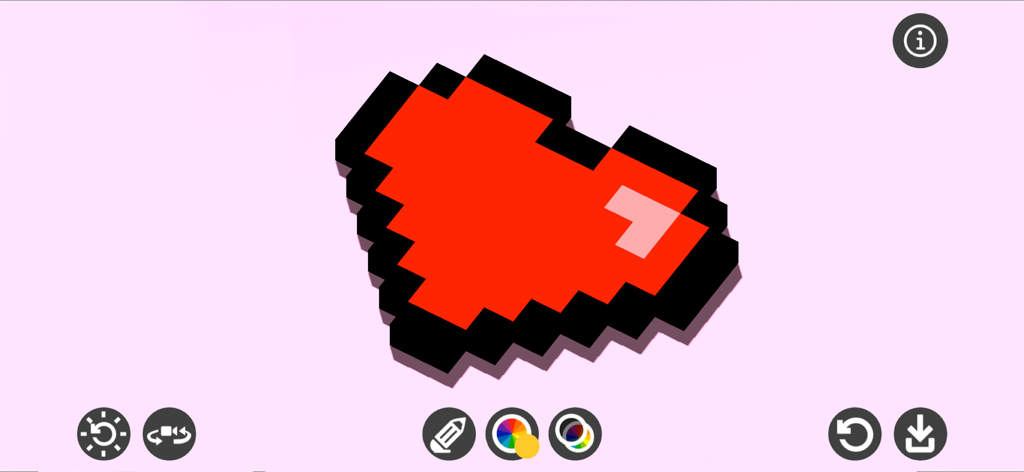
A red 3D voxel heart created using the Pixel Draw 3D app interface.
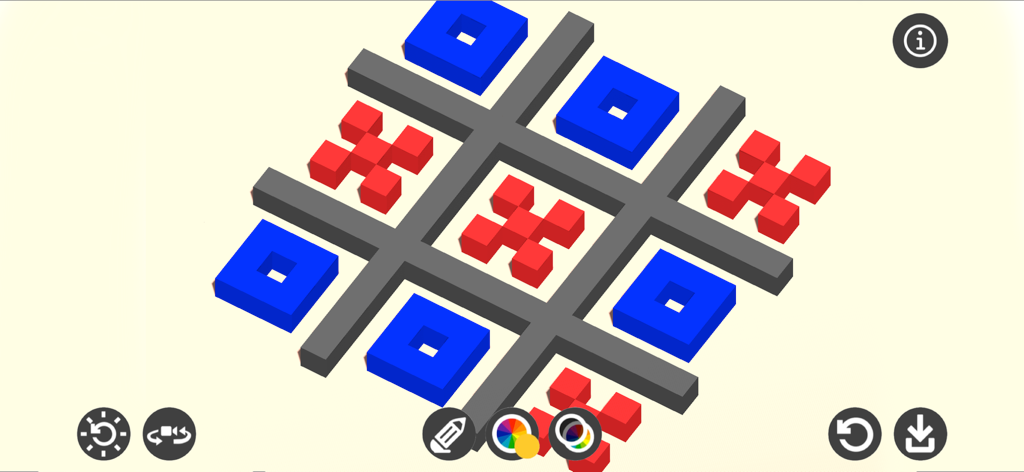
A 3D voxel art drawing of a tic tac toe board with red crosses and blue circles in Pixel Draw 3D.
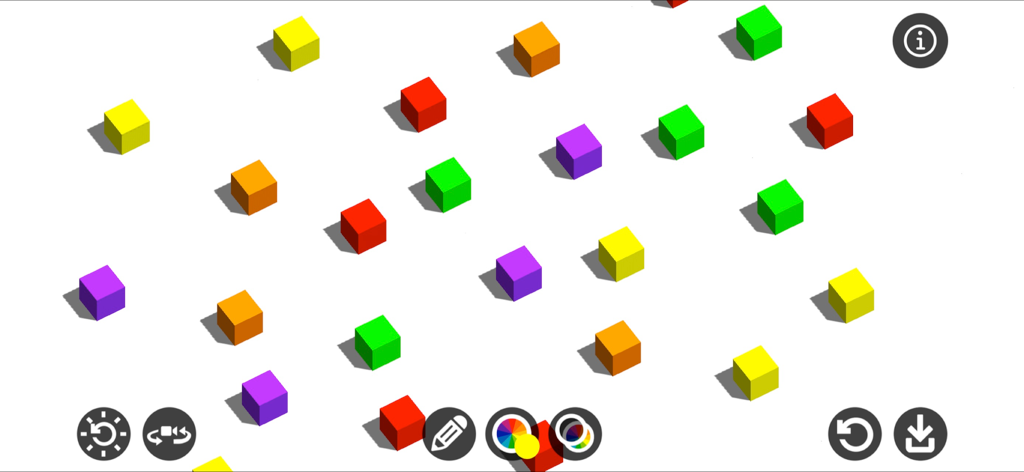
3D pixel art editor interface showing colorful voxel cubes with shadows on a white canvas
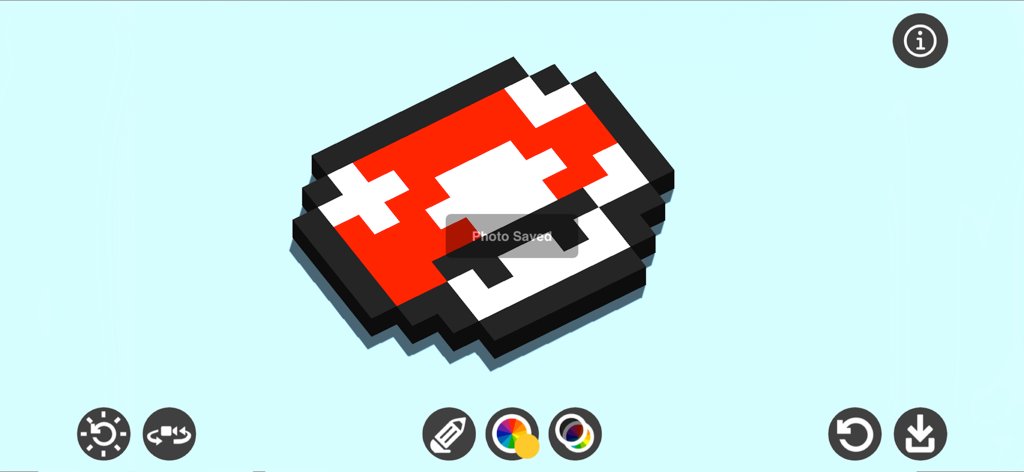
A 3D voxel mushroom artwork within the Pixel Draw 3D app interface showing drawing tools and lighting options
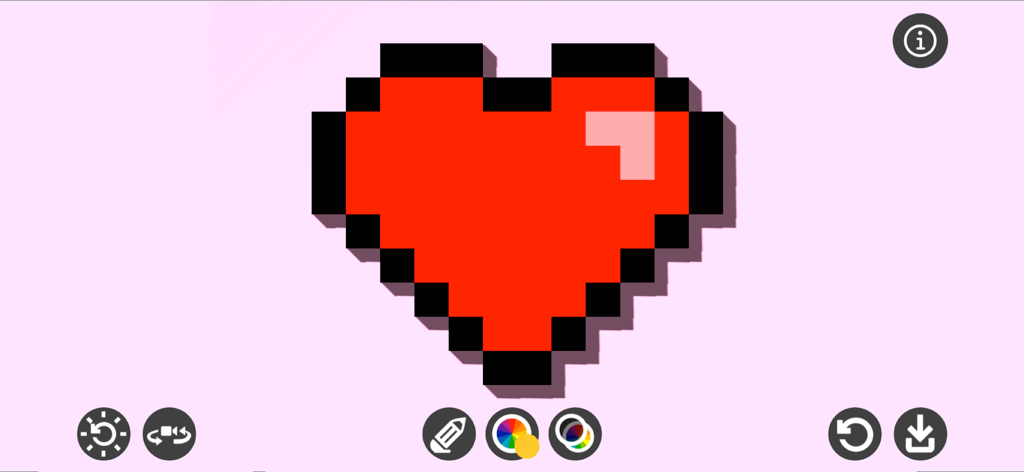
A red 3D pixel art heart with shadows and highlights created in the app interface
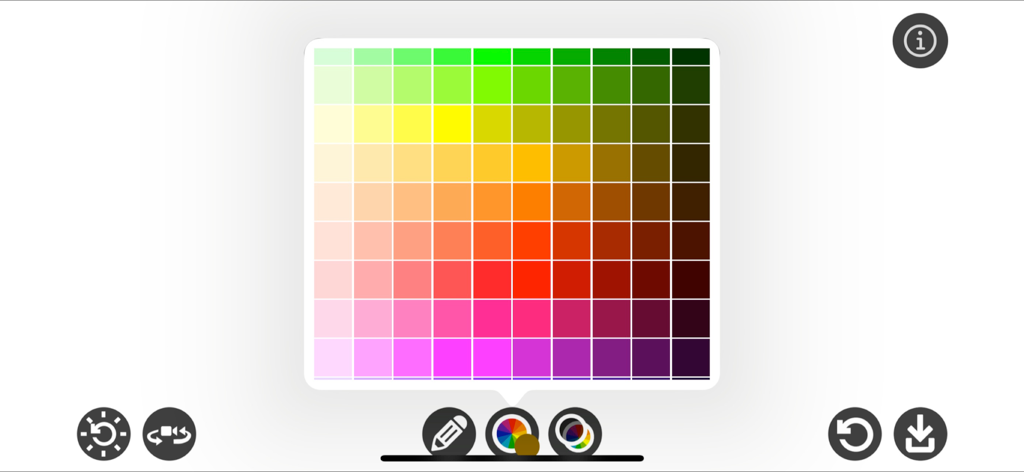
The color selection interface in the Pixel Draw 3D app featuring a large grid of color swatches
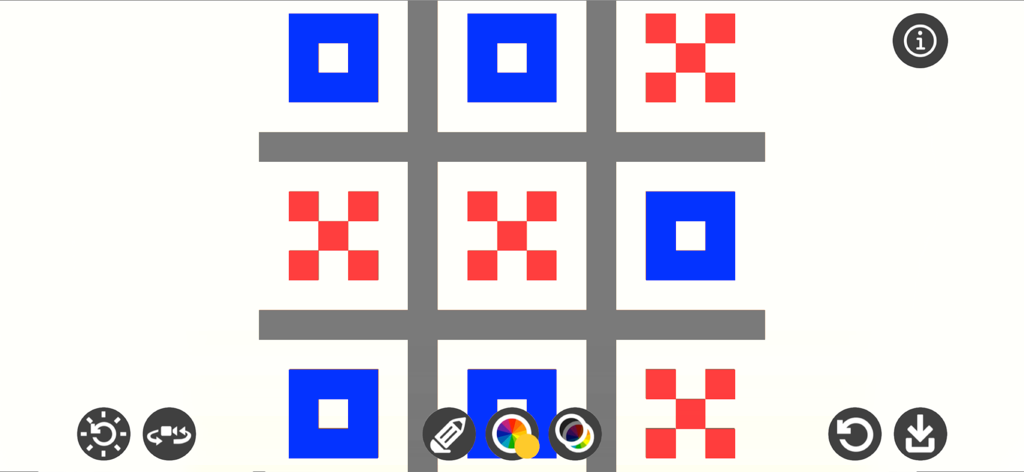
A pixel art tic tac toe grid with blue and red blocks in the Pixel Draw 3D editor
Description
Download
More Like This
Top-ranked apps in the same category

Netflix
Netflix, Inc.

TikTok - Videos, Shop & LIVE
TIKTOK PTE. LTD.

Freecash - Get Paid Real Money
256 REWARDS LTD

Disney+
Disney Electronic Content, Inc.

Amazon Prime Video
AMZN Mobile LLC

DramaBox - Stream Drama Shorts
STORYMATRIX PTE. LTD

HBO Max: Stream Movies & TV
WarnerMedia Global Digital Services, LLC

ReelShort - Stream Drama & TV
New Leaf Publishing, Inc.

NetShort - Popular Dramas & TV
NETSTORY PTE. LTD.
This page is not an official page of the app or its developer, but an independent editorial publication created for informational and commentary purposes. Unless expressly stated otherwise, neither the app nor its developer is affiliated with, endorsed by, sponsored by, authorized by, or otherwise officially connected with MWM, Apple, Google Play, the app publisher, or the app's developer, and nothing on this page implies that the app was developed using MWM's services. Any trademarks, logos, screenshots, and other content remain the property of their respective owners.