
This page is not an official page of the app or its developer, but an independent editorial publication created for informational and commentary purposes. Unless expressly stated otherwise, neither the app nor its developer is affiliated with, endorsed by, sponsored by, authorized by, or otherwise officially connected with MWM, Apple, Google Play, the app publisher, or the app's developer, and nothing on this page implies that the app was developed using MWM's services. Any trademarks, logos, screenshots, and other content remain the property of their respective owners.


Pixel Lab Photo Editor
Stop settling for bland visuals. This app gives users the power to transform ordinary photos and videos into scroll-stopping content, effortlessly.
Downloads
1M+User Rating
Total Ratings
28.1KPublisher
Category
Photo & VideoLocales
1Latest Version
5.5Size
176.5 MBFirst Released
Mar 21, 2018An analytical evaluation of key features tailored for casual content creators and social media enthusiasts.
Pixel Lab Photo Editor: Core Functionality Overview
Comprehensive Photo Enhancement
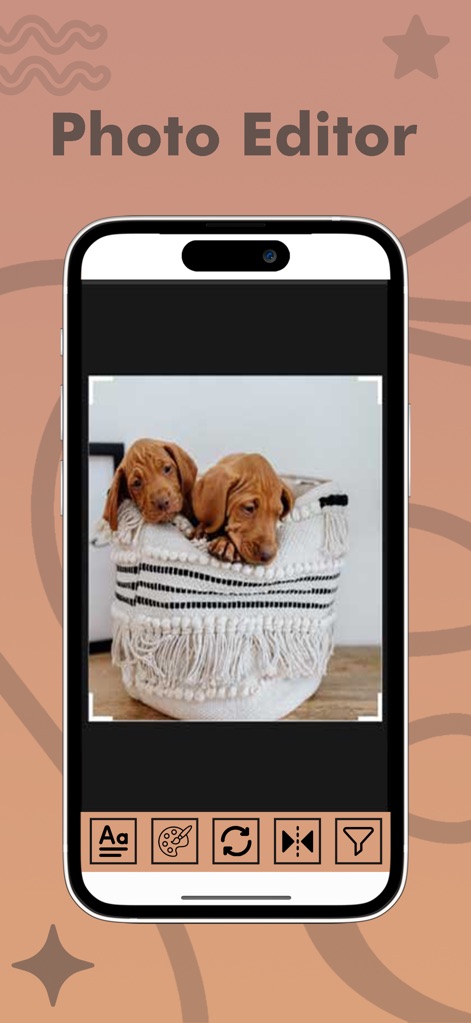
The app provides a robust suite of tools for enhancing photos, including filters, precise adjustments for brightness, contrast, and saturation, along with essential cropping and rotation capabilities.
Creative Text & Sticker Integration
It allows users to personalize their images with an extensive collection of stickers and diverse font options for adding text, perfect for expressive social media posts.
Collage & Grid Layouts
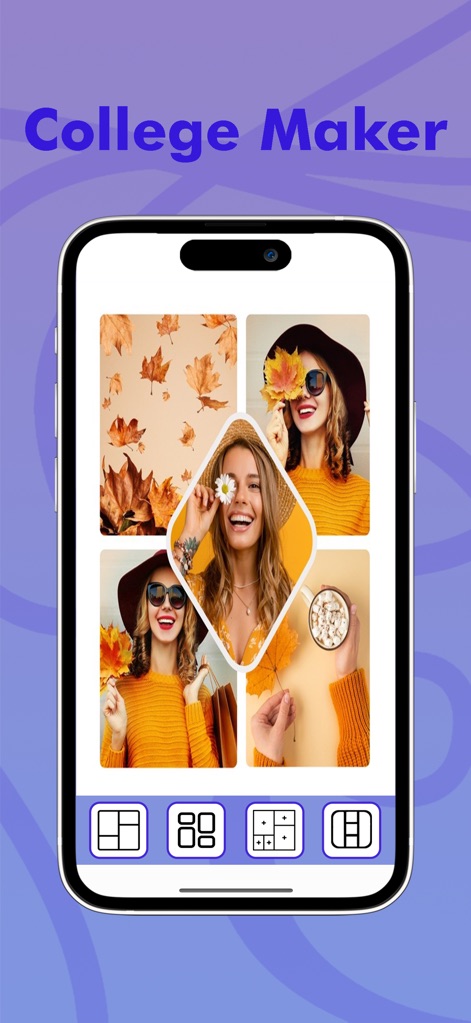
This tool features a versatile collage maker and various grid layouts, enabling users to combine multiple photos into visually appealing compositions quickly.
Integrated Video Editing Suite
The app offers core video editing functionalities, including trimming, speed adjustments, filter application, and merging multiple clips, streamlining the creation of short social videos.
Custom Quotes Creator
It provides a dedicated Quotes Creator, allowing users to design personalized textual overlays on their images, ideal for sharing motivational content or messages.
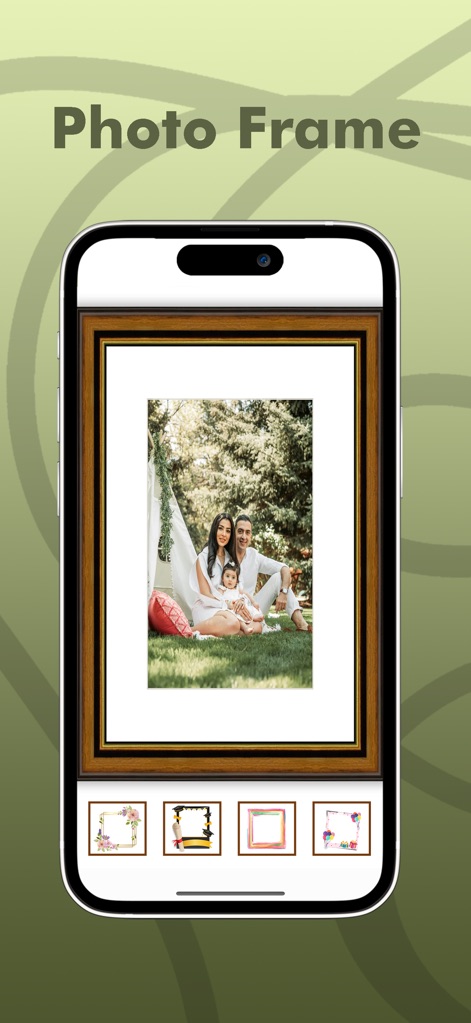
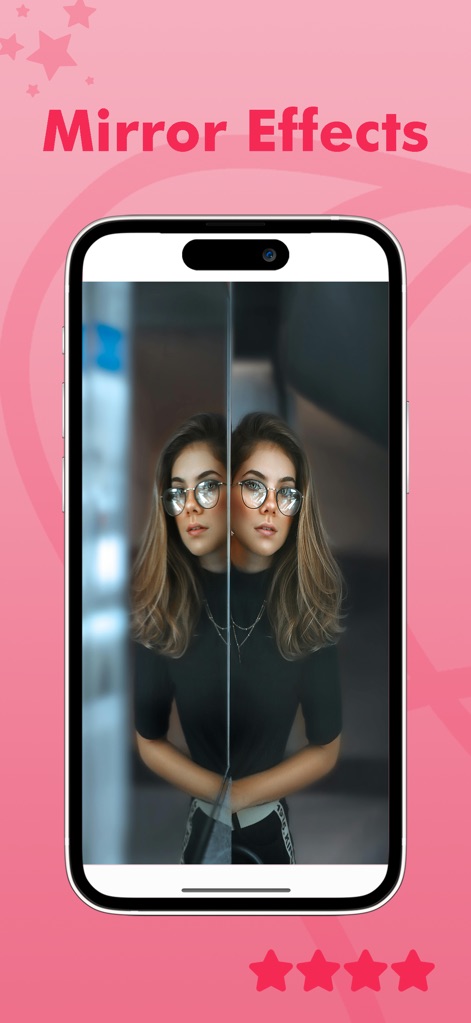
Artistic Photo Frames & Mirror Effects
This tool features a wide array of decorative photo frames and offers unique mirror photo capabilities, enabling users to add artistic flair and symmetrical designs to their pictures.
Frequently Asked Questions
Everything you need to know about Pixel Lab Photo Editor
What is Pixel Lab Photo Editor?
Pixel Lab Photo Editor is a powerful photo and video editing software. It includes filters, effects, frames, and more, designed to be simple and fun for average users, requiring no prior editing experience.
Does Pixel Lab Photo Editor include video editing features?
Yes, Pixel Lab Photo Editor offers video editing capabilities. Its features include Video To GIF, Video To MP3, Video Cutter, Slow/Fast Video, Add Watermark, Video Filter, Reverse Video, and Merge Video.
Can I create photo collages using Pixel Lab Photo Editor?
Yes, Pixel Lab Photo Editor allows users to create photo collages. It provides a Collage Maker feature, offering various grid layouts and a freestyle mode to design unique photo compositions.
What types of photo frames are available in Pixel Lab Photo Editor?
Pixel Lab Photo Editor provides a Photo Frames Creator feature. It includes numerous frame types such as Animal, Anniversary, Birthday, Flower, Love, Kids, and many others to enhance images.
Does Pixel Lab Photo Editor convert videos to GIFs?
Yes, Pixel Lab Photo Editor has a 'Video To GIF' function. This allows users to convert their video files directly into GIF images within the application quickly and easily.
Can I apply mirror effects to photos in Pixel Lab Photo Editor?
Yes, Pixel Lab Photo Editor offers mirror effects through its 'Mirror Photo Creator' tool. Users can easily mirror images and create stunning collages with various mirroring layouts.
How do I add text to a photo in Pixel Lab Photo Editor?
Yes, Pixel Lab Photo Editor enables users to add text to their photos. The app provides multiple fonts to customize text additions, enhancing photo personalization.
Where can I find the privacy policy for Pixel Lab Photo Editor?
The privacy policy for Pixel Lab Photo Editor is accessible via the link provided in the app description: http://photoframe.pixelphotogallery.com/api/page/privacy-policy.
Does Pixel Lab Photo Editor offer photo effects like neon or wings?
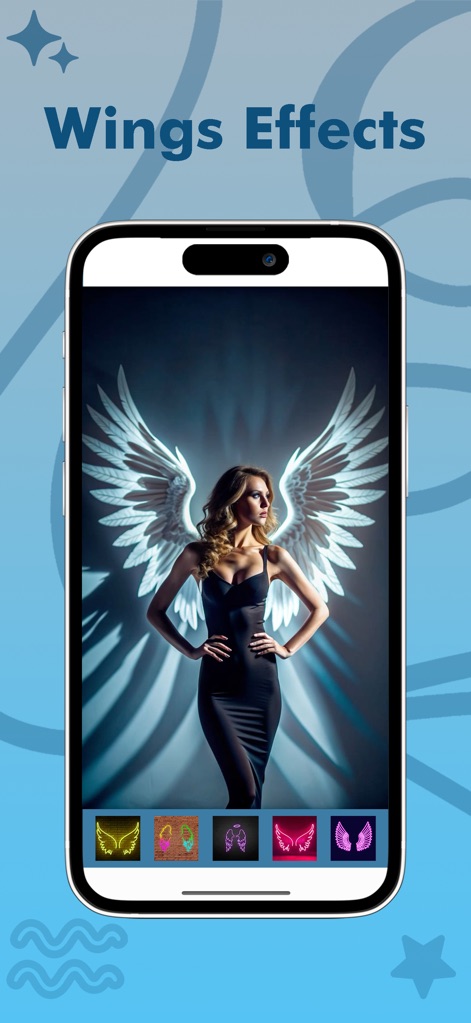
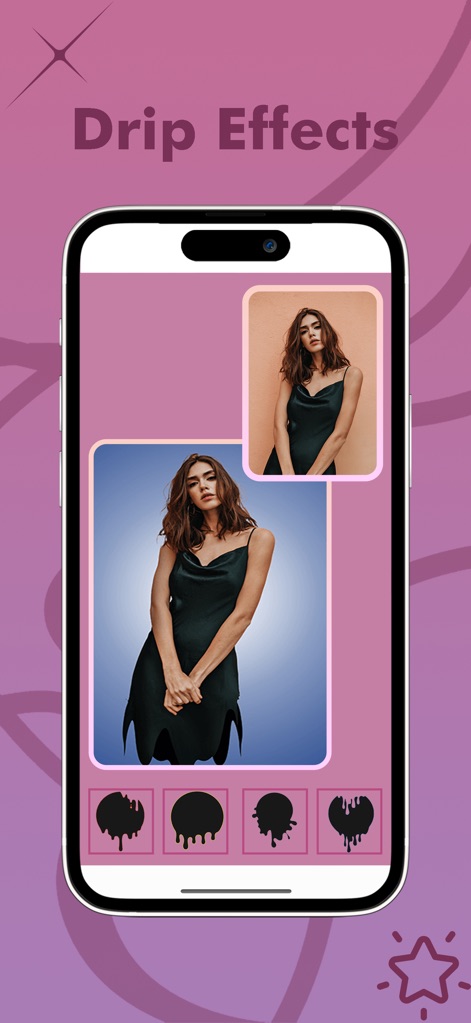
Yes, Pixel Lab Photo Editor allows users to apply various effects to their images. Examples include Wings Effects, Neon Effects, and Drip Effects, as well as general amazing effects.
The following screenshots and description are sourced directly from the app's official store listing and are the property of the app developer.
App Store
Screenshots

Description
Download
More Like This
Apps with similar features and user experience

一甜相机—超人气风格自拍
Beijing Kwai Technology Co., Ltd.
FotoRus -Camera & Photo Editor
Fotoable, Inc.

WeCamera - for Everyday Life
Tencent Technology (Shenzhen) Company Limited

in-capturing moments in life
Hangzhou Jiuyan Technology Co., Ltd.

Pitu - Best selfie and PS Soft
Tencent Technology (Shanghai) Company Limited
Rookie Cam - Photo Editor
JellyBus Inc.
Camera 720
Dung Le

SkyCamera: Use Various Filters
智帆 钟

Sweet Face Camera: Selfie Edit
炳超 黄
This page is not an official page of the app or its developer, but an independent editorial publication created for informational and commentary purposes. Unless expressly stated otherwise, neither the app nor its developer is affiliated with, endorsed by, sponsored by, authorized by, or otherwise officially connected with MWM, Apple, Google Play, the app publisher, or the app's developer, and nothing on this page implies that the app was developed using MWM's services. Any trademarks, logos, screenshots, and other content remain the property of their respective owners.