
This page is not an official page of the app or its developer, but an independent editorial publication created for informational and commentary purposes. Unless expressly stated otherwise, neither the app nor its developer is affiliated with, endorsed by, sponsored by, authorized by, or otherwise officially connected with MWM, Apple, Google Play, the app publisher, or the app's developer, and nothing on this page implies that the app was developed using MWM's services. Any trademarks, logos, screenshots, and other content remain the property of their respective owners.

Polyplayground
Unlock the mathematical beauty of music. Simplify complex harmony with consistent chord shapes across all keys, and transform your iPad into an expressive, MPE-ready MIDI controller for your professional studio.
Downloads
11K+User Rating
Total Ratings
0Publisher
Category
MusicLocales
1Latest Version
3.85Size
16.6 MBFirst Released
Mar 27, 2012Master Complex Harmony with Geometric Precision
Break free from the constraints of the traditional keyboard. Polyplayground uses isomorphic logic to make music theory visual, consistent, and instantly accessible for composers and producers.
Isomorphic Consistency
Learn a chord shape once and play it in all 12 keys. The Balzano grid ensures that harmonic relationships remain identical across the interface, allowing for effortless transposition.
Pro MIDI & MPE Control
Transform your iPad into a powerful MPE-ready controller. Experience separate pitch bend for each finger to bring a new level of expressive nuance to your software instruments and synthesizers.
The following screenshots and description are sourced directly from the app's official store listing and are the property of the app developer.
App Store
Screenshots
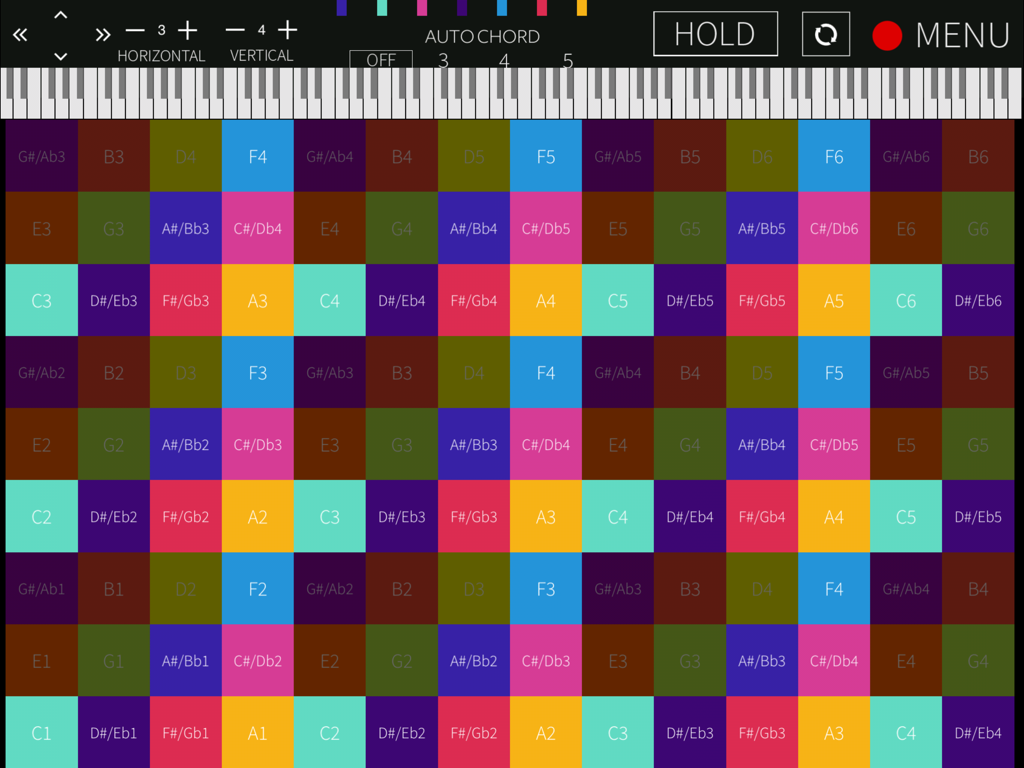
Polyplayground app interface displaying a colorful isomorphic note grid for music theory and MIDI control
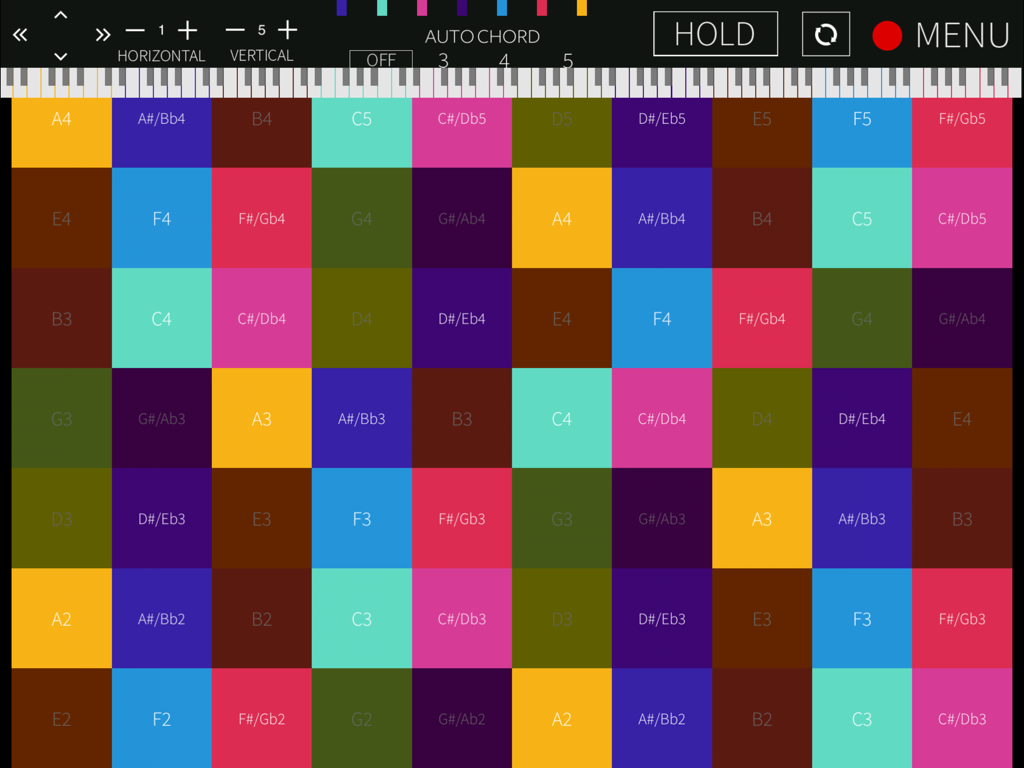
Polyplayground app interface showing a colorful isomorphic grid of musical notes
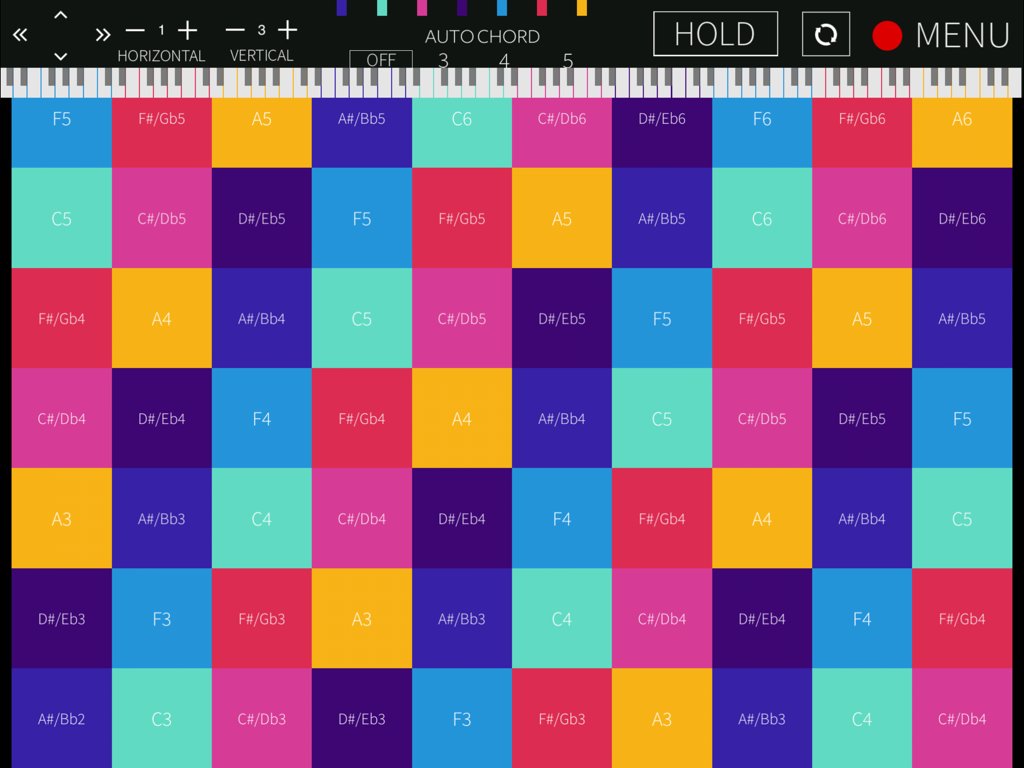
A colorful isomorphic grid of musical notes and chords within the Polyplayground app interface.
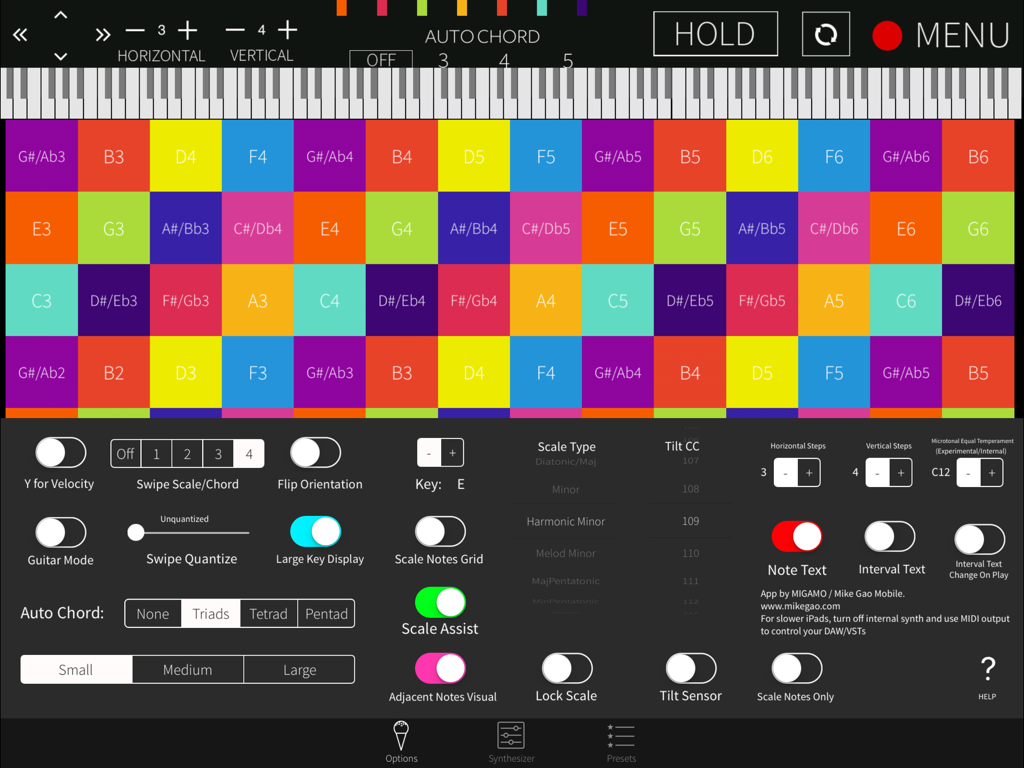
Polyplayground app interface with a colorful isomorphic grid of notes and music theory settings
Description
Download
More Like This
Top-ranked apps in the same category

Spotify: Music and Podcasts
Spotify

YouTube Music
Google LLC

Shazam: Find Music & Concerts
Apple Inc.

SoundCloud: The Music You Love
SoundCloud Global Limited & Co KG

Suno - AI Songs & Music
Suno Inc.

QQ音乐 - 听我想听
Tencent Technology (Shenzhen) Company Limited

Audiomack - Play Music Offline
Audiomack, Inc.

BandLab – Music Maker & Beats
BandLab Singapore Pte Ltd

GuitarTuna: Tune & Play Guitar
Yousician Ltd
This page is not an official page of the app or its developer, but an independent editorial publication created for informational and commentary purposes. Unless expressly stated otherwise, neither the app nor its developer is affiliated with, endorsed by, sponsored by, authorized by, or otherwise officially connected with MWM, Apple, Google Play, the app publisher, or the app's developer, and nothing on this page implies that the app was developed using MWM's services. Any trademarks, logos, screenshots, and other content remain the property of their respective owners.