
This page is not an official page of the app or its developer, but an independent editorial publication created for informational and commentary purposes. Unless expressly stated otherwise, neither the app nor its developer is affiliated with, endorsed by, sponsored by, authorized by, or otherwise officially connected with MWM, Apple, Google Play, the app publisher, or the app's developer, and nothing on this page implies that the app was developed using MWM's services. Any trademarks, logos, screenshots, and other content remain the property of their respective owners.


Power Inventory - Cloud WMS
Ditch the spreadsheets and turn your phone into a professional barcode scanner. Manage unlimited warehouses, track stock movements, and sync with your team instantly in the cloud.
Downloads
600User Rating
Total Ratings
100Publisher
Category
BusinessLocales
2Latest Version
3.6.6Size
35.2 MBFirst Released
Jul 14, 2021Everything You Need to Scale Your Inventory
Say goodbye to messy spreadsheets. Power Inventory gives you professional-grade warehouse management right in your pocket, designed specifically for the modern micro-entrepreneur.
Instant Barcode Scanning
Save hundreds on hardware. Use your smartphone camera to scan QR codes and barcodes for rapid inbound, outbound, and stock counting.
Manage Multiple Locations
Track stock across unlimited warehouses, whether it's your garage, a storage unit, or a delivery van, with real-time cloud syncing.
The following screenshots and description are sourced directly from the app's official store listing and are the property of the app developer.
App Store
Screenshots
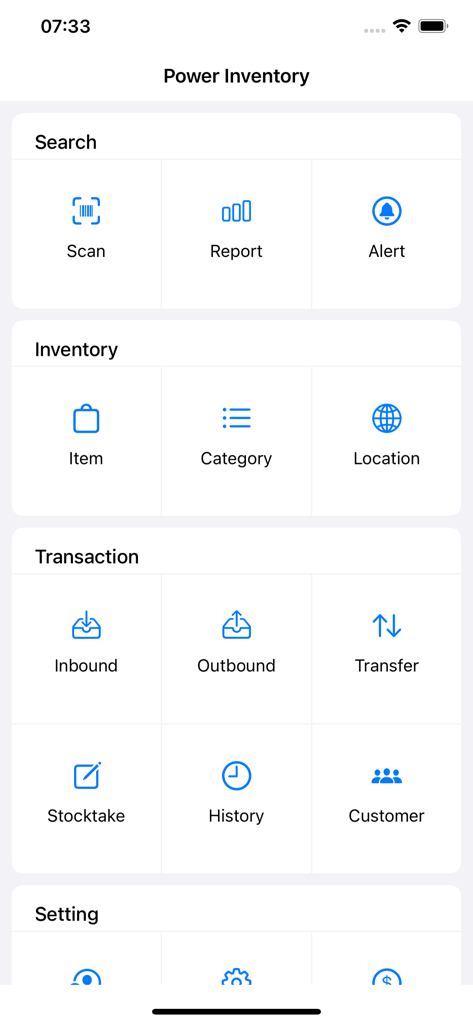
Main dashboard of the Power Inventory app showing management sections for scanning inventory and transactions
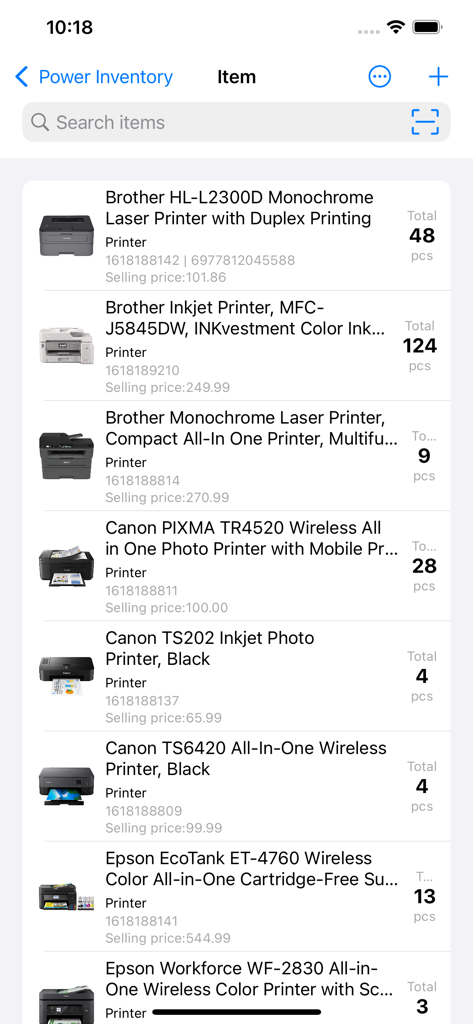
Inventory management screen showing a list of printers with stock totals and prices
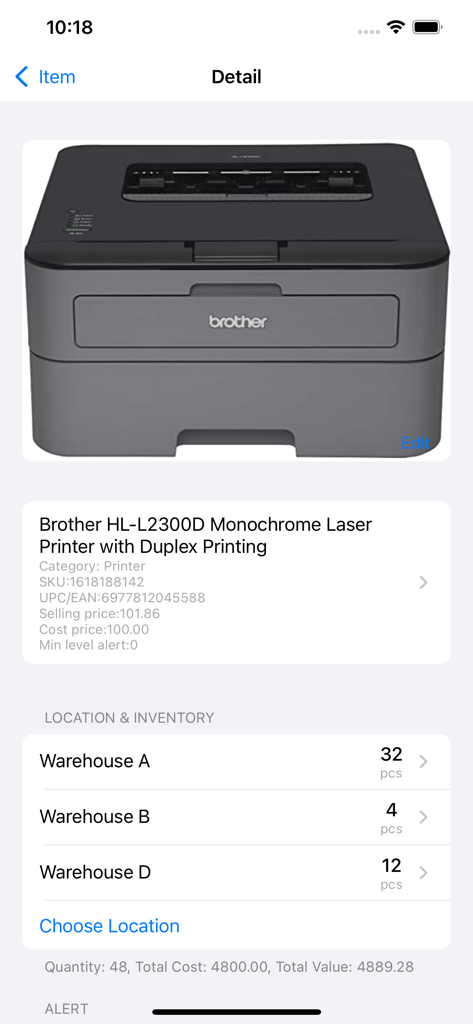
Inventory management screen showing stock levels for a laser printer across multiple warehouses
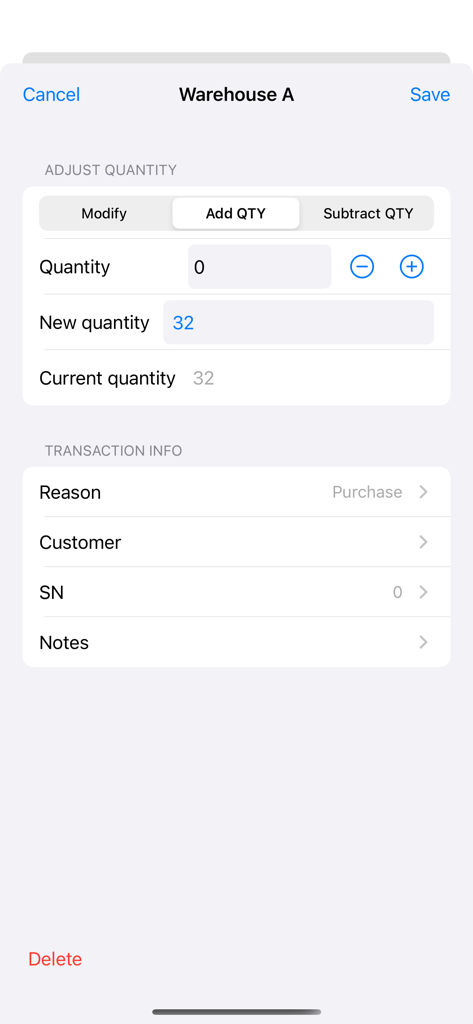
Interface of the Power Inventory app showing stock quantity adjustment in Warehouse A including fields for quantity reason and serial number
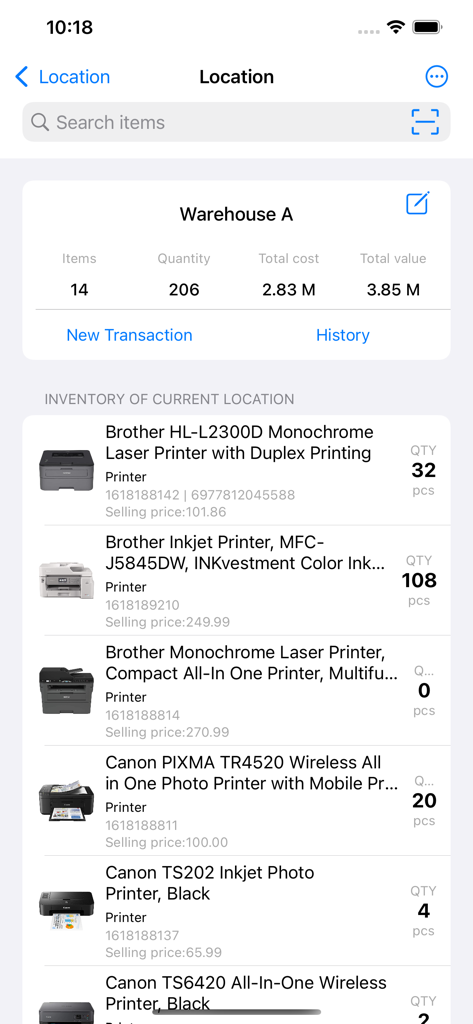
Mobile app screen showing a detailed inventory list for a warehouse including product quantities and total stock value
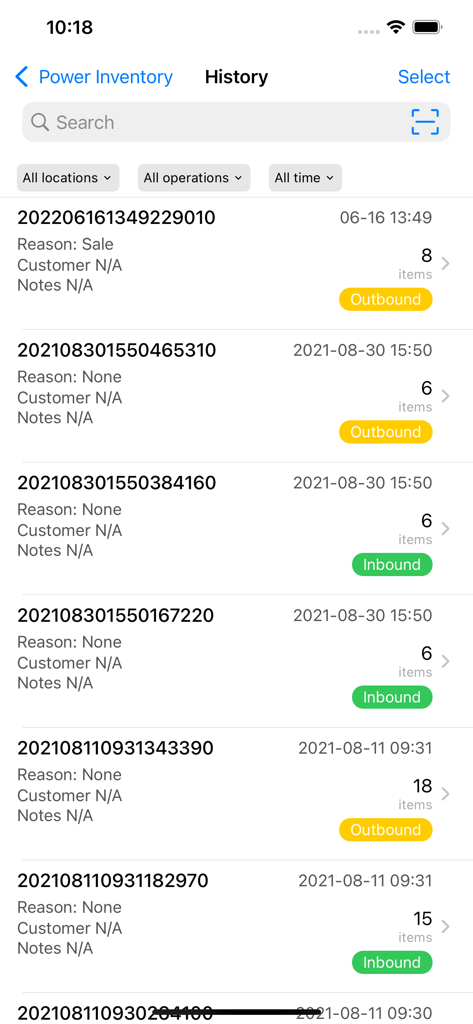
A mobile screen showing the history of inbound and outbound inventory transactions with dates and item counts
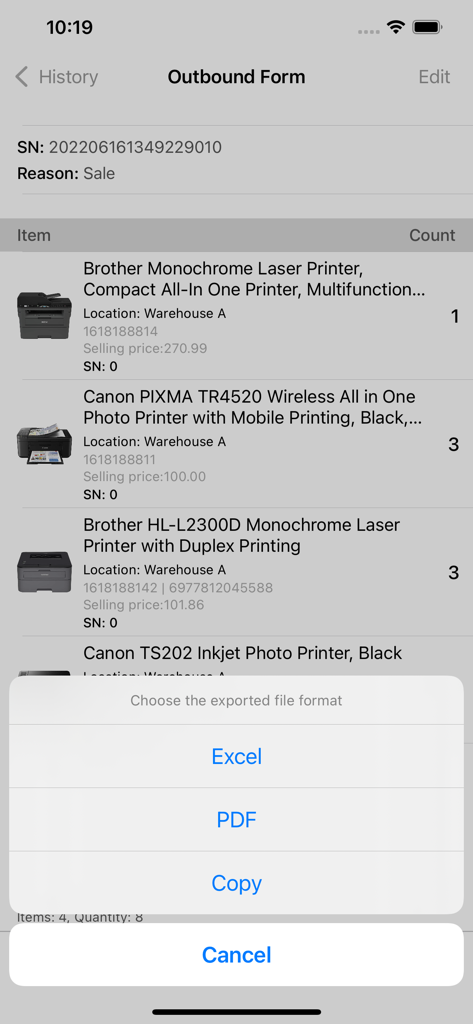
Outbound form in Power Inventory app displaying file export options for Excel and PDF
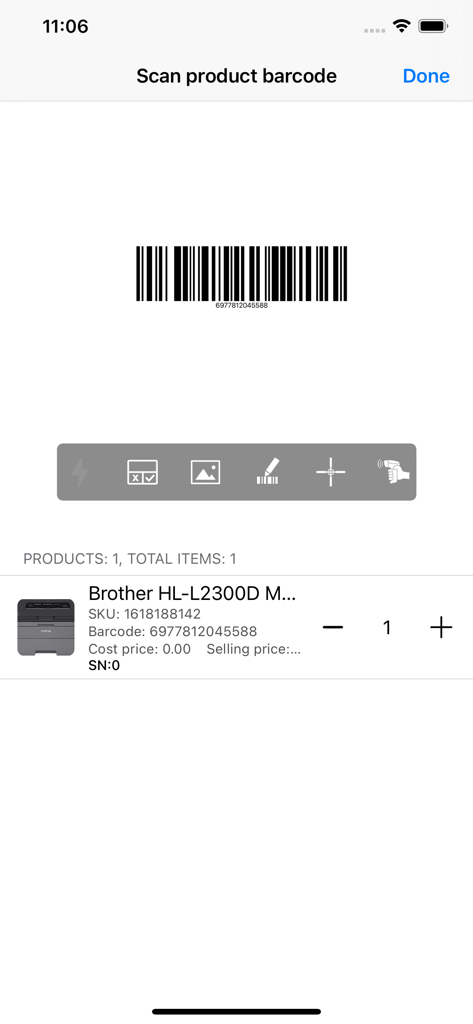
Barcode scanning interface in the Power Inventory app displaying a scanned product and its details
Description
Download
More Like This
Top-ranked apps in the same category

Microsoft Teams
Microsoft Corporation

Zoom Workplace
Zoom Communications, Inc.

WhatsApp Business
WhatsApp Inc.

Indeed Job Search
Indeed Inc.

LinkedIn: Network & Job Finder
LinkedIn Corporation

Adobe Acrobat Reader: Sign PDF
Adobe Inc.

WeCom-Work Communication&Tools
Tencent Technology (Shenzhen) Company Limited

BOSS直聘-招聘求职找工作神器
Beijing China Product Bo Farce Network Technology Co., Ltd.

DingDing - Redefine Work in AI
DingTalk Technology Co., Ltd.
This page is not an official page of the app or its developer, but an independent editorial publication created for informational and commentary purposes. Unless expressly stated otherwise, neither the app nor its developer is affiliated with, endorsed by, sponsored by, authorized by, or otherwise officially connected with MWM, Apple, Google Play, the app publisher, or the app's developer, and nothing on this page implies that the app was developed using MWM's services. Any trademarks, logos, screenshots, and other content remain the property of their respective owners.