
PREVIEW: Planner for Instagram



The all-in-one visual planner trusted by 15 million creators. Drag and drop your grid, find trending hashtags, and auto-post your Reels, Stories, and TikToks effortlessly.
Publisher
Category
Photo & VideoDownloads
12M+User Rating
Total Ratings
134K+Locales
1Discover the interface used by 12M+ users.
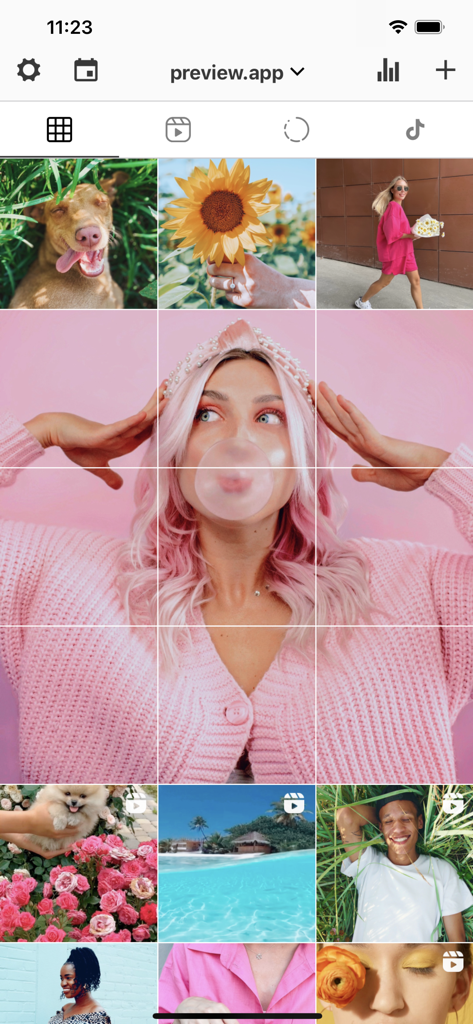
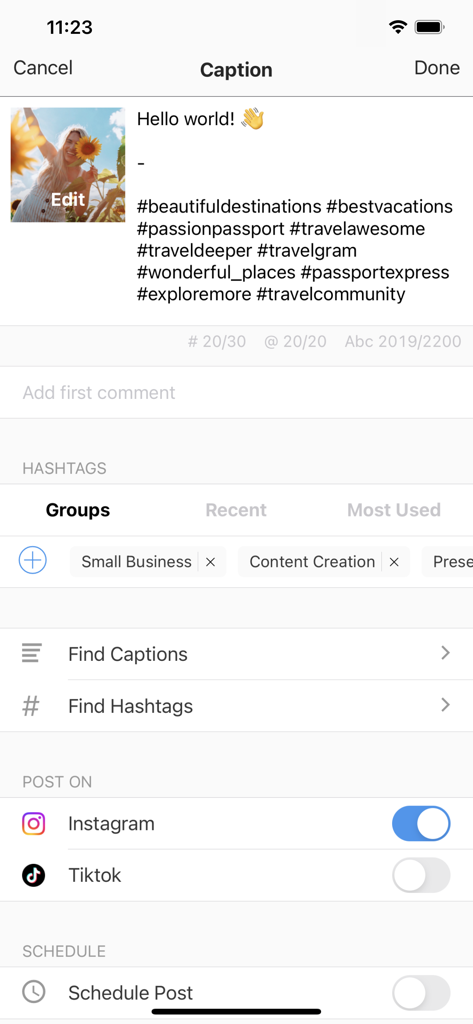
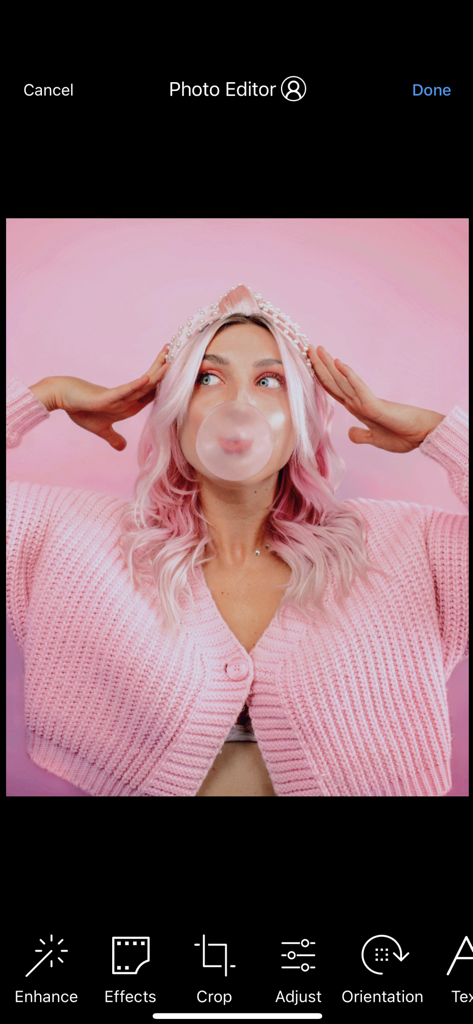
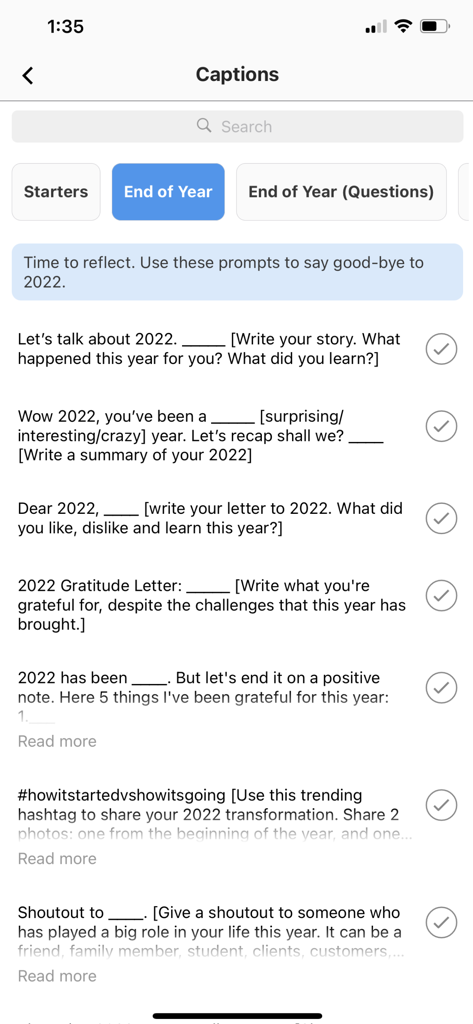
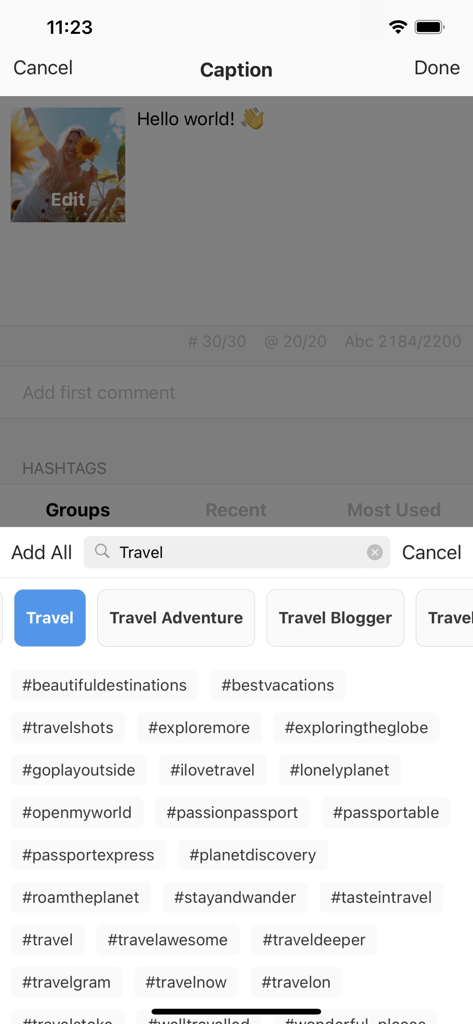
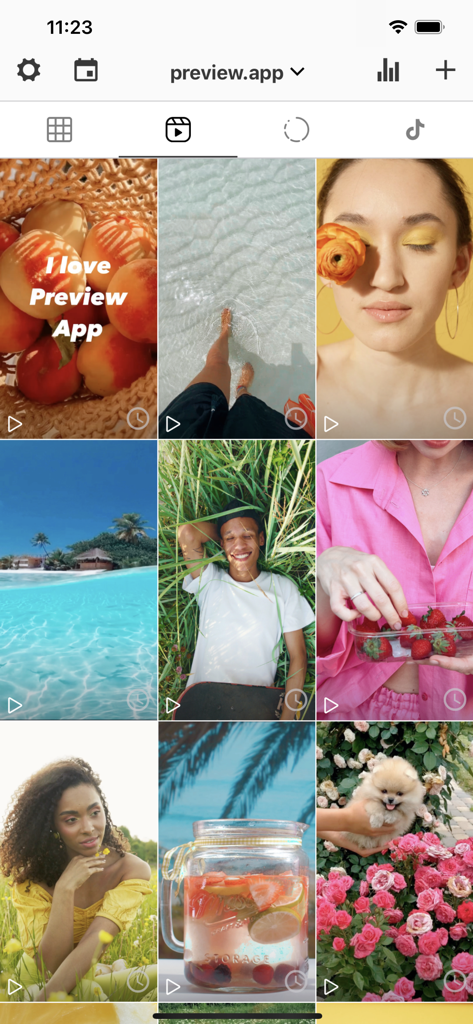
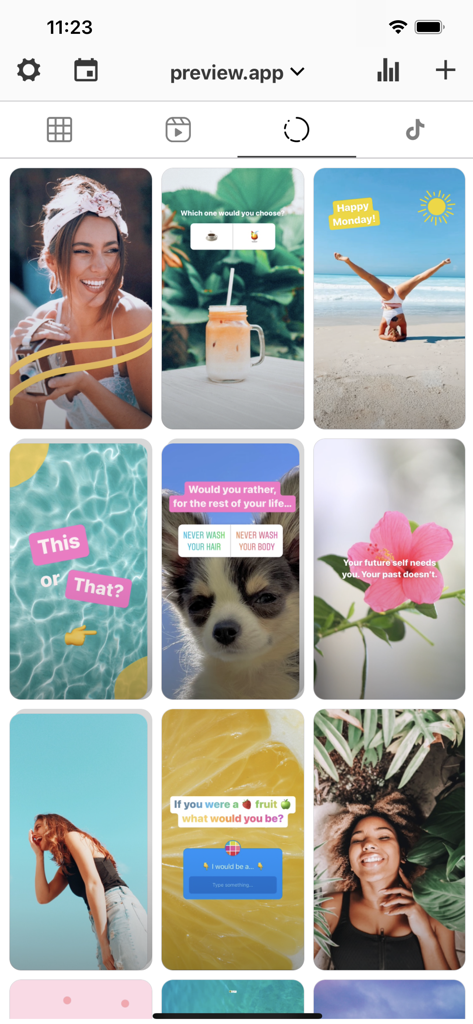
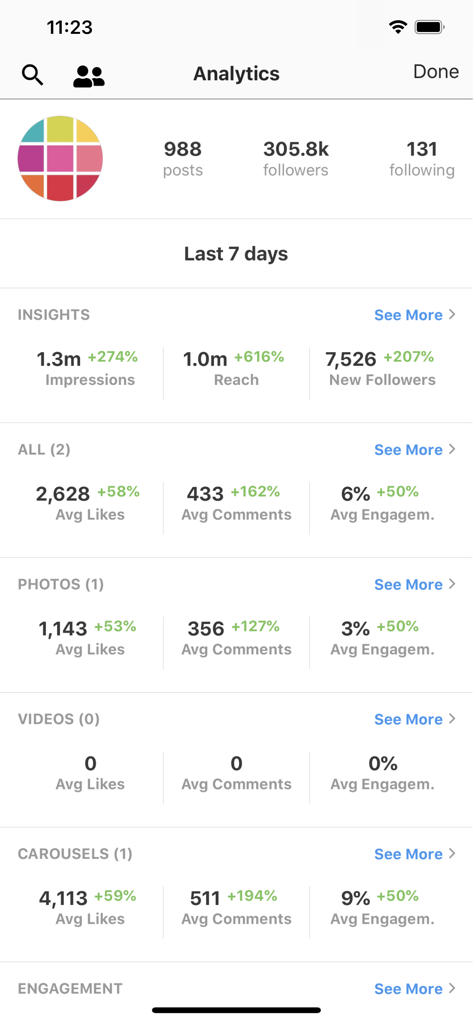
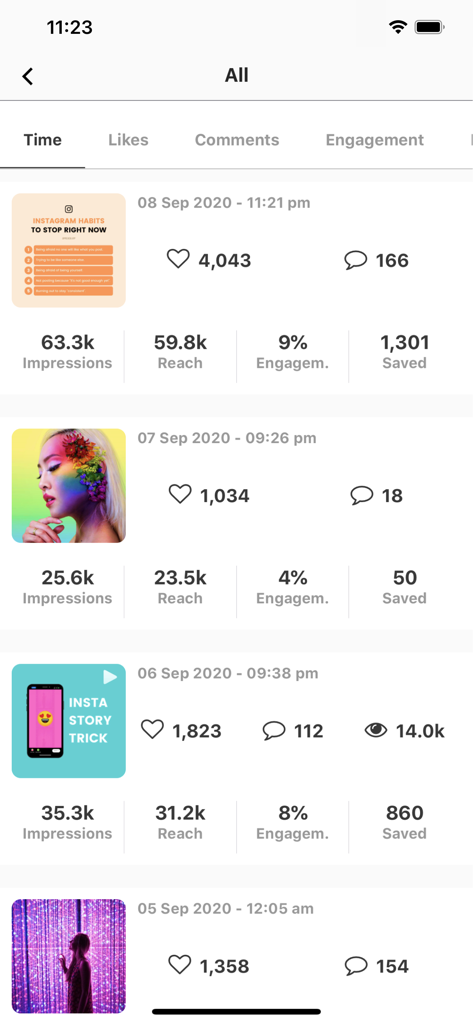
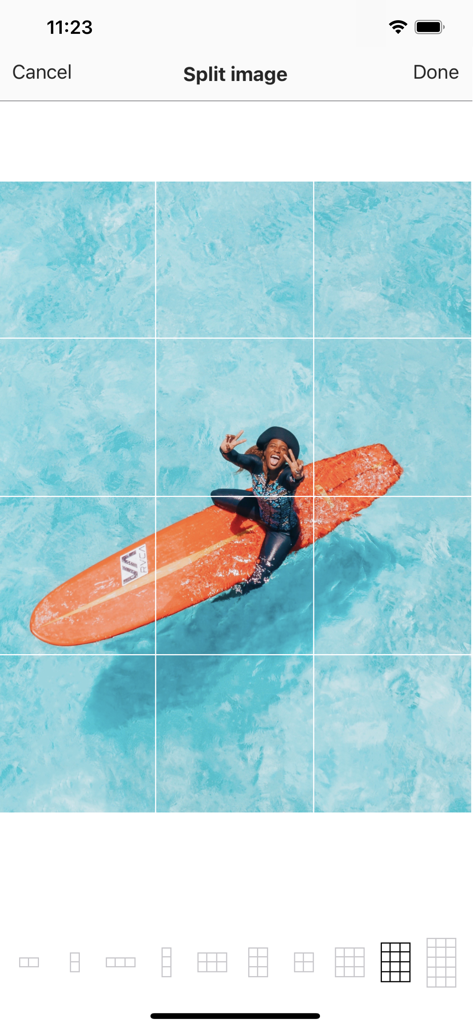
The tools that make this app stand out, trusted by 12M+ users.
Perfect your aesthetic with unlimited drag-and-drop space. See exactly how your photos, Reels, and carousels look before you hit publish.
Stop guessing. Use our hashtag research, caption ideas, and performance insights to boost engagement and reach new followers effortlessly.
Free up your time with official Instagram-approved auto-posting. Plan your entire week of content in minutes across all your platforms.
Everything you need to know about PREVIEW: Planner for Instagram.
Description
Latest Version
3.48.7
Size
49.1 MB
First Released
Jul 31, 2016
Join 15 million creators and business owners using the ultimate all-in-one planner. Plan, schedule, and grow your Instagram and TikTok effortlessly.
Everything you need to know about PREVIEW: Planner for Instagram
PREVIEW is an all-in-one app for planning, scheduling, and auto-posting content across Instagram, Facebook, and TikTok. It also offers editing tools, hashtag management, and analytics.
Yes, the PREVIEW app allows users to schedule and auto-post content for Instagram, Facebook, and TikTok. It is officially approved by Instagram for auto-posting.
No, an Instagram login is not required to use the PREVIEW app. Users can plan and manage their content without needing to connect their Instagram account.
PREVIEW supports planning for photos, videos, carousels, Instagram Stories, and Reels. Users can preview their feed before posting to Instagram or TikTok.
Yes, PREVIEW provides analytics and insights. Users can track top posts, best posting times, follower growth, link-in-bio clicks, and analyze best hashtags for improved performance.
Yes, PREVIEW includes comprehensive editing tools for photos and videos. These features encompass filters, contrast, saturation, exposure, and specialized tools like a free whitening tool.
PREVIEW features a Caption Finder for ideas and a Hashtag Finder for research. It helps users find best hashtags by category and save hashtag groups for quick use.
Yes, PREVIEW allows users to manage an unlimited number of Instagram accounts. Users can easily switch between different accounts within the app.
Yes, PREVIEW supports cross-posting. Users can post their content across Instagram, Facebook, and TikTok from within the app.
Yes, PREVIEW provides a 'Split images' tool. This feature enables users to divide a single image into multiple parts, creating a cohesive grid layout for their feed.
Apps with similar features and user experience

Georgy Romelashvili

Onelight Apps CY Ltd

Onelight Apps CY Ltd

Hashone Tech LLP

Tech Positive Inc.

A Color Story LLC

Appslead Ltd

Cubetix Ltd.

WNDR11 LTD
App information, icons, screenshots, and descriptions displayed on this page are sourced from the Apple App Store and are the property of their respective developers. Download estimates and rankings are based on MWM's proprietary models and may not reflect actual figures. This page is provided for informational and analytical purposes only.
Believe this page infringes your intellectual property? File a dispute
