
This page is not an official page of the app or its developer, but an independent editorial publication created for informational and commentary purposes. Unless expressly stated otherwise, neither the app nor its developer is affiliated with, endorsed by, sponsored by, authorized by, or otherwise officially connected with MWM, Apple, Google Play, the app publisher, or the app's developer, and nothing on this page implies that the app was developed using MWM's services. Any trademarks, logos, screenshots, and other content remain the property of their respective owners.

PhotoSplit for Instagram
Join over 2.5 million creators who transform their feeds into professional galleries. Slice photos into perfect layouts with zero quality loss, no ads, and no subscriptions required.
Downloads
2M+User Rating
Total Ratings
111K+Publisher
Category
Photo & VideoLocales
1Latest Version
2.1.5Size
14.1 MBFirst Released
Jul 18, 2017Elevate Your Grid Aesthetic
Transform your profile into a high-impact visual portfolio with professional grid layouts, high-resolution splits, and a frictionless workflow.
Crystal Clear Resolution
Keep every detail sharp. Our advanced splitting engine preserves high-resolution quality without any blurring or compression, ensuring your feed looks professional.
Seamless, Ad-Free Workflow
No logins, no ads, and no subscriptions. Split and post directly to Instagram in seconds with zero interruptions or hidden data tracking.
Frequently Asked Questions
Everything you need to know about PhotoSplit for Instagram
What is PhotoSplit for Instagram?
PhotoSplit is an application that splits a single photo into multiple grid pieces. Users then post these pieces to Instagram to display them as one large, cohesive image on their profile.
What grid sizes are available in PhotoSplit?
PhotoSplit offers a variety of grid options, including 1x2, 1x3, 2x3, 3x3, 4x3, and 5x3. These options allow for flexible large photo layouts on Instagram.
Does PhotoSplit reduce image quality when splitting photos?
Yes, PhotoSplit maintains the high resolution and quality of images after splitting them. It ensures that photos do not lose quality or become blurred, preserving visual integrity.
Can I adjust photos within the PhotoSplit app?
Yes, PhotoSplit allows users to zoom in, move, or rotate their photos before splitting. This functionality helps achieve the desired composition for the final Instagram grid.
Does PhotoSplit have a built-in camera?
Yes, PhotoSplit includes an advanced built-in camera. Users can capture stunning photos directly within the app and immediately proceed to split them for Instagram.
What aspect ratios does PhotoSplit support for Instagram?
PhotoSplit supports Instagram's new Portrait aspect ratio and also offers the option to use the older Square aspect ratio. Users can select their preferred layout.
Can I change the background color of photos in PhotoSplit?
Yes, PhotoSplit allows users to zoom out their photos and choose a specific background color. This feature provides additional customization for the split image display.
Does PhotoSplit require a subscription or contain ads?
No, PhotoSplit does not require any login, subscriptions, or display ads. It provides a straightforward and uninterrupted experience for splitting photos.
How do I post split photos to Instagram from PhotoSplit?
PhotoSplit allows direct sharing to Instagram without saving first. Alternatively, users can save the split images to their photo library and then post them through the Instagram app.
Can I import photos into PhotoSplit from other apps?
Yes, users can send any photo to PhotoSplit directly from their iPhone Photo Gallery and other applications by utilizing the Share widget.
The following screenshots and description are sourced directly from the app's official store listing and are the property of the app developer.
App Store
Screenshots
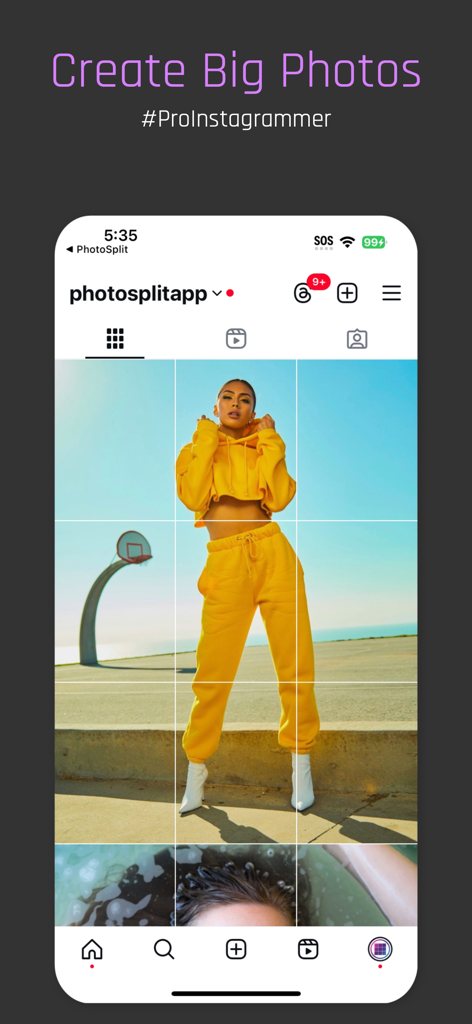
A 3x3 grid preview on an Instagram profile showing a single large photo split into nine tiles
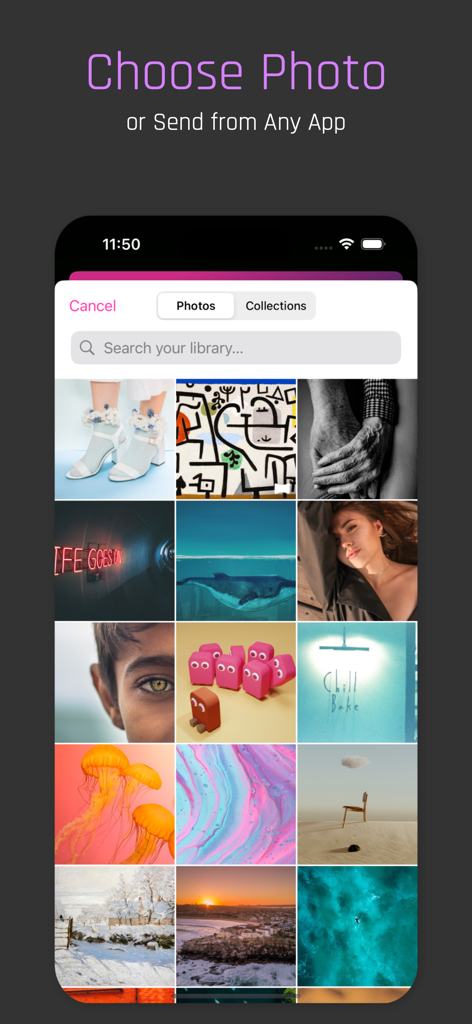
Screenshot of the PhotoSplit app showing a grid of photos to choose for splitting
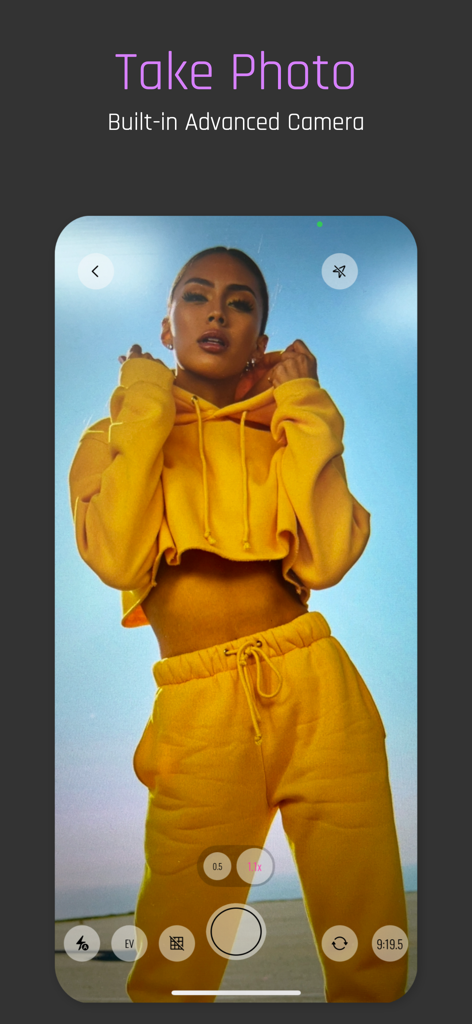
PhotoSplit app built-in advanced camera interface with a woman posing in a yellow tracksuit
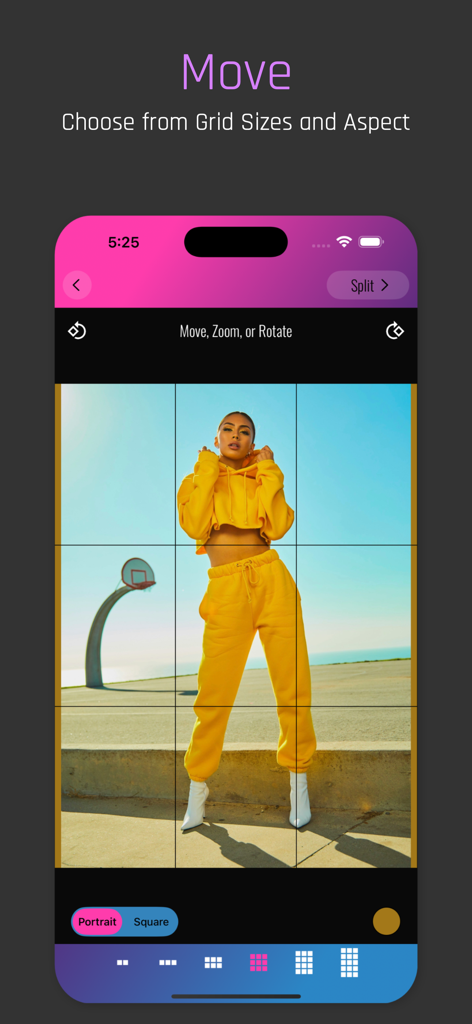
PhotoSplit app interface showing a 3x3 grid split and portrait aspect ratio selection for an Instagram post
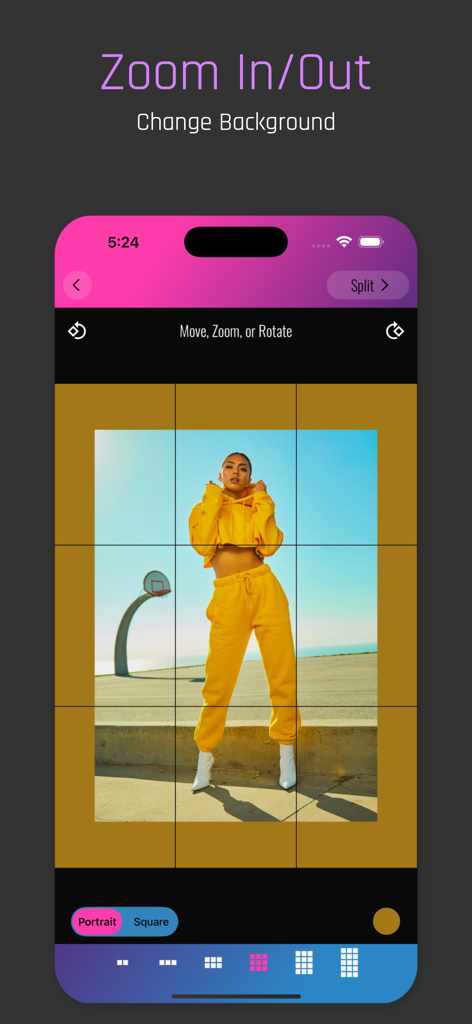
PhotoSplit app interface showing the zoom in and out feature with background color customization for an Instagram grid split
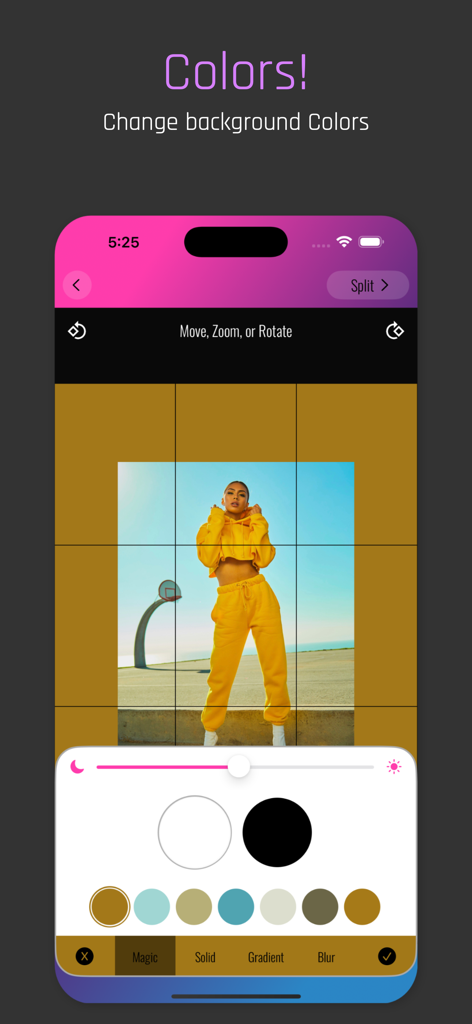
User interface of PhotoSplit showing custom background color selection for an Instagram photo grid
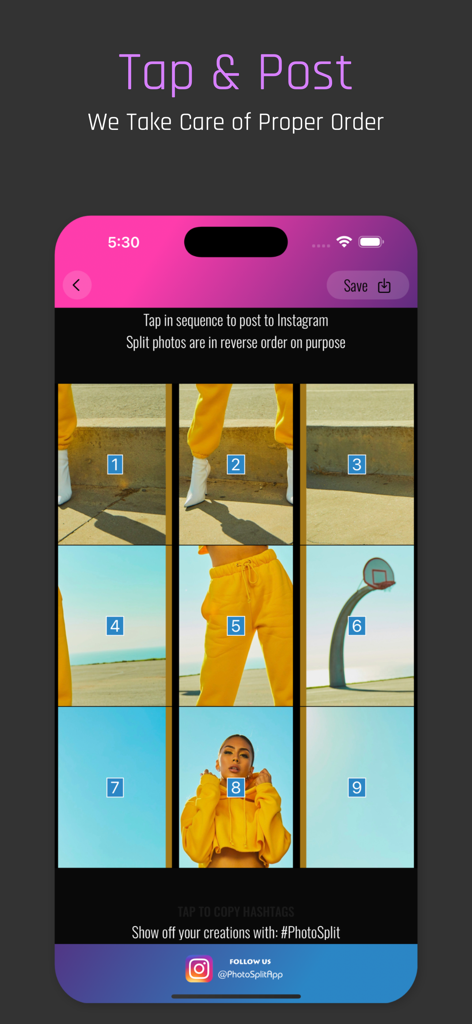
PhotoSplit app interface showing numbered grid tiles for sequential posting to Instagram
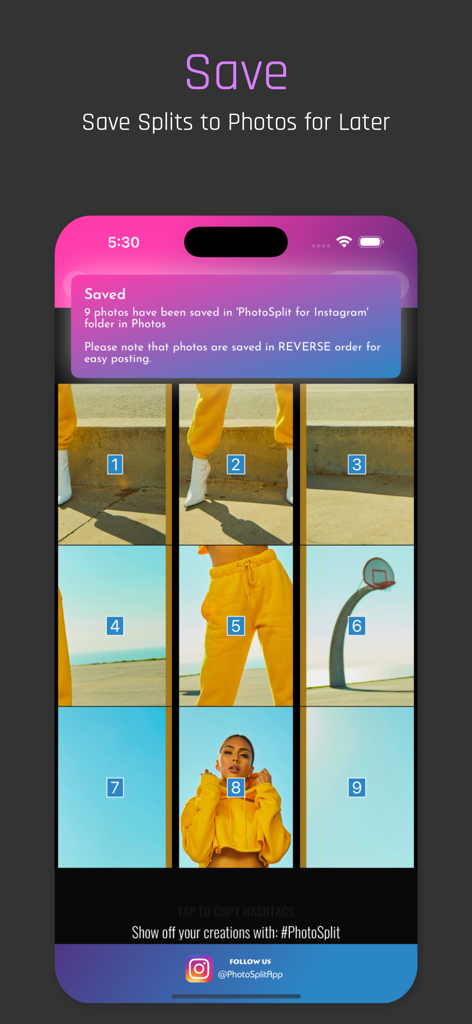
Interface showing a 3x3 image grid being saved to the phone photo library
Description
Download
More Like This
Apps with similar features and user experience

Crsel: Carousel & Story Maker
Georgy Romelashvili

Layout for Instagram・Inpreview
Onelight Apps CY Ltd

Carousel Layout Maker・SwipeMix
Onelight Apps CY Ltd

PanoCut: Panorama Scroll Maker
Hashone Tech LLP

Setty: Photo Filters & Presets
A Color Story LLC

Preview Feed for Insta・Layout
Appslead Ltd

Feed Preview Planner IG・InPlan
Cubetix Ltd.

Feeds: Post & Template Maker
WNDR11 LTD
GRIDS Post maker for Instagram
WNDR11 LTD
This page is not an official page of the app or its developer, but an independent editorial publication created for informational and commentary purposes. Unless expressly stated otherwise, neither the app nor its developer is affiliated with, endorsed by, sponsored by, authorized by, or otherwise officially connected with MWM, Apple, Google Play, the app publisher, or the app's developer, and nothing on this page implies that the app was developed using MWM's services. Any trademarks, logos, screenshots, and other content remain the property of their respective owners.