Projector AR Drawing - Creator
Download on App Store

This page is not an official page of the app or its developer, but an independent editorial publication created for informational and commentary purposes. Unless expressly stated otherwise, neither the app nor its developer is affiliated with, endorsed by, sponsored by, authorized by, or otherwise officially connected with MWM, Apple, Google Play, the app publisher, or the app's developer, and nothing on this page implies that the app was developed using MWM's services. Any trademarks, logos, screenshots, and other content remain the property of their respective owners.

Logo of Projector AR Drawing - Creator
Download on App Store

Projector AR Drawing - Creator

Master the art of drawing with AI-powered AR tracing. From paper sketches to street-art murals, create stunning masterpieces instantly—no professional skills required.

Key Figures

Downloads

313K+

User Rating

4.0/5

Total Ratings

1K+

Publisher

Zipo Apps Ltd.

Category

Graphics & Design

Locales

18

Latest Version

1.9.3

Size

88.5 MB

First Released

Mar 17, 2022
Features

Master the Art of Creation in Seconds

Unlock your inner artist with AI-powered AR technology that projects any image onto any surface—from your sketchpad to your bedroom wall.

Precision AR Tracing

Nail your proportions every time by projecting digital outlines directly onto your canvas. It is like having a professional guide for every stroke.

DIY and Side-Hustle Ready

Level up your creativity on any surface. Perfect for customizing sneakers, designing tattoos, or creating massive graffiti murals on urban walls.

The following screenshots and description are sourced directly from the app's official store listing and are the property of the app developer.

App Store

Screenshots
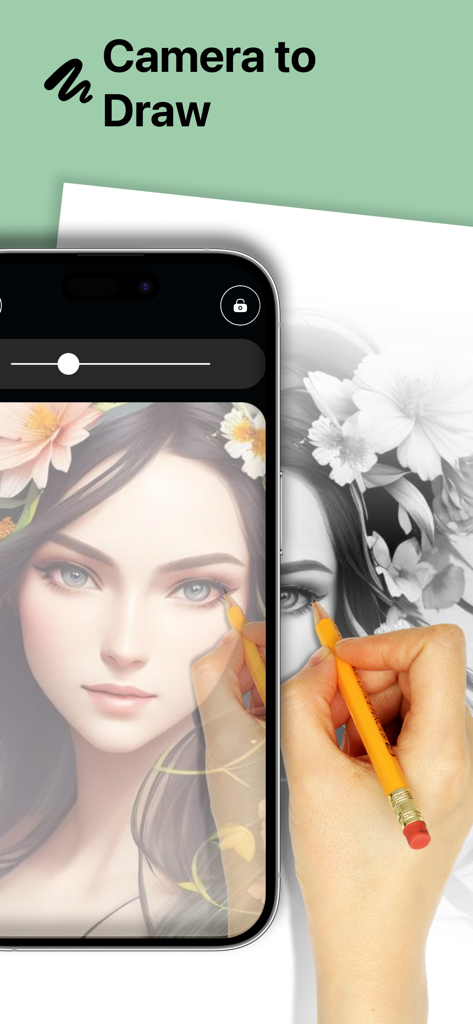
Projector AR Drawing - Creator - A person using the Projector AR Drawing app to trace a detailed portrait onto paper with a pencil

A person using the Projector AR Drawing app to trace a detailed portrait onto paper with a pencil
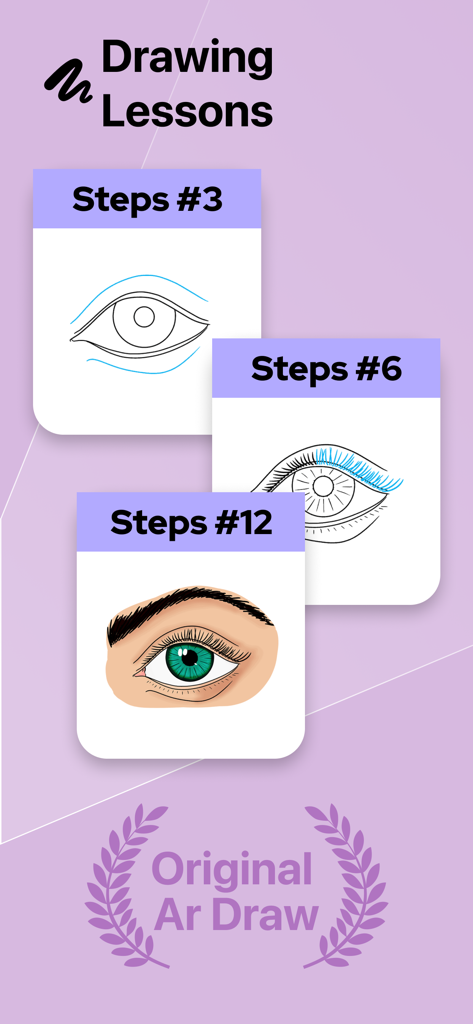
Projector AR Drawing - Creator - Step by step drawing lessons showing the progression of sketching and coloring an eye in the Projector AR Drawing app.
Step by step drawing lessons showing the progression of sketching and coloring an eye in the Projector AR Drawing app.

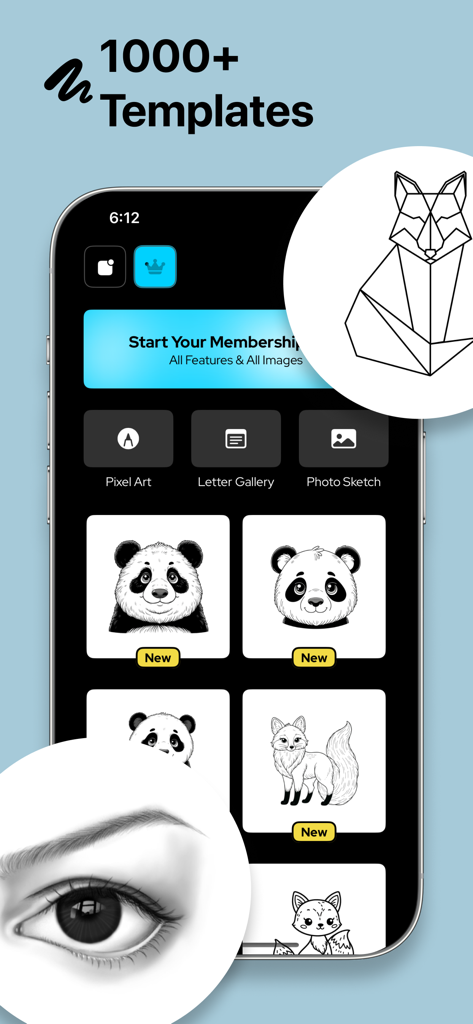
Projector AR Drawing - Creator - Projector AR Drawing app interface showing various drawing templates and categories for creative sketching
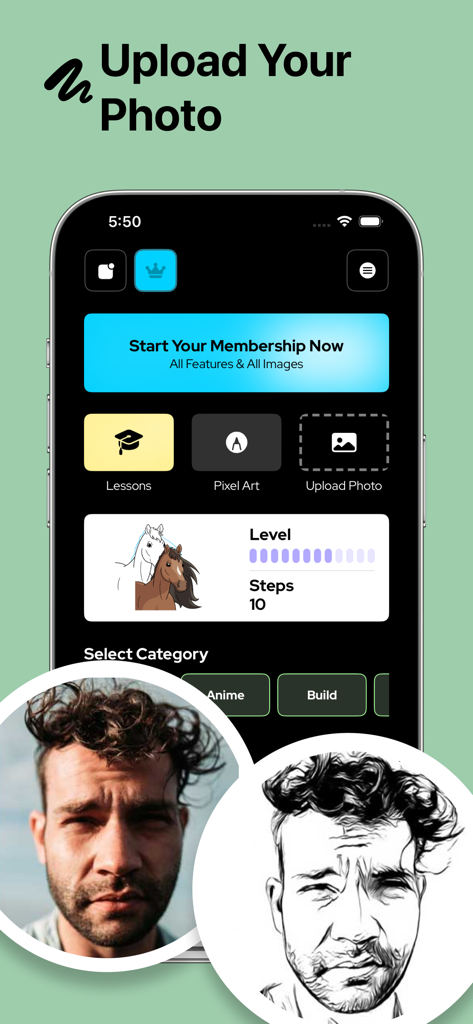
Projector AR Drawing app interface showing various drawing templates and categories for creative sketching

Projector AR Drawing - Creator - User interface of the Projector AR Drawing app showing a photo of a man converted into a black and white sketch for tracing
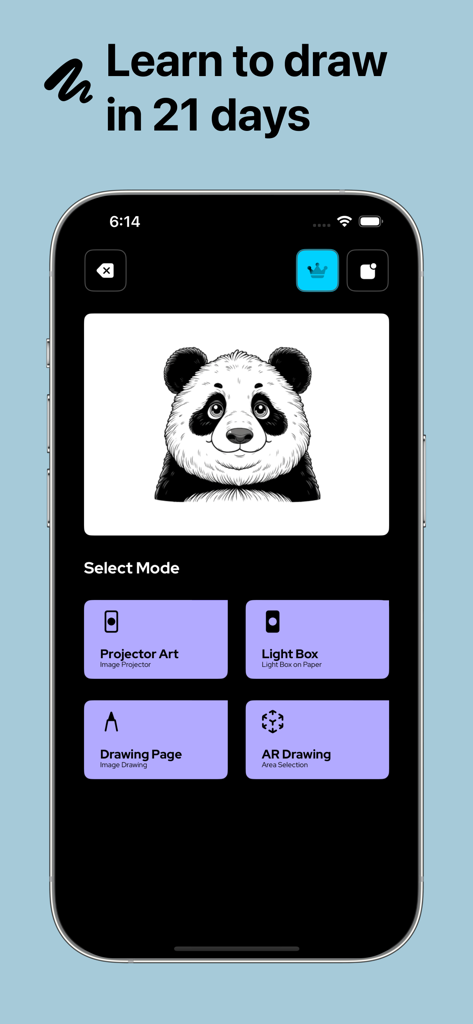
User interface of the Projector AR Drawing app showing a photo of a man converted into a black and white sketch for tracing

Projector AR Drawing - Creator - Main menu of the Projector AR Drawing app showing a panda sketch and various artistic drawing modes
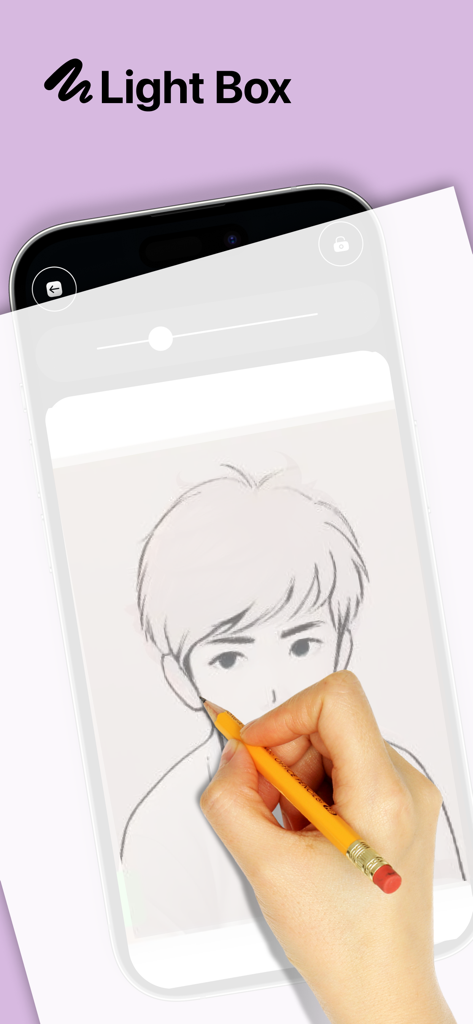
Main menu of the Projector AR Drawing app showing a panda sketch and various artistic drawing modes

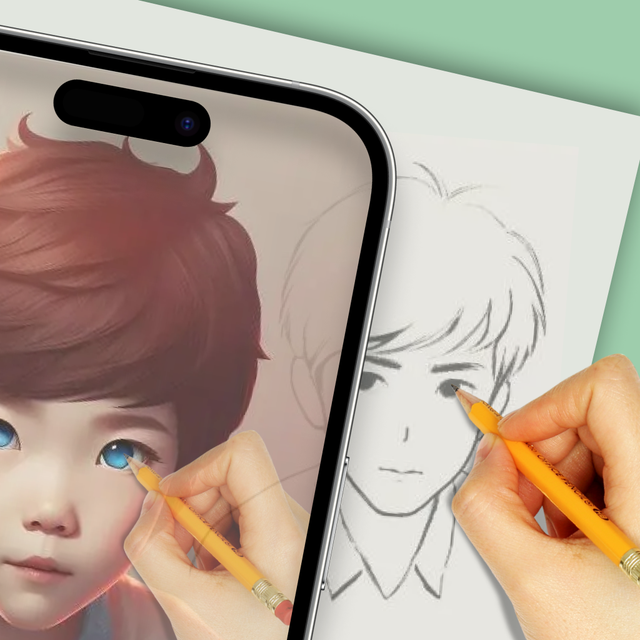
Projector AR Drawing - Creator - Hand tracing an anime character sketch from a smartphone screen using the Light Box feature of the Projector AR Drawing app
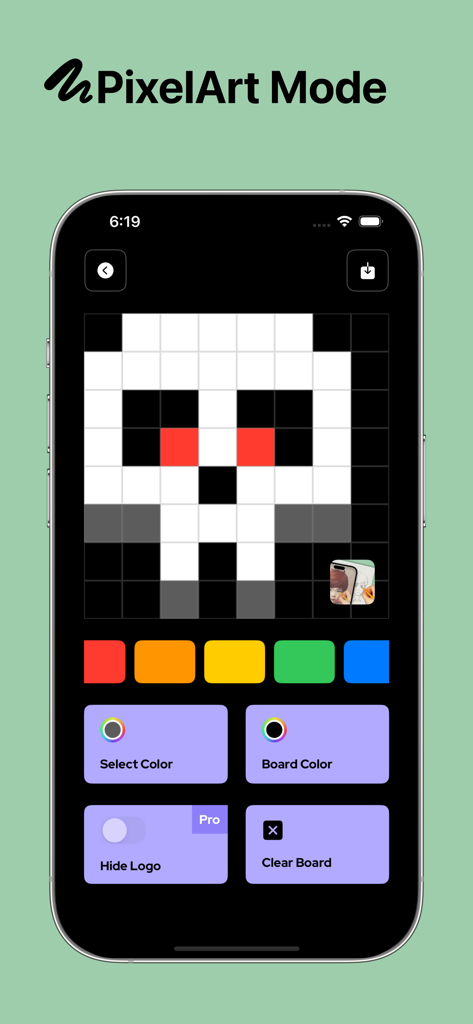
Hand tracing an anime character sketch from a smartphone screen using the Light Box feature of the Projector AR Drawing app

Projector AR Drawing - Creator - Pixel Art Mode interface in Projector AR Drawing app showing a pixelated skull design on a grid

Pixel Art Mode interface in Projector AR Drawing app showing a pixelated skull design on a grid

Description

Projector AR Drawing – Creator helps you in your drawing efforts and creates art masterpieces in no time or without any technical knowledge! We assure you that creating art was never easy before! You can even draw any NFT image you are going to pick from the gallery of your smartphone with the help of our augmented reality technology. Our application allows you to draw sketches on any surface you want with its AI-assisted algorithm. In this way, you can create any design you like with minimum effort. Moreover, you can also draw patterns by using the grid layout on any surface. Besides you can draw artistic images without any challenge on any paper, you can even use our application to create amazing graffiti art on the streets or any wall you like. Of course, besides paper and wall, you can use our application on any board. You have no limitation about creativity with Projector AR Drawing! All you need to do is pick any of the images you would like to draw then get your pens, pencils, or spray cans ready for the action. Here are some amazing features that Projector AR Drawing offers: Versatile Drawing Opportunity You can draw your images on any surface, including digital art. All you need to do is fix the image you would like to draw on your pad and follow the traces. If you are looking for traditional art, then you can also prefer brushes. Be An Artist in Seconds You can learn how to draw by following the trace on your screen. If you want, you can paint your images to keep practicing how to draw with our application. You can even start your own tattoo business with this application! Maximum Concordance You do not have to worry about compatibility since our application will handle everything for you! We have equipped Projector AR Drawing with every tool to provide maximum comfort and best results even for those who never drew in their lifetime. Ease of Use Our application is quite straightforward. All you need to do is pick an image from your gallery, allow its access to your camera, and start drawing. You do not even need additional lighting to draw since you can simply run your flash and enjoy drawing. It is like an AI draws on your behalf and all you need to do is follow the guidance of it. Thanks to our technology, you will be able to draw all the pictures you are going to find anywhere to anywhere at any time! Moreover, our application can be used in various industries such as fashion. It is an ideal application that will let you shorten the time you need to draw anything you find, even a prototype, or learn how to draw. Once you create your sketches, you can enjoy coloring your art the way you want. Any viewer will appreciate your drawing skills if they have no idea that you used our tracing application. All you need to do is pick the right colors to color your beautiful drawings and complete your art! Any surface including paper, board, pad, or wall can be covered with masterpieces with the help of our beautiful Projector AR Drawing application. Enjoy it! Privacy Policy: https://zipoapps.com/projectorarios/privacy/ Terms of Use: https://zipoapps.com/projectorarios/terms/

Download

Download on App Store

This page is not an official page of the app or its developer, but an independent editorial publication created for informational and commentary purposes. Unless expressly stated otherwise, neither the app nor its developer is affiliated with, endorsed by, sponsored by, authorized by, or otherwise officially connected with MWM, Apple, Google Play, the app publisher, or the app's developer, and nothing on this page implies that the app was developed using MWM's services. Any trademarks, logos, screenshots, and other content remain the property of their respective owners.







