
This page is not an official page of the app or its developer, but an independent editorial publication created for informational and commentary purposes. Unless expressly stated otherwise, neither the app nor its developer is affiliated with, endorsed by, sponsored by, authorized by, or otherwise officially connected with MWM, Apple, Google Play, the app publisher, or the app's developer, and nothing on this page implies that the app was developed using MWM's services. Any trademarks, logos, screenshots, and other content remain the property of their respective owners.


Pulsar Chess Engine
Challenge yourself from beginner to expert levels, study master games from Fischer to Carlsen, and enjoy a fully accessible experience designed for analytical minds.
Downloads
12K+User Rating
Total Ratings
0Publisher
Category
GamesLocales
5Latest Version
2.27Size
11.0 MBFirst Released
Apr 10, 2014The Analytical Player's Ultimate Toolkit
Experience a professional-grade chess engine built for deep study, variant mastery, and total accessibility.
Expert-Level Engine & Variants
Master standard chess or dive into 6 unique variants like Crazyhouse, Atomic, and Chess960 with an engine that prioritizes active, tactical play.
Grandmaster Game Libraries
Learn from the best with curated game collections from legends like Fischer, Carlsen, and Morphy, paired with Crafty engine analysis.
Frequently Asked Questions
Everything you need to know about Pulsar Chess Engine
What chess variants are available in Pulsar Chess Engine?
Pulsar Chess Engine supports standard chess and six variants: Chess960, Crazyhouse, Losers, Atomic, Three Checks, and Giveaway. All variants feature adjustable difficulty levels for players.
Can Pulsar Chess Engine provide analysis for games?
Yes, Pulsar Chess Engine offers Crafty engine analysis for standard chess and Chess960 games. This feature provides insights into moves, depth, and score for strategic review.
What is the maximum playing strength of the Pulsar Chess Engine?
The Pulsar Chess Engine achieves a maximum playing strength estimated to be around the Expert level. Its playing style emphasizes mobility and active positions for challenging gameplay.
Is Pulsar Chess Engine accessible for visually impaired users?
Yes, Pulsar Chess Engine's board is accessible using Voice Over. Users can tap squares to hear their contents and then double-tap or use alternative methods to make moves.
How can I change game settings and difficulty in Pulsar Chess Engine?
Users can change game settings, including variant and difficulty, through the "Game" button and the "configure game" menu item. The app retains these settings automatically upon restart.
Does Pulsar Chess Engine allow two players to play on the same device?
Yes, Pulsar Chess Engine allows two players on one device. By unchecking "Play vs. Computer" in the new game selector, the app functions as a board, enforcing move legality for both players.
Does Pulsar Chess Engine log played games?
Yes, Pulsar Chess Engine logs games that conclude with a result or resignation, allowing users to review their played matches. It also includes master game collections.
The following screenshots and description are sourced directly from the app's official store listing and are the property of the app developer.
App Store
Screenshots
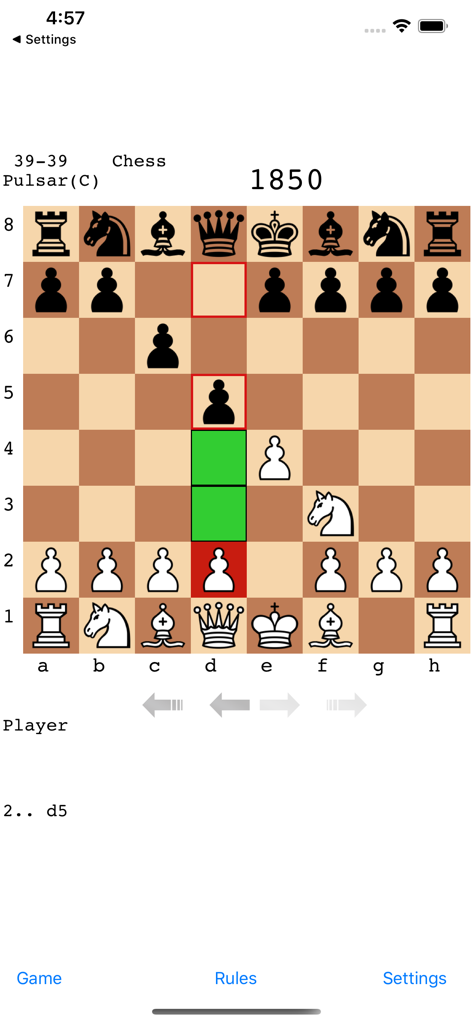
Pulsar Chess Engine mobile app gameplay interface showing a match in progress
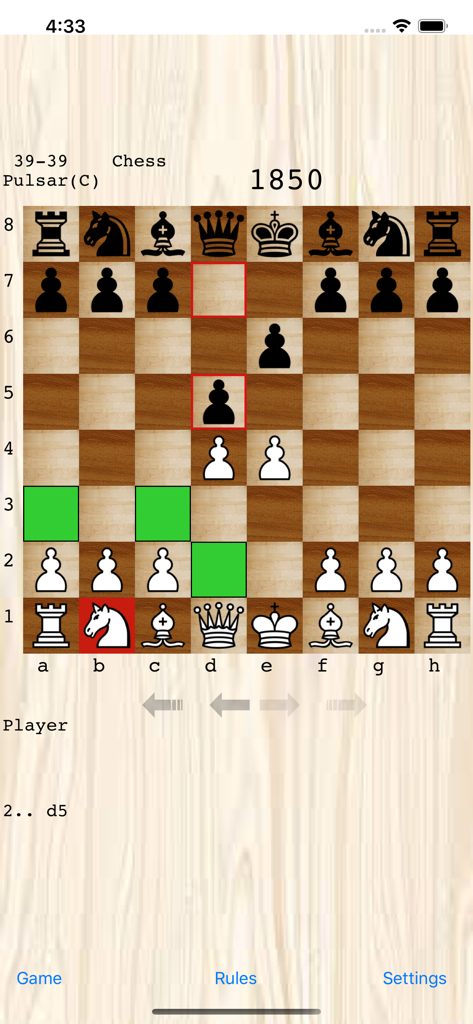
Pulsar Chess Engine app showing a chess match on a wooden board interface
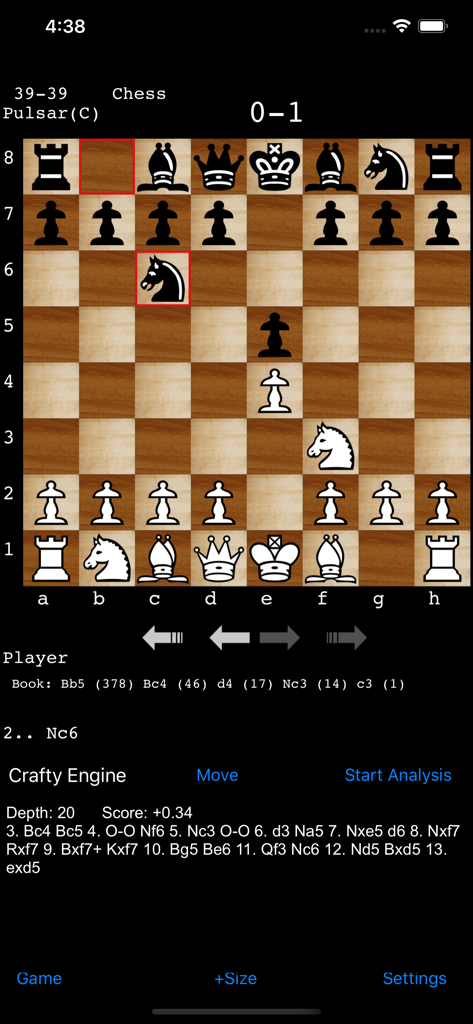
A screenshot of the Pulsar Chess Engine app showing a chess match in progress with a detailed move analysis provided by the Crafty Engine.
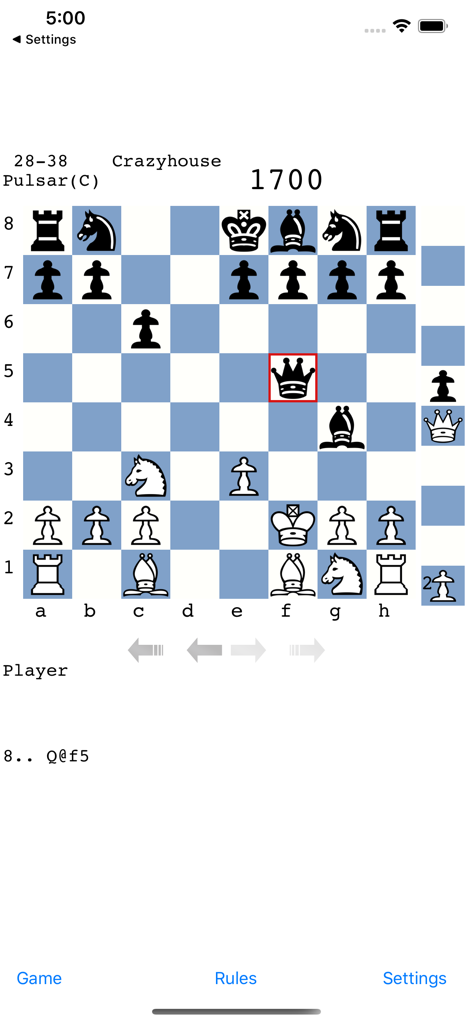
A screenshot of a Crazyhouse chess variant match being played against the Pulsar Chess Engine on a mobile interface.
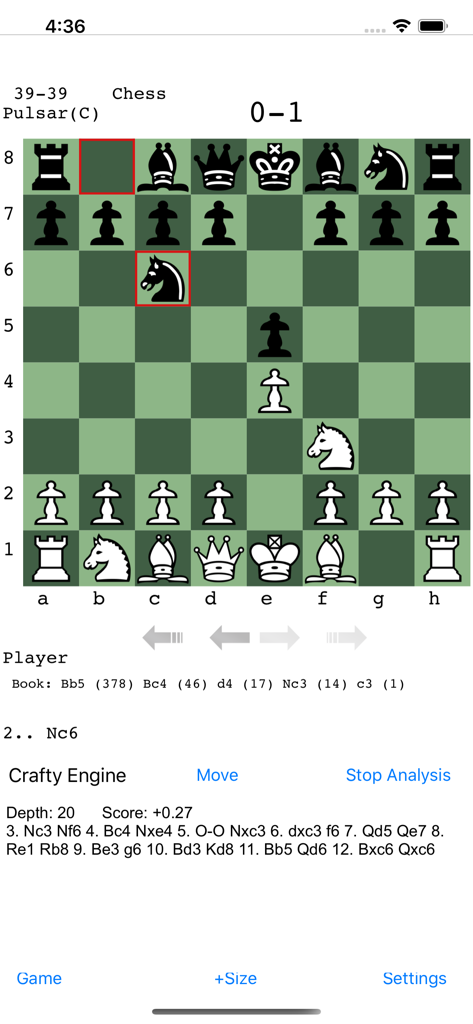
Screenshot of Pulsar Chess Engine showing a chess game board with move notation and Crafty Engine analysis details
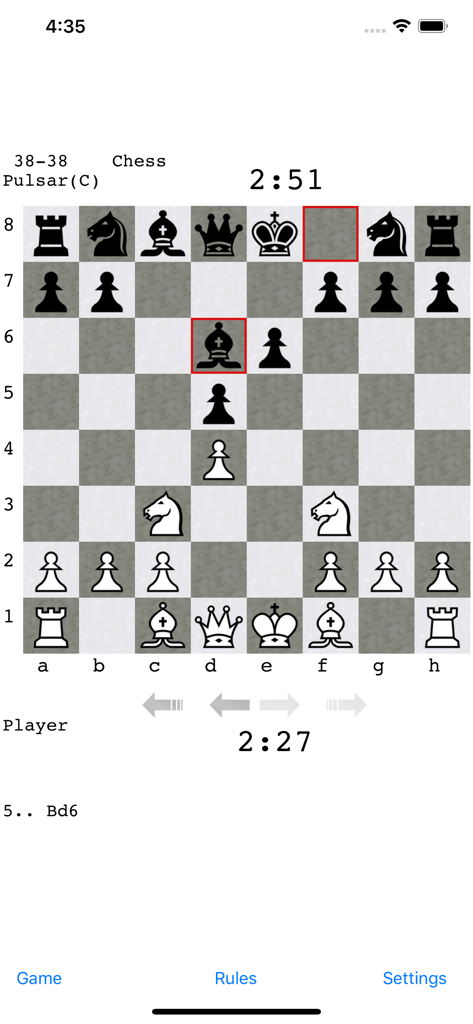
A standard chess match in progress on the Pulsar Chess Engine mobile app interface showing the board and clocks
Description
Download
More Like This
Top-ranked apps in the same category

Block Blast!
ARETIS LIMITED

Heartopia
XD Entertainment Co., Ltd.

Solitaire Associations Journey
Hitapps Games LTD

Roblox
Roblox Corporation

Gossip Harbor®: Merge & Story
Microfun Limited

Arrows – Puzzle Escape
Lessmore UG haftungsbeschraenkt

Township
PLR Worldwide Sales Limited

Last War:Survival
FUNFLY PTE. LTD.

Vita Mahjong
VITA STUDIO PTE. LTD.
This page is not an official page of the app or its developer, but an independent editorial publication created for informational and commentary purposes. Unless expressly stated otherwise, neither the app nor its developer is affiliated with, endorsed by, sponsored by, authorized by, or otherwise officially connected with MWM, Apple, Google Play, the app publisher, or the app's developer, and nothing on this page implies that the app was developed using MWM's services. Any trademarks, logos, screenshots, and other content remain the property of their respective owners.