
This page is not an official page of the app or its developer, but an independent editorial publication created for informational and commentary purposes. Unless expressly stated otherwise, neither the app nor its developer is affiliated with, endorsed by, sponsored by, authorized by, or otherwise officially connected with MWM, Apple, Google Play, the app publisher, or the app's developer, and nothing on this page implies that the app was developed using MWM's services. Any trademarks, logos, screenshots, and other content remain the property of their respective owners.


Pulsar for Salesforce
The native, offline-first solution for road warriors. Access, update, and manage your Salesforce records and custom objects without an internet connection—then sync seamlessly the moment you're back online.
Downloads
8K+User Rating
Total Ratings
300Publisher
Category
BusinessLocales
22Latest Version
17.0.2Size
55.1 MBFirst Released
Jun 12, 2012Empower Your Field Teams Anywhere
Stop letting dead zones stall your deals. Pulsar delivers a robust, offline-first Salesforce experience designed for high-stakes professionals who cannot afford to disconnect.
Seamless Offline Sync
Stay productive in basements, planes, or remote sites. Update records offline and let Pulsar handle the background synchronization automatically when you reconnect.
Native Performance
Say goodbye to laggy web interfaces. Use intuitive native shortcuts and interactions to manage your CRM tasks in seconds, not minutes.
The following screenshots and description are sourced directly from the app's official store listing and are the property of the app developer.
App Store
Screenshots
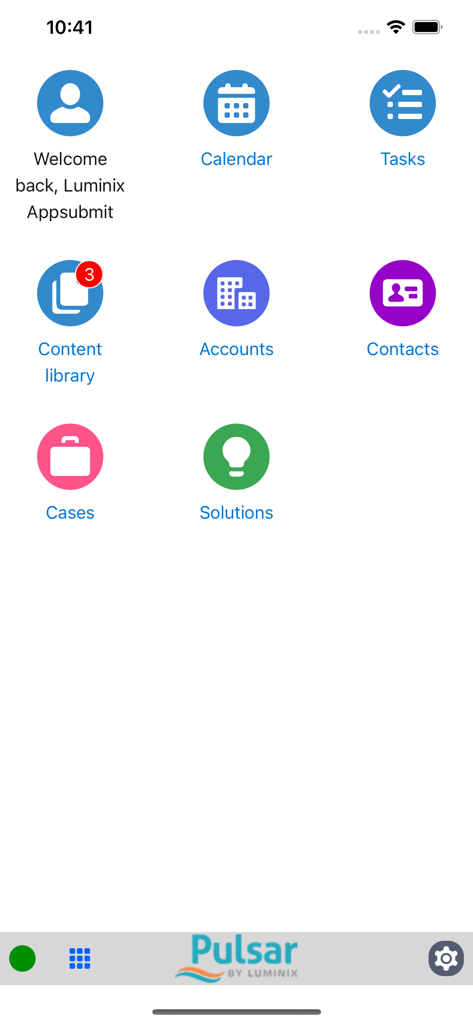
Pulsar for Salesforce app home screen displaying business management tools like calendar tasks and accounts
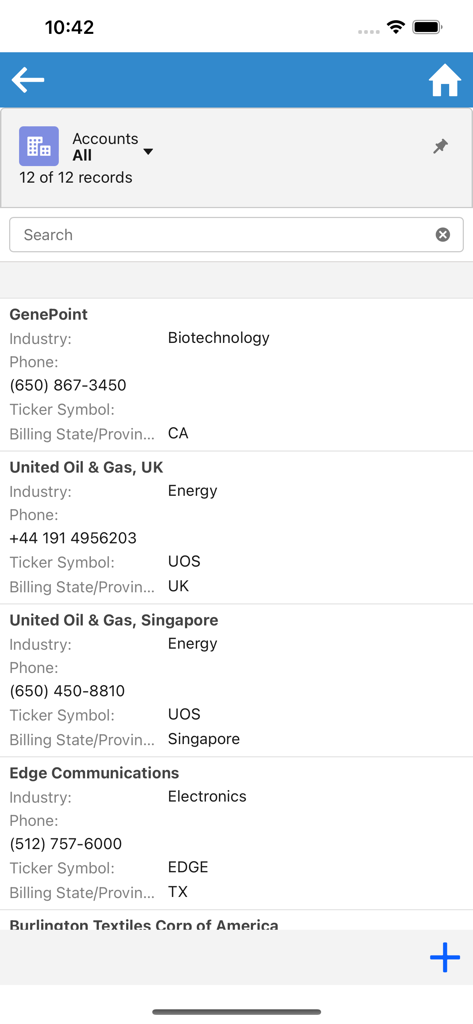
Mobile dashboard of Pulsar for Salesforce displaying a list of business accounts and contact information.
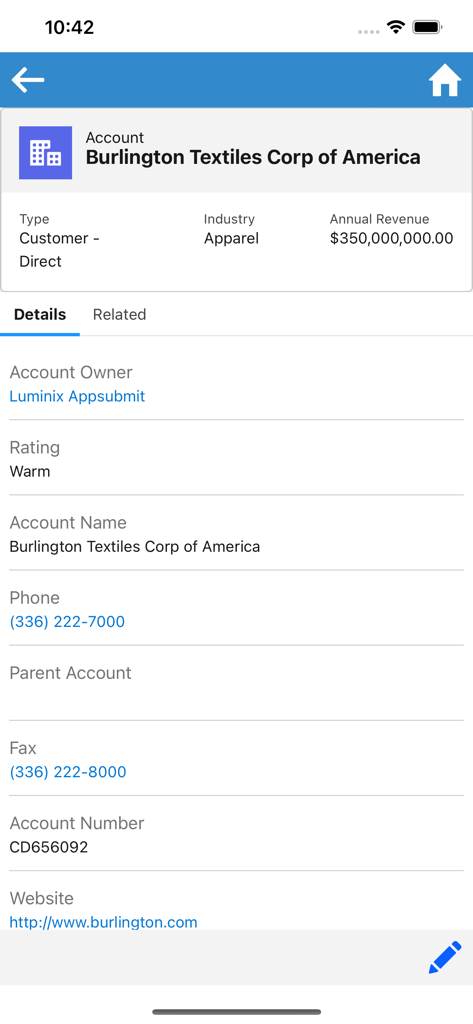
A mobile screen showing account details for Burlington Textiles Corp of America within the Pulsar for Salesforce app.
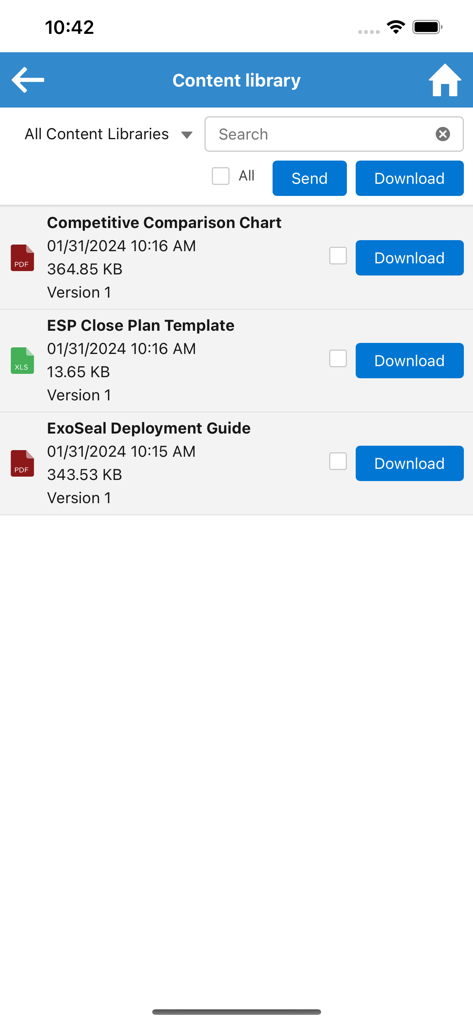
Content library screen in Pulsar for Salesforce app with list of business documents and download buttons
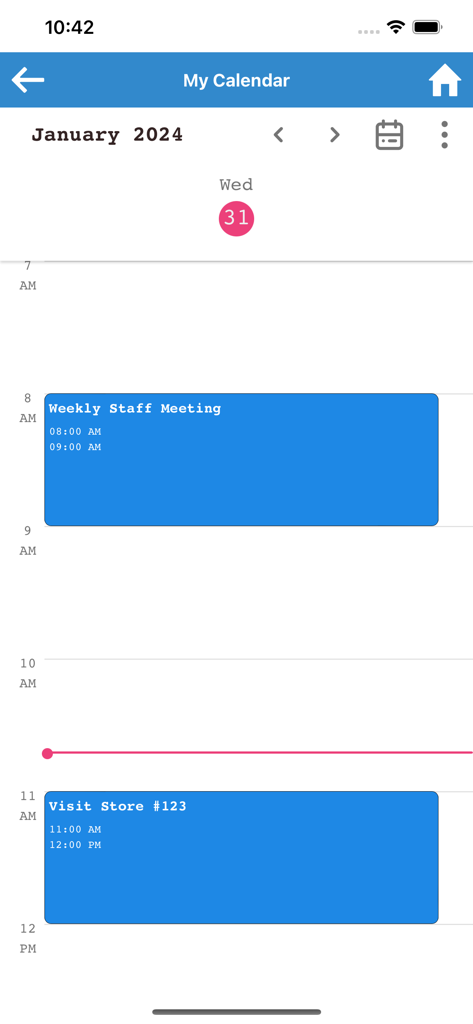
A daily calendar view in the Pulsar for Salesforce app showing a staff meeting and a store visit scheduled for January 31st.
Description
Download
More Like This
Top-ranked apps in the same category

Microsoft Teams
Microsoft Corporation

Zoom Workplace
Zoom Communications, Inc.

WhatsApp Business
WhatsApp Inc.

Indeed Job Search
Indeed Inc.

LinkedIn: Network & Job Finder
LinkedIn Corporation

Adobe Acrobat Reader: Sign PDF
Adobe Inc.

WeCom-Work Communication&Tools
Tencent Technology (Shenzhen) Company Limited

BOSS直聘-招聘求职找工作神器
Beijing China Product Bo Farce Network Technology Co., Ltd.

DingDing - Redefine Work in AI
DingTalk Technology Co., Ltd.
This page is not an official page of the app or its developer, but an independent editorial publication created for informational and commentary purposes. Unless expressly stated otherwise, neither the app nor its developer is affiliated with, endorsed by, sponsored by, authorized by, or otherwise officially connected with MWM, Apple, Google Play, the app publisher, or the app's developer, and nothing on this page implies that the app was developed using MWM's services. Any trademarks, logos, screenshots, and other content remain the property of their respective owners.