
This page is not an official page of the app or its developer, but an independent editorial publication created for informational and commentary purposes. Unless expressly stated otherwise, neither the app nor its developer is affiliated with, endorsed by, sponsored by, authorized by, or otherwise officially connected with MWM, Apple, Google Play, the app publisher, or the app's developer, and nothing on this page implies that the app was developed using MWM's services. Any trademarks, logos, screenshots, and other content remain the property of their respective owners.


Pyrus · Team Communication
Replace messy email threads with actionable messaging, clear task delegation, and automated approval flows. Stay productive anywhere with seamless offline syncing designed for high-growth businesses.
Downloads
152K+User Rating
Total Ratings
2K+Publisher
Category
BusinessLocales
23Latest Version
5.277.27Size
120.1 MBFirst Released
Aug 7, 2010Master Your Workflow with Precision
Stop searching through messy email threads. Pyrus combines real-time messaging with structured task management and automated approval flows to keep your team focused and accountable.
Unrivaled Accountability
Eliminate the diffusion of responsibility. Every task has one clear owner at any given moment, so everyone knows exactly who is responsible for the next step.
Automated Approval Flows
Move beyond basic chat. Officially approve expenses, documents, and requests within your workflow to keep operations moving without extra meetings.
The following screenshots and description are sourced directly from the app's official store listing and are the property of the app developer.
App Store
Screenshots
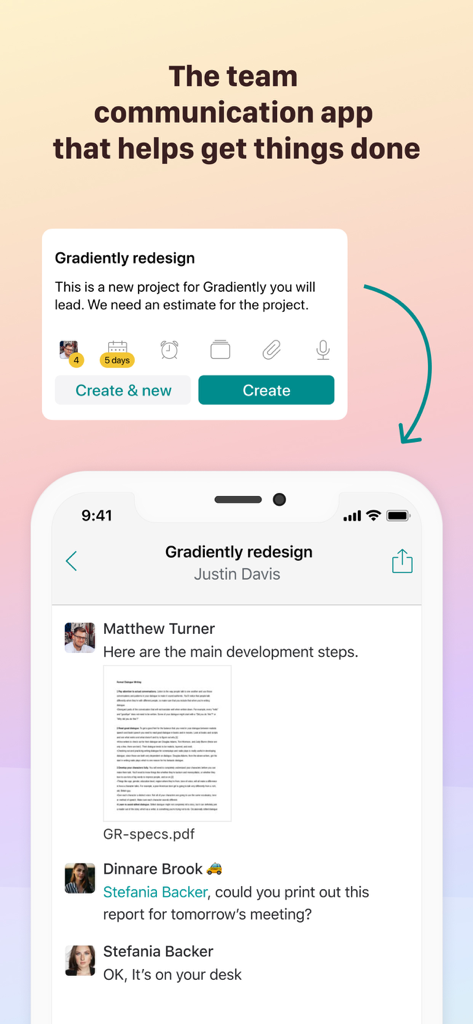
Smartphone screen showing Pyrus app with a project message thread and a task creation modal for team collaboration
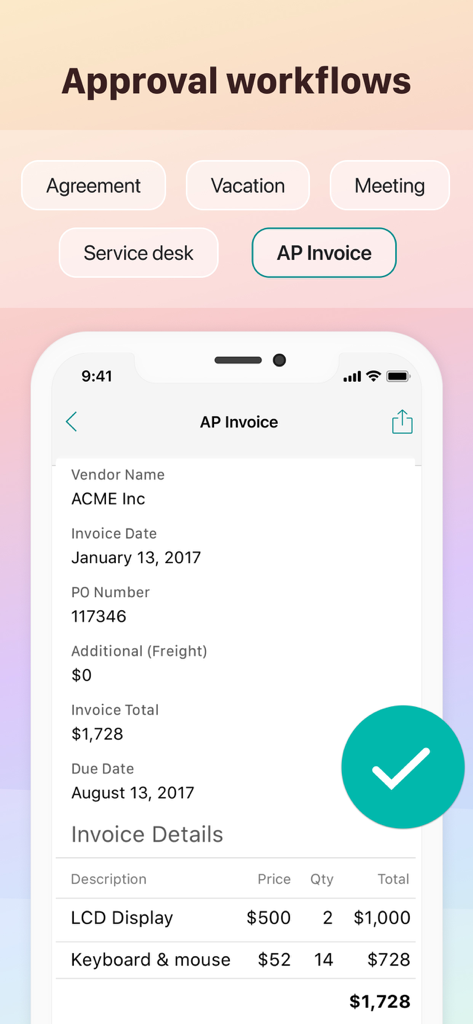
Screenshot of the Pyrus app showing an AP invoice approval workflow with a large green checkmark button.
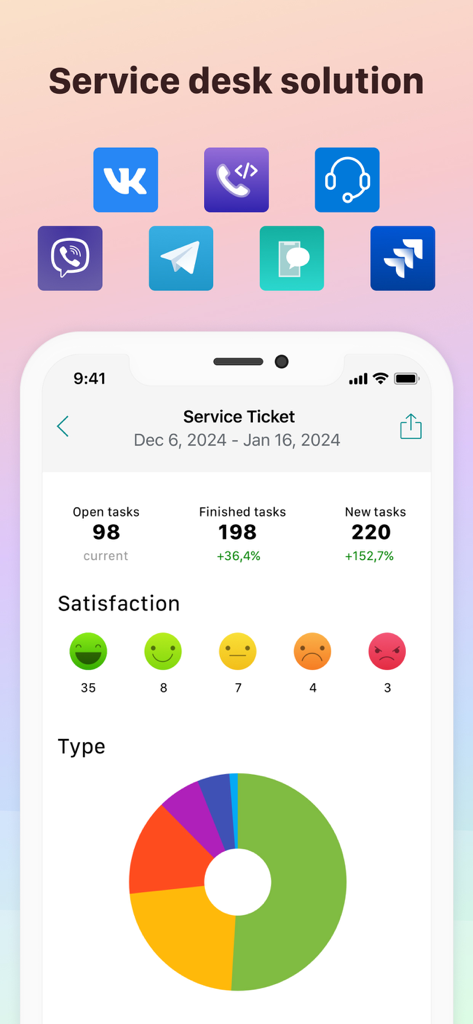
Pyrus service desk dashboard showing task statistics and customer satisfaction ratings
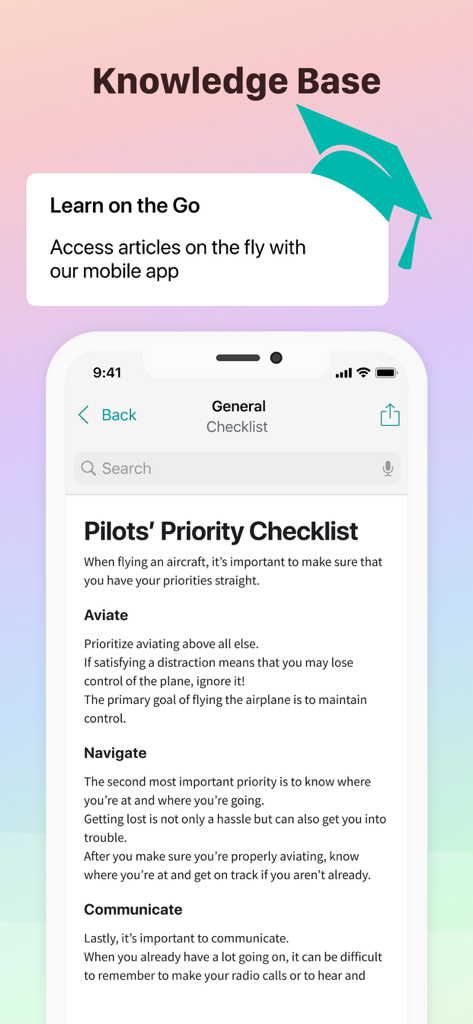
Pyrus app knowledge base interface showing a pilots priority checklist
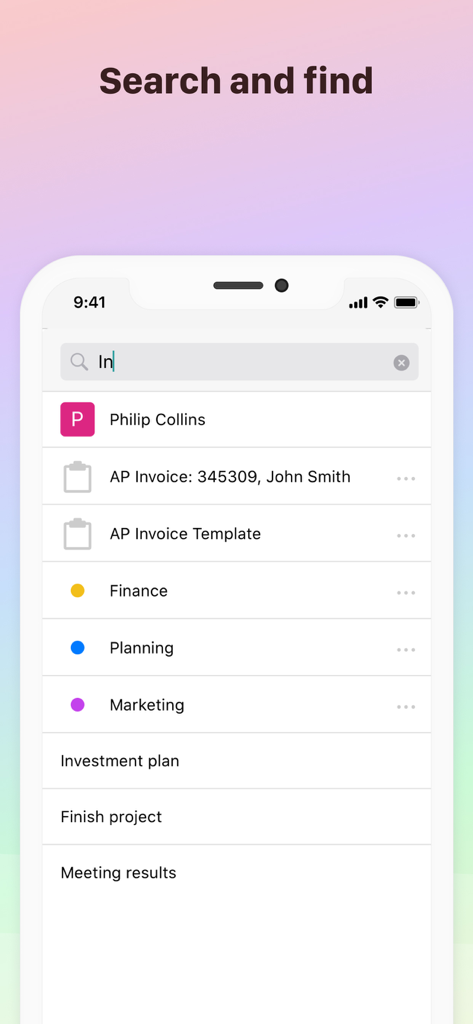
A mobile screenshot of the Pyrus team communication app showing the search and find interface with results for contacts, invoices, and projects.
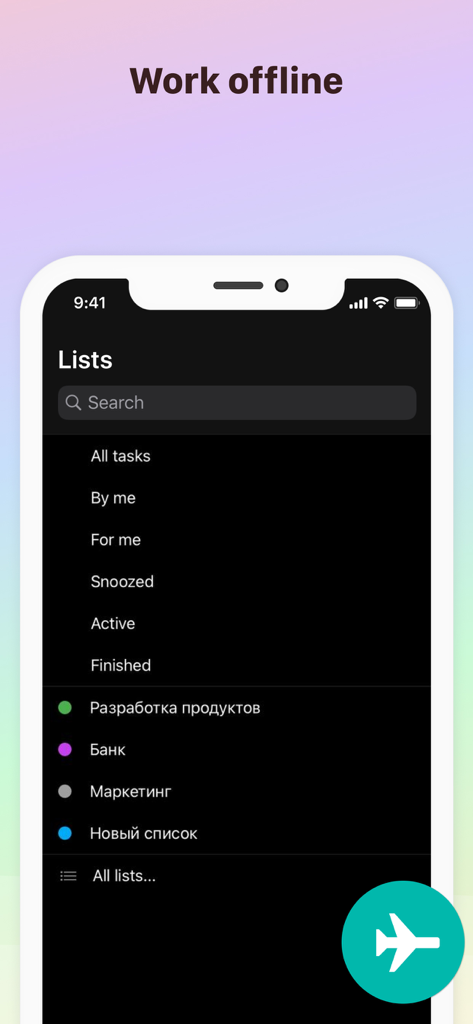
Pyrus app interface showing task lists with work offline feature and airplane icon indicator
Description
Download
More Like This
Top-ranked apps in the same category

Microsoft Teams
Microsoft Corporation

Zoom Workplace
Zoom Communications, Inc.

WhatsApp Business
WhatsApp Inc.

Indeed Job Search
Indeed Inc.

LinkedIn: Network & Job Finder
LinkedIn Corporation

Adobe Acrobat Reader: Sign PDF
Adobe Inc.

DingDing - Redefine Work in AI
DingTalk Technology Co., Ltd.

WeCom-Work Communication&Tools
Tencent Technology (Shenzhen) Company Limited

BOSS直聘-招聘求职找工作神器
Beijing China Product Bo Farce Network Technology Co., Ltd.
This page is not an official page of the app or its developer, but an independent editorial publication created for informational and commentary purposes. Unless expressly stated otherwise, neither the app nor its developer is affiliated with, endorsed by, sponsored by, authorized by, or otherwise officially connected with MWM, Apple, Google Play, the app publisher, or the app's developer, and nothing on this page implies that the app was developed using MWM's services. Any trademarks, logos, screenshots, and other content remain the property of their respective owners.