QR Code Reader . QR Scanner: Scan, Generate, and Organize with Professional Efficiency
Go beyond the basic camera app. Batch scan inventory, design custom branded QR codes, and export your data to CSV. The ultimate productivity tool built for entrepreneurs and small business owners who value organization.
Publisher
TRIPLE IT LTD
Category
Utilities
Downloads
1K+
User Rating
4.8/5
Total Ratings
800
Locales
31
Efficiency Visualized
Discover the interface used by 1K+ users.
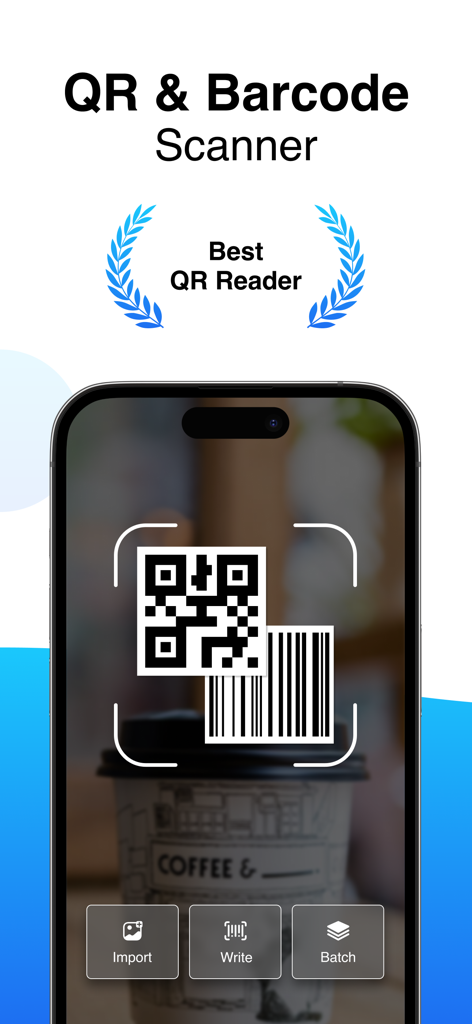
An iPhone screen displaying the QR and Barcode Scanner app interface with scan import and batch options
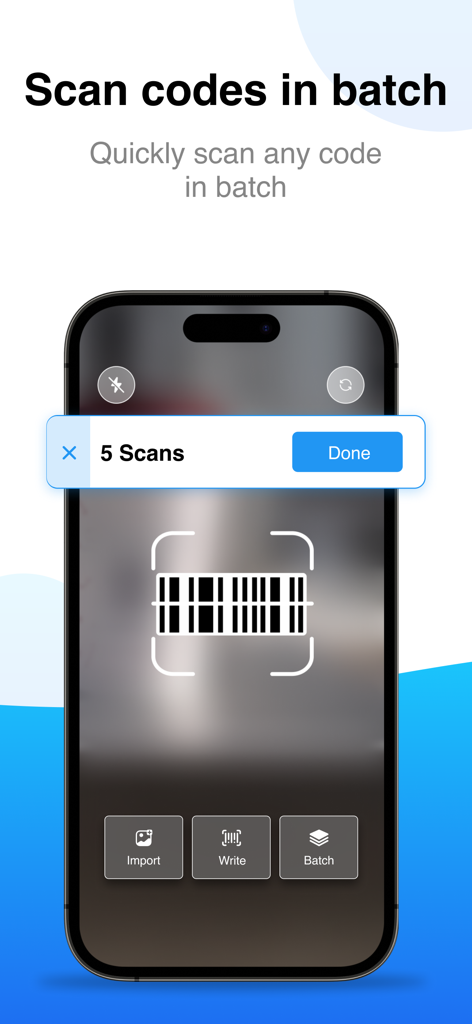
iPhone screen showing the batch scanning feature of the QR Code Reader app for processing multiple barcodes quickly
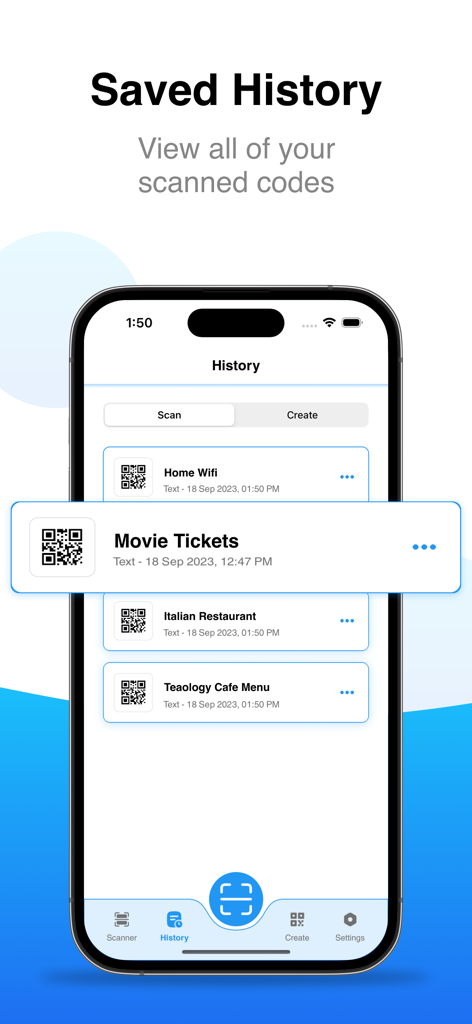
iPhone screen displaying a list of scanned QR codes in the history log including movie tickets and restaurant menus
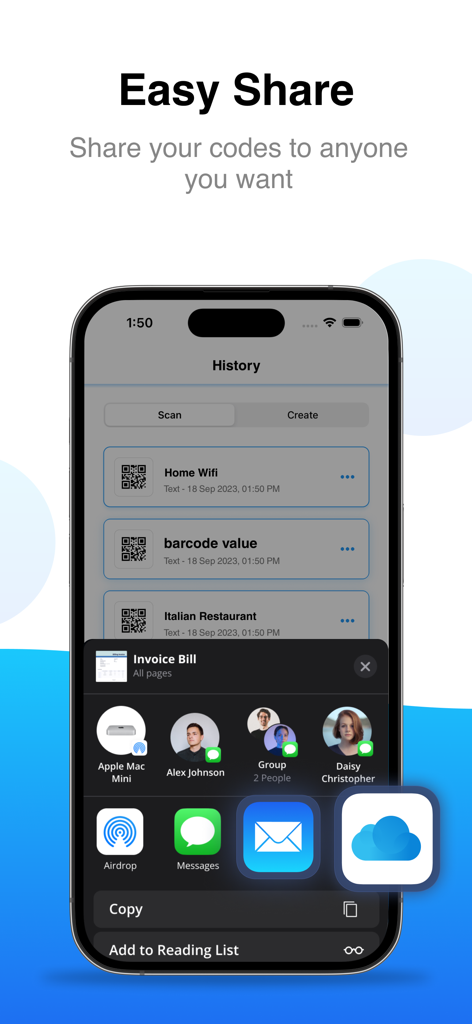
A screenshot of the QR Code Reader app showing a list of scanned codes and the iOS share menu.
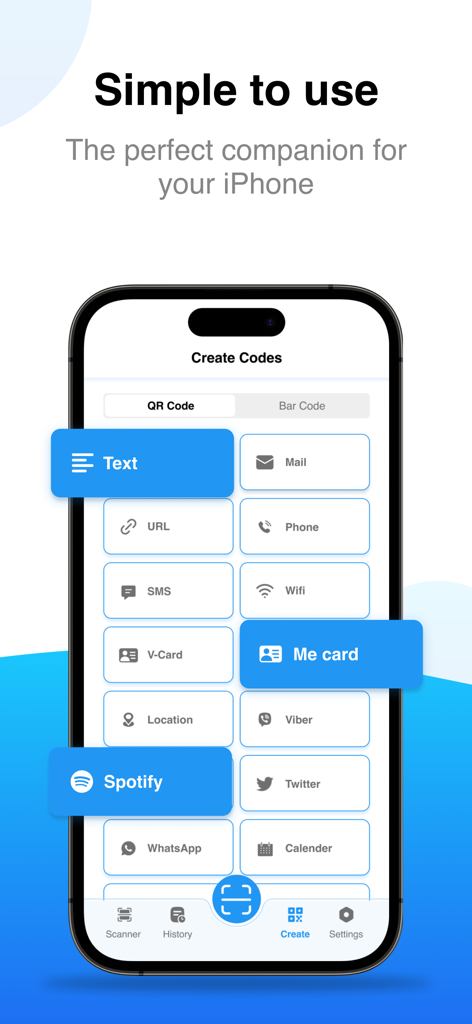
Interface of the QR Scanner app showing various options to create custom QR codes for text, WiFi, and social media platforms
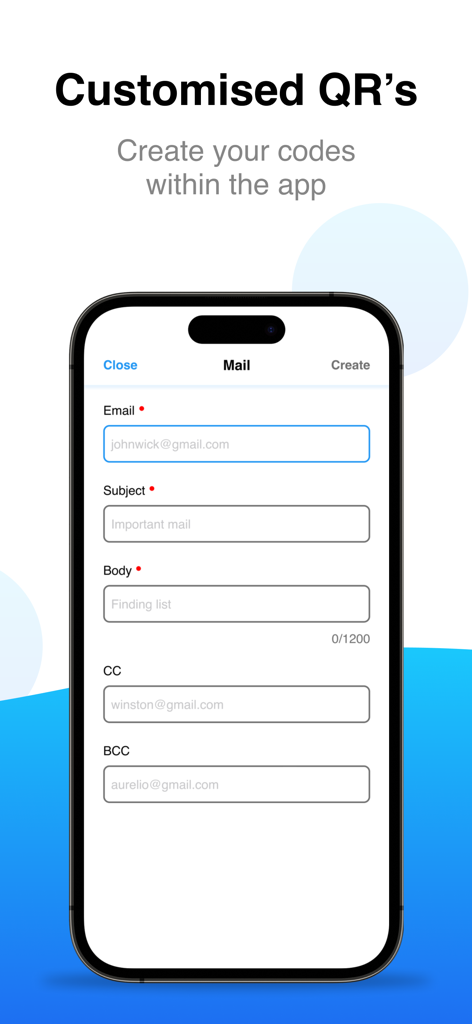
Interface for creating a custom email QR code within the app.
Professional Scanning Tools for Your Workflow
The tools that make this app stand out, trusted by 1K+ users.
⚡
High-Speed Batch Scanning
Save hours of manual work by scanning dozens of codes in a single session—ideal for inventory management and event check-ins.
🎨
Custom QR Code Creation
Generate branded QR codes for your business Wi-Fi, social media, or digital menus with personalized colors and professional designs.
📊
Smart History & CSV Export
Keep a digital paper trail of every scan. Organize your history into categories and export data to CSV for seamless record-keeping and tax tracking.
About the app
Everything you need to know about QR Code Reader . QR Scanner.
Description
QR Code Reader App allows users to scan, generate, and store QR codes and barcodes effortlessly. Our QR Scanner App also works as a Barcode Scanner for iPhone and provides barcode information. Our QR Reader App provides features to simplify the process of scanning, creating, and sharing QR codes.
Additionally, you can generate and share limitless QR codes effortlessly with the QR Scanner for iPhone and iPad. Experience the convenience of seamless scanning and code creation at your fingertips!
Whether you're a tech-savvy individual or a business professional seeking an efficient tool for scanning, generating, and managing QR codes, our app is the perfect choice. Stay organized and efficient with our QR Scanner App – the ultimate QR Code Reader App!
All Features of QR Code Scanner App:
Our QR Code Reader and Barcode Scanner can automatically scan any code. You can even scan QR codes or barcodes from pictures in your gallery. Plus, if it's dark, the flashlight helps you scan codes. QR Code Scanner works well with the latest iPhones and supports all features of iOS 15.
Works as QR Generator:
Our app provides a QR Code Generator that can create various types of QR codes such as links, emails, phone numbers, Wi-Fi details, social media links, text, website information, App Store app links, and product details.
Batch QR Code Scanner:
We offer an incredibly convenient and rapid batch scanning feature. If you find yourself needing to scan numerous QR codes or barcodes, our app provides a solution to significantly enhance your scanning speed.
Works as Barcode Reader:
Our barcode reader supports a wide range of barcode types, including Barcode, Datamatrix, Code128, Aztec Code, UPC-A, Codabar, PDF 417, ITF, EAN-8, Code39, and more.
See QR Scan History:
Every scan result is stored in the scan history and categorized for easy access. Our app offers history support, ensuring your scan results are securely saved. Additionally, you can export the scan data as a cvs and text file. By enabling the history option, you can retrieve your scanned history even if you switch to a new device.
Premium Features of App:
By upgrading to the premium version of QR Scanner App you'll be able to Scan QR Codes and create QR & Barcodes Codes. Also, Batch Scan feature is also available to premium users. We want to bring to your notice that our app also functions as QR Creator and allows you to create QR Code in all major formats including wifi, text, contact details, email, social media, etc.
But that's not all – our QR Scanner App is not just about scanning; it's also a versatile QR Code Generator. Create QR codes for links, emails, phone numbers, Wi-Fi data, social media links, app store app links, text info, website info, and product info. Personalize your QR codes by customizing their color and design.
QR Reader App's Subscription Terms
- Subscriptions with a free trial will automatically convert to a paid subscription.
- Payment will be deducted from your iTunes Account upon purchase confirmation.
- Subscriptions automatically renew unless auto-renewal is disabled 24 hours prior to the current period's end.
- Renewal charges will be applied 24 hours before the current period concludes, specifying the renewal cost.
- Users can manage subscriptions and turn off auto-renewal in Account Settings post-purchase.
To avoid charges, cancel a free trial or subscription by disabling auto-renewal in iTunes account settings at least 24 hours before the trial or subscription ends. The cancellation will activate the day after the current subscription period ends, reverting to the free service.
Privacy Policy and Terms of Use of QR Scanner App:
Privacy Policy: https://tripleit.ltd/app-privacy-policy.html
Terms of Use: https://tripleit.ltd/app-eula.html
For any inquiries or suggestions, contact us anytime at official@tripleit.ltd.
Latest Version
1.6
Size
20.3 MB
First Released
Dec 14, 2023
Ready to Turn Your iPhone Into a Professional Productivity Powerhouse?
Join thousands of business owners and professionals using batch scanning, custom code generation, and CSV exports to streamline their workflow. Download the ultimate QR toolkit today.
App information, icons, screenshots, and descriptions displayed on this page are sourced from the Apple App Store and are the property of their respective developers. Download estimates and rankings are based on MWM's proprietary models and may not reflect actual figures. This page is provided for informational and analytical purposes only.
Believe this page infringes your intellectual property? File a dispute