
This page is not an official page of the app or its developer, but an independent editorial publication created for informational and commentary purposes. Unless expressly stated otherwise, neither the app nor its developer is affiliated with, endorsed by, sponsored by, authorized by, or otherwise officially connected with MWM, Apple, Google Play, the app publisher, or the app's developer, and nothing on this page implies that the app was developed using MWM's services. Any trademarks, logos, screenshots, and other content remain the property of their respective owners.


Quality Analizer
Stop guessing and start measuring. Get instant quality scores, LUFS data, and translation checks for your mixes on macOS and iOS. No subscriptions, just the professional tools you need for studio-ready audio.
Downloads
0User Rating
Total Ratings
0Publisher
Category
MusicLocales
1Latest Version
1.0Size
5.4 MBFirst Released
Jan 20, 2026Professional Analysis for Every Mix
Unlock deep insights into your tracks with technical metrics and real-world compatibility scores designed for independent creators.
Instant Quality Scoring
Get a comprehensive 0-100 score and detailed LUFS, True Peak, and clipping data to ensure your tracks are radio-ready.
Real-World Translation
Predict how your mix performs on MacBook speakers and PA systems before you hit publish, ensuring your sound travels perfectly.
The following screenshots and description are sourced directly from the app's official store listing and are the property of the app developer.
App Store
Screenshots
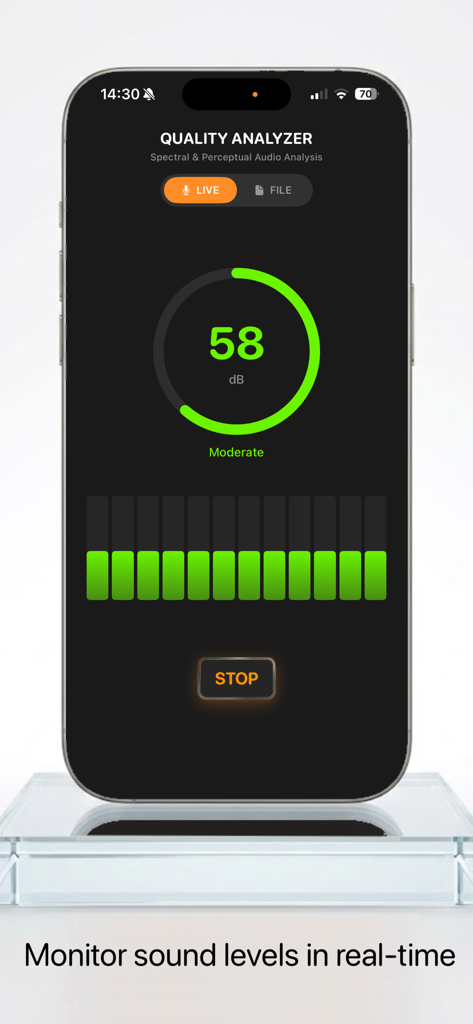
Smartphone screen showing the Quality Analyzer app in Live Mode monitoring sound levels at 58 decibels.
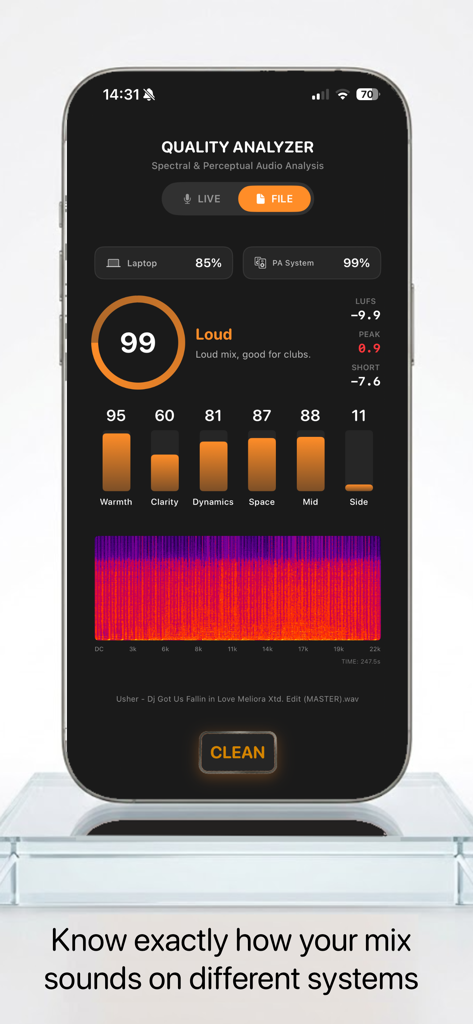
Quality Analyzer app interface displaying audio metrics and spectral balance for a music track
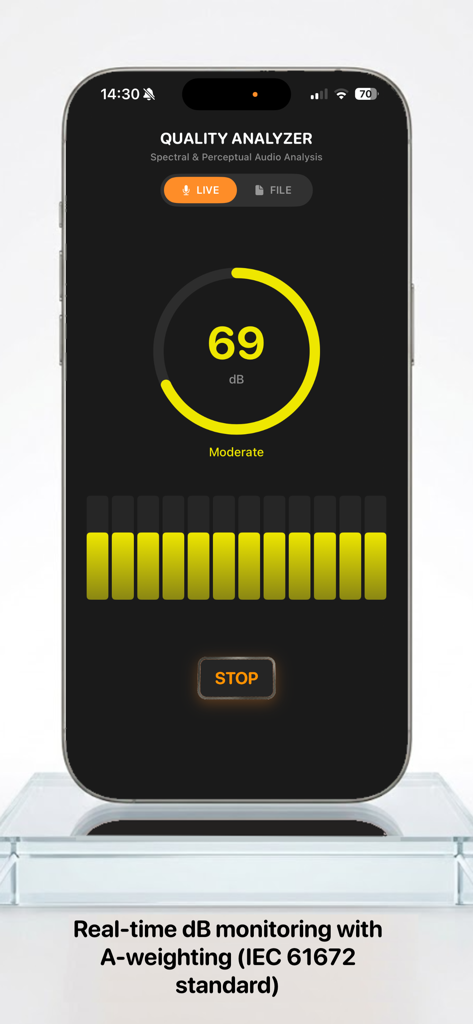
Quality Analyzer mobile app showing real-time decibel level monitoring in live mode.
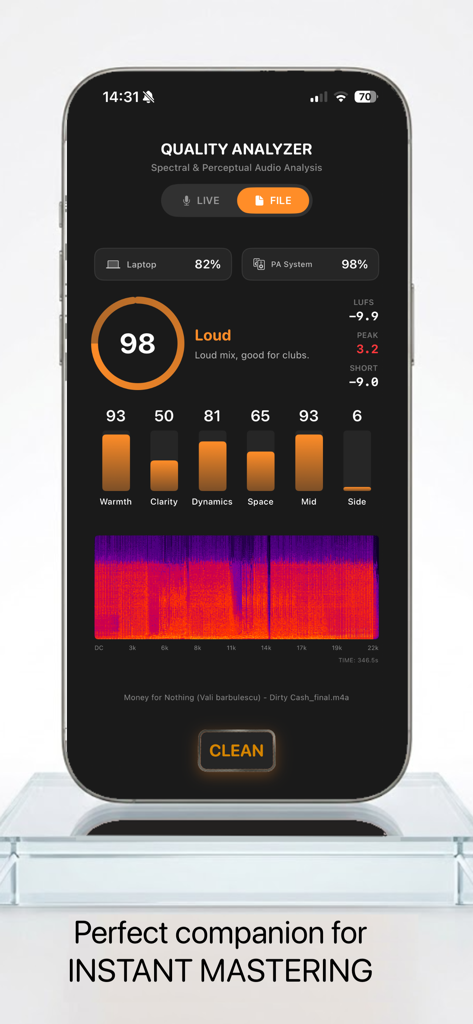
Quality Analyzer app interface showing audio mastering metrics including quality score spectral balance and warmth levels
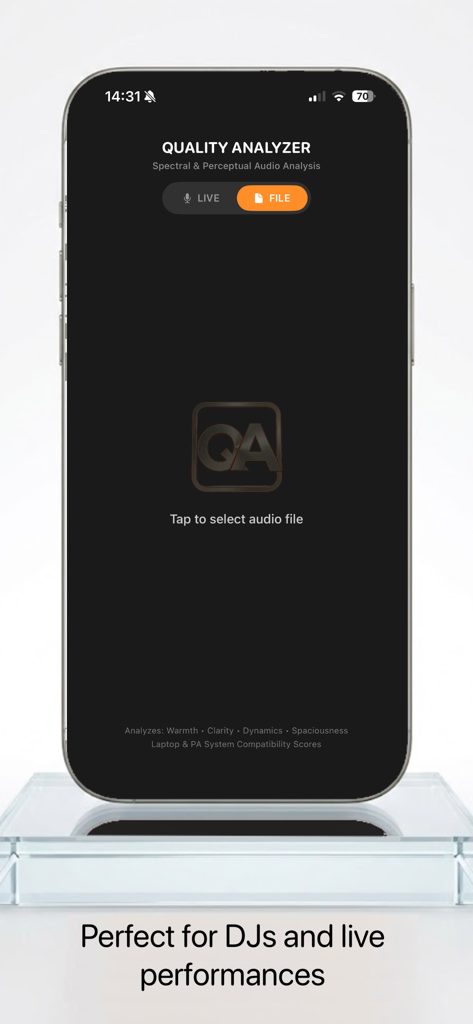
Quality Analyzer mobile app interface for selecting an audio file for analysis.
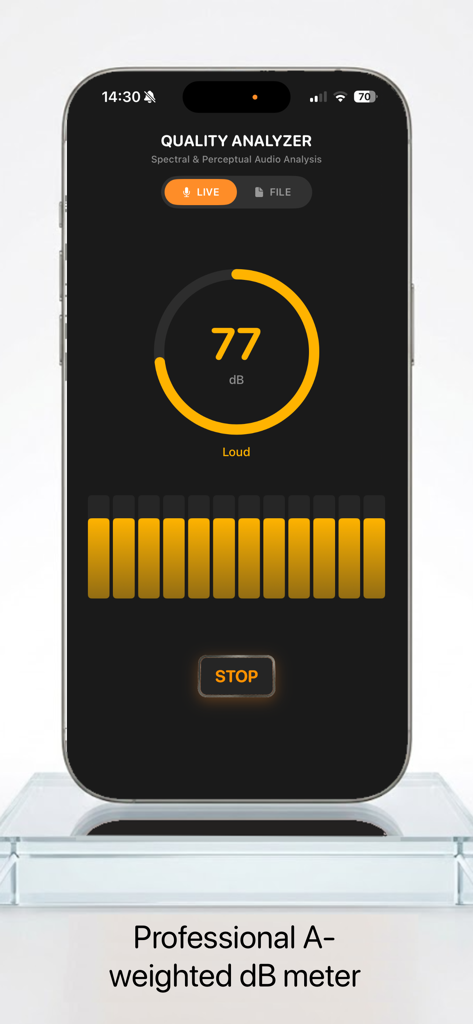
Quality Analyzer app interface showing a live A-weighted decibel meter reading 77 dB
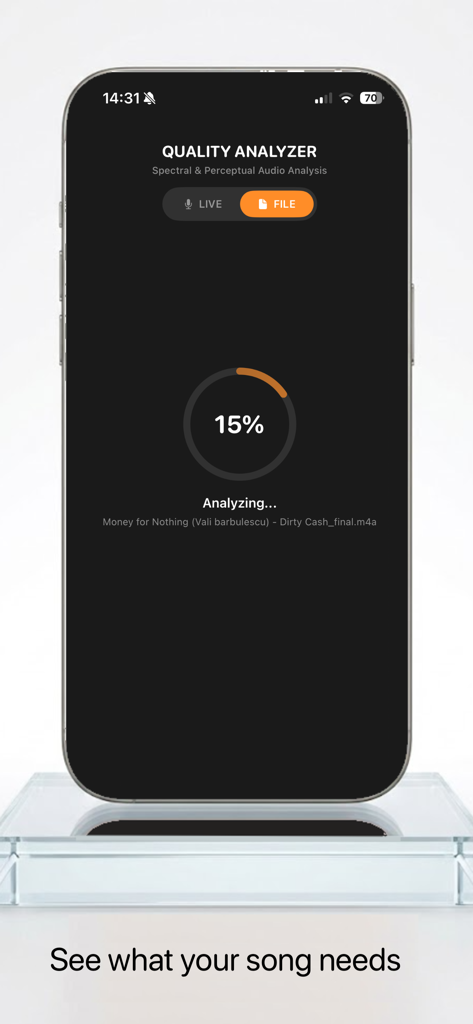
Smartphone screenshot showing the Quality Analyzer app analyzing an audio file with a 15 percent progress indicator.
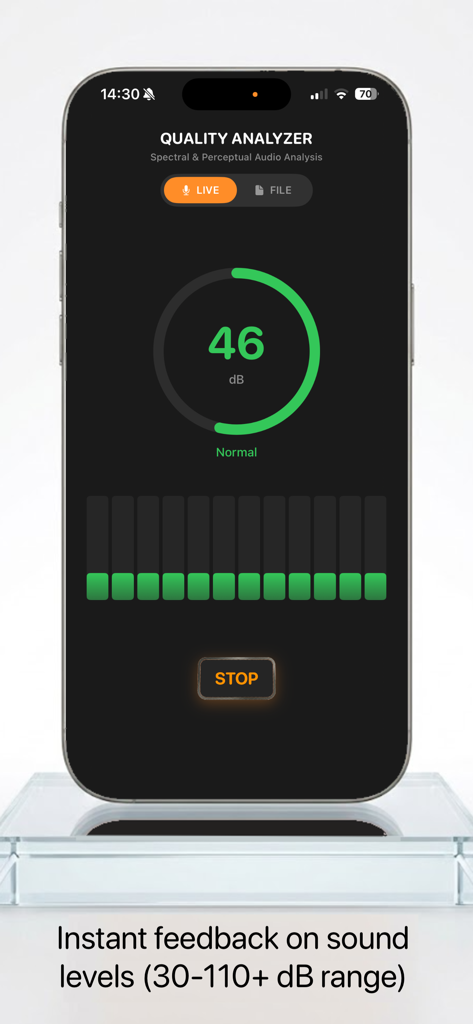
iPhone screen showing the Quality Analyzer app in live mode measuring sound levels at 46 decibels
Description
Download
More Like This
Top-ranked apps in the same category

Spotify: Music and Podcasts
Spotify

YouTube Music
Google LLC

Shazam: Find Music & Concerts
Apple Inc.
SoundCloud: The Music You Love
SoundCloud Global Limited & Co KG

Suno - AI Songs & Music
Suno Inc.

QQ音乐 - 听我想听
Tencent Technology (Shenzhen) Company Limited

Audiomack - Play Music Offline
Audiomack, Inc.

BandLab – Music Maker & Beats
BandLab Singapore Pte Ltd

GuitarTuna: Tune & Play Guitar
Yousician Ltd
This page is not an official page of the app or its developer, but an independent editorial publication created for informational and commentary purposes. Unless expressly stated otherwise, neither the app nor its developer is affiliated with, endorsed by, sponsored by, authorized by, or otherwise officially connected with MWM, Apple, Google Play, the app publisher, or the app's developer, and nothing on this page implies that the app was developed using MWM's services. Any trademarks, logos, screenshots, and other content remain the property of their respective owners.