
QuickLink-One-Code Access


Instantly scan and create custom QR codes with advanced encryption. Designed for entrepreneurs and professionals who demand speed, security, and efficiency in every connection.
Publisher
Category
LifestyleDownloads
1M+User Rating
Total Ratings
200Locales
1Discover the interface used by 1M+ users.
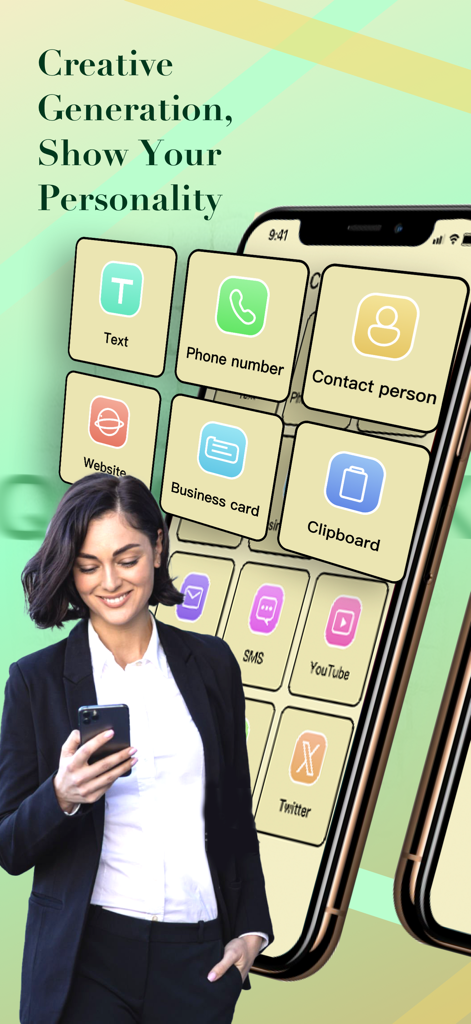
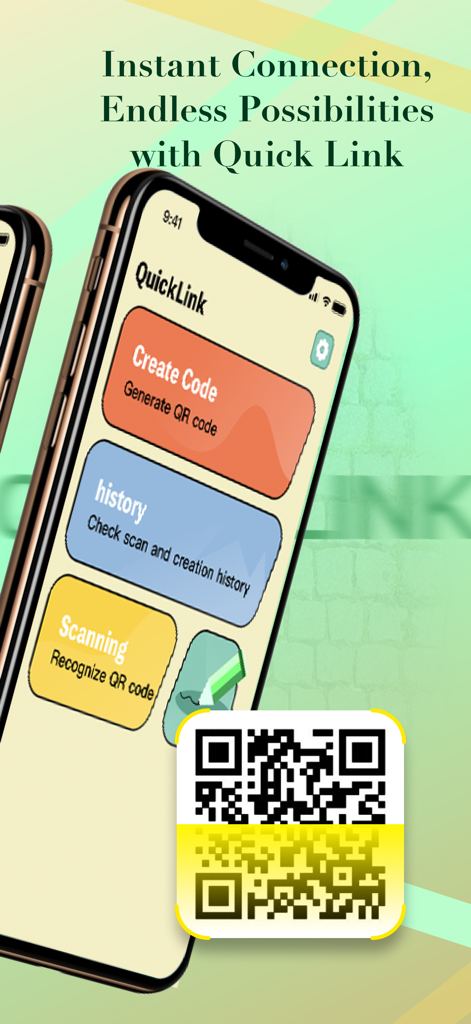
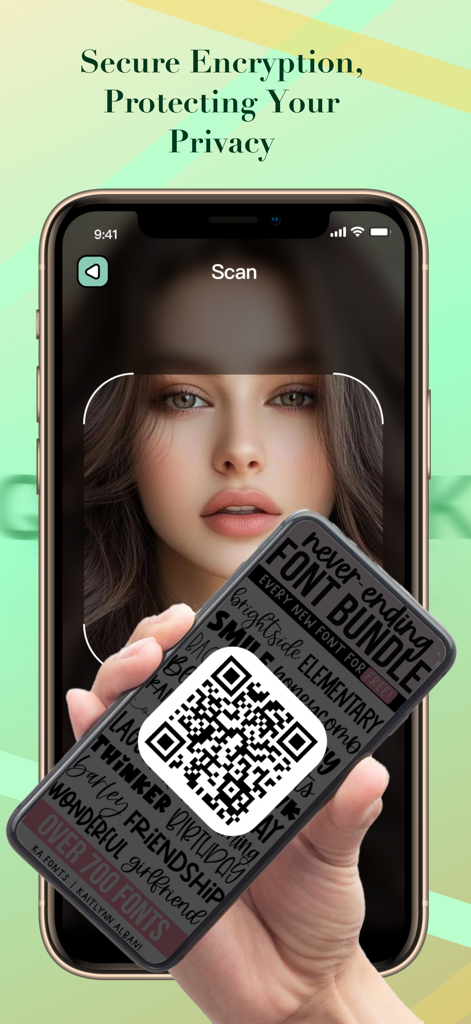
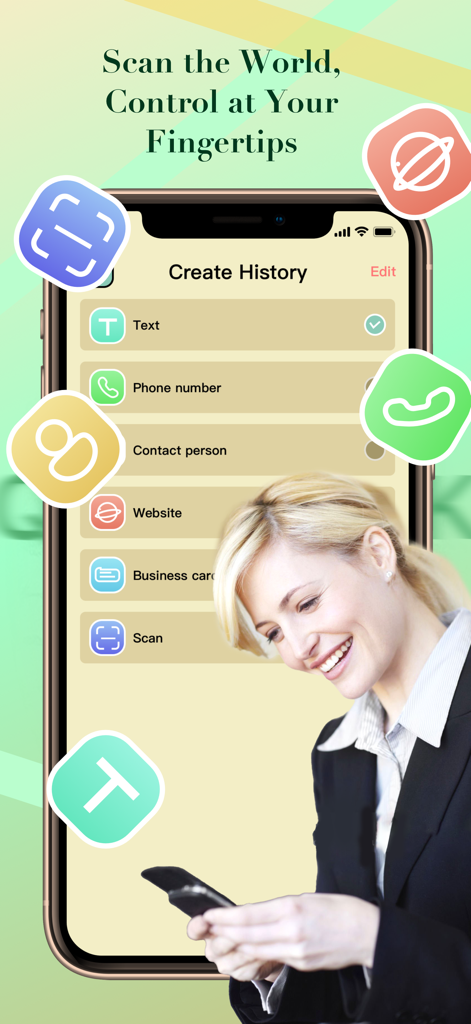
The tools that make this app stand out, trusted by 1M+ users.
Create professional QR codes for your website, digital business cards, or social profiles in seconds to capture every lead.
Experience lightning-fast recognition for URLs, contact info, and WiFi credentials, optimized for busy on-the-go environments.
Protect your business data with advanced encryption and a strict privacy mechanism designed to prevent malicious link redirection.
Insights from user reviews.
Sentiment Score
Summary
This mobile app receives overwhelmingly negative feedback, primarily criticized for misleading advertising regarding its content and cost. Users frequently report that the app is not free as promised, often demanding payment, and consistently fails to provide any actual watchable movies or series. Many reviewers label the app as a "scam" or "fake," citing poor functionality and a frustrating user experience often exacerbated by intrusive advertisements.
Common Themes
Everything you need to know about QuickLink-One-Code Access.
Description
Latest Version
1.3
Size
26.3 MB
First Released
Aug 14, 2024
Join over 1 million professionals using QuickLink to scan, create, and share secure QR codes in seconds.
Everything you need to know about QuickLink-One-Code Access
QuickLink-One-Code Access is a comprehensive app combining QR code scanning and creation. It provides a convenient, efficient, and multi-functional QR code experience for users.
Yes, QuickLink-One-Code Access scans QR codes containing URLs, text, phone numbers, SMS, and email addresses. It uses advanced image recognition for fast and accurate information recognition.
QuickLink-One-Code Access protects user privacy by using advanced encryption technology. It has a strict data protection mechanism to prevent any user information leakage or misuse.
Users can create QR codes in QuickLink-One-Code Access for text, URLs, phone numbers, contact persons, websites, business cards, clipboard content, SMS, YouTube, and Twitter.
Yes, QuickLink-One-Code Access features a simple and intuitive interface. This design ensures that users can easily get started with QR code scanning and creation without complicated operations.
Yes, QuickLink-One-Code Access allows users to create QR codes specifically for business card information. This feature provides flexible editing and one-click generation for various content types.
Yes, QuickLink-One-Code Access maintains a history of scanned and created QR codes. This feature allows users to check their past interactions, ensuring convenient access to previous QR code data.
Apps with similar features and user experience

ME TEAM LTD

MixerBox Inc.

DE BITT LTD

Simple Health Limited

Mars Mobile LLC

Petr Polasek

SAN MOBILE YAZILIM TICARET LIMITED SIRKETI

DIGITALSTALK PRIVATE LIMITED

Irvinesoft Inc
App information, icons, screenshots, and descriptions displayed on this page are sourced from the Apple App Store and are the property of their respective developers. Download estimates and rankings are based on MWM's proprietary models and may not reflect actual figures. This page is provided for informational and analytical purposes only.
Believe this page infringes your intellectual property? File a dispute