
This page is not an official page of the app or its developer, but an independent editorial publication created for informational and commentary purposes. Unless expressly stated otherwise, neither the app nor its developer is affiliated with, endorsed by, sponsored by, authorized by, or otherwise officially connected with MWM, Apple, Google Play, the app publisher, or the app's developer, and nothing on this page implies that the app was developed using MWM's services. Any trademarks, logos, screenshots, and other content remain the property of their respective owners.

R-KONTROL
Break free from your desk with professional remote control for your transport, mixer, and clip launcher. The ultimate wireless interface for modern music production.
Downloads
3K+User Rating
Total Ratings
0Publisher
Category
MusicLocales
1Latest Version
1.6.2Size
3.2 MBFirst Released
Oct 20, 2022Unleash Your Creative Flow
R-KONTROL bridges the gap between your DAW and your performance, giving you professional-grade remote access to your studio from anywhere in the room.
Record Solo Without the Stress
Step away from your keyboard and into the vocal booth. Control transport, record, and undo actions directly from your device while you stay in the zone.
Tactile Mixing and FX Control
Ditch the mouse for a more natural feel. Manage your mixer, cue markers, and send-FX with an intuitive touch interface designed for precision sound shaping.
Frequently Asked Questions
Everything you need to know about R-KONTROL
What features does the R-KONTROL app offer for music production?
R-KONTROL offers remote control of transport and project actions. It controls the mixer, cue markers, groove, clip launcher, remote controls, and send-FX, all through an intuitive interface.
Can R-KONTROL control a music mixer remotely?
Yes, R-KONTROL provides remote control over mixer functions. It allows users to adjust individual track levels, solo/mute tracks, and manage master output within a music project.
How does R-KONTROL handle clip launching?
R-KONTROL handles clip launching via its dedicated clip launcher interface. Users can trigger and manage various musical patterns across different scenes and tracks directly from the app.
Does R-KONTROL have an intuitive user interface?
Yes, R-KONTROL is designed with an intuitive and easy-to-use interface. This design simplifies the remote control of all its features for efficient music production workflow.
What transport controls are available in R-KONTROL?
R-KONTROL provides remote transport controls. These include play, stop, record, fast forward, rewind, and loop functions, enabling precise navigation and operation of project actions.
The following screenshots and description are sourced directly from the app's official store listing and are the property of the app developer.
App Store
Screenshots
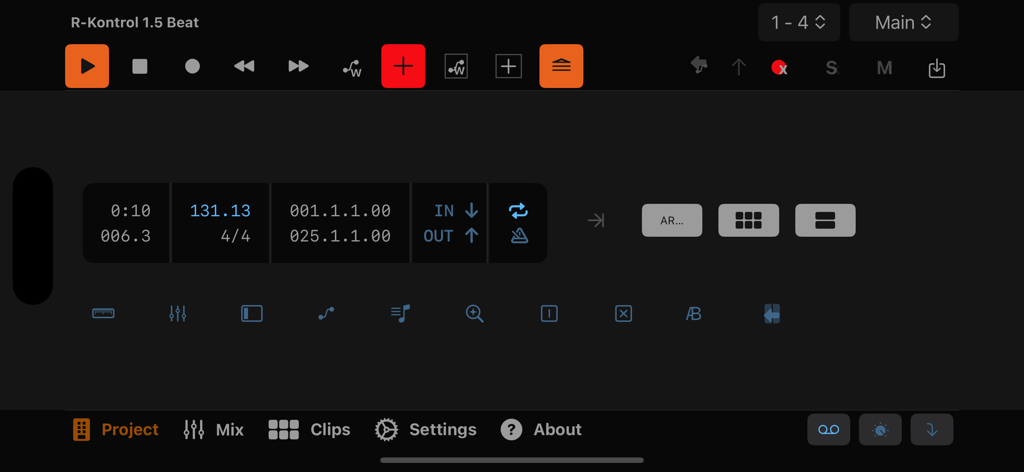
R-KONTROL music production app showing project transport controls and time display
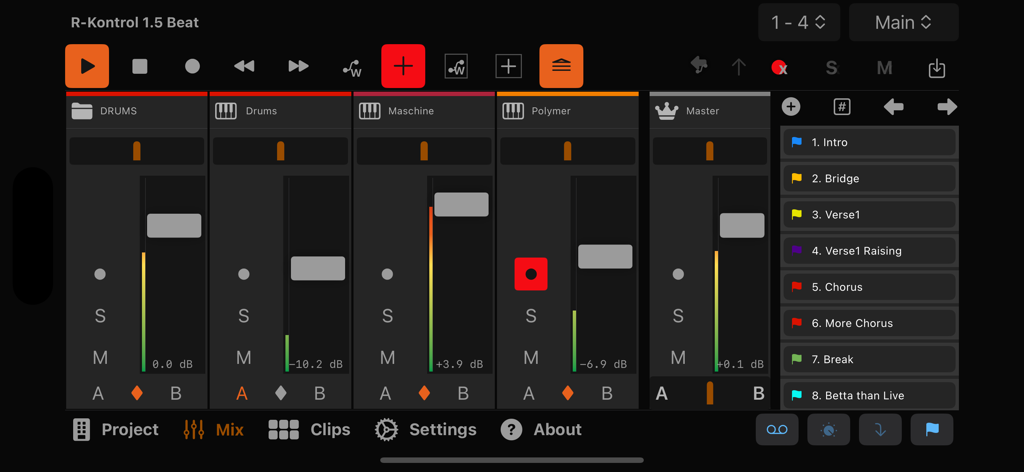
RKONTROL app interface with music mixer faders and transport controls
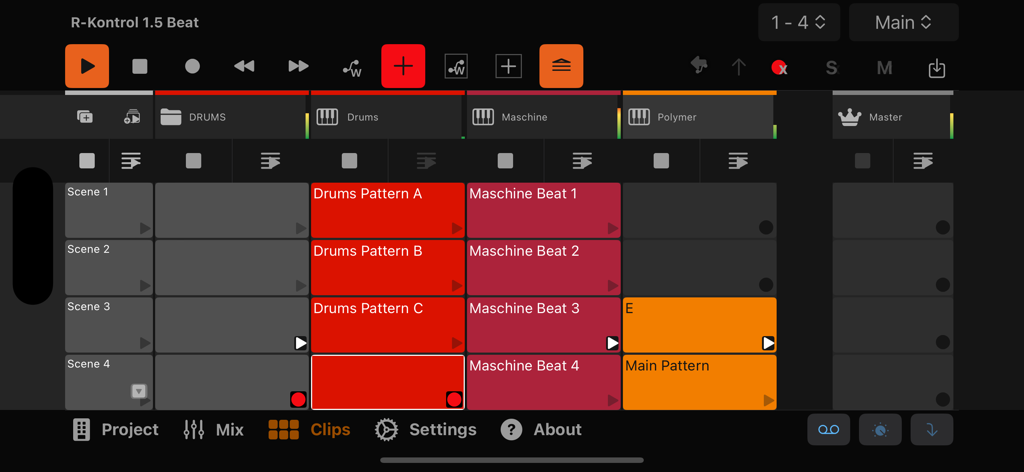
R-KONTROL app interface showing a music production clip launcher grid with drum and beat patterns
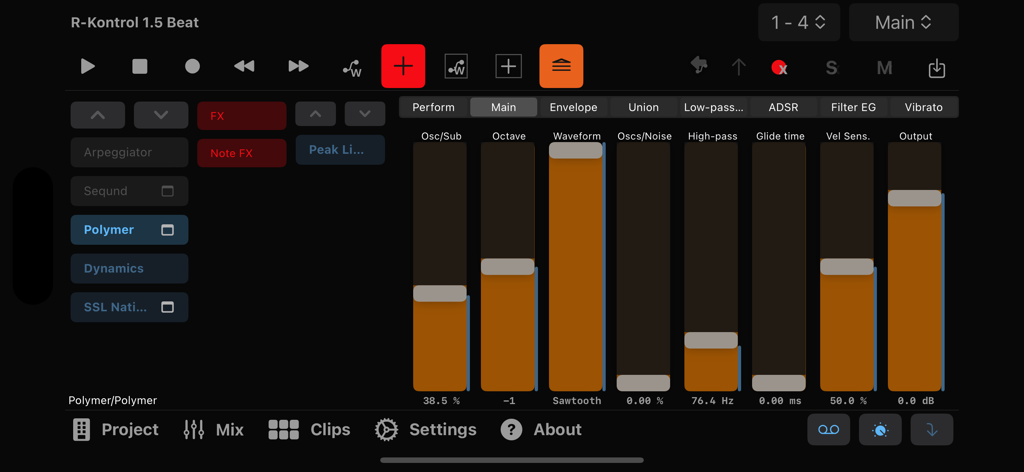
Interface of R-KONTROL music app displaying vertical faders and synthesizer control settings for digital audio workstations
Description
Download
More Like This
Top-ranked apps in the same category

Spotify: Music and Podcasts
Spotify

YouTube Music
Google LLC

Shazam: Find Music & Concerts
Apple Inc.

SoundCloud: The Music You Love
SoundCloud Global Limited & Co KG

Suno - AI Songs & Music
Suno Inc.

QQ音乐 - 听我想听
Tencent Technology (Shenzhen) Company Limited

Audiomack - Play Music Offline
Audiomack, Inc.

GuitarTuna: Tune & Play Guitar
Yousician Ltd

BandLab – Music Maker & Beats
BandLab Singapore Pte Ltd
This page is not an official page of the app or its developer, but an independent editorial publication created for informational and commentary purposes. Unless expressly stated otherwise, neither the app nor its developer is affiliated with, endorsed by, sponsored by, authorized by, or otherwise officially connected with MWM, Apple, Google Play, the app publisher, or the app's developer, and nothing on this page implies that the app was developed using MWM's services. Any trademarks, logos, screenshots, and other content remain the property of their respective owners.