
This page is not an official page of the app or its developer, but an independent editorial publication created for informational and commentary purposes. Unless expressly stated otherwise, neither the app nor its developer is affiliated with, endorsed by, sponsored by, authorized by, or otherwise officially connected with MWM, Apple, Google Play, the app publisher, or the app's developer, and nothing on this page implies that the app was developed using MWM's services. Any trademarks, logos, screenshots, and other content remain the property of their respective owners.


Razer PC Remote Play
Experience uncompromised PC-to-mobile streaming with full resolution and max refresh rate support. Stream AAA titles from Steam, Epic, and Game Pass directly to your device with seamless Razer Nexus integration.
Downloads
0User Rating
Total Ratings
0Publisher
Category
EntertainmentLocales
12Latest Version
2.0.2Size
79.2 MBFirst Released
Jan 5, 2025Desktop Power in Your Pocket
Stop compromising on mobile gaming. Stream your entire AAA library with elite-tier performance, zero-lag response times, and visuals tailored for your high-end hardware.
True High-Refresh Gaming
No more fixed aspect ratios. Maximize your device’s display with full resolution and high-refresh-rate streaming for ultra-smooth visuals.
Elite Hardware Integration
Experience a console-style UI optimized for Razer Nexus and Kishi controllers, turning your iPhone into the ultimate gaming handheld.
The following screenshots and description are sourced directly from the app's official store listing and are the property of the app developer.
App Store
Screenshots
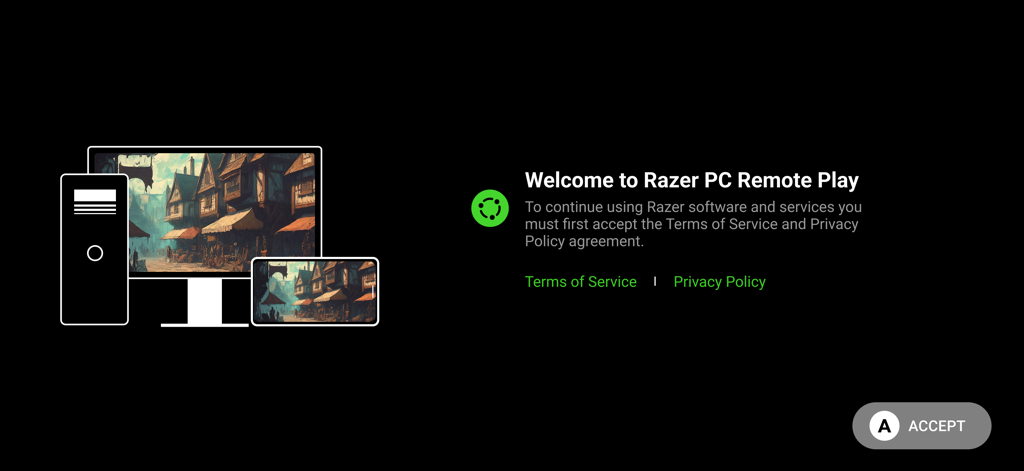
Welcome screen for Razer PC Remote Play showing PC and mobile device synchronization
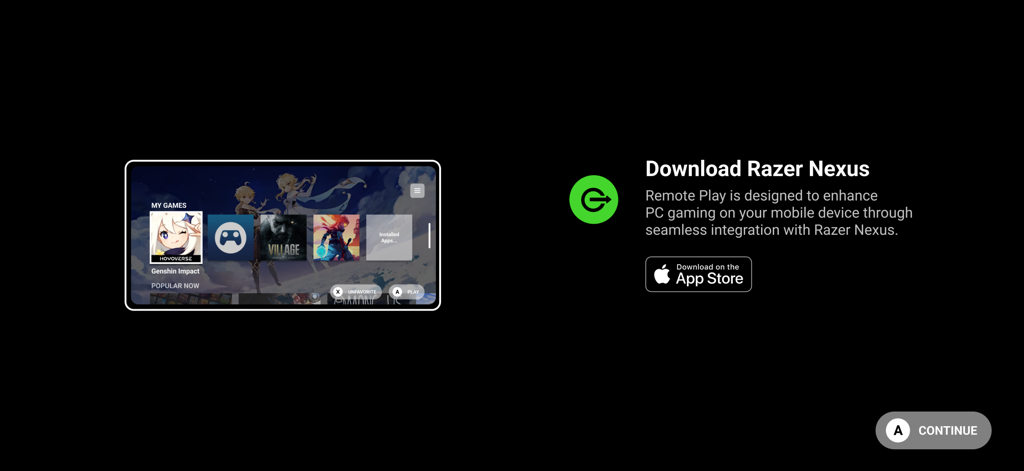
Onboarding screen for Razer PC Remote Play suggesting Razer Nexus app download for seamless gaming
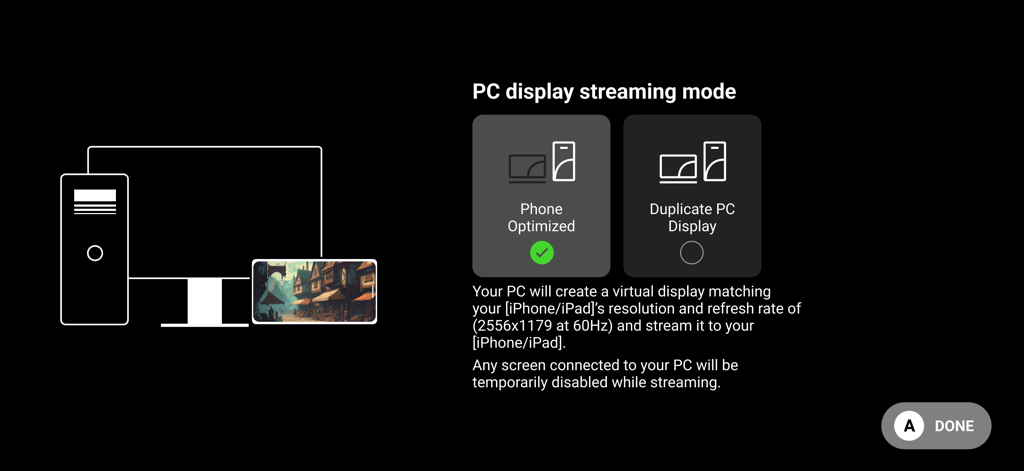
Razer PC Remote Play app screen showing PC display streaming mode options including phone optimized and duplicate display.
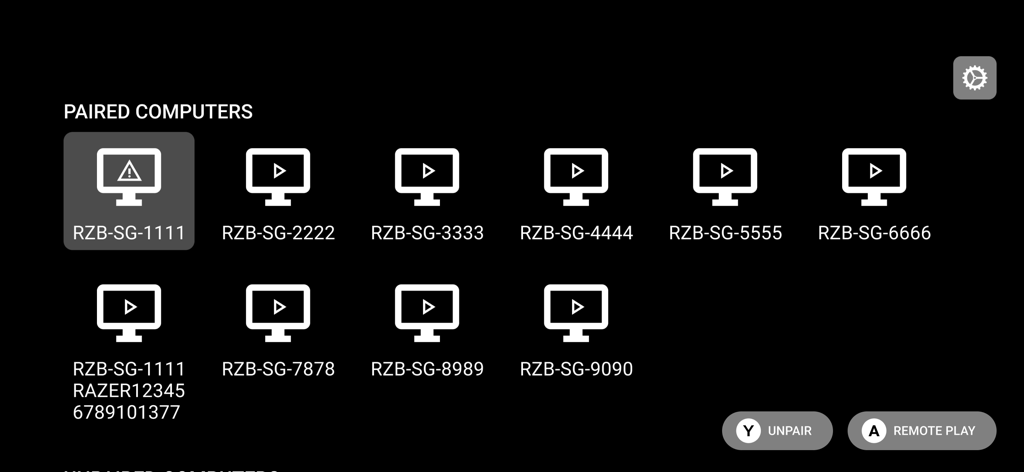
Interface of the Razer PC Remote Play app showing a list of paired gaming computers ready for streaming
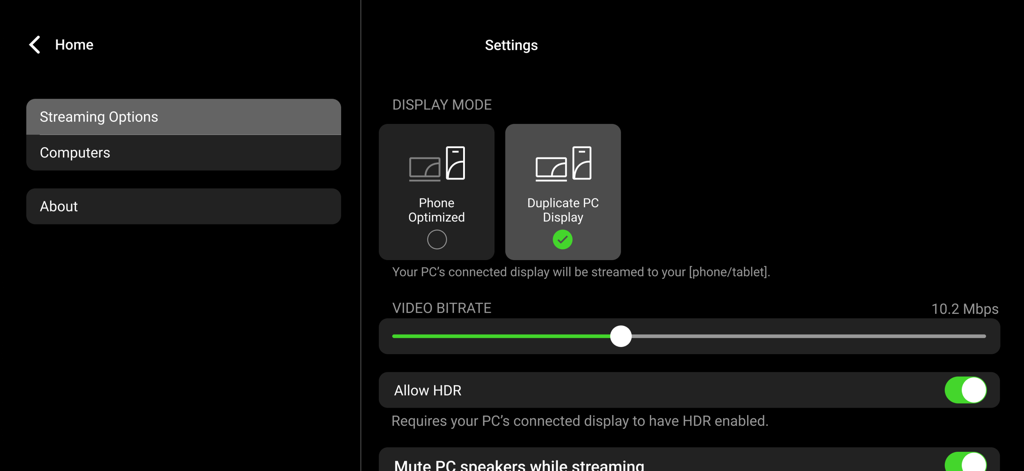
Razer PC Remote Play settings menu showing streaming options and video bitrate controls.
Description
Download
More Like This
Top-ranked apps in the same category

TikTok - Videos, Shop & LIVE
TIKTOK PTE. LTD.

Freecash - Get Paid Real Money
256 REWARDS LTD

Netflix
Netflix, Inc.

DramaBox - Stream Drama Shorts
STORYMATRIX PTE. LTD

HBO Max: Stream Movies & TV
WarnerMedia Global Digital Services, LLC

Amazon Prime Video
AMZN Mobile LLC

Disney+
Disney Electronic Content, Inc.

NetShort - Popular Dramas & TV
NETSTORY PTE. LTD.

Ticketmaster-Buy, Sell Tickets
Ticketmaster L.L.C
This page is not an official page of the app or its developer, but an independent editorial publication created for informational and commentary purposes. Unless expressly stated otherwise, neither the app nor its developer is affiliated with, endorsed by, sponsored by, authorized by, or otherwise officially connected with MWM, Apple, Google Play, the app publisher, or the app's developer, and nothing on this page implies that the app was developed using MWM's services. Any trademarks, logos, screenshots, and other content remain the property of their respective owners.