
This page is not an official page of the app or its developer, but an independent editorial publication created for informational and commentary purposes. Unless expressly stated otherwise, neither the app nor its developer is affiliated with, endorsed by, sponsored by, authorized by, or otherwise officially connected with MWM, Apple, Google Play, the app publisher, or the app's developer, and nothing on this page implies that the app was developed using MWM's services. Any trademarks, logos, screenshots, and other content remain the property of their respective owners.


Realistic Paint Studio
Skip the complex menus and rediscover the joy of painting. Experience lifelike brushes, flowing watercolors, and textured canvases on a familiar art-desk interface designed for pure creativity.
Downloads
128K+User Rating
Total Ratings
5K+Publisher
Category
Graphics & DesignLocales
1Latest Version
2.11Size
1.0 GBFirst Released
Sep 13, 2020Traditional Artistry Meets Digital Freedom
Experience the authentic feel of a physical studio on your iPad. No complex menus—just you, your brushes, and pure creative flow.
Authentic Brush Physics
Feel the fluid movement of liquid watercolors and the rich texture of oil paints on 45 types of scanned, realistic canvases.
Zero Learning Curve
Our 'Art Station' interface replaces technical jargon with familiar tools, making digital painting as intuitive as picking up a physical pencil.
Frequently Asked Questions
Everything you need to know about Realistic Paint Studio
What is Realistic Paint Studio?
Realistic Paint Studio is a digital art software that combines traditional art tools with pioneering digital innovations. It offers a familiar art station interface, making digital art accessible without requiring special education.
Does Realistic Paint Studio support different art styles?
Yes, Realistic Paint Studio offers three creative styles: Drawing, Watercolor, and Oil Painting. These styles allow users to create various types of digital artwork.
What types of canvases are available in Realistic Paint Studio?
Realistic Paint Studio features "Realistic Canvases," which include 15 types of sketchbooks, paper sheets, and canvases. These come with 45 different textures scanned from real materials for an authentic feel.
Does Realistic Paint Studio offer realistic brushes and tools?
Yes, Realistic Paint Studio includes "Realistic brushes" designed to convey all the nuances of real brushes, pencils, pens, and markers. The application provides diverse tool sets for authentic creation.
Does Realistic Paint Studio offer tutorials for learning art techniques?
Yes, Realistic Paint Studio provides step-by-step tutorials and a "Live demonstration" feature. These tools instantly show drawing methods for selected tools, assisting users in learning and creating.
How does Realistic Paint Studio handle color rendering?
Realistic Paint Studio uses a "Realistic color" engine, which is a unique color engine ensuring vibrant and accurate color representation. This enhances the authenticity of digital artwork.
Can I see my finished art in a realistic setting using Realistic Paint Studio?
Yes, users can preview their artwork in a realistic setting using the "Realistic showcase" feature. This instantly displays the picture within a beautiful scene, providing an authentic presentation.
The following screenshots and description are sourced directly from the app's official store listing and are the property of the app developer.
App Store
Screenshots
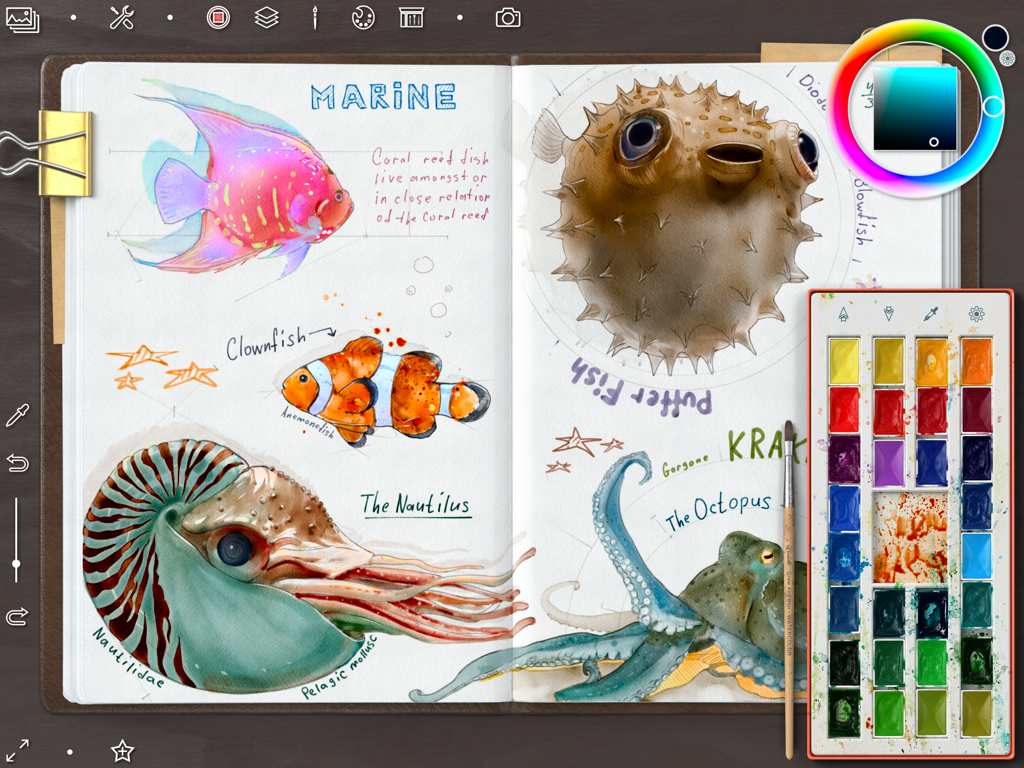
Digital watercolor sketches of marine life in an art journal within the Realistic Paint Studio app
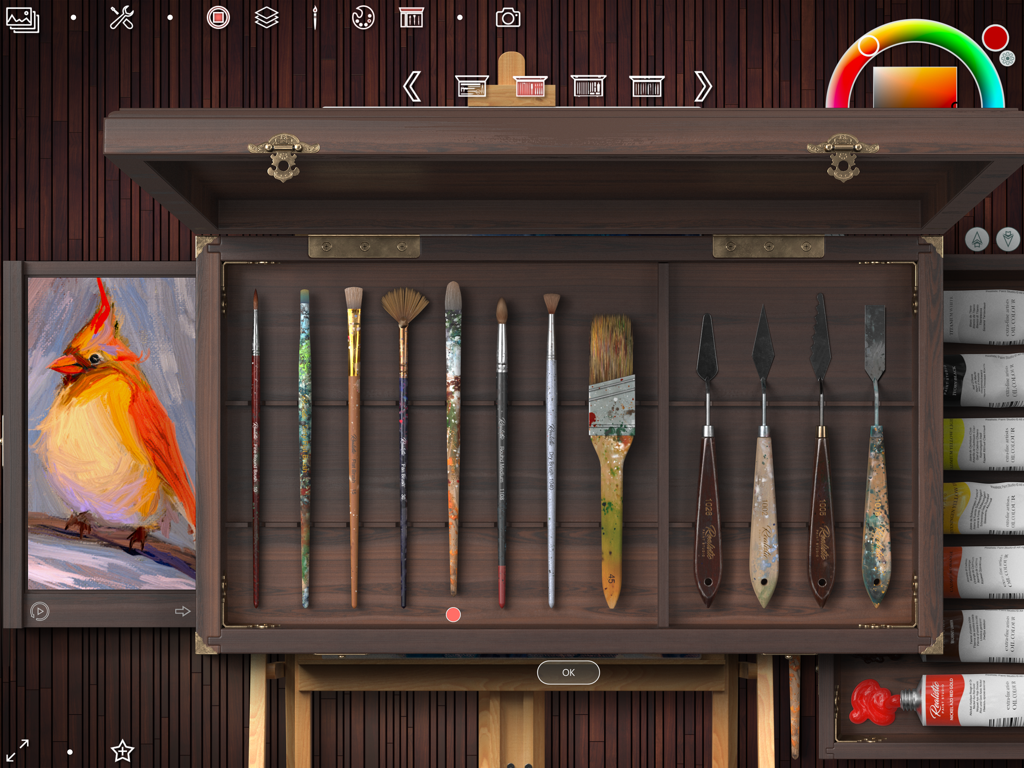
A digital art interface showing a wooden box with realistic brushes and palette knives for oil painting.
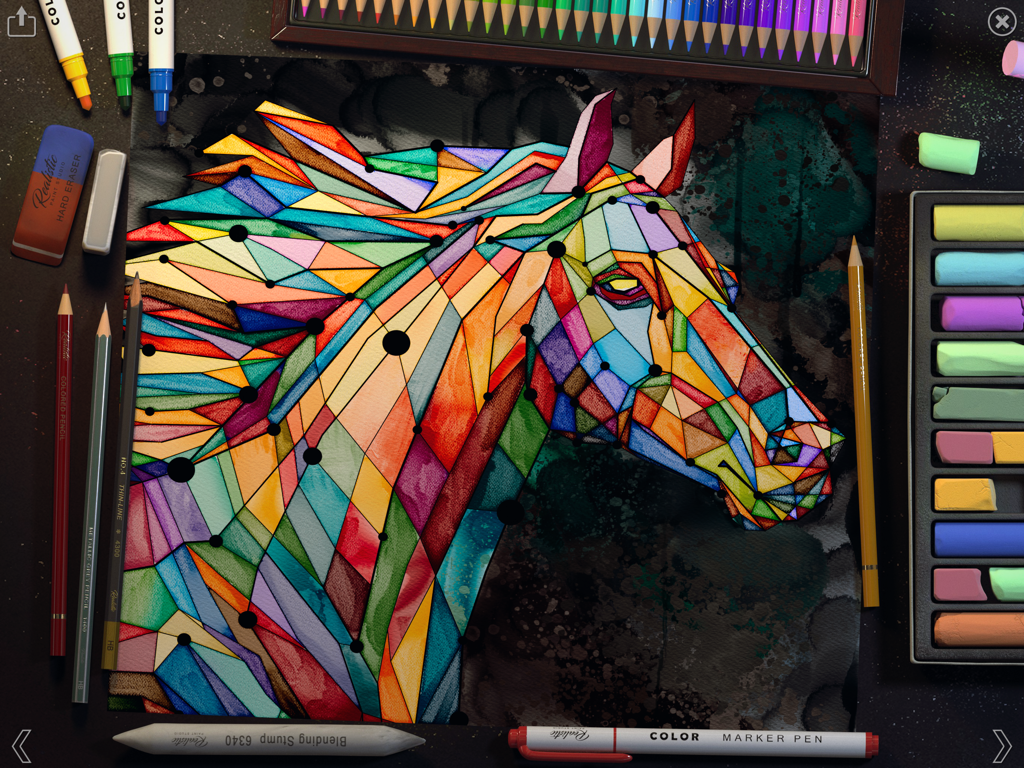
A colorful geometric horse painting in Realistic Paint Studio surrounded by realistic digital art tools.
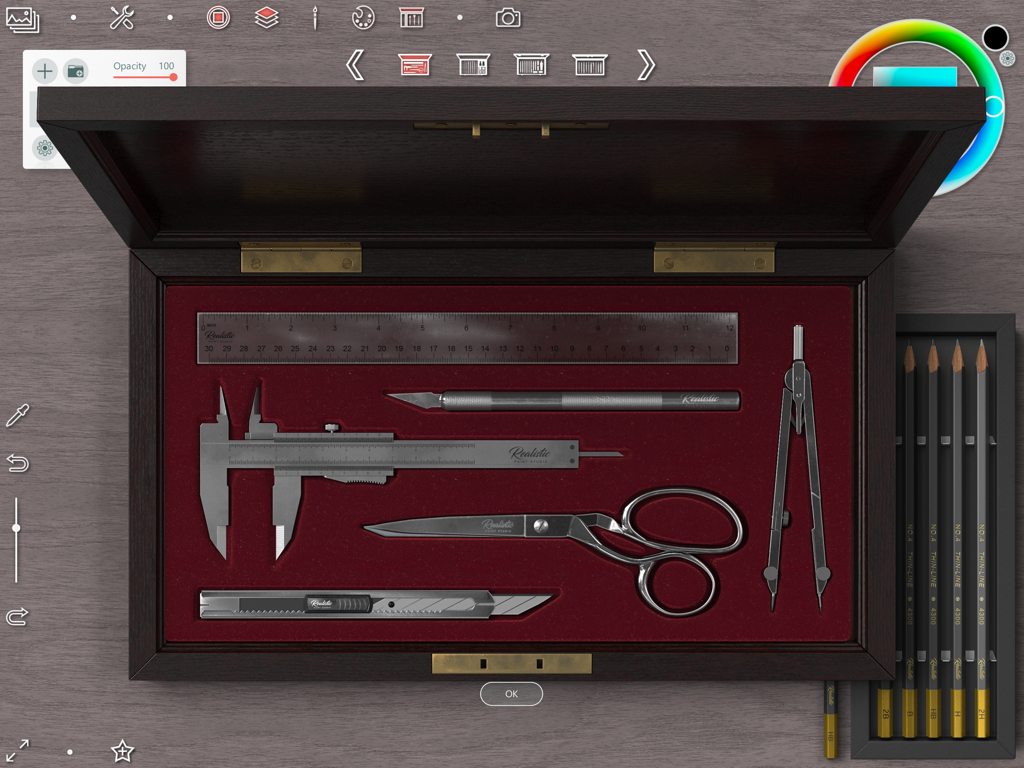
Digital art interface showing a wooden box with realistic drafting tools like scissors calipers and a ruler
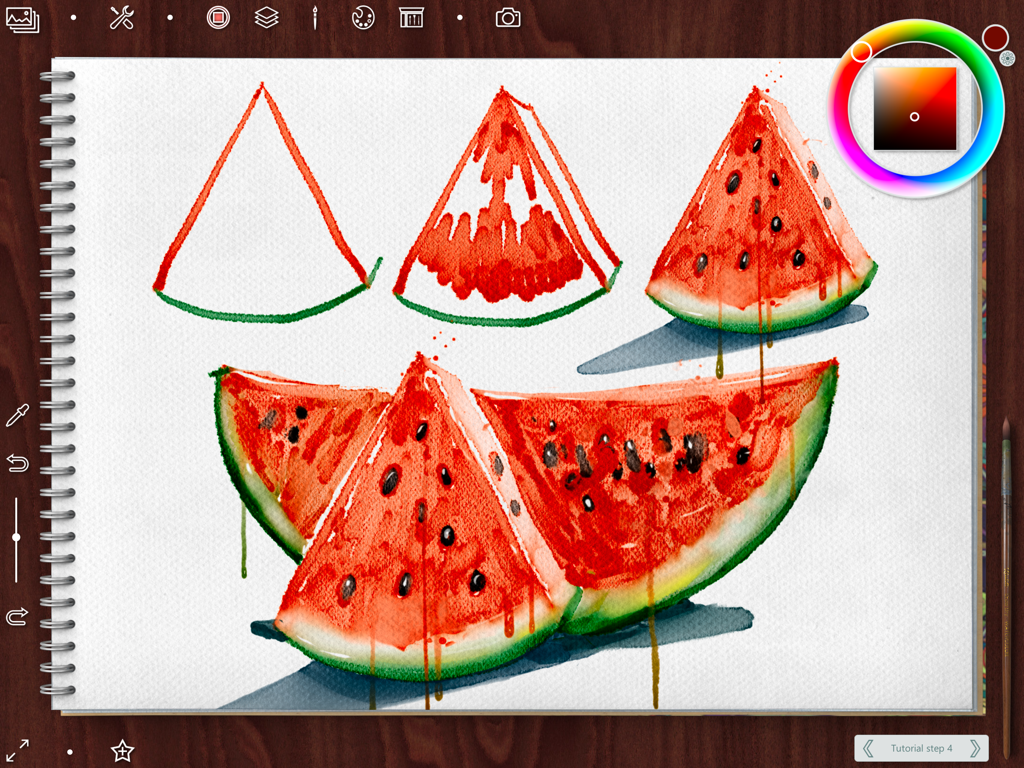
Digital watercolor tutorial showing steps to paint realistic watermelon slices in a sketchbook.
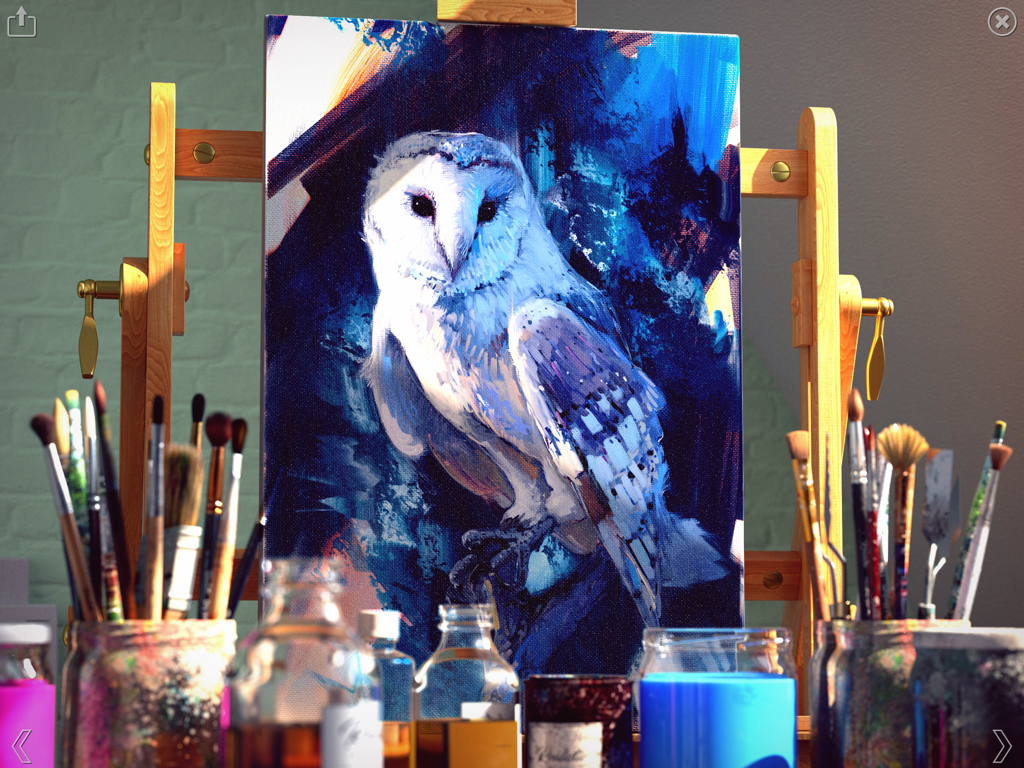
A realistic digital oil painting of an owl displayed on a wooden easel within a virtual art studio.
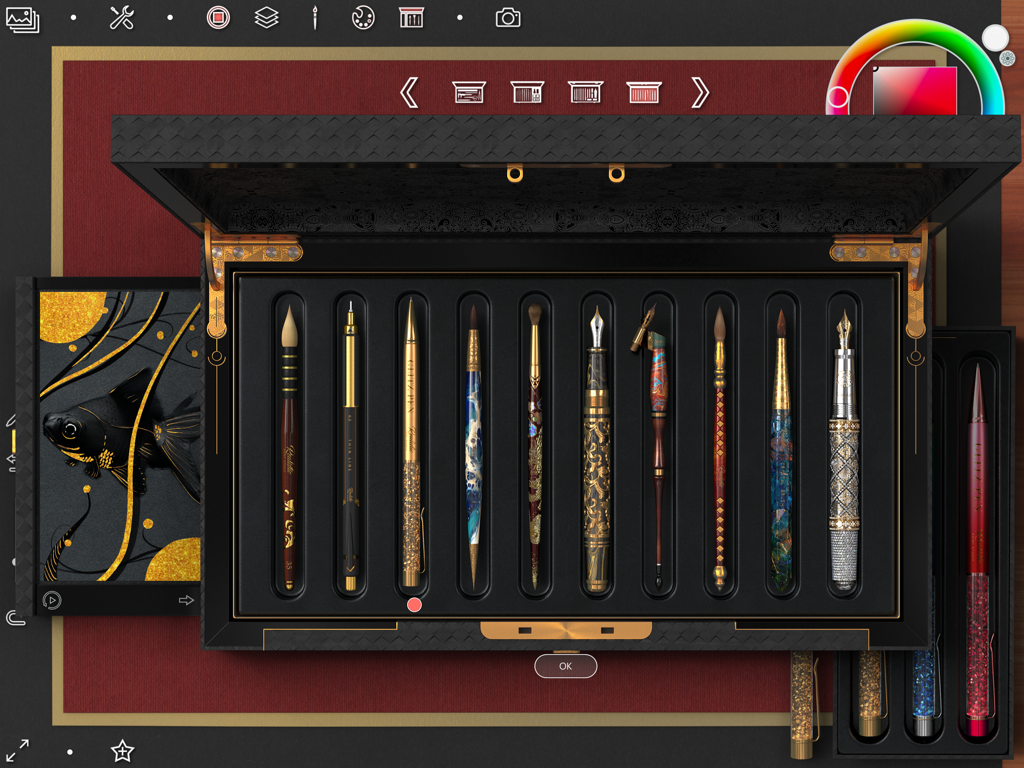
A collection of ornate digital brushes and pens displayed in a realistic art box within the app interface
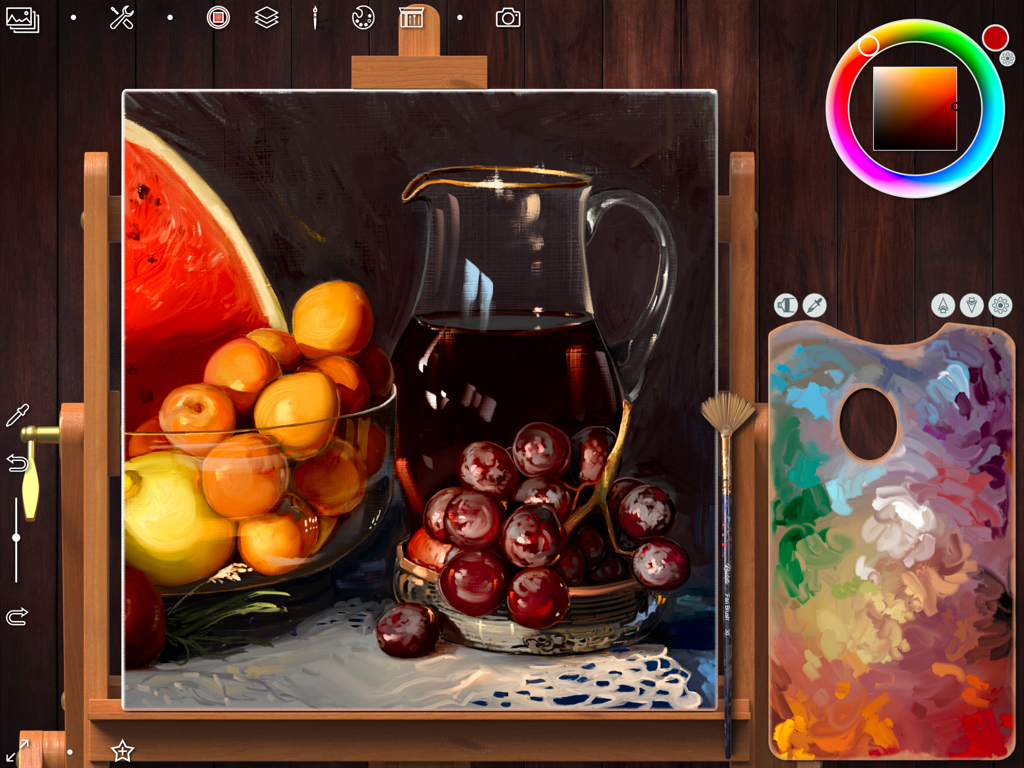
A digital oil painting of a still life on a virtual wooden easel within the Realistic Paint Studio app.
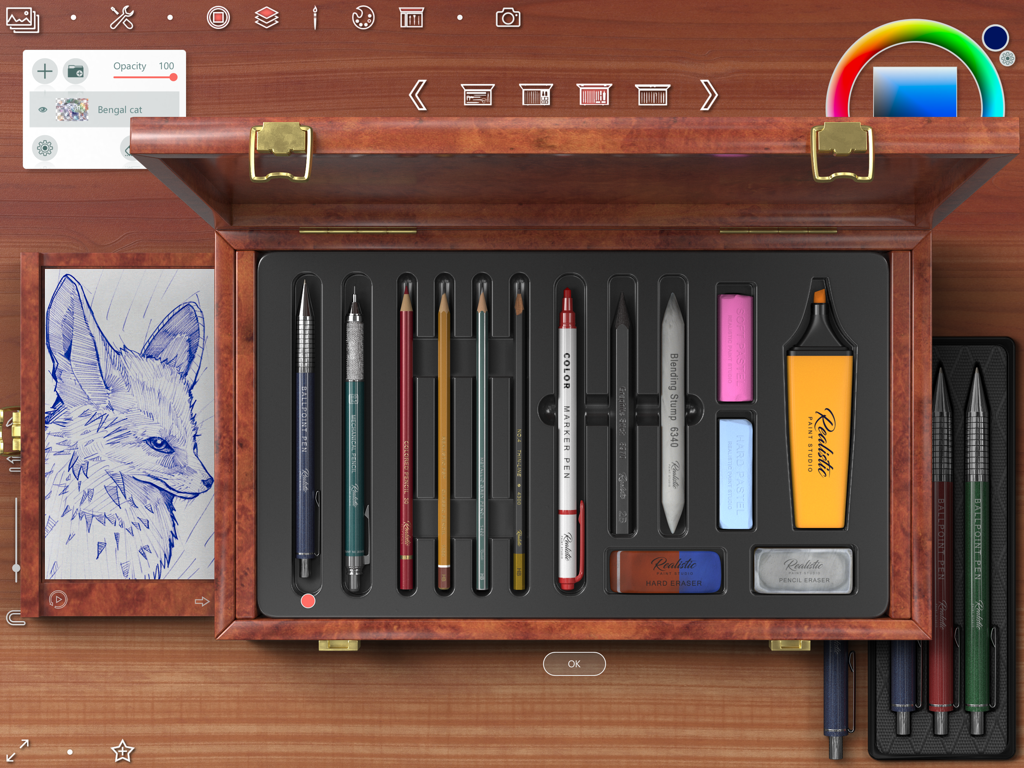
Interface showing a realistic wooden art box with drawing tools and a fox sketch

Digital marker drawing of a character in a glass of tea on a realistic sketchbook
Description
Download
More Like This
Apps with similar features and user experience

Doodle Magic: Glow Art Drawing
CEM SOFTWARE COMPANY LIMITED

8bit Painter - Pixel Art
Takayuki Miyagawa

Neon Draw - Glow Doodle Art
CEM SOFTWARE COMPANY LIMITED

MapChart App
Minas Giannekas

NiBoard: Whiteboard & Sketch
Enid Hadaj

Simple Whiteboard by Qrayon
Qrayon, LLC

Draw and Paint for Kid Toddler
Raymond GUITTONNEAU

12 WhiteBoards
hideko ogawa

SketchBook -drawing & painting
ISMITECH COMPANY LIMITED
This page is not an official page of the app or its developer, but an independent editorial publication created for informational and commentary purposes. Unless expressly stated otherwise, neither the app nor its developer is affiliated with, endorsed by, sponsored by, authorized by, or otherwise officially connected with MWM, Apple, Google Play, the app publisher, or the app's developer, and nothing on this page implies that the app was developed using MWM's services. Any trademarks, logos, screenshots, and other content remain the property of their respective owners.