
This page is not an official page of the app or its developer, but an independent editorial publication created for informational and commentary purposes. Unless expressly stated otherwise, neither the app nor its developer is affiliated with, endorsed by, sponsored by, authorized by, or otherwise officially connected with MWM, Apple, Google Play, the app publisher, or the app's developer, and nothing on this page implies that the app was developed using MWM's services. Any trademarks, logos, screenshots, and other content remain the property of their respective owners.


Remotix VNC Kiosk
The high-performance B2B remote desktop solution with native support for Linea Pro and Magtek hardware. Bridge your legacy desktop software to iOS with full kiosk lockdown, master password protection, and zero hidden costs.
Downloads
37K+User Rating
Total Ratings
0Publisher
Category
BusinessLocales
3Latest Version
3.4Size
11.0 MBFirst Released
May 31, 2013Industrial-Grade Terminal Capabilities
Convert your iOS devices into specialized business tools with native hardware integration and enterprise-ready security features designed for retail and logistics.
Native Peripheral Integration
Full support for Linea Pro, Infinea Tab, and Magtek readers included. Access barcode scanners and card readers instantly without additional in-app purchases.
Secure Kiosk Lockdown
Maintain operational control with master password protection and fullscreen modes that prevent staff from modifying settings or exiting business applications.
Frequently Asked Questions
Everything you need to know about Remotix VNC Kiosk
What is Remotix VNC Kiosk used for?
Remotix VNC Kiosk is ideal for Point-of-Sale (POS) or financial processing appliances using an iOS mobile device. It supports Linea, iMag, and Magtek credit card readers.
What iOS devices and versions does Remotix VNC Kiosk support?
Remotix VNC Kiosk supports iOS9 and is designed for both iPhone, including iPhone 6/6+, and iPad devices.
Does Remotix VNC Kiosk require in-app purchases for card or barcode reader support?
No, Remotix VNC Kiosk includes built-in support for all card reader and barcode reader functionalities without requiring any additional in-app purchases.
Which VNC servers does Remotix VNC Kiosk support?
Remotix VNC Kiosk supports all major VNC servers and Apple Screen Sharing. It also includes support for Apple Mac OS X authentication and UltraVNC Windows authentication.
What are the interaction modes available in Remotix VNC Kiosk?
Remotix VNC Kiosk offers two interaction modes: fullscreen with resize and panning. It also supports multitouch gestures for scrolling, zooming, and dragging.
Does Remotix VNC Kiosk offer password protection?
Yes, Remotix VNC Kiosk includes master password protection. This feature prevents unintended changes to the application's configuration parameters, enhancing security.
Which external accessories are compatible with Remotix VNC Kiosk?
Remotix VNC Kiosk supports external accessories including Infinea Tab 2, Infinea Tab 4, Infinea Tab M, Linea Pro 4, Linea Pro 5, Magtek iDynamo, and iMag Pro.
What barcode scanner modes are supported by Remotix VNC Kiosk?
Remotix VNC Kiosk supports Single Scan, Multiple Scan, and Motion Detection modes for Linea/Infinea Bar Code Scanners.
Can users connect to a VNC server using Remotix VNC Kiosk?
Yes, Remotix VNC Kiosk connects to VNC servers. The application's main interface features a 'Connect' option to establish these connections.
The following screenshots and description are sourced directly from the app's official store listing and are the property of the app developer.
App Store
Screenshots
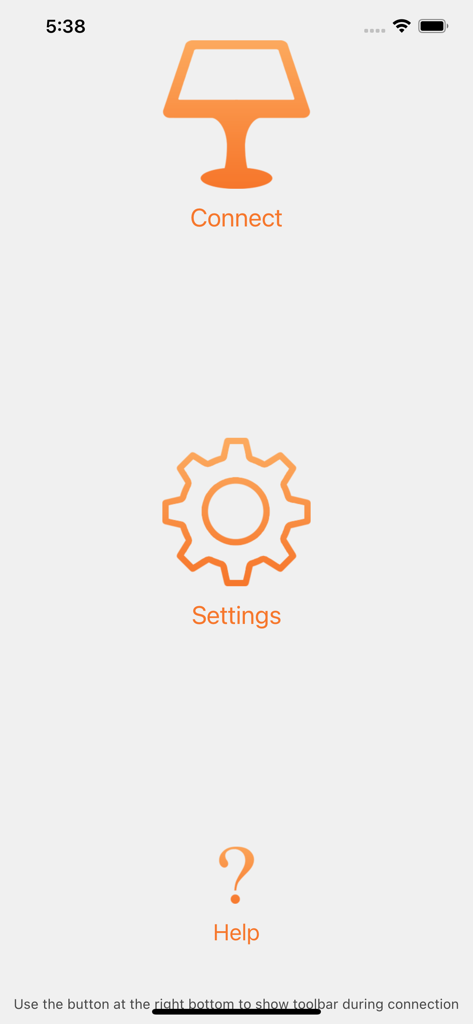
Remotix VNC Kiosk main menu screen with connect settings and help options
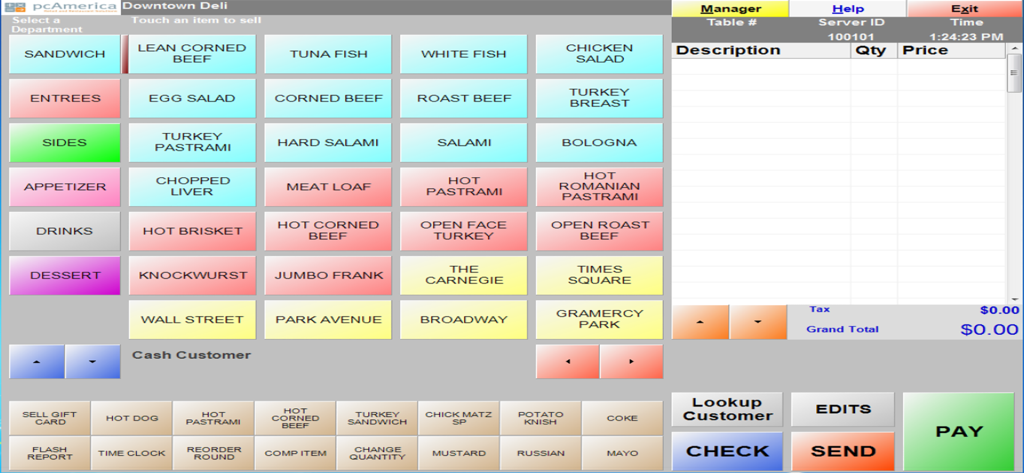
Deli point of sale software interface displayed through Remotix VNC Kiosk
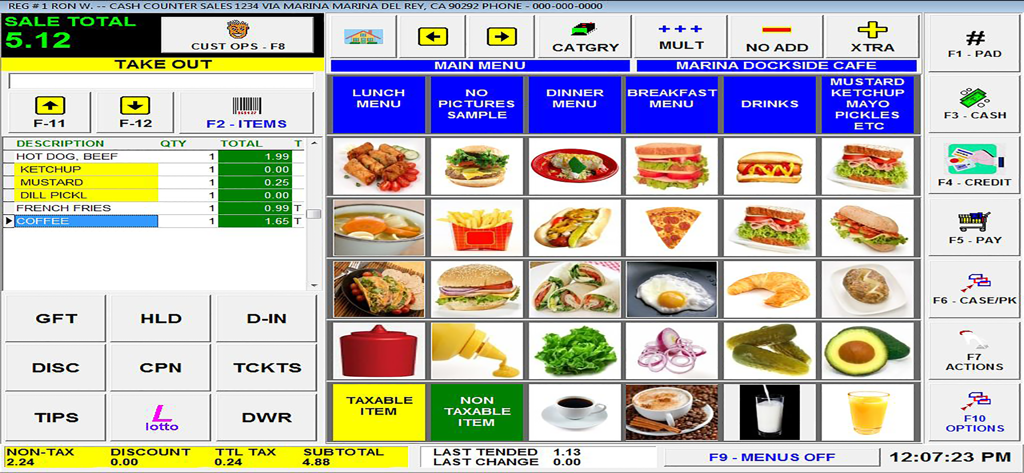
A restaurant point of sale interface showing a food menu and current sales total
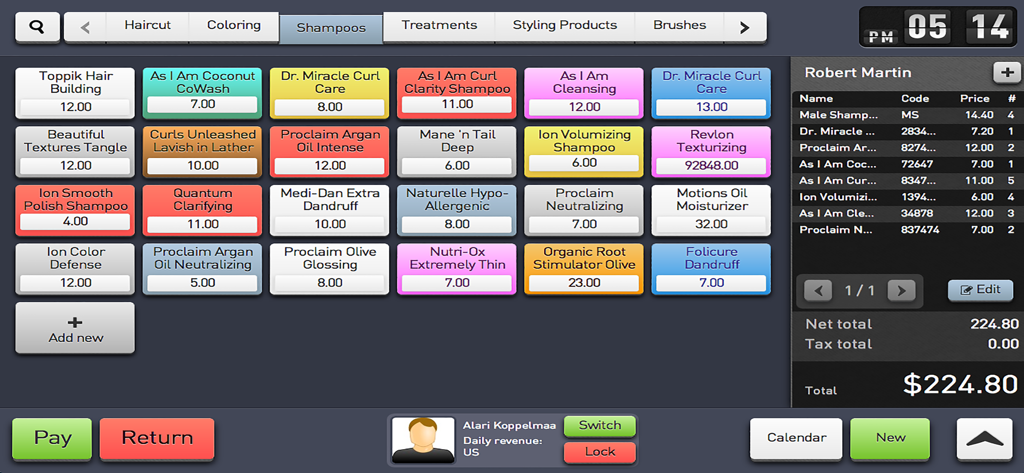
A salon point of sale interface displayed on an iPad using Remotix VNC Kiosk showing inventory and checkout
Description
Download
More Like This
Top-ranked apps in the same category

Microsoft Teams
Microsoft Corporation

Zoom Workplace
Zoom Communications, Inc.

WhatsApp Business
WhatsApp Inc.

Indeed Job Search
Indeed Inc.

LinkedIn: Network & Job Finder
LinkedIn Corporation

Adobe Acrobat Reader: Sign PDF
Adobe Inc.

WeCom-Work Communication&Tools
Tencent Technology (Shenzhen) Company Limited

BOSS直聘-招聘求职找工作神器
Beijing China Product Bo Farce Network Technology Co., Ltd.

DingDing - Redefine Work in AI
DingTalk Technology Co., Ltd.
This page is not an official page of the app or its developer, but an independent editorial publication created for informational and commentary purposes. Unless expressly stated otherwise, neither the app nor its developer is affiliated with, endorsed by, sponsored by, authorized by, or otherwise officially connected with MWM, Apple, Google Play, the app publisher, or the app's developer, and nothing on this page implies that the app was developed using MWM's services. Any trademarks, logos, screenshots, and other content remain the property of their respective owners.