
Remove Background - Collart SE

Effortlessly erase backgrounds, design trendy collages, and elevate your brand in seconds. The ultimate creative toolkit for your shop and social feed—no account or design skills required.
Publisher
Category
Graphics & DesignDownloads
104K+User Rating
Total Ratings
1K+Locales
14Discover the interface used by 104K+ users.
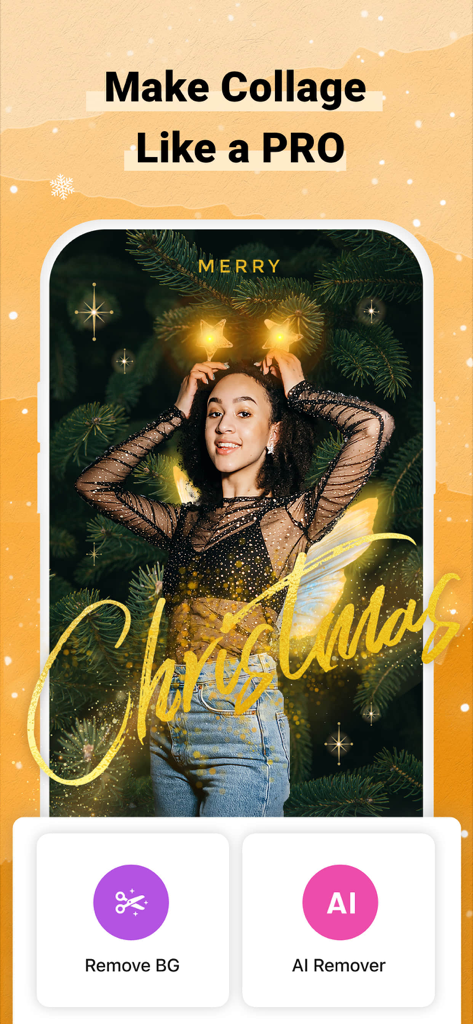
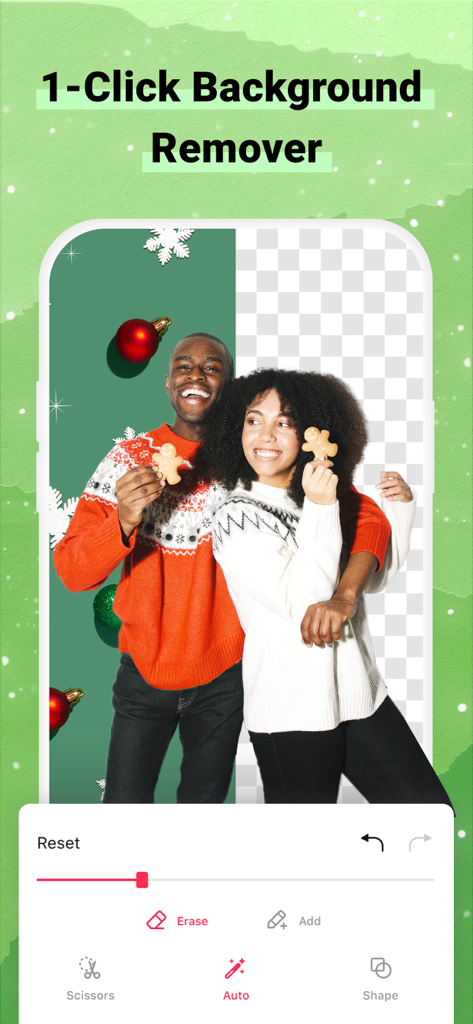
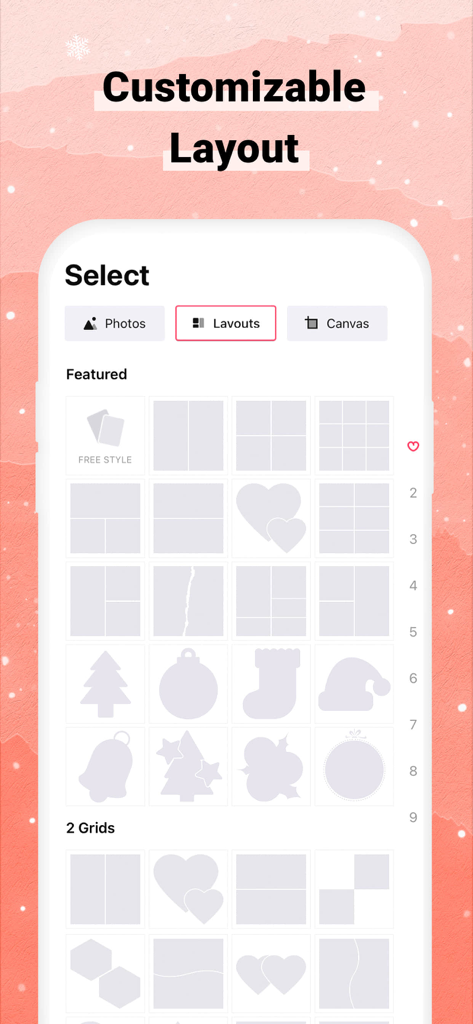
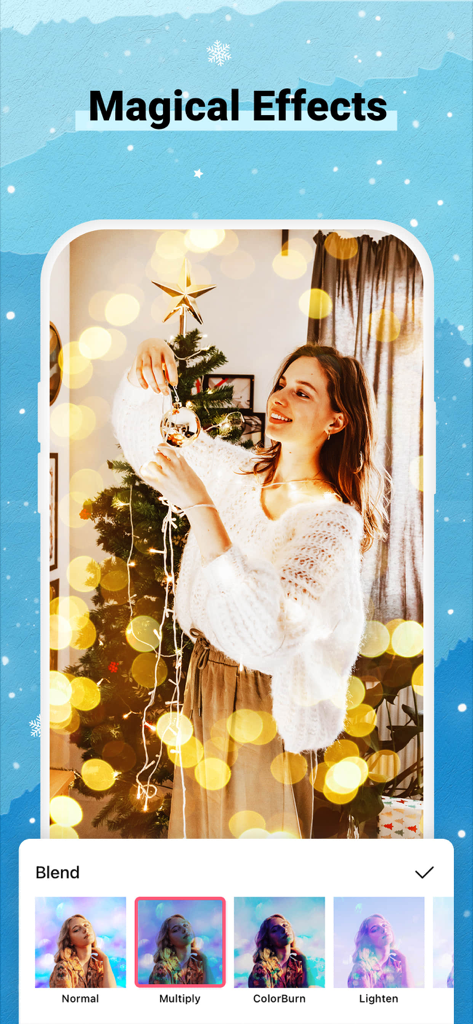
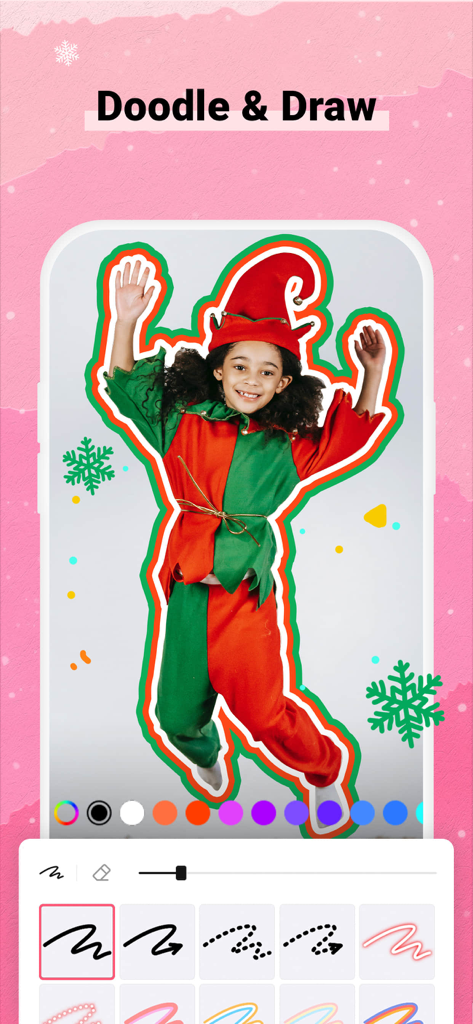
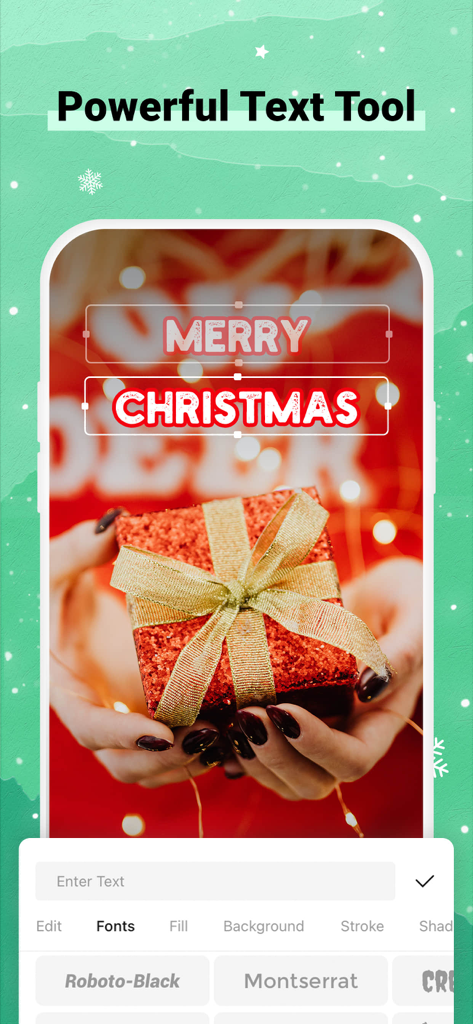
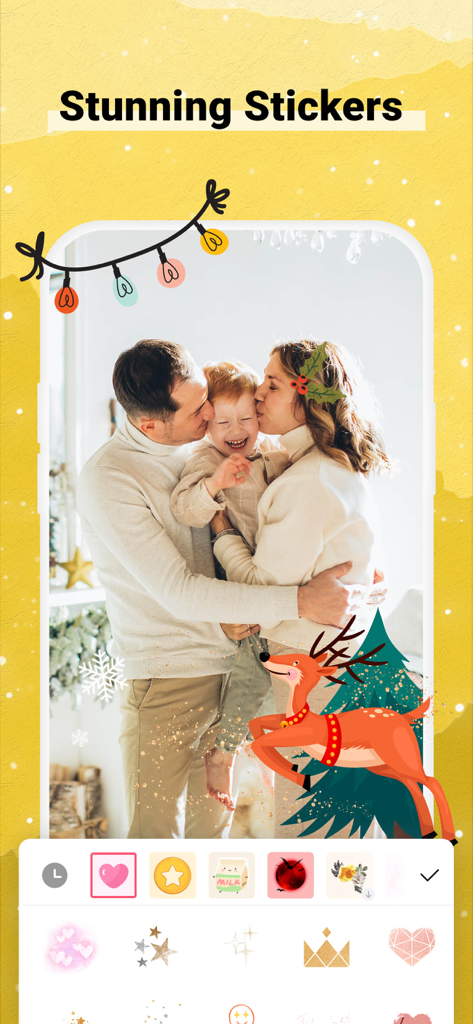
The tools that make this app stand out, trusted by 104K+ users.
Instantly erase clutter for professional product shots or sleek social cut-outs. Perfect for selling on Poshmark or building your personal brand.
Access a massive library of aesthetic stickers, filters, and designer fonts. Stay ahead of trends and make every post look like a masterpiece.
Go beyond basic templates with Freestyle Mode. Move, layer, and customize every detail to match your unique vision without any design skills.
Everything you need to know about Remove Background - Collart SE.
Description
Latest Version
1.5.0
Size
350.8 MB
First Released
Aug 27, 2021
Join over 104,000 creators turning everyday photos into pro-level masterpieces. No account required, no design skills needed—just your imagination. Download Collart SE for free today.
Everything you need to know about Remove Background - Collart SE
Remove Background - Collart SE automatically removes backgrounds. Users can also use the handy background eraser by touching the object or the Magical Cut-Out Feature by tracing shapes.
Yes, Remove Background - Collart SE is an All-in-1 Photo Collage Maker app. It provides catchy collages, layouts, and a flexible freestyle mode for creating unique photo masterpieces.
Yes, Collart SE offers 1000+ unique stickers, backgrounds, and filters through its Powerful Material Store. These materials are well organized for user options.
Yes, Remove Background - Collart SE includes an Awesome Fonts and Texts feature. Users can choose from hundreds of colorful fonts and fancy texts or create their own fonts.
Yes, Remove Background - Collart SE includes an Easily Share Function. Users can directly share their edited photos and collages to any social network from within the app.
Yes, Remove Background - Collart SE offers new Christmas Layouts and elements. These seasonal additions enhance collage creation with festive designs and features.
No, an account is not needed to use Remove Background - Collart SE. Users can begin editing photos and creating collages without any registration.
Collart SE provides Rich & Customized Layouts in various shapes and sizes. It also includes a Flexible Freestyle Mode, allowing users to arrange photos, stickers, and texts freely.
Yes, Remove Background - Collart SE features an "AI Remover" option. This functionality allows for automatic background removal using artificial intelligence.
Apps with similar features and user experience
17V28 LTD

Printage inc.

Beijing Jianpian Intelligent Technology Co., Ltd.

Appostrophe AB
Dmitry Marchenkov

Oringe Inc.

Luxe Studio Apps LLC

APPSLAB.IO - FZCO

SHANTANU PTE. LTD.
App information, icons, screenshots, and descriptions displayed on this page are sourced from the Apple App Store and are the property of their respective developers. Download estimates and rankings are based on MWM's proprietary models and may not reflect actual figures. This page is provided for informational and analytical purposes only.
Believe this page infringes your intellectual property? File a dispute
