
This page is not an official page of the app or its developer, but an independent editorial publication created for informational and commentary purposes. Unless expressly stated otherwise, neither the app nor its developer is affiliated with, endorsed by, sponsored by, authorized by, or otherwise officially connected with MWM, Apple, Google Play, the app publisher, or the app's developer, and nothing on this page implies that the app was developed using MWM's services. Any trademarks, logos, screenshots, and other content remain the property of their respective owners.


Vivisticker: Story Maker
Level up your personal brand with 1000+ trending stickers, AI-powered editing, and professional templates. No design skills required—just copy, paste, and create scroll-stopping content in seconds.
Downloads
3M+User Rating
Total Ratings
24K+Publisher
Category
Photo & VideoLocales
10Latest Version
2.66Size
142.5 MBFirst Released
Sep 24, 2022Level Up Your Digital Vibe
Everything you need to create scroll-stopping Stories, Reels, and digital journals—no design skills required.
Instant Copy & Paste
The fastest workflow for creators. Effortlessly copy stickers or text and paste them directly into Instagram, TikTok, or CapCut in seconds.
1,000+ Curated Assets
From hand-drawn illustrations to film frames and 3D text, access a massive library of high-quality designs that match your aesthetic.
Frequently Asked Questions
Everything you need to know about Vivisticker: Story Maker
What is Vivisticker?
Vivisticker is an aesthetic toolkit providing high-quality assets and AI editing tools for creating engaging content across platforms like Instagram Stories, Reels, TikToks, and more. It helps users level up their content instantly.
How does Vivisticker simplify content creation?
Vivisticker simplifies content creation through its seamless copy & paste functionality across apps, allowing users to easily transfer assets. It also offers templates, one-tap styles, and AI editing for quick results.
Is Vivisticker compatible with other video editing apps?
Yes, Vivisticker is fully compatible with popular video editing apps like CapCut, InShot, iMovie, and Edits. Users can save assets to their camera roll and import them into these editors.
What AI retouching features does Vivisticker offer?
Vivisticker offers AI retouching features such as removing blemishes, increasing hair volume, and removing double chins. These tools help users enhance their photos with artificial intelligence.
How many fonts are available in Vivisticker?
Vivisticker offers over 1400 fonts. Users can search and apply these fonts, categorized by styles such as Playful, Handwriting, Classic, and Elegant, to customize their text.
Can Vivisticker create personalized AI-generated stickers?
Yes, Vivisticker creates personalized AI-generated cartoon and pet stickers from your own photos. It also offers AI creative filters to transform photos into pixel art, anime, or claymation styles.
Is Vivisticker easy to use for content creation beginners?
Yes, Vivisticker is designed for beginners. It operates with a simple "Copy. Paste. Style." method and provides over 100 step-by-step tutorials to guide users in creating aesthetic content without design skills.
Can users save and reuse designs in Vivisticker?
Yes, Vivisticker allows users to save their styles and create copies using the "My Designs" feature. This enables fast, consistent posting and content creation across various platforms.
Does Vivisticker allow direct sharing to Instagram Stories?
Yes, Vivisticker allows users to directly share backgrounds and other creations to Instagram Stories. The app streamlines the sharing process for social media content.
Does Vivisticker offer templates for Instagram Stories?
Yes, Vivisticker provides tons of gorgeous story templates. These easy-to-use templates include frames, heart grids, and more, allowing users to add clips, stickers, and text for stylish videos.
Where can I find the Vivisticker privacy policy?
The Vivisticker privacy policy is available at https://blog.vivipic.com/us/us-privacy-policy/. This link provides detailed information on data handling practices for the application.
The following screenshots and description are sourced directly from the app's official store listing and are the property of the app developer.
App Store
Screenshots
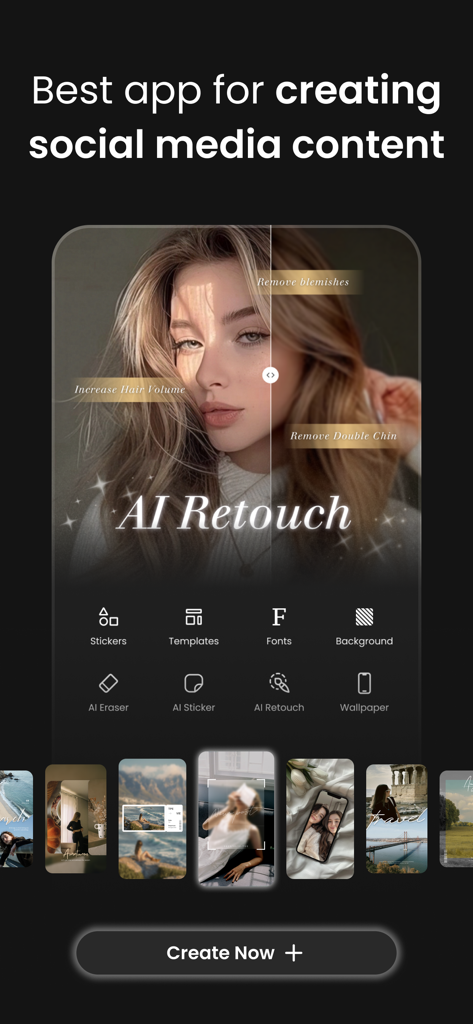
Vivisticker app interface showcasing AI retouch tools for creating aesthetic social media content
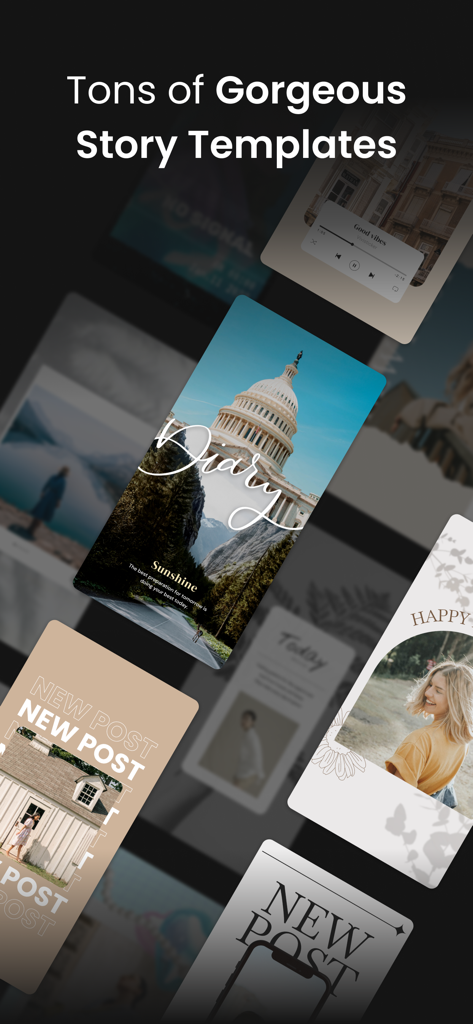
A display of several gorgeous and aesthetic social media story templates from the Vivisticker app.
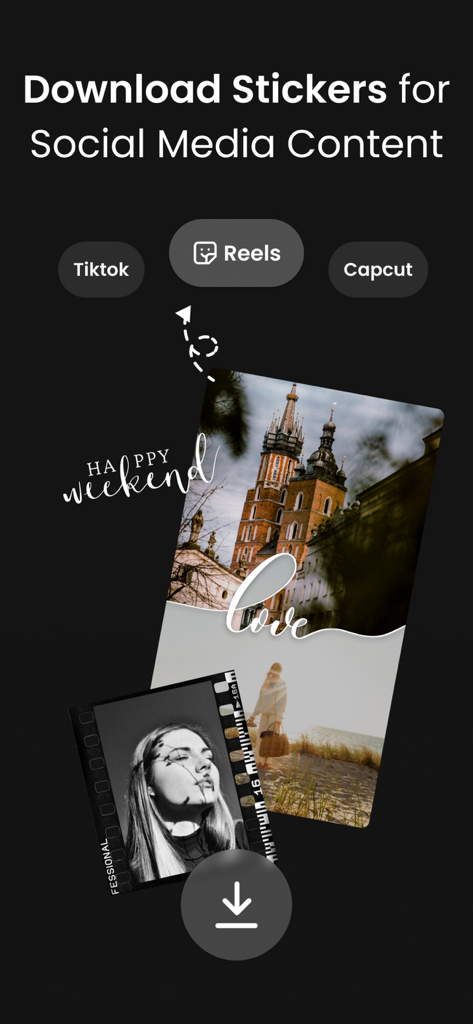
Vivisticker app screen showing aesthetic stickers and photo overlays for TikTok and Reels content creators.
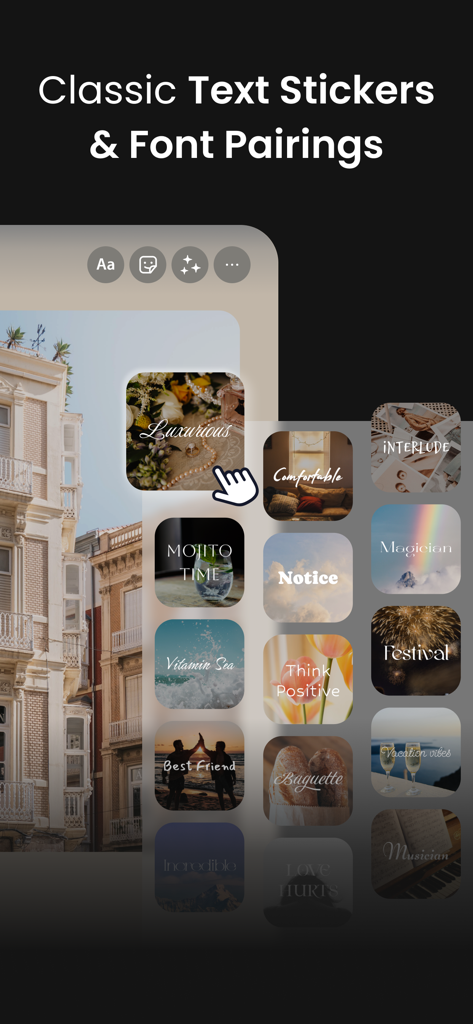
A selection of aesthetic text stickers and font pairings within the Vivisticker app interface.
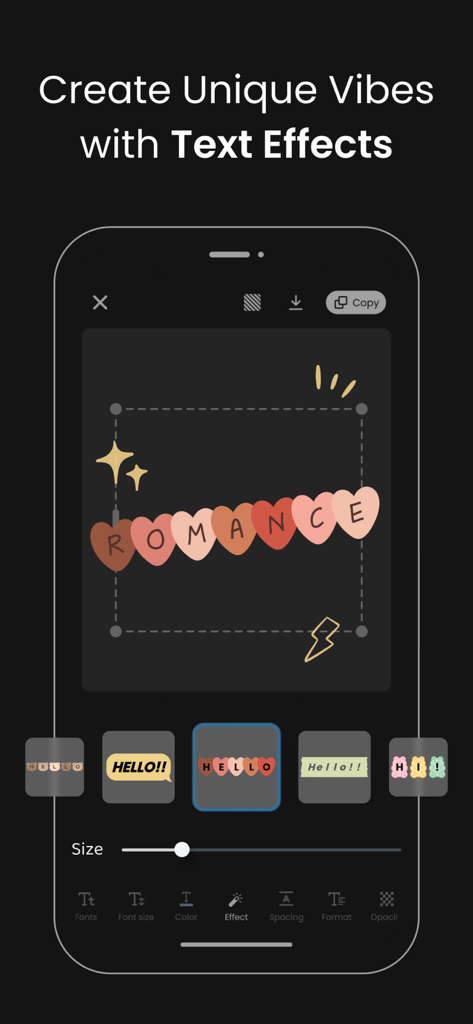
Vivisticker app interface showing creative text effects and aesthetic stickers for social media stories
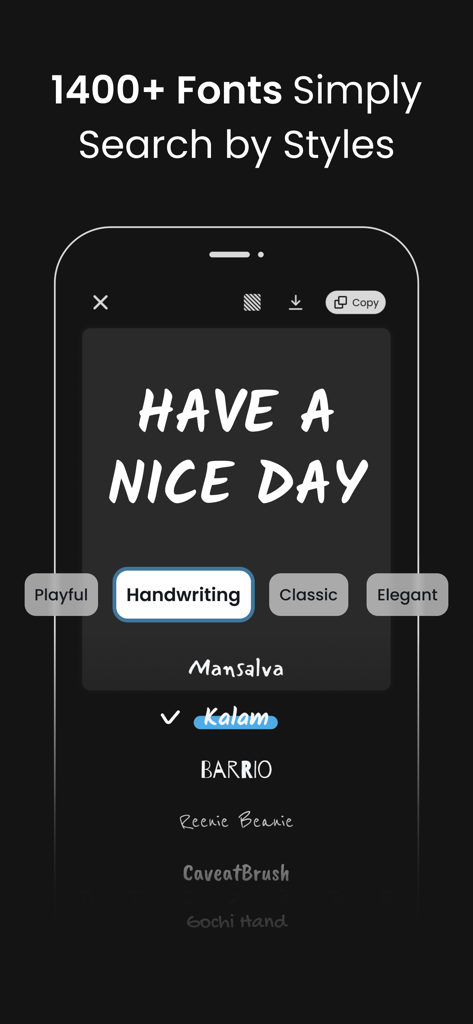
Vivisticker app interface showing a selection of handwriting font styles for social media content creation
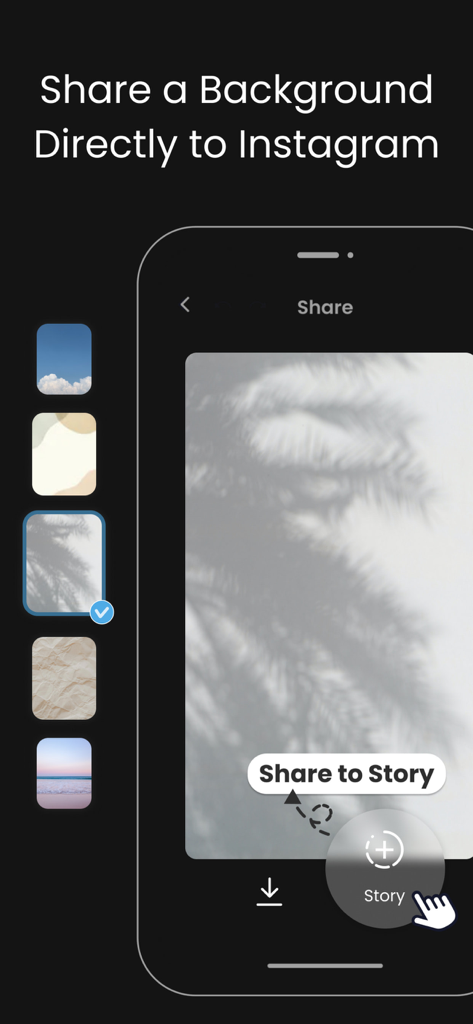
A mobile interface showing various aesthetic backgrounds and a button to share a chosen palm leaf shadow background directly to Instagram Stories.
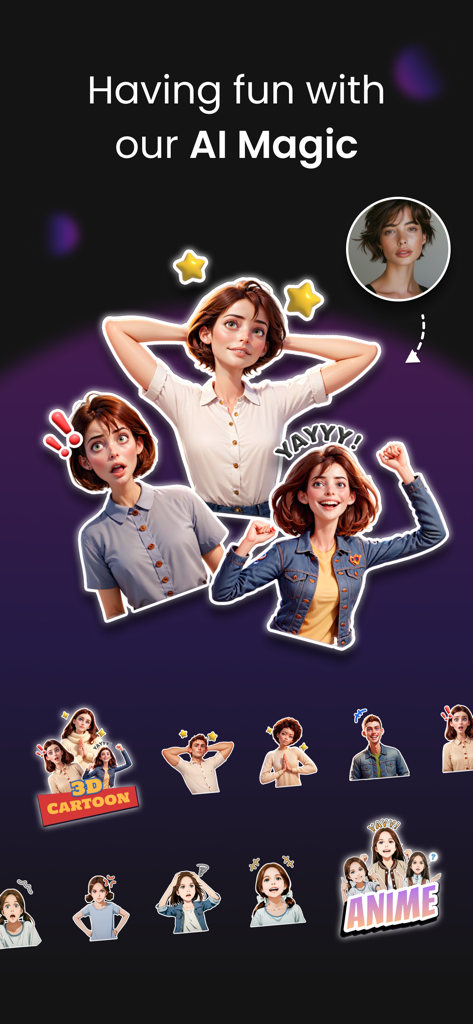
Vivisticker app interface showing AI generated cartoon and anime sticker avatars from a photo
Description
Download
More Like This
Apps with similar features and user experience

17V28: Creative Carousel
17V28 LTD

简篇创作-AI智能排版
Beijing Jianpian Intelligent Technology Co., Ltd.

Text Art: Typography & Word
Appostrophe AB
Flyer AI. Poster design maker
Dmitry Marchenkov
Word Swag - Cool Fonts
Oringe Inc.

Storyluxe: Templates & Filters
Luxe Studio Apps LLC

IG: Story Maker & Insta Editor
APPSLAB.IO - FZCO

UniStory -Story Maker, Collage
SHANTANU PTE. LTD.

Andalusi: Design Photo & Video
AppChief Ltd
This page is not an official page of the app or its developer, but an independent editorial publication created for informational and commentary purposes. Unless expressly stated otherwise, neither the app nor its developer is affiliated with, endorsed by, sponsored by, authorized by, or otherwise officially connected with MWM, Apple, Google Play, the app publisher, or the app's developer, and nothing on this page implies that the app was developed using MWM's services. Any trademarks, logos, screenshots, and other content remain the property of their respective owners.