
This page is not an official page of the app or its developer, but an independent editorial publication created for informational and commentary purposes. Unless expressly stated otherwise, neither the app nor its developer is affiliated with, endorsed by, sponsored by, authorized by, or otherwise officially connected with MWM, Apple, Google Play, the app publisher, or the app's developer, and nothing on this page implies that the app was developed using MWM's services. Any trademarks, logos, screenshots, and other content remain the property of their respective owners.


Revive: AI Face Photo Animator
Join over 6 million creators using the ultimate AI video generator. From viral face dances and talking pets to heartwarming AI hugs, transform any static image into a social media masterpiece in one tap.
Downloads
6M+User Rating
Total Ratings
40K+Publisher
Category
Graphics & DesignLocales
6Latest Version
4.15.0Size
162.3 MBFirst Released
Jun 9, 2022Bring Your Photos to Life with AI
Transform static images into viral videos, emotional memories, and professional portraits in just one tap.
AI Hugs & Deep Connections
Create heartwarming videos with our viral AI hug generator—perfect for cherishing memories and sharing love.
Viral Lip-Sync & Face Dance
Make any photo sing like a star or dance to trending beats. The ultimate toolkit for your next viral TikTok or Reel.
Frequently Asked Questions
Everything you need to know about Revive: AI Face Photo Animator
How can I animate photos with the Revive app?
Revive allows users to animate photos, making pictures move, sing, and dance. It offers photo animations, funny filters, trendy beats, and AI video effects to transform images into videos.
What is Revive: AI Face Photo Animator?
Revive is an AI video maker and photo animator app. It transforms static pictures into dynamic videos by adding animations, singing capabilities, dancing, and various AI effects and filters.
Can Revive make my photos sing?
Yes, Revive can make photos sing. It uses AI face singing capabilities to bring voice to stills, allowing users to make pictures sing like various artists or even turn pets into talking characters.
Does Revive include AI headshot and avatar features?
Yes, Revive includes AI avatar and headshot features. Users can explore AI filters for different styles, create professional headshots, or transform into characters like Vikings, Gladiators, Samurai, or cartoon characters.
What kind of AI video effects are available in Revive?
Revive offers diverse AI video effects including turning users into mermaids or warriors, creating 3D photo views, applying gender swap filters, and adding realistic animations like wind, explosions, gestures, and fire.
Can I use Revive to create funny videos with face filters?
Yes, Revive allows users to create funny videos using its face animation and filter features. The app provides funny filters and meme-making capabilities, including gender swap filters and various face dance edits.
How does Revive handle user privacy?
Revive handles user privacy according to its Privacy Policy. Users can review the full details of the policy by visiting the dedicated link provided by the app, 'https://reviveapp.net/privacy-policy/'.
Can Revive animate pets to talk?
Yes, Revive can animate pets to talk. The app's AI face singing capabilities extend to animals, allowing users to turn their dog or cat into a talking pet.
The following screenshots and description are sourced directly from the app's official store listing and are the property of the app developer.
App Store
Screenshots
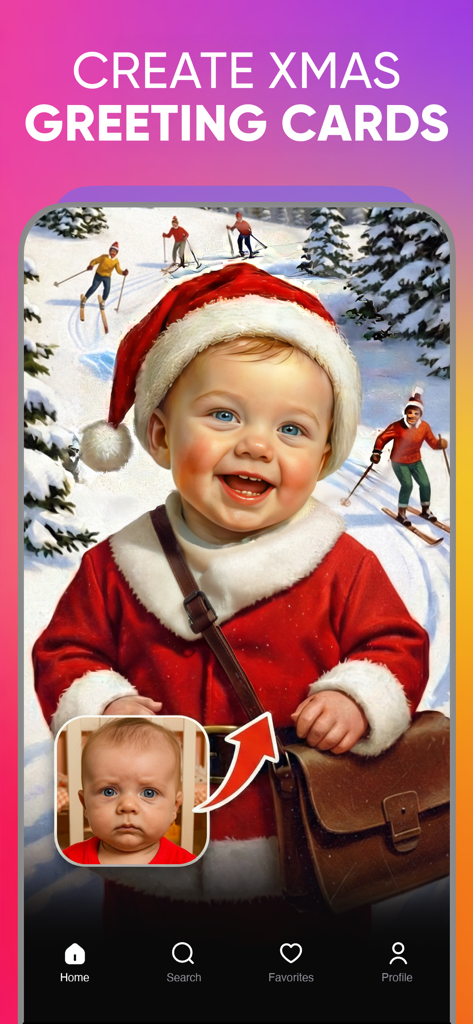
A baby face swapped onto a Santa Claus character to create a Christmas greeting card
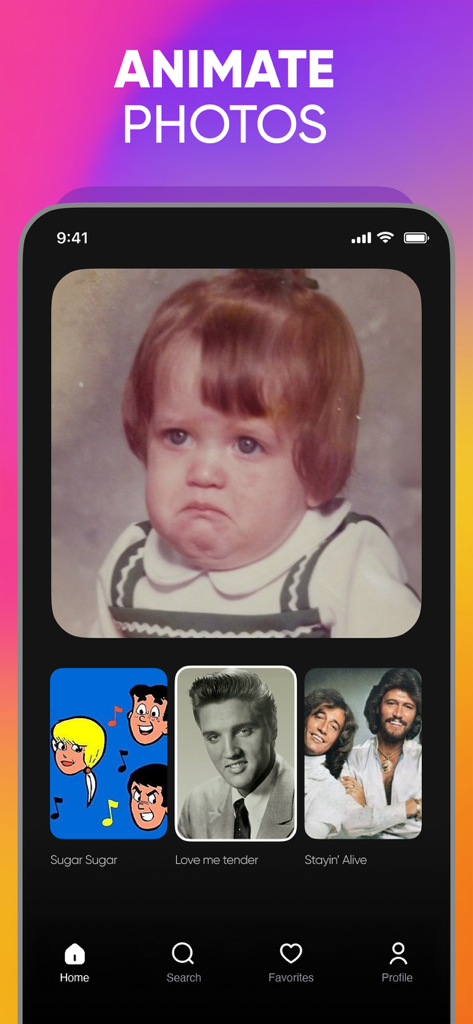
Interface of Revive app showing a photo of a child with options to animate it using songs like Love Me Tender and Stayin Alive
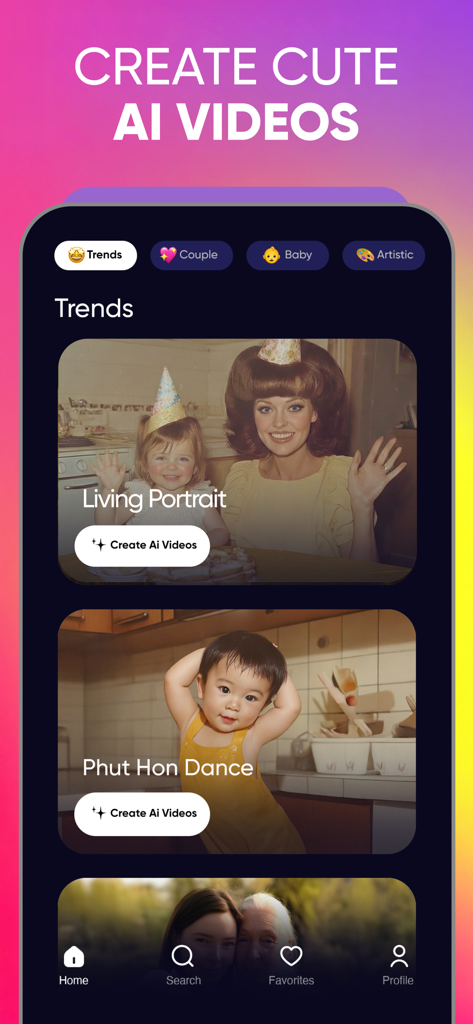
Revive app interface showing trending AI video templates for living portraits and dance animations.
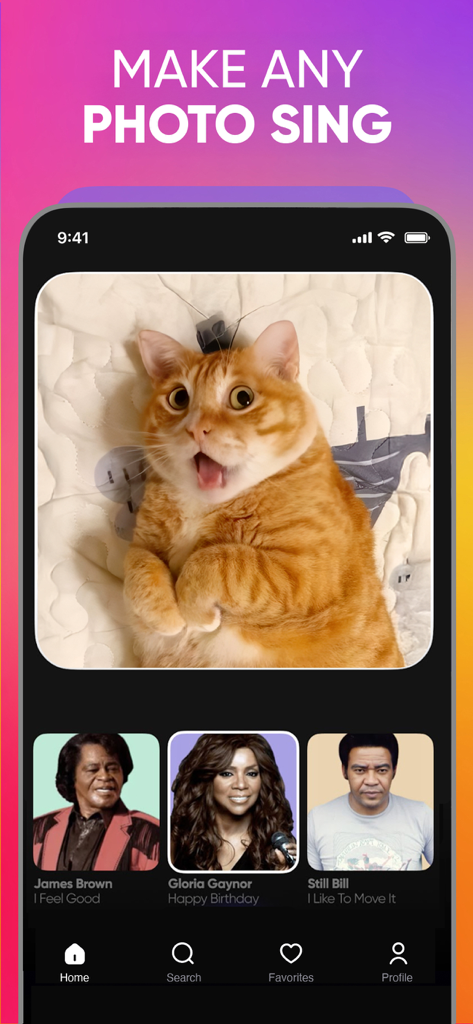
A screenshot of the Revive AI app interface showing a ginger cat photo with an option to make it sing using songs from various artists.
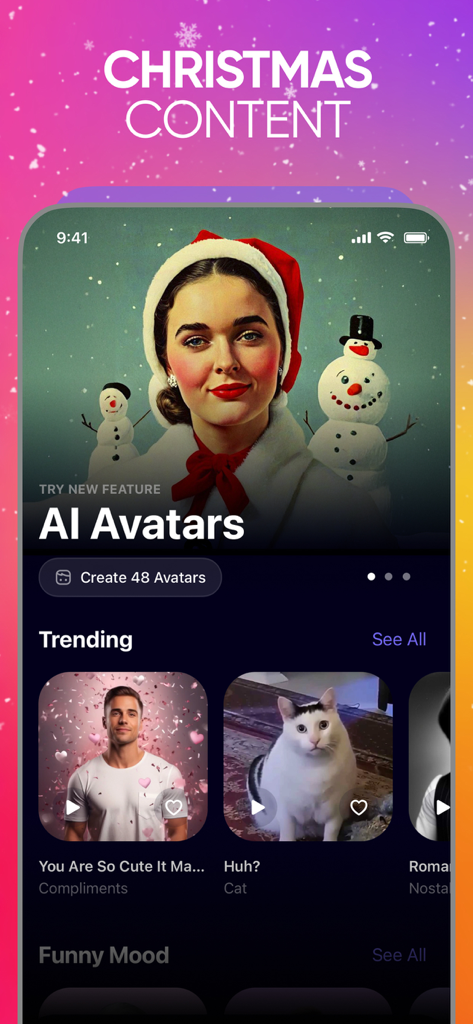
Revive app interface showing Christmas themed AI avatars and trending face animation templates
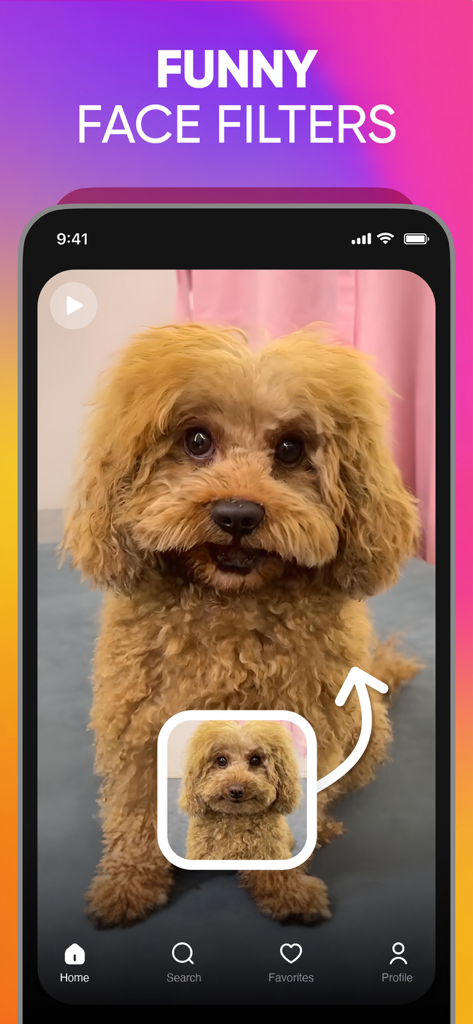
A fluffy brown dog with a funny face filter applied using the Revive AI photo animator app
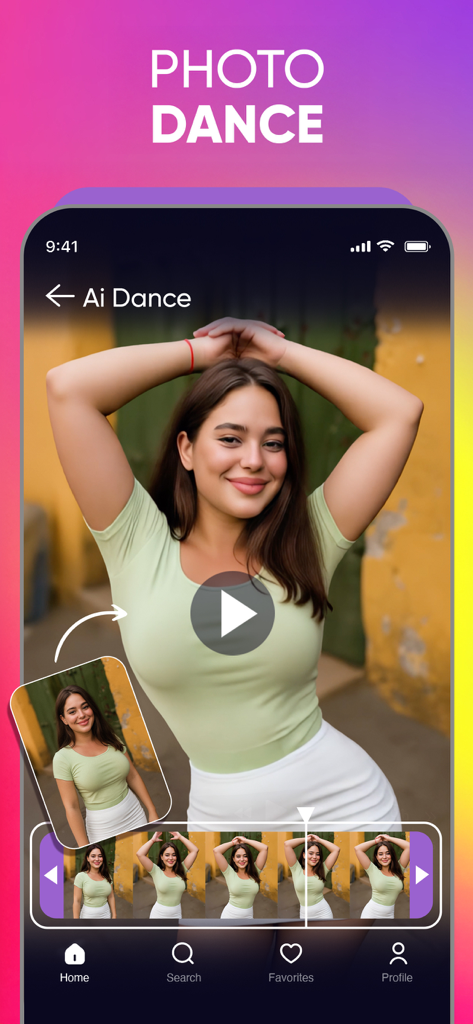
Interface showing the AI photo dance animation feature in the Revive app
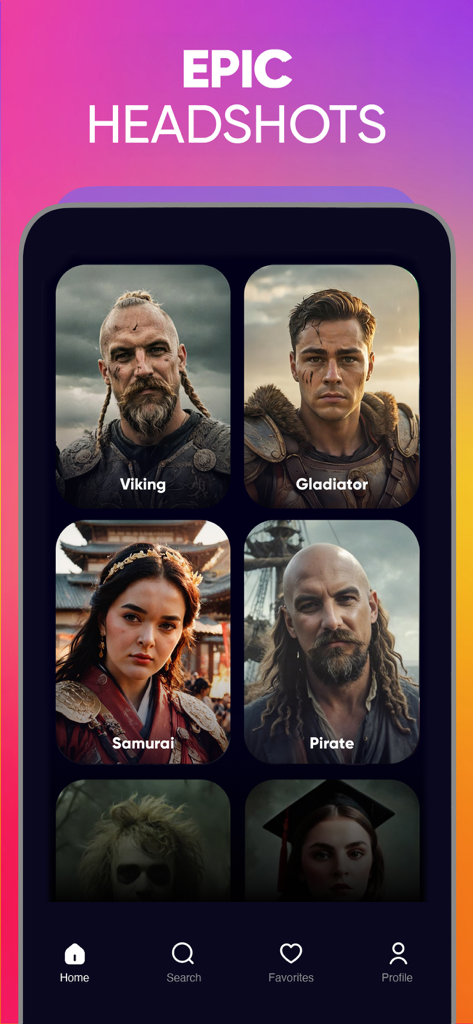
A mobile app interface displaying AI-generated headshots of a Viking, Gladiator, Samurai, and Pirate styles.
Description
Download
More Like This
Apps with similar features and user experience

ElevenLabs: AI Voice Generator
Eleven Labs Inc.

Viggle AI: Meme Maker
WarpEngine Canada Inc.

可灵AI - AI图片&视频创作工具
Beijing Kwai Technology Co., Ltd.

Leonardo.Ai - Image Generator
Leonardo Interactive Pty Ltd

Reface: Face Swap AI Photo App
NEOCORTEXT, INC.

Shedevrum
DIRECT CURSUS COMPUTER SYSTEMS TRADING LLC

Remove Objects
TAPUNIVERSE LLC

Zaps Collages
Turnip Media Private Limited

Carat - Create Anything
Paradot Corp.
This page is not an official page of the app or its developer, but an independent editorial publication created for informational and commentary purposes. Unless expressly stated otherwise, neither the app nor its developer is affiliated with, endorsed by, sponsored by, authorized by, or otherwise officially connected with MWM, Apple, Google Play, the app publisher, or the app's developer, and nothing on this page implies that the app was developed using MWM's services. Any trademarks, logos, screenshots, and other content remain the property of their respective owners.