Ringtone Maker-create ringtone
Download on App Store

This page is not an official page of the app or its developer, but an independent editorial publication created for informational and commentary purposes. Unless expressly stated otherwise, neither the app nor its developer is affiliated with, endorsed by, sponsored by, authorized by, or otherwise officially connected with MWM, Apple, Google Play, the app publisher, or the app's developer, and nothing on this page implies that the app was developed using MWM's services. Any trademarks, logos, screenshots, and other content remain the property of their respective owners.


Logo of Ringtone Maker-create ringtone
Download on App Store

Ringtone Maker-create ringtone

Transform your favorite songs, viral audio, and personal recordings into custom iPhone alerts in minutes. Our easy-to-use editor and step-by-step setup guide make personalizing your device effortless and fun.

Key Figures

Downloads

3K+

User Rating

1.0/5

Total Ratings

0

Publisher

Aditya Sharma

Category

Music

Locales

1

Latest Version

1.3

Size

45.0 MB

First Released

Nov 7, 2024
Features

Your Phone, Your Vibe

Turn any song, voice memo, or viral sound into a custom ringtone with the most intuitive audio editor for iPhone.

Seamless iOS Export

Skip the technical headache. Follow our easy, step-by-step guide to set your custom tones directly on your device without needing a computer.

Pro-Level Editing Tools

Perfect your sound with precise waveform trimming, smooth fades, and trending effects like pitch-shifting and speed adjustments.

The following screenshots and description are sourced directly from the app's official store listing and are the property of the app developer.

App Store

Screenshots
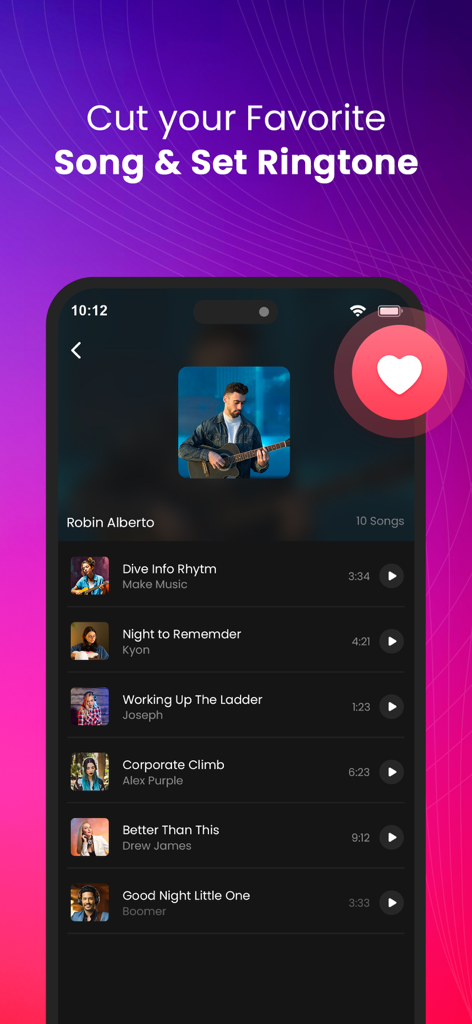
Ringtone Maker-create ringtone - Interface of the Ringtone Maker app showing a library of songs available to cut and set as custom ringtones.
Interface of the Ringtone Maker app showing a library of songs available to cut and set as custom ringtones.

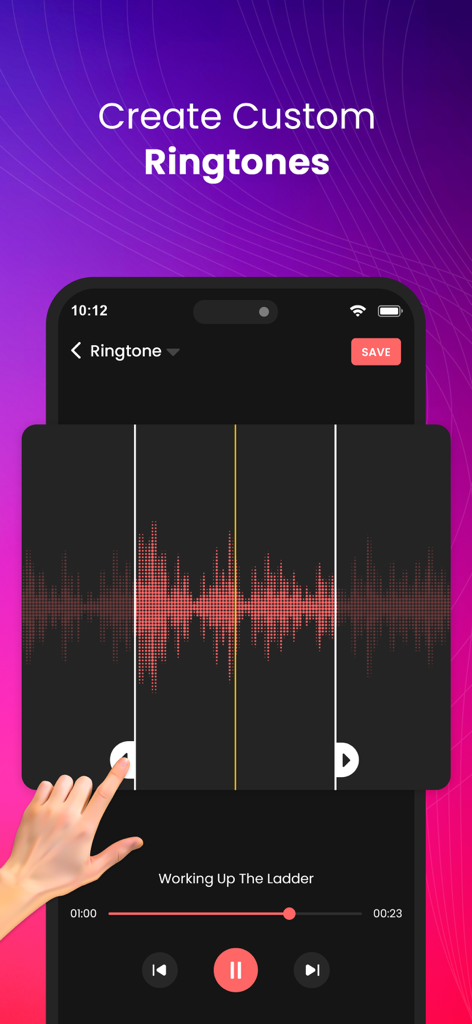
Ringtone Maker-create ringtone - Smartphone screen showing an audio waveform being trimmed to create a custom ringtone
Smartphone screen showing an audio waveform being trimmed to create a custom ringtone

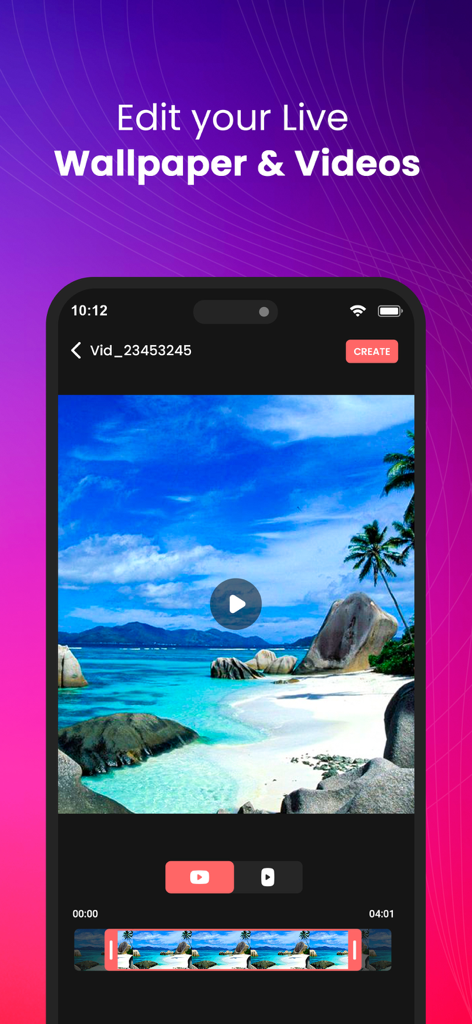
Ringtone Maker-create ringtone - Ringtone Maker app screen for editing live wallpapers and videos
Ringtone Maker app screen for editing live wallpapers and videos

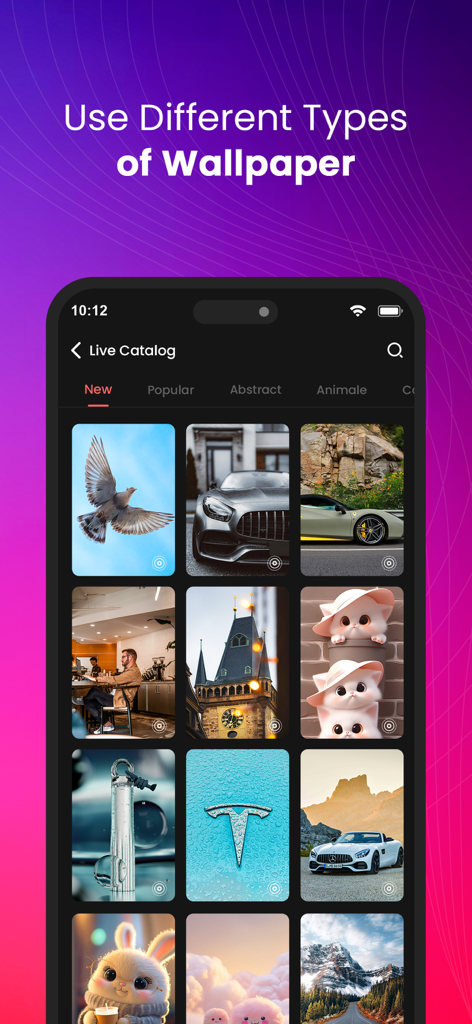
Ringtone Maker-create ringtone - A catalog of diverse live wallpapers including cars animals and nature for iPhone customization
A catalog of diverse live wallpapers including cars animals and nature for iPhone customization

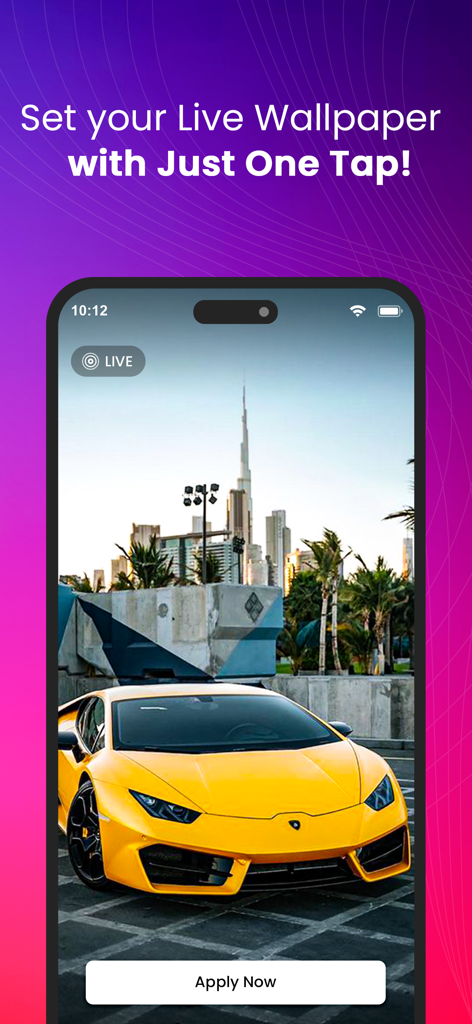
Ringtone Maker-create ringtone - An iPhone screen showing a live wallpaper preview of a yellow luxury sports car with the Burj Khalifa in the background and an Apply Now button

An iPhone screen showing a live wallpaper preview of a yellow luxury sports car with the Burj Khalifa in the background and an Apply Now button

Description

Ringtone Maker: Create Custom Ringtones & Alert Sounds! Unleash your creativity and personalize your iPhone with unique ringtones, notification sounds, and alarm alerts. With Ringtone Maker, you can transform any song or sound into a customized ringtone that reflects your style! Easy-to-use and loaded with powerful editing tools, Ringtone Maker gives you complete control to edit, trim, and adjust sounds directly on your device. Key Features 1. Audio Import and Editing: - Import audio from your Music Library, iCloud, or directly from recorded files. - Trim, cut, and adjust the length of each sound to create the perfect ringtone. - Real-time editing with waveform display for precise sound control. 2. Advanced Editing Tools: - Fade-in and fade-out options for smooth sound transitions. - Speed adjustment to add creative effects and personalize the sound. - Loop editing, reverse audio, and pitch adjustment to create one-of-a-kind tones. 3. High-Quality Export: - Save ringtones, text tones, notification sounds, and alarms in high-quality formats. - Easy exporting to GarageBand for seamless ringtone setup. - Step-by-step guide for setting up your custom ringtone on your iPhone. 4. Sound Library & Effects: - Browse a vast library of sound effects, including nature, urban, ambient, and more. - Combine multiple audio tracks to create layered ringtones. - Access seasonal tones and sound packs to keep your ringtones fresh and fun. 5. Recorder for Custom Sounds: - Use the in-app recorder to capture sounds around you and turn them into ringtones. - Perfect for capturing voice memos, personal greetings, or sounds from the environment. 6. User-Friendly Interface: - Simple, intuitive interface for effortless ringtone creation. - Drag-and-drop functionality with smooth playback for real-time previewing. - Save and organize your creations in a personal library for easy access. 7. Works Offline: - Ringtone Maker can be used entirely offline—create, edit, and save without an internet connection. Why Choose Ringtone Maker? Ringtone Maker is perfect for anyone looking to make their iPhone truly unique. Whether you’re setting your favorite song as a ringtone or creating a custom sound for each friend, this app puts the power of audio creation in your hands. Its sleek design, robust features, and high-quality output make it the ultimate choice for custom ringtone creation on iOS. Get unlimited access to all premium features of Tones Maker Subscribe Monthly Tones Maker Pro at $1.99 and Yearly Tones Maker Pro at $9.99 and $29.99 for life time access of Tones Maker to use ads free versions of the premium app which can cancel anytime. • Privacy Policy: https://sites.google.com/view/aditya-sharma-privacy • Terms of Service: https://sites.google.com/view/aditya-sharma-termsofuse Download Ringtone Maker today and express yourself with every ring!

Download

Download on App Store

This page is not an official page of the app or its developer, but an independent editorial publication created for informational and commentary purposes. Unless expressly stated otherwise, neither the app nor its developer is affiliated with, endorsed by, sponsored by, authorized by, or otherwise officially connected with MWM, Apple, Google Play, the app publisher, or the app's developer, and nothing on this page implies that the app was developed using MWM's services. Any trademarks, logos, screenshots, and other content remain the property of their respective owners.







