
This page is not an official page of the app or its developer, but an independent editorial publication created for informational and commentary purposes. Unless expressly stated otherwise, neither the app nor its developer is affiliated with, endorsed by, sponsored by, authorized by, or otherwise officially connected with MWM, Apple, Google Play, the app publisher, or the app's developer, and nothing on this page implies that the app was developed using MWM's services. Any trademarks, logos, screenshots, and other content remain the property of their respective owners.


RobotStudio® AR Viewer
Bring your ABB robotic solutions to life at full scale. Optimize design, verify safety zones, and accelerate commissioning with advanced AR simulations synced directly from RobotStudio® Cloud.
Downloads
2K+User Rating
Total Ratings
0Publisher
Category
BusinessLocales
1Latest Version
2025.4Size
321.3 MBFirst Released
Jul 1, 2020Master Your Robotics Planning
From initial concept to final commissioning, our AR toolset empowers you to design, test, and deploy ABB robotic cells with absolute confidence.
Accurate Spatial Prototyping
Eliminate guesswork by placing full-scale virtual robots in your physical environment to verify reach, fit, and shop-floor layout.
Risk Mitigation & Safety
Visualize safety zones and potential collisions in real-time to ensure your cell design meets strict industrial standards before hardware arrives.
The following screenshots and description are sourced directly from the app's official store listing and are the property of the app developer.
App Store
Screenshots
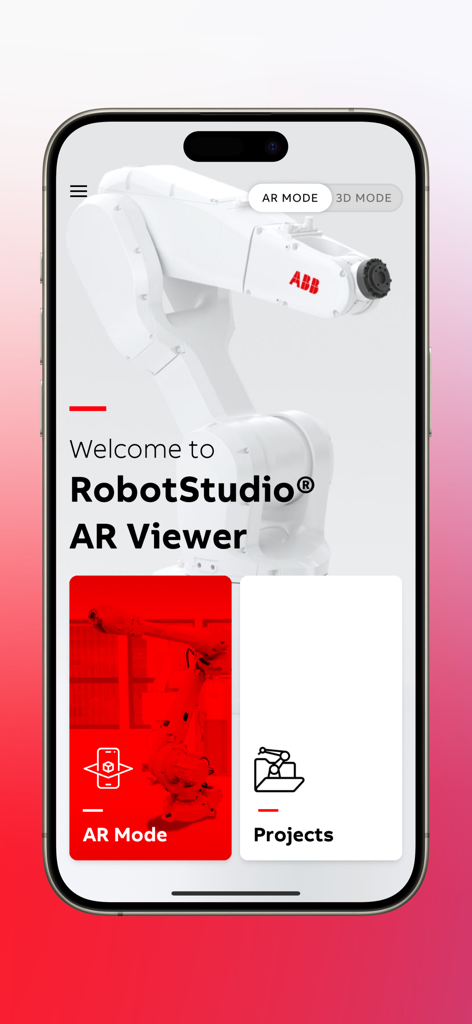
Welcome screen of RobotStudio AR Viewer app featuring an ABB robot arm and navigation buttons for AR mode and projects
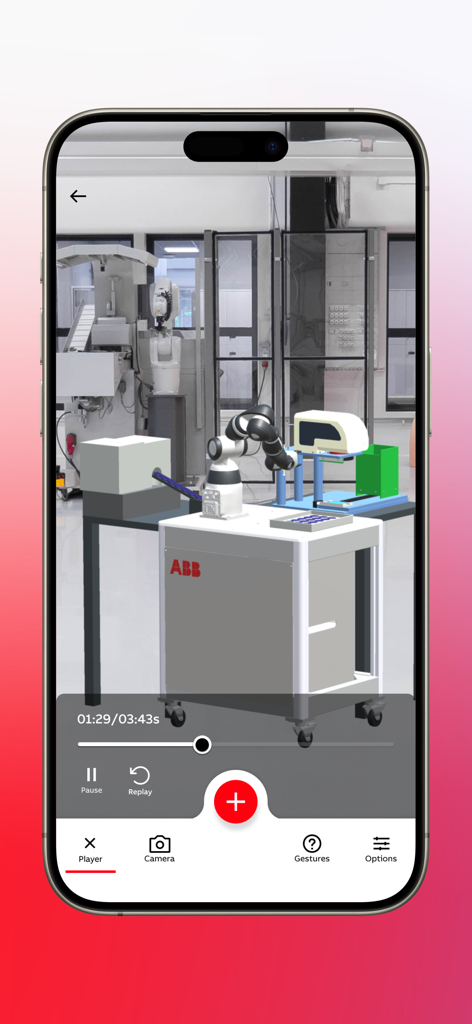
ABB RobotStudio AR Viewer displaying an industrial robot simulation in a real world factory setting
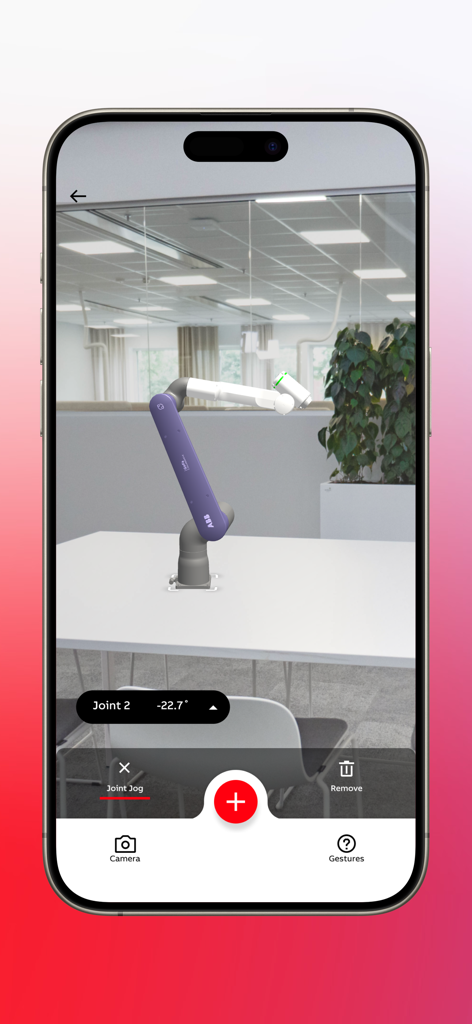
ABB collaborative robot visualized in augmented reality with joint jog control interface on a mobile device
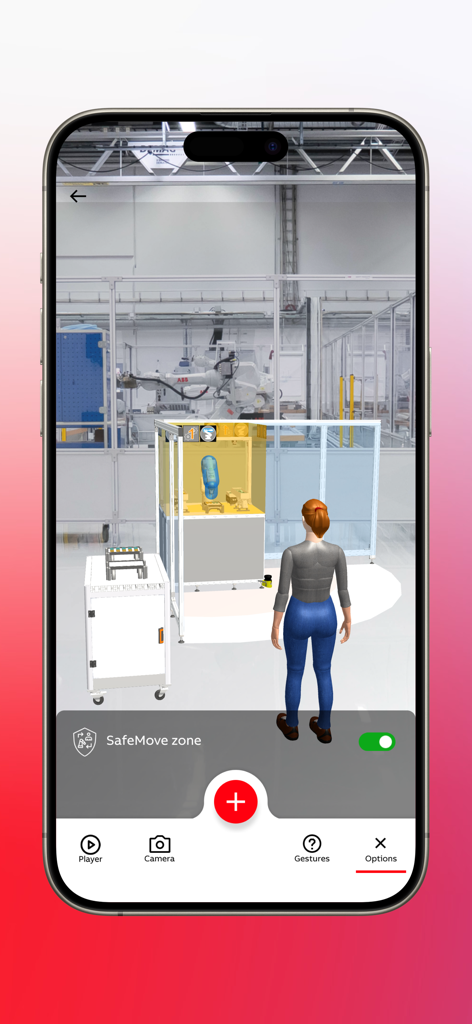
AR visualization of an ABB robot cell and SafeMove safety zone in a factory environment
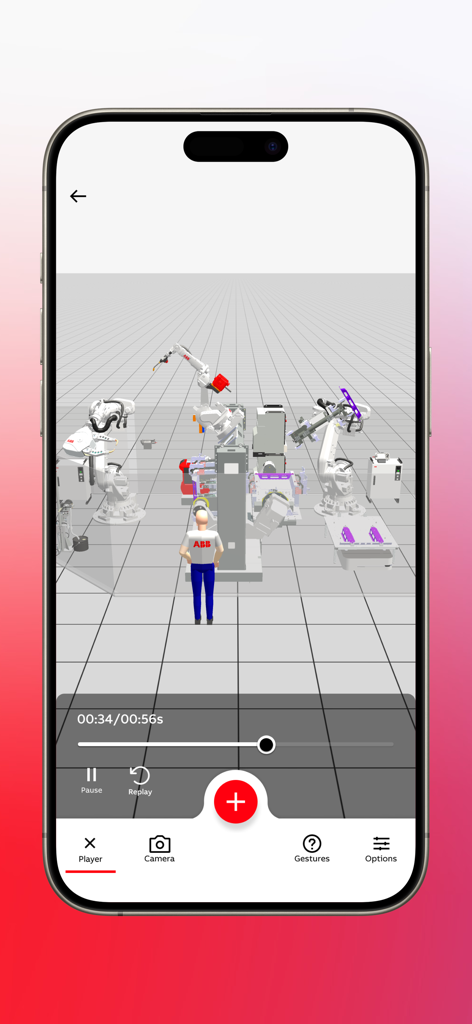
3D simulation of multiple industrial robots and a virtual worker in the RobotStudio AR Viewer app
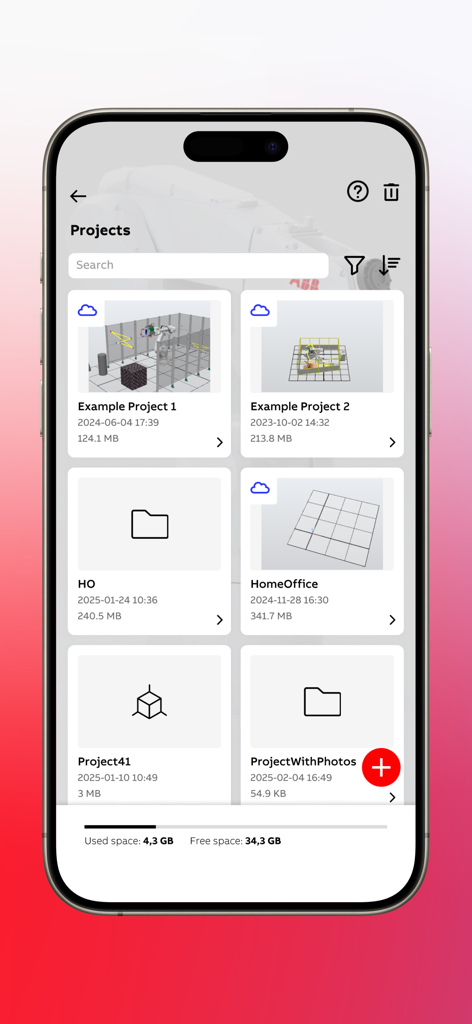
The projects management screen of the RobotStudio AR Viewer app showing a list of saved robotic simulation projects and available storage space.
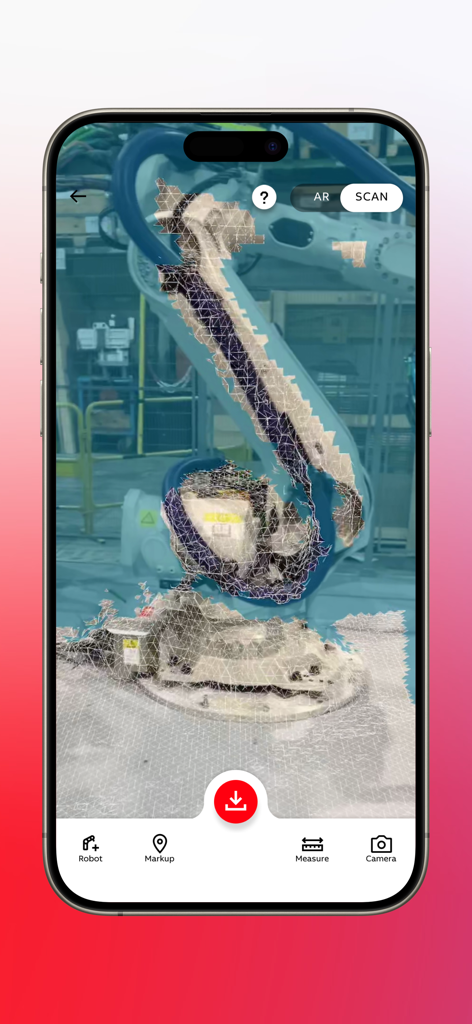
ABB RobotStudio AR Viewer app displaying a 3D wireframe mesh scan of an industrial robot arm in a factory environment.
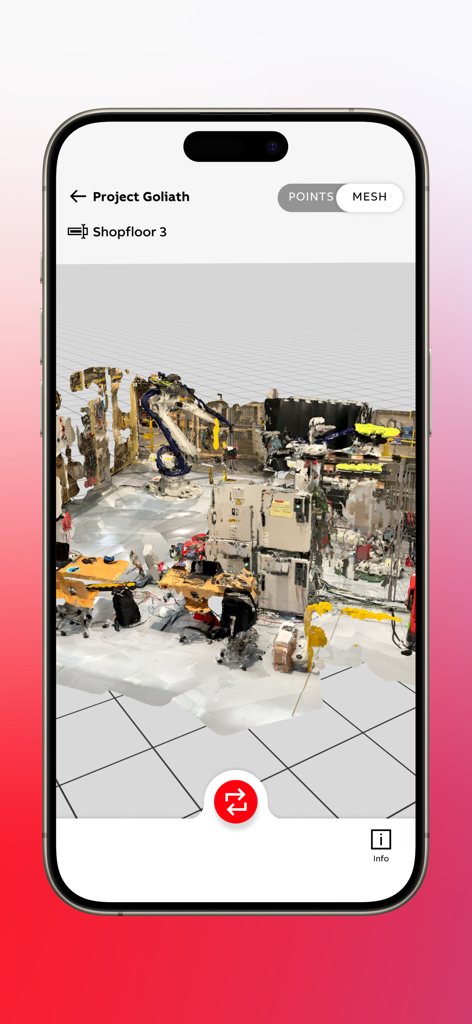
A 3D mesh scan of an industrial shop floor with a robotic arm simulation in RobotStudio AR Viewer
Description
Download
More Like This
Top-ranked apps in the same category

Microsoft Teams
Microsoft Corporation

Zoom Workplace
Zoom Communications, Inc.

WhatsApp Business
WhatsApp Inc.

Indeed Job Search
Indeed Inc.

LinkedIn: Network & Job Finder
LinkedIn Corporation

Adobe Acrobat Reader: Sign PDF
Adobe Inc.

WeCom-Work Communication&Tools
Tencent Technology (Shenzhen) Company Limited

BOSS直聘-招聘求职找工作神器
Beijing China Product Bo Farce Network Technology Co., Ltd.

DingDing - Redefine Work in AI
DingTalk Technology Co., Ltd.
This page is not an official page of the app or its developer, but an independent editorial publication created for informational and commentary purposes. Unless expressly stated otherwise, neither the app nor its developer is affiliated with, endorsed by, sponsored by, authorized by, or otherwise officially connected with MWM, Apple, Google Play, the app publisher, or the app's developer, and nothing on this page implies that the app was developed using MWM's services. Any trademarks, logos, screenshots, and other content remain the property of their respective owners.