
This page is not an official page of the app or its developer, but an independent editorial publication created for informational and commentary purposes. Unless expressly stated otherwise, neither the app nor its developer is affiliated with, endorsed by, sponsored by, authorized by, or otherwise officially connected with MWM, Apple, Google Play, the app publisher, or the app's developer, and nothing on this page implies that the app was developed using MWM's services. Any trademarks, logos, screenshots, and other content remain the property of their respective owners.


Rotork IQ3 Pro Actuator App
Turn your smartphone into a virtual Bluetooth® Setting Tool Pro. Simplify valve setup with our intuitive wizard, access data logs, and manage your IQ3 Pro actuators safely and efficiently from the ground.
Downloads
0User Rating
Total Ratings
0Publisher
Category
BusinessLocales
1Latest Version
1.2.3Size
52.0 MBFirst Released
May 12, 2023Industrial Precision in the Palm of Your Hand
Streamline your workflow with the Rotork IQ3 Pro app. Designed for engineers who demand safety, efficiency, and smart control for valve commissioning and maintenance.
Virtual Setting Tool Pro
Eliminate the need for carrying extra hardware by transforming your smartphone into a powerful Bluetooth® setting tool for full actuator configuration.
Rapid Setup Wizard
Accelerate valve commissioning with an intuitive step-by-step wizard designed to minimize human error and reduce high on-site labor costs.
The following screenshots and description are sourced directly from the app's official store listing and are the property of the app developer.
App Store
Screenshots
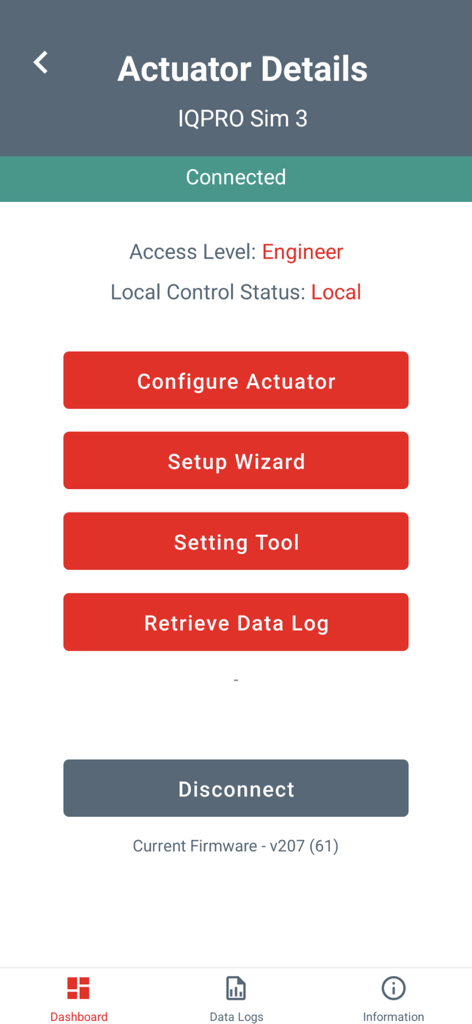
Rotork IQ3 Pro Actuator App interface displaying actuator details and configuration options for engineers
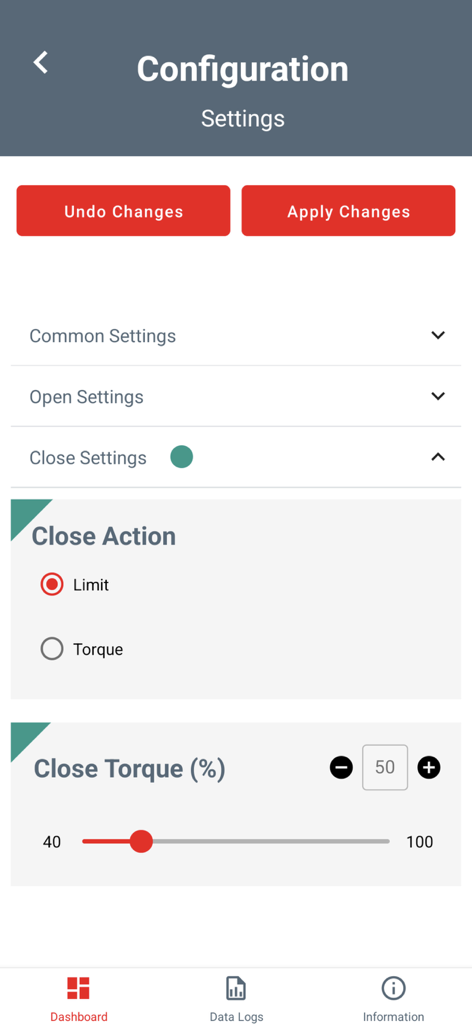
Interface of the Rotork IQ3 Pro app showing the configuration settings for valve close action and torque percentage
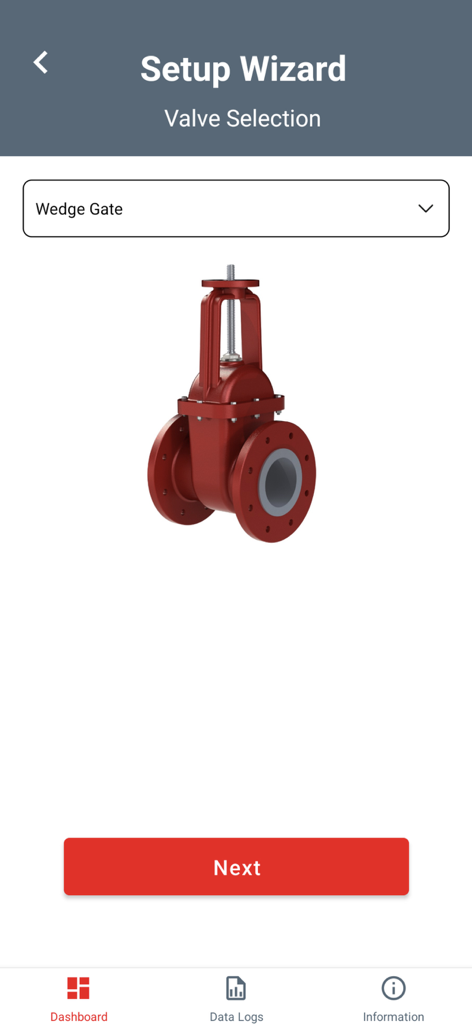
Setup Wizard screen in the Rotork IQ3 Pro Actuator App for selecting a Wedge Gate valve
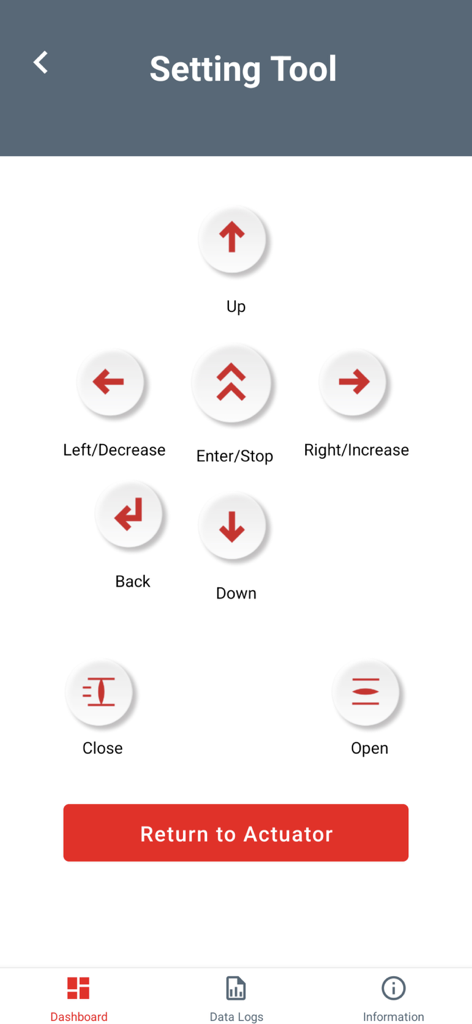
The virtual setting tool interface of the Rotork IQ3 Pro Actuator app showing remote control buttons
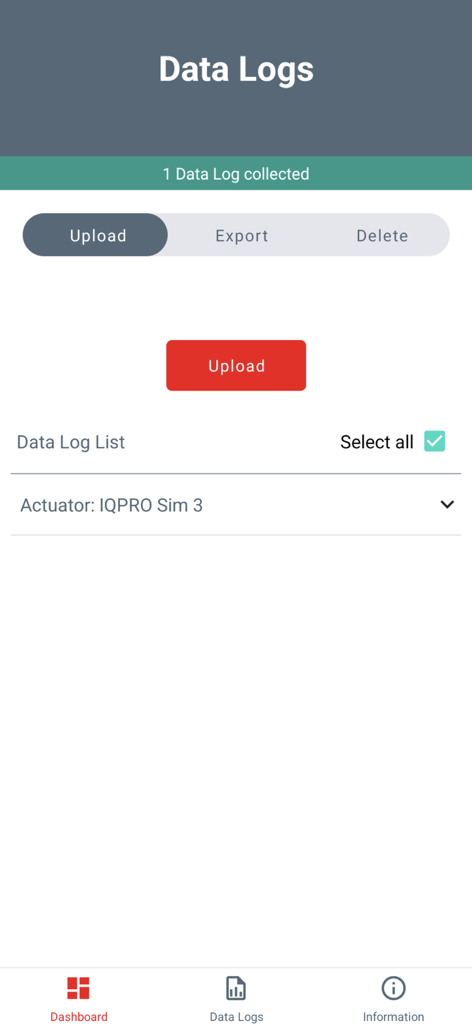
Data logs management screen in the Rotork IQ3 Pro Actuator App with options to upload export and delete collected actuator data
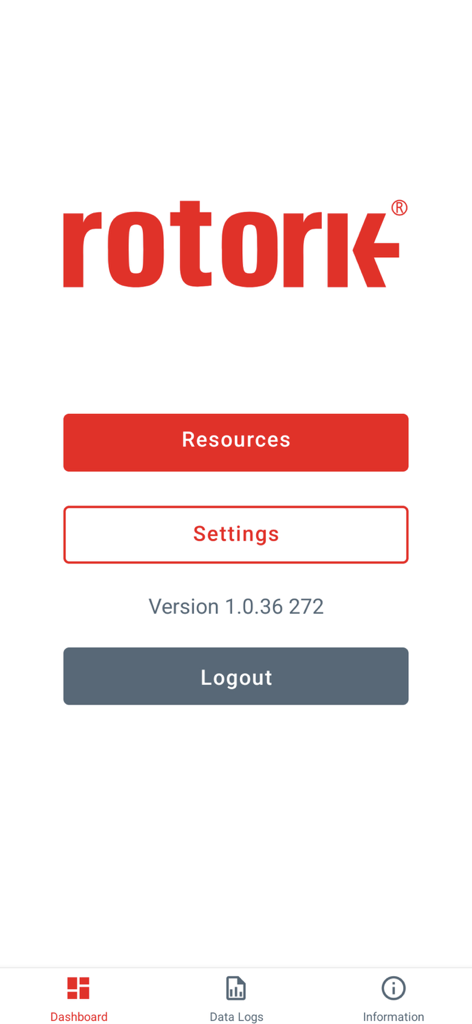
Main dashboard screen of the Rotork IQ3 Pro Actuator App showing navigation for resources and settings.
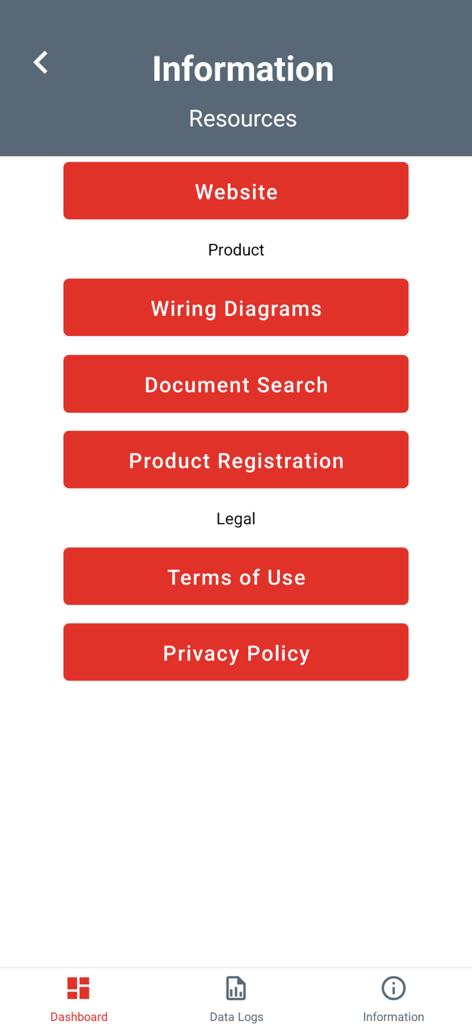
Information screen of Rotork IQ3 Pro app with links to wiring diagrams and product resources
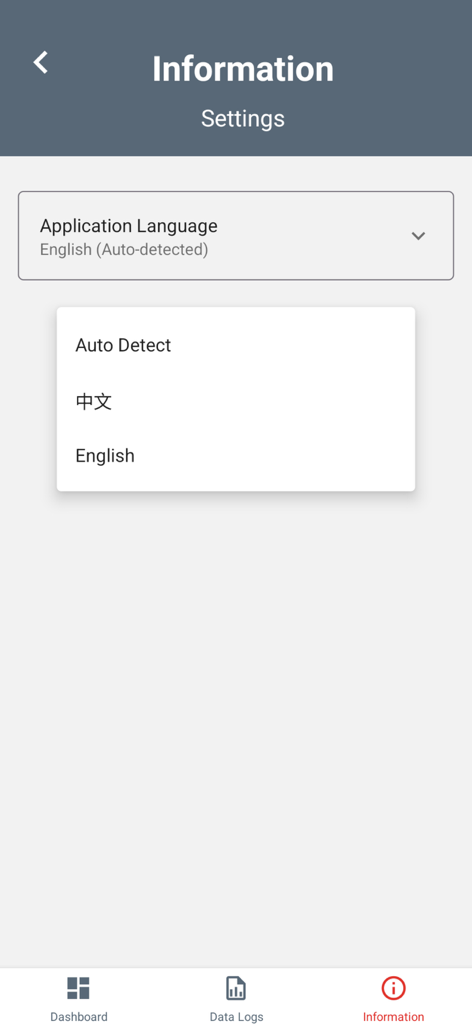
Language selection menu in the Rotork IQ3 Pro Actuator App showing options for Auto Detect, Chinese, and English
Description
Download
More Like This
Top-ranked apps in the same category

Microsoft Teams
Microsoft Corporation

Zoom Workplace
Zoom Communications, Inc.

WhatsApp Business
WhatsApp Inc.

Indeed Job Search
Indeed Inc.

LinkedIn: Network & Job Finder
LinkedIn Corporation

Adobe Acrobat Reader: Sign PDF
Adobe Inc.

DingDing - Redefine Work in AI
DingTalk Technology Co., Ltd.

WeCom-Work Communication&Tools
Tencent Technology (Shenzhen) Company Limited

Uber - Driver: Drive & Deliver
Uber Technologies, Inc.
This page is not an official page of the app or its developer, but an independent editorial publication created for informational and commentary purposes. Unless expressly stated otherwise, neither the app nor its developer is affiliated with, endorsed by, sponsored by, authorized by, or otherwise officially connected with MWM, Apple, Google Play, the app publisher, or the app's developer, and nothing on this page implies that the app was developed using MWM's services. Any trademarks, logos, screenshots, and other content remain the property of their respective owners.