
This page is not an official page of the app or its developer, but an independent editorial publication created for informational and commentary purposes. Unless expressly stated otherwise, neither the app nor its developer is affiliated with, endorsed by, sponsored by, authorized by, or otherwise officially connected with MWM, Apple, Google Play, the app publisher, or the app's developer, and nothing on this page implies that the app was developed using MWM's services. Any trademarks, logos, screenshots, and other content remain the property of their respective owners.

Samposium: Performance Sampler
Transform your iOS device into a tactile instrument for experimental sound design. Experience fluid multi-touch control, professional FX chains, and seamless MIDI integration—all without subscription fees.
Downloads
400User Rating
Total Ratings
0Publisher
Category
MusicLocales
1Latest Version
1.02Size
398.2 MBFirst Released
Nov 29, 2025Sculpt Your Sonic Identity
Experience a tactile, modular-inspired performance sampler designed for real-time manipulation. Bend, twist, and sequence your audio with a professional tool that values your creative ownership—no subscriptions required.
Tactile Sample Sculpting
Move beyond clinical clicks. Use fluid multi-touch gestures to shape audio like 'sample putty,' turning your iPad into a truly expressive instrument.
Modular-Grade FX Chains
Build custom signal paths for every pad. From lush ambient textures to chaotic noise, each sample features its own independent, reorderable FX chain.
The following screenshots and description are sourced directly from the app's official store listing and are the property of the app developer.
App Store
Screenshots
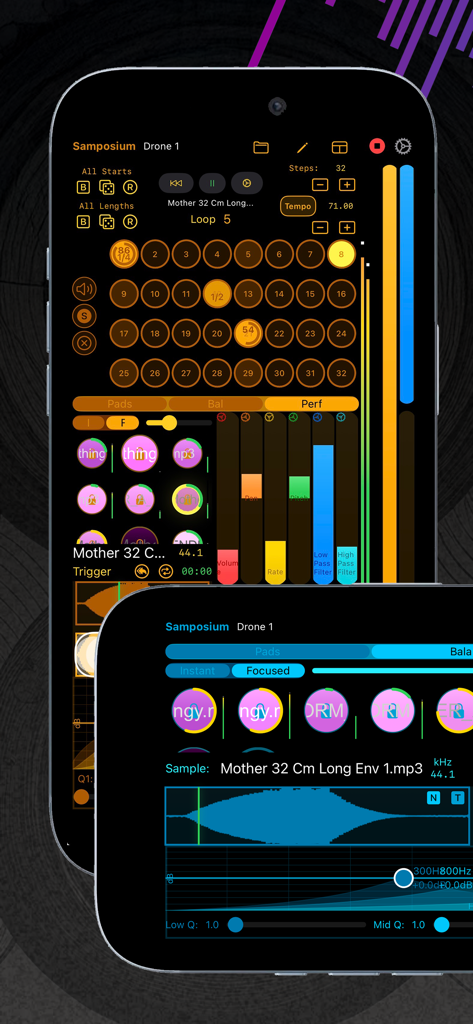
Interface of Samposium performance sampler app showing a 32 step sequencer and audio waveform editing on a smartphone screen
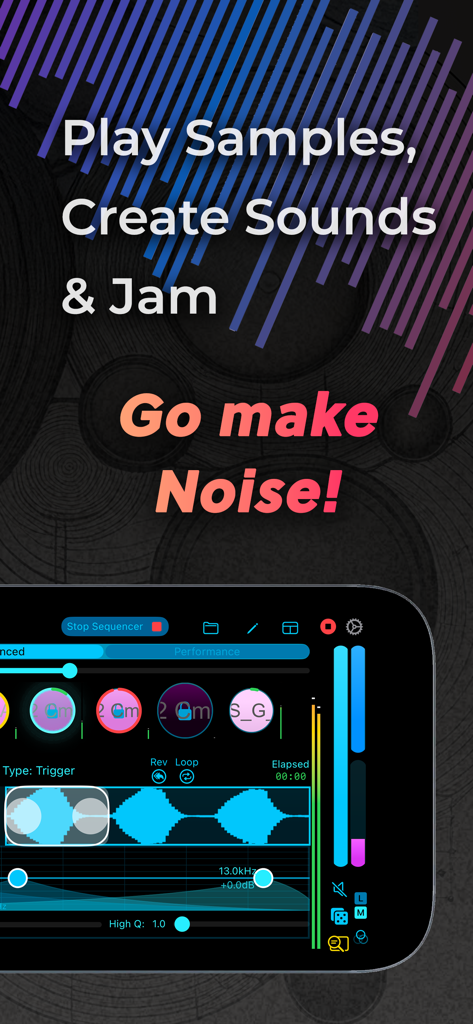
Smartphone screen displaying the Samposium music performance sampler interface with audio waveforms and touch controls
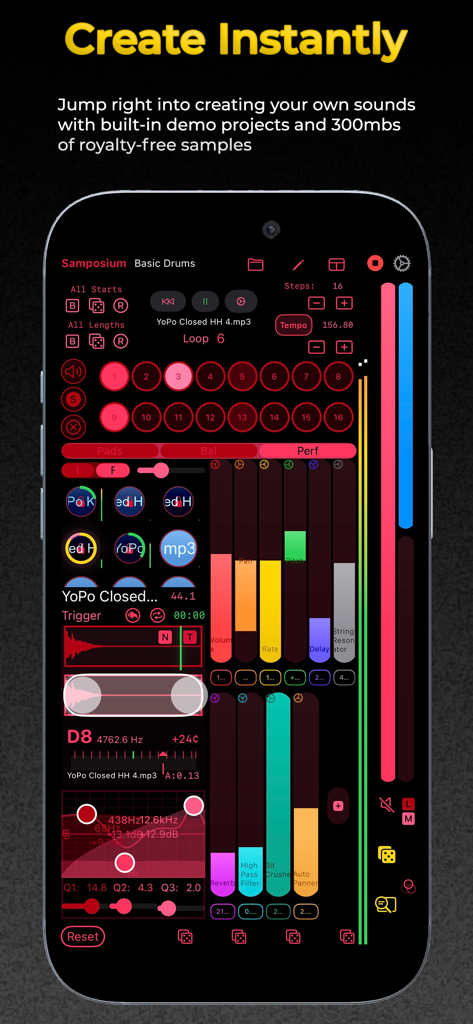
Interface of Samposium performance sampler app on iPhone showing colorful audio faders and sample pads
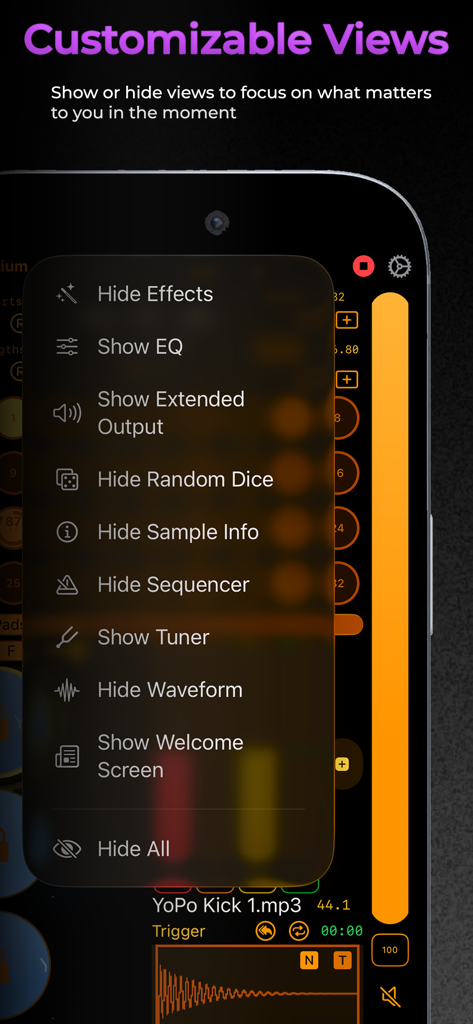
Samposium app screenshot showing the customizable interface views menu for optimizing music production workflow.
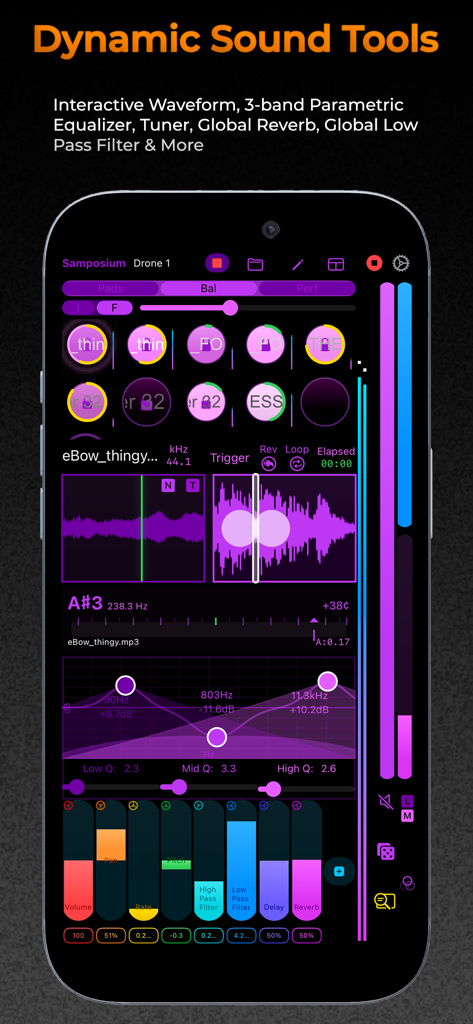
Samposium app interface showing interactive waveforms and a 3-band parametric equalizer for mobile music production.
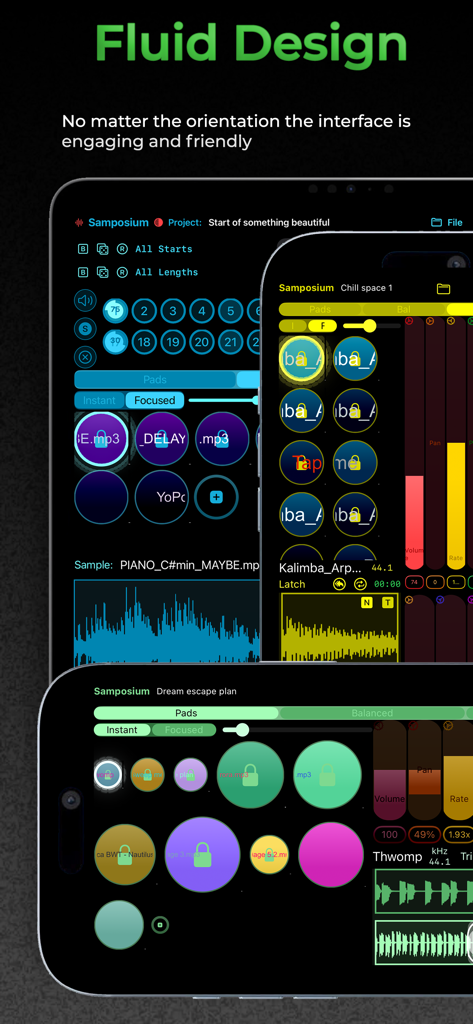
The Samposium music sampler app interface displayed across multiple devices in portrait and landscape orientations showcasing its fluid design
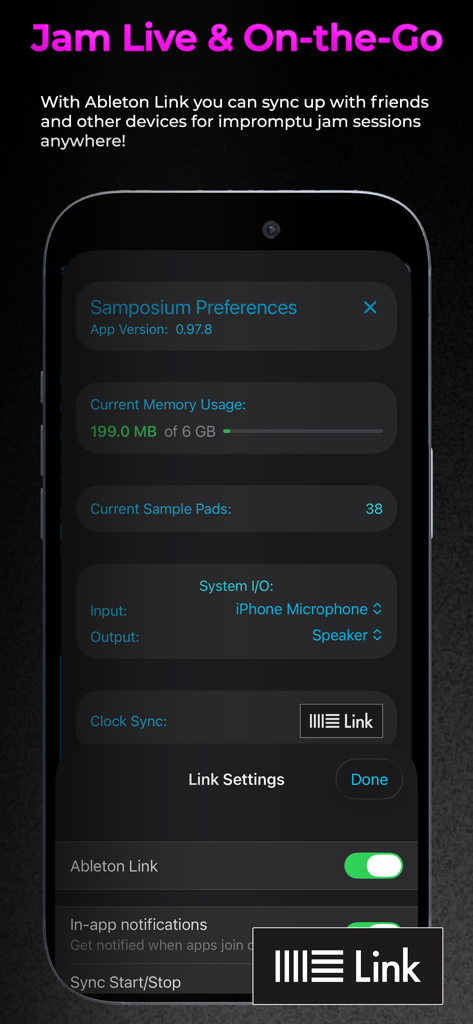
Samposium app preferences screen showing Ableton Link synchronization settings for live music performance
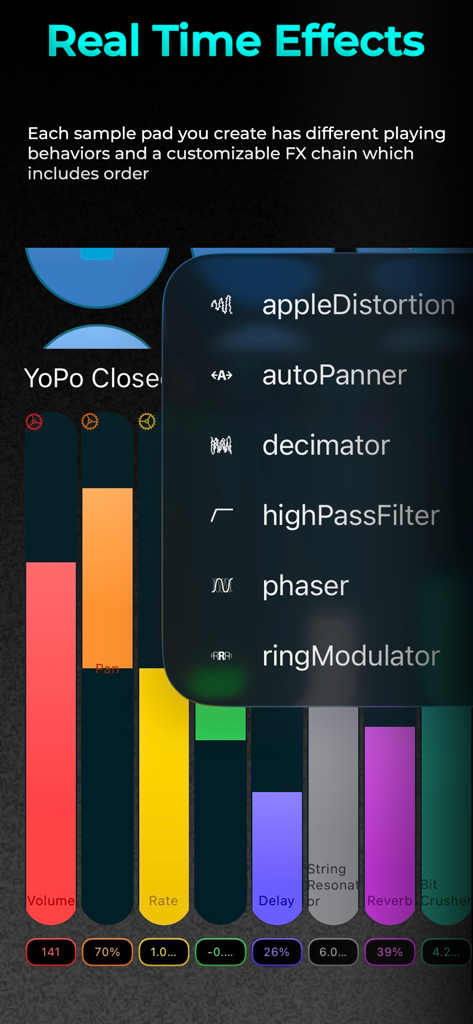
Interface of Samposium app showing real-time audio effects menu and colorful sound parameter controls.
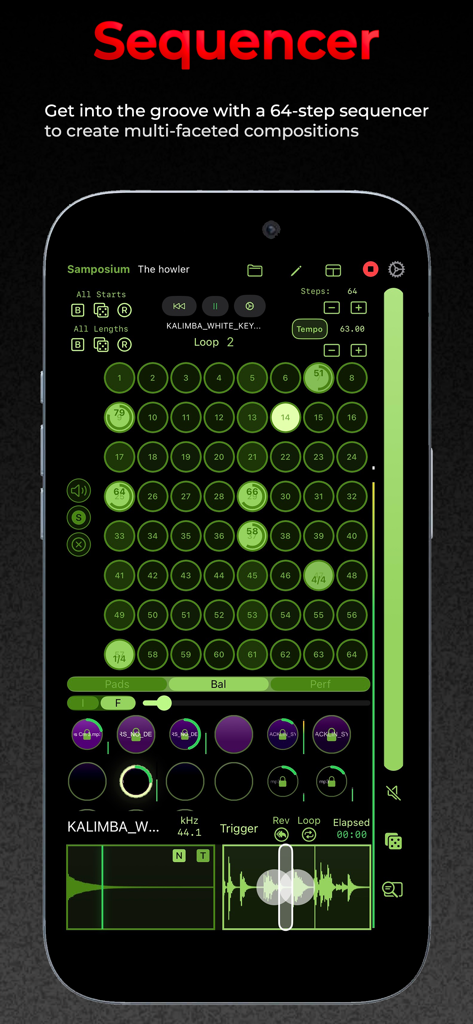
A 64-step sequencer interface in the Samposium mobile music production app showing a grid of green sample pads and audio waveforms.
Description
Download
More Like This
Top-ranked apps in the same category

Spotify: Music and Podcasts
Spotify

YouTube Music
Google LLC

Shazam: Find Music & Concerts
Apple Inc.

SoundCloud: The Music You Love
SoundCloud Global Limited & Co KG

Suno - AI Songs & Music
Suno Inc.

QQ音乐 - 听我想听
Tencent Technology (Shenzhen) Company Limited

Audiomack - Play Music Offline
Audiomack, Inc.

BandLab – Music Maker & Beats
BandLab Singapore Pte Ltd

GuitarTuna: Tune & Play Guitar
Yousician Ltd
This page is not an official page of the app or its developer, but an independent editorial publication created for informational and commentary purposes. Unless expressly stated otherwise, neither the app nor its developer is affiliated with, endorsed by, sponsored by, authorized by, or otherwise officially connected with MWM, Apple, Google Play, the app publisher, or the app's developer, and nothing on this page implies that the app was developed using MWM's services. Any trademarks, logos, screenshots, and other content remain the property of their respective owners.