Scanova: PDF Scanner App

This page is not an official page of the app or its developer, but an independent editorial publication created for informational and commentary purposes. Unless expressly stated otherwise, neither the app nor its developer is affiliated with, endorsed by, sponsored by, authorized by, or otherwise officially connected with MWM, Apple, Google Play, the app publisher, or the app's developer, and nothing on this page implies that the app was developed using MWM's services. Any trademarks, logos, screenshots, and other content remain the property of their respective owners.
Logo of Scanova: PDF Scanner App

Scanova: PDF Scanner App

Scan, sign, and manage documents with pro-grade precision. Effortless auto-cropping, secure offline storage, and instant PDF conversion designed for the modern professional on the move.

Key Figures

Downloads

0

User Rating

1.0/5

Total Ratings

0

Publisher

DEVSRANK

Category

Business

Locales

1

Latest Version

1.0

Size

74.2 MB

First Released

Mar 30, 2026
Features

Transform Your iPhone into a Mobile Powerhouse

Scan, sign, and manage professional documents in seconds. Scanova is built for the high-speed demands of freelancers, real estate agents, and modern professionals.

AI-Powered Smart Scanning

Skip the manual adjustments. Auto-edge detection and smart cropping ensure every receipt, contract, and note looks professional and crisp instantly.

Instant Digital Signatures

Close deals from anywhere. Add your legally binding signature and annotate PDFs directly on your screen without ever needing a printer or scanner.

The following screenshots and description are sourced directly from the app's official store listing and are the property of the app developer.

App Store

Screenshots
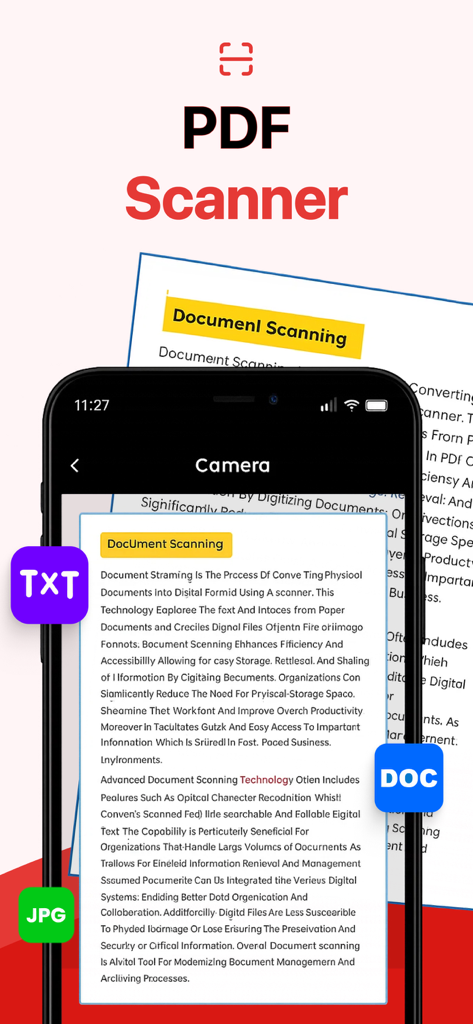
Scanova: PDF Scanner App - Smartphone screen using Scanova app to capture a document with options for TXT JPG and DOC formats

Smartphone screen using Scanova app to capture a document with options for TXT JPG and DOC formats
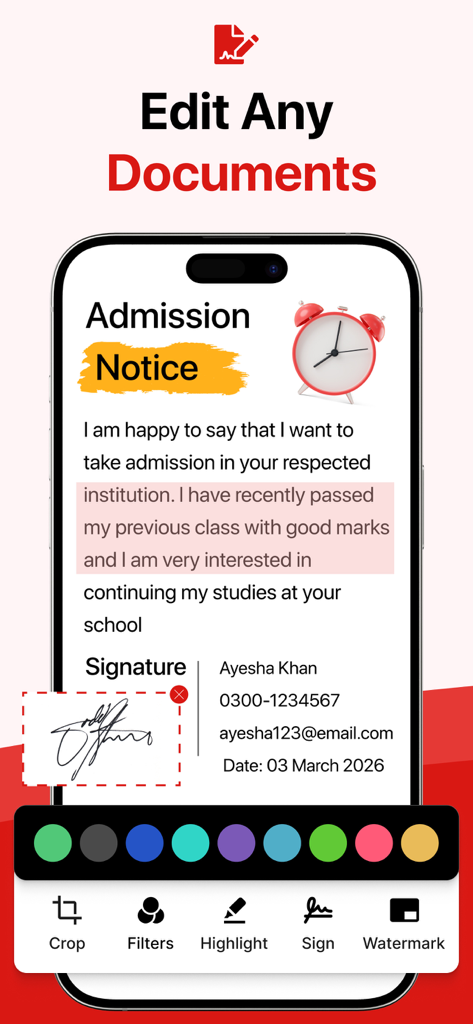
Scanova: PDF Scanner App - Mobile app interface showing document editing with digital signature and highlighting features
Mobile app interface showing document editing with digital signature and highlighting features

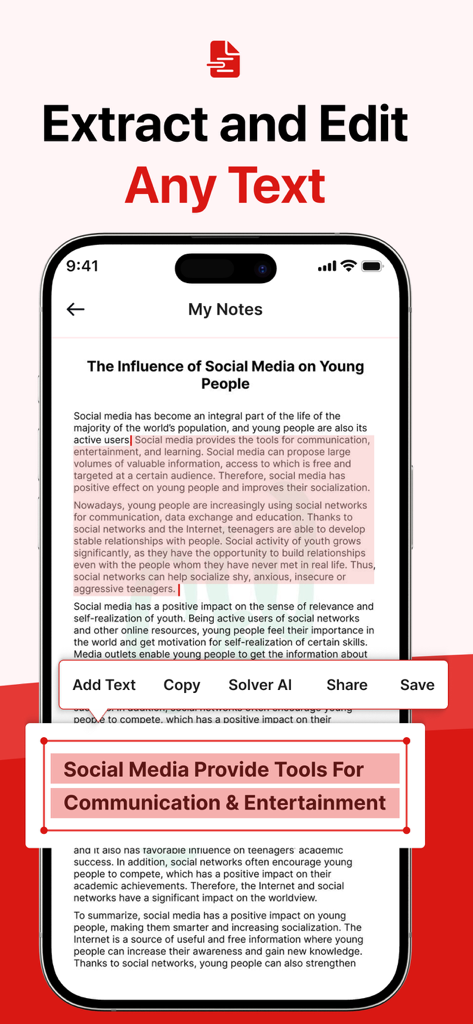
Scanova: PDF Scanner App - Interface of Scanova app showing text extraction and editing from a digital document
Interface of Scanova app showing text extraction and editing from a digital document

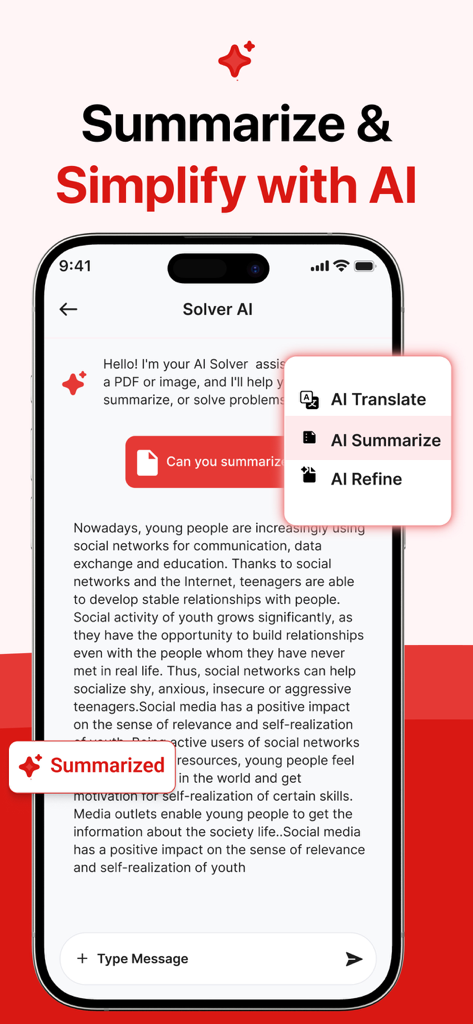
Scanova: PDF Scanner App - Scanova app interface showing AI features to summarize translate and refine scanned documents on an iPhone
Scanova app interface showing AI features to summarize translate and refine scanned documents on an iPhone

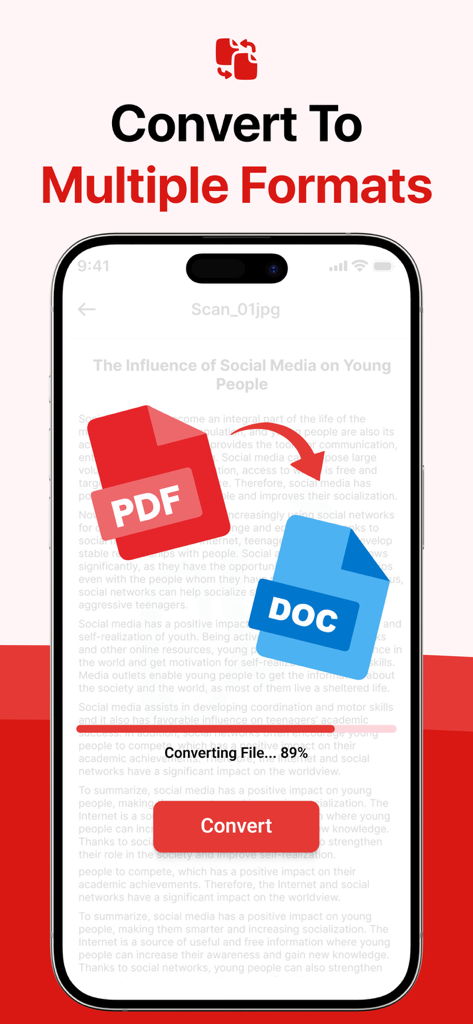
Scanova: PDF Scanner App - Scanova mobile app interface showing PDF to DOC file conversion process
Scanova mobile app interface showing PDF to DOC file conversion process

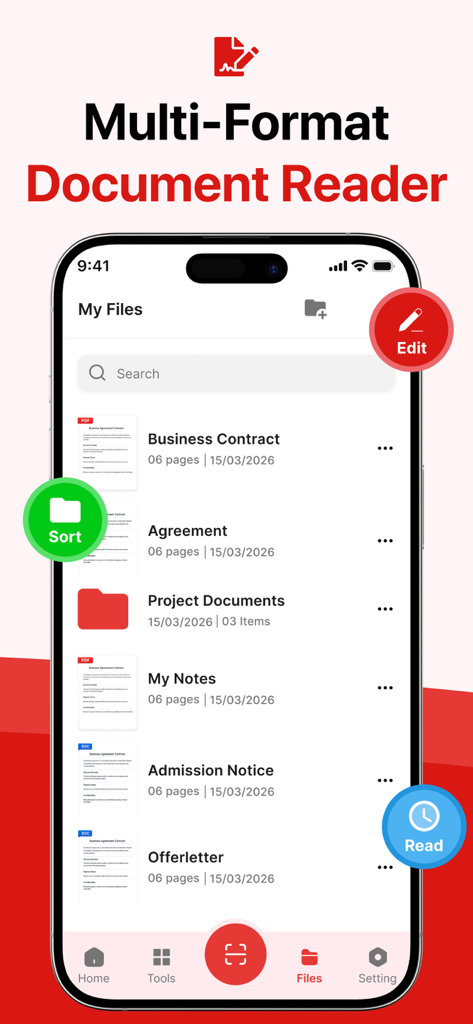
Scanova: PDF Scanner App - Scanova app interface showing a list of organized documents including business contracts and project files on an iPhone
Scanova app interface showing a list of organized documents including business contracts and project files on an iPhone

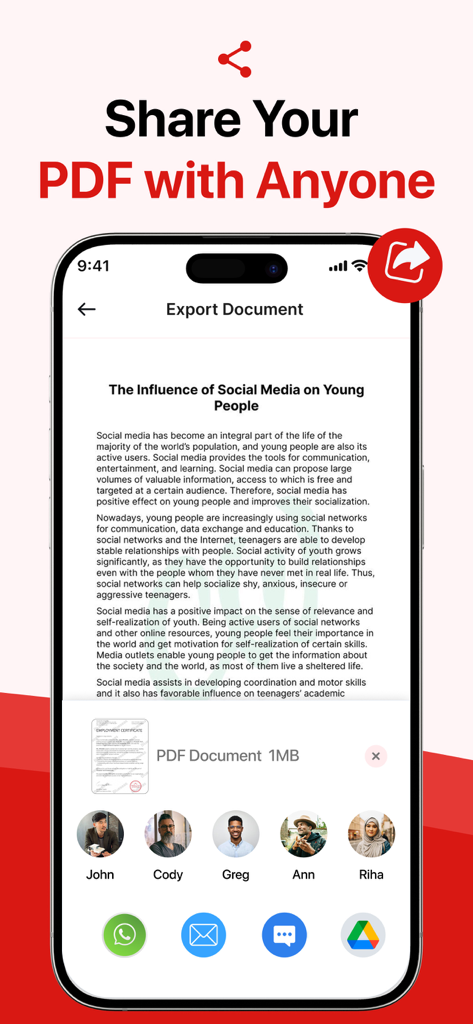
Scanova: PDF Scanner App - Scanova app export screen showing options to share a PDF document with contacts and various mobile applications.
Scanova app export screen showing options to share a PDF document with contacts and various mobile applications.

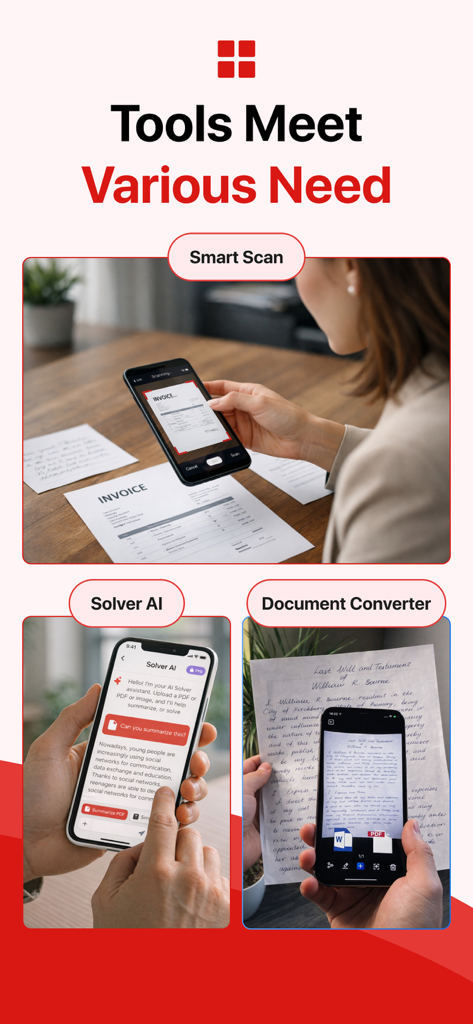
Scanova: PDF Scanner App - Scanova app features including smart scan, AI solver, and document converter displayed on mobile screens.

Scanova app features including smart scan, AI solver, and document converter displayed on mobile screens.

Description

Scan, edit, convert, and manage your documents effortlessly with Scanova, your all-in-one mobile document scanner and editor. Built for speed, accuracy, and convenience, Scanova transforms your iPhone or iPad into a powerful portable scanner—perfect for work, school, or everyday use. Whether you need to scan receipts, contracts, notes, photos, or important documents, Scanova provides a smooth and reliable experience with professional-quality results. ADVANCED DOCUMENT SCANNING Capture high-quality scans instantly using your device’s camera. Scanova features smart edge detection and auto-cropping to ensure your documents are perfectly aligned. Enhance your scans with multiple filters to improve clarity, remove shadows, and create clean, readable files. PDF CREATION & FILE CONVERSION Convert images (JPG, photos) into high-resolution PDF files in seconds. Easily transform your physical documents into digital formats for storage, sharing, or editing. Export your files in different formats based on your needs, making Scanova a flexible document solution. EDIT WITH POWERFUL TOOLS Scanova includes a complete set of editing tools to help you refine your documents. Adjust brightness, contrast, and colors, rotate pages, crop manually, and fix perspective issues. You can also merge multiple pages into a single PDF or split documents for better organization. ADD SIGNATURES & ANNOTATE Sign your documents digitally without printing or scanning again. Add your signature quickly and place it anywhere on the document. You can also annotate files when needed, making it ideal for contracts, forms, and approvals. EASY SHARING & EXPORT Share your documents instantly عبر email, messaging apps, or supported cloud services. Send files in just a few taps, making collaboration fast and efficient whether you're at home, in the office, or on the go. SMART FILE MANAGEMENT Keep all your documents organized in one place. Create folders, rename files, and manage your scans efficiently. Scanova helps you store receipts, invoices, notes, IDs, and more, so you can access them anytime you need. RECEIPT SCANNER & EVERYDAY USE Perfect for scanning receipts, bills, invoices, and expense records. Keep your financial documents محفوظة and easy to find, whether for personal tracking or business purposes. OFFLINE ACCESS & DATA PRIVACY Your privacy matters. Scanova stores your documents securely on your device, giving you full control over your data. Access and manage your files even without an internet connection. FAST, SIMPLE & RELIABLE Designed with a clean and user-friendly interface, Scanova ensures a smooth experience for all users. Whether you're scanning a single page or managing multiple documents, everything is quick and easy. KEY FEATURES: • Scan documents, photos, receipts, notes, and files • Convert JPG/images into high-quality PDF documents • Smart edge detection and auto-cropping • Advanced editing tools (brightness, contrast, rotation) • Merge, split, and organize multiple pages • Add digital signatures to documents • Share files instantly via multiple platforms • Create folders and manage files بسهولة • Offline access to your documents anytime • Secure storage with full privacy control Scanova is ideal for students, professionals, freelancers, and anyone who needs a powerful document scanner and editor in their pocket. Download Scanova today and experience a smarter way to scan, edit, convert, and manage your documents anytime, anywhere. Some features require a premium subscription, available through in-app purchases. Subscription Name: Weekly Access Subscription Length: 1 Week Price: $5.99 per week Terms of Use: https://www.apple.com/legal/internet-services/itunes/dev/stdeula/

Download

This page is not an official page of the app or its developer, but an independent editorial publication created for informational and commentary purposes. Unless expressly stated otherwise, neither the app nor its developer is affiliated with, endorsed by, sponsored by, authorized by, or otherwise officially connected with MWM, Apple, Google Play, the app publisher, or the app's developer, and nothing on this page implies that the app was developed using MWM's services. Any trademarks, logos, screenshots, and other content remain the property of their respective owners.