
This page is not an official page of the app or its developer, but an independent editorial publication created for informational and commentary purposes. Unless expressly stated otherwise, neither the app nor its developer is affiliated with, endorsed by, sponsored by, authorized by, or otherwise officially connected with MWM, Apple, Google Play, the app publisher, or the app's developer, and nothing on this page implies that the app was developed using MWM's services. Any trademarks, logos, screenshots, and other content remain the property of their respective owners.


scenechronize
The industry-standard tool for managing scripts, schedules, and documents. Annotate PDFs offline and effortlessly migrate your notes between script revisions to stay ahead of every take.
Downloads
1K+User Rating
Total Ratings
0Publisher
Category
BusinessLocales
1Latest Version
12.7Size
63.0 MBFirst Released
Nov 30, 2011Master Every Scene with Digital Precision
The essential production companion for modern film professionals. Manage scripts, schedules, and sensitive documents directly from your iPad—wherever the shoot takes you.
Seamless Script Revisions
Instantly transfer your handwritten annotations and notes to new script versions. Save hours of manual work and ensure you are always working on the latest draft.
Built for the Soundstage
Access and annotate all your production documents offline. Whether you are on a remote location or deep in a studio, your workflow never stops for lack of Wi-Fi.
The following screenshots and description are sourced directly from the app's official store listing and are the property of the app developer.
App Store
Screenshots
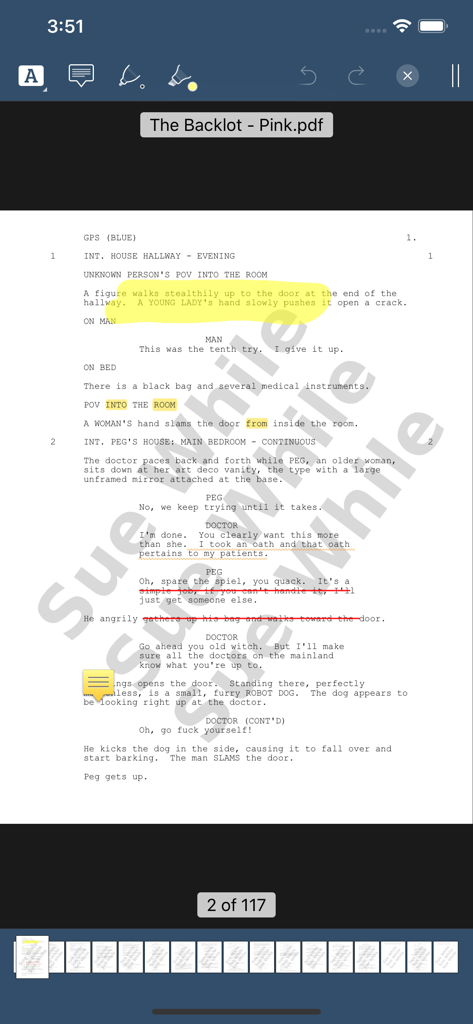
Digital script page with yellow highlights and sticky note annotations in a mobile production app interface.
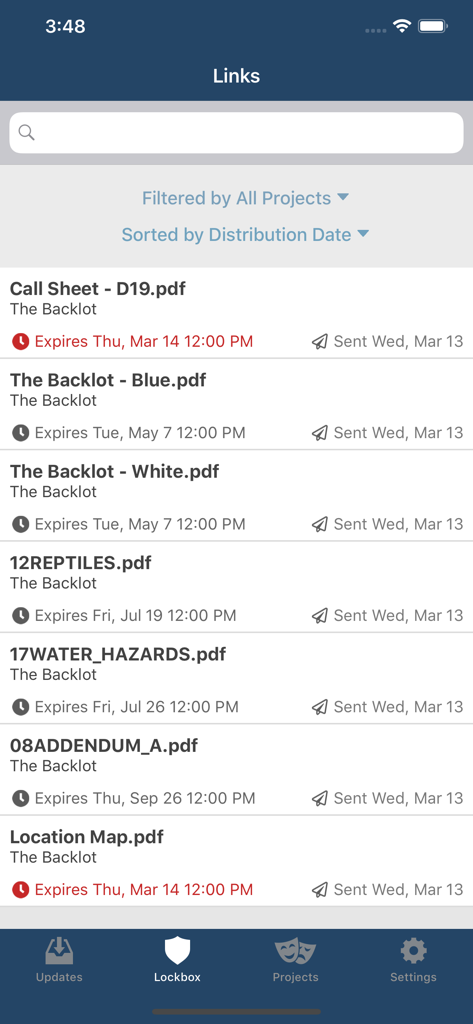
The Scenechronize app interface showing a list of project documents including call sheets and script revisions with their expiration dates.
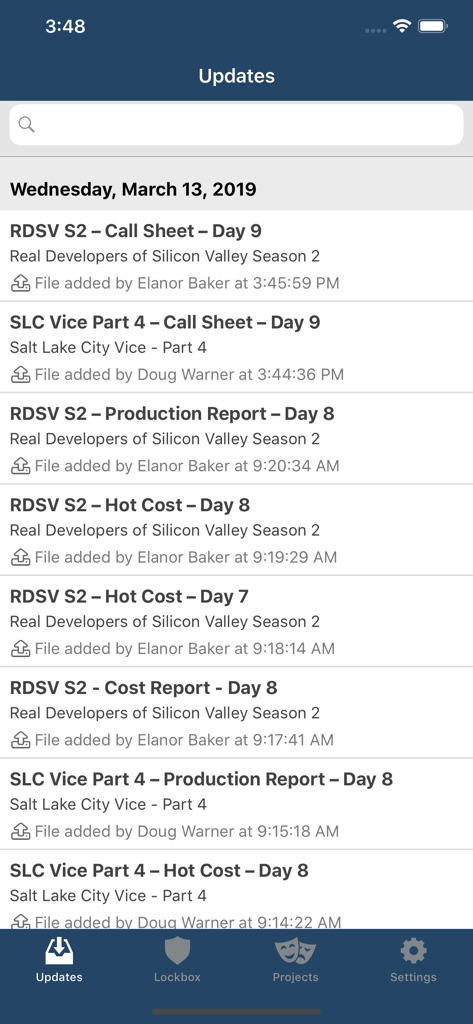
Scenechronize app screen showing a feed of recent production documents including call sheets and cost reports
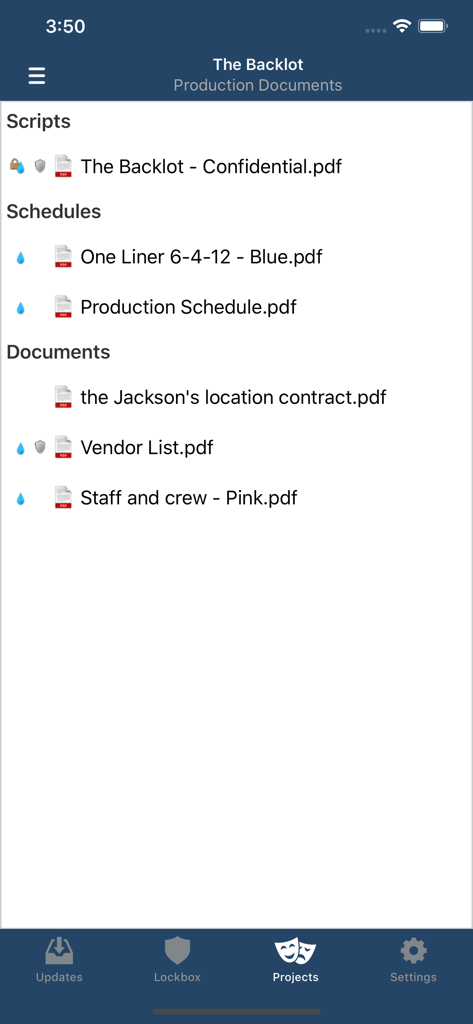
List of digital production scripts schedules and documents in the Scenechronize app
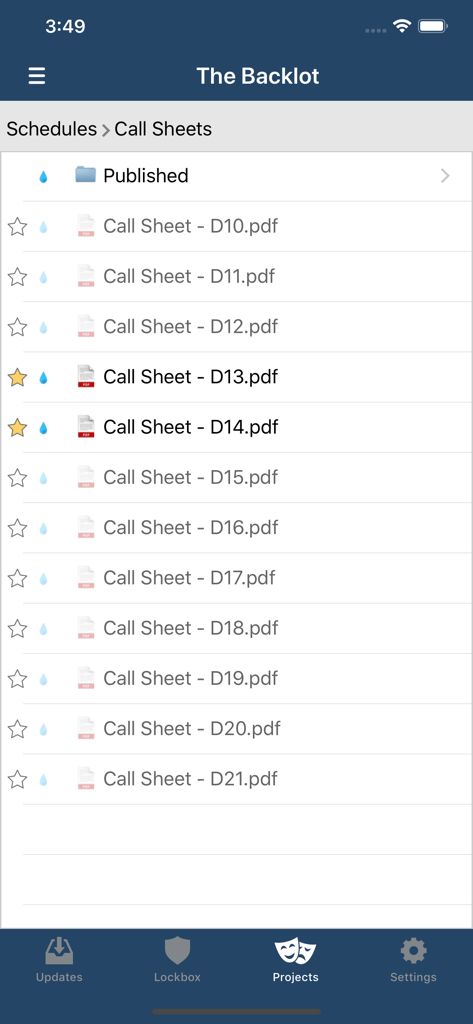
Mobile interface of the Scenechronize app showing a list of PDF call sheets for a film production project.
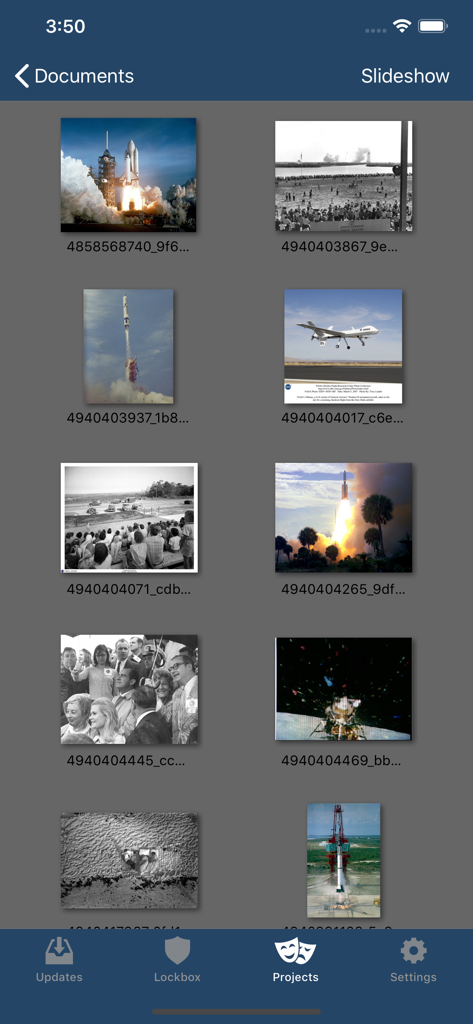
Gallery of production documents and reference images in the Scenechronize app Projects section
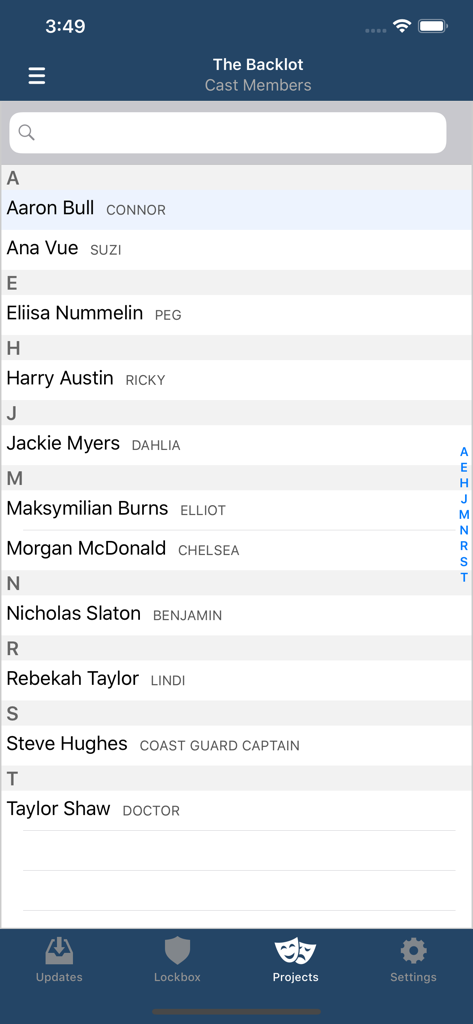
Alphabetical directory of cast members and their character names within the Scenechronize app
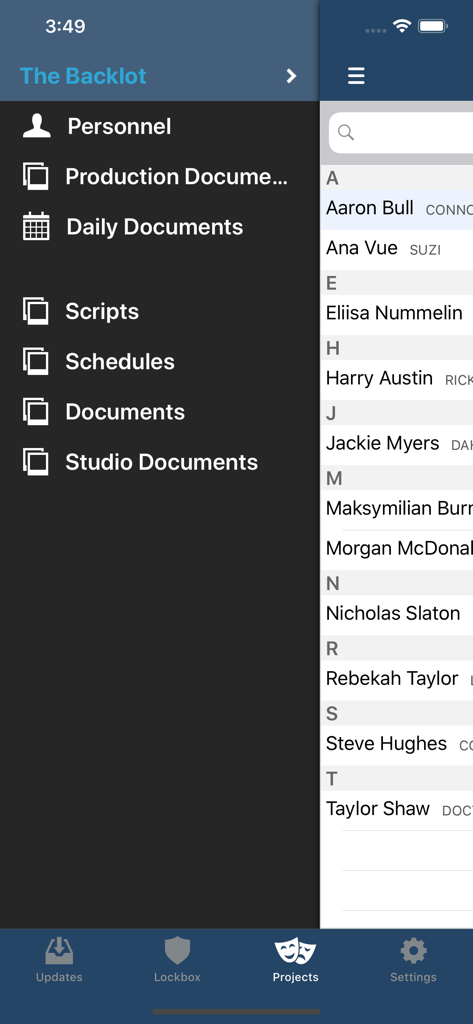
Scenechronize app interface showing a list of production personnel and the navigation menu
Description
Download
More Like This
Top-ranked apps in the same category

Microsoft Teams
Microsoft Corporation

Zoom Workplace
Zoom Communications, Inc.

WhatsApp Business
WhatsApp Inc.

Indeed Job Search
Indeed Inc.

LinkedIn: Network & Job Finder
LinkedIn Corporation

Adobe Acrobat Reader: Sign PDF
Adobe Inc.

DingDing - Redefine Work in AI
DingTalk Technology Co., Ltd.

WeCom-Work Communication&Tools
Tencent Technology (Shenzhen) Company Limited

BOSS直聘-招聘求职找工作神器
Beijing China Product Bo Farce Network Technology Co., Ltd.
This page is not an official page of the app or its developer, but an independent editorial publication created for informational and commentary purposes. Unless expressly stated otherwise, neither the app nor its developer is affiliated with, endorsed by, sponsored by, authorized by, or otherwise officially connected with MWM, Apple, Google Play, the app publisher, or the app's developer, and nothing on this page implies that the app was developed using MWM's services. Any trademarks, logos, screenshots, and other content remain the property of their respective owners.