Scnr: JPG to PDF

Scnr: JPG to PDF

Logo of Scnr: JPG to PDF

Scnr: JPG to PDF – The Fast, No-Account Document Scanner

Transform photos, receipts, and notes into professional PDFs in seconds. No registration, no clutter—just three taps to scan, convert, and share your documents instantly.

Publisher

Henry Heisenberg Apps, LLC

Category

Reference

Downloads

0

User Rating

1.0/5

Total Ratings

0

Locales

-

Efficiency in Focus

Discover the interface used by 0 users.
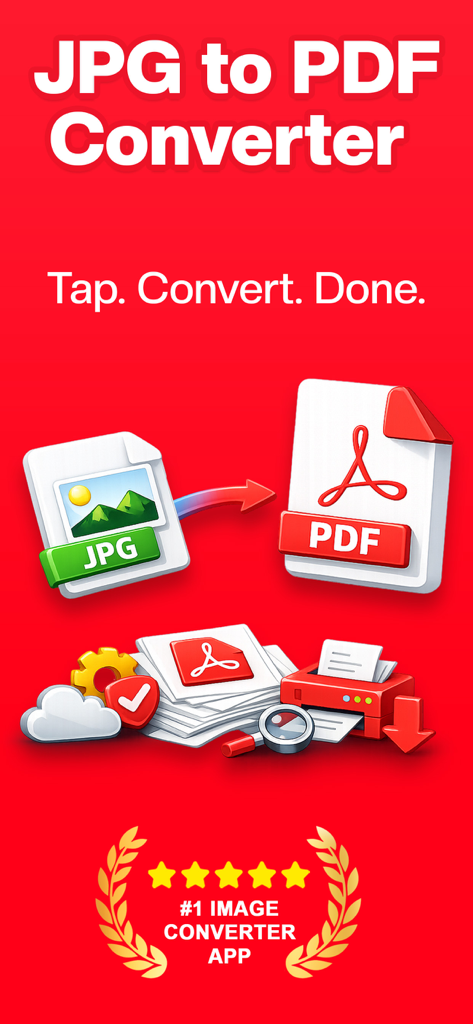
JPG to PDF converter app screenshot showing easy image conversion and five star rating

JPG to PDF converter app screenshot showing easy image conversion and five star rating

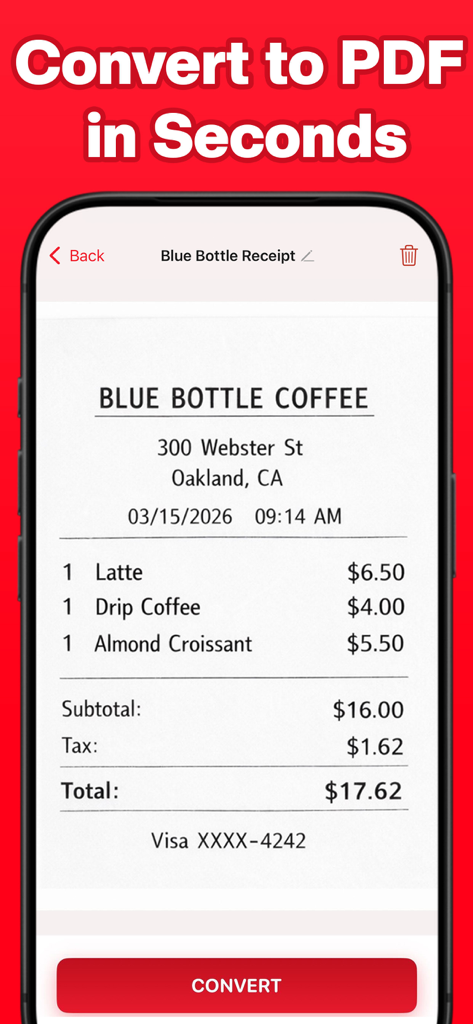
Smartphone screen showing the Scnr app scanning a coffee shop receipt to convert it into a PDF

Smartphone screen showing the Scnr app scanning a coffee shop receipt to convert it into a PDF

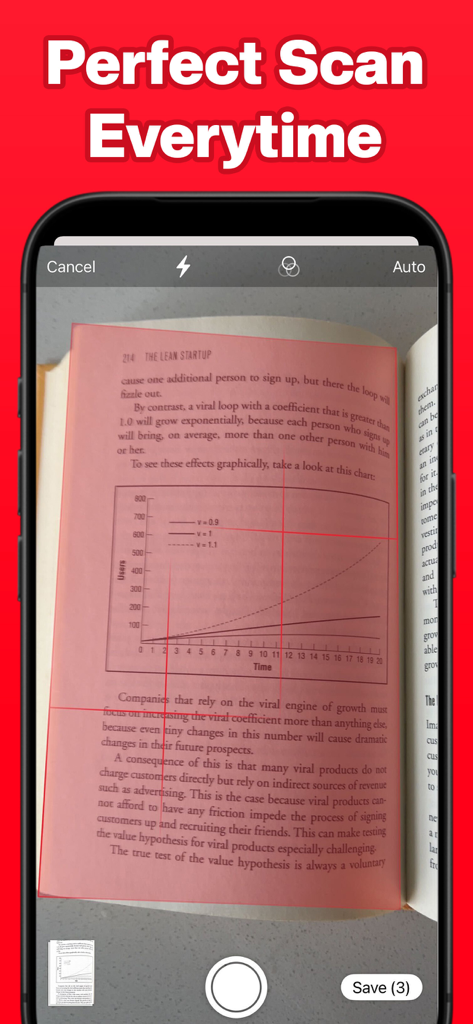
Mobile app interface showing automatic document edge detection while scanning a book page

Mobile app interface showing automatic document edge detection while scanning a book page

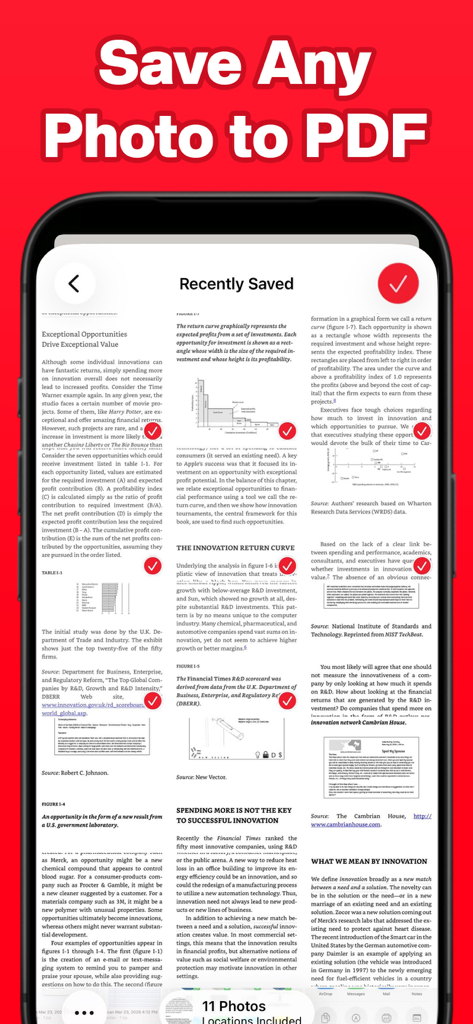
Interface of the Scnr app showing recently saved documents and a headline that says Save Any Photo to PDF.

Interface of the Scnr app showing recently saved documents and a headline that says Save Any Photo to PDF.

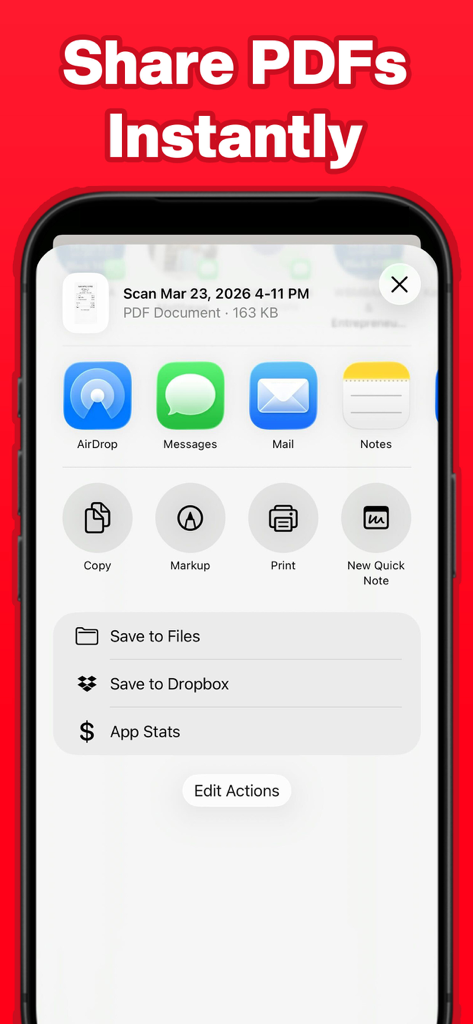
The sharing interface of the Scnr app on iPhone for a PDF document

The sharing interface of the Scnr app on iPhone for a PDF document

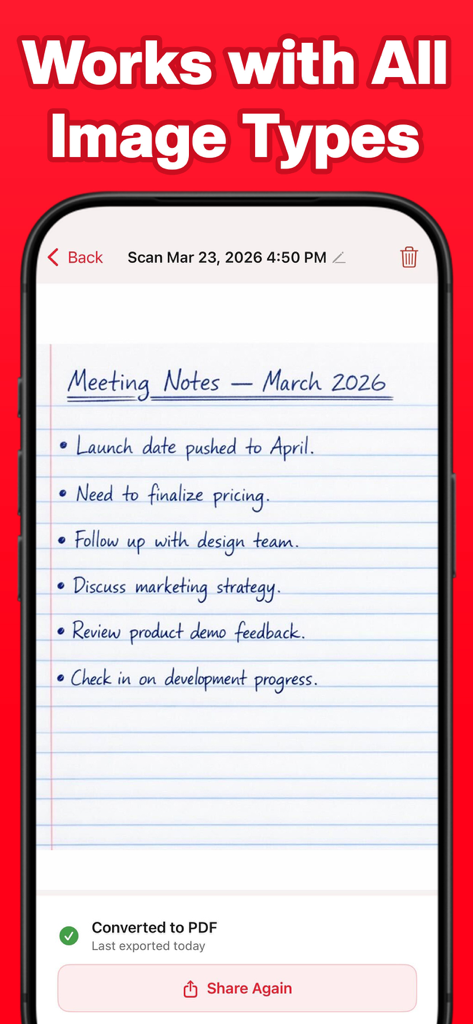
Scnr app screenshot showing a handwritten note converted to PDF with a sharing option

Scnr app screenshot showing a handwritten note converted to PDF with a sharing option

Efficiency Without the Bloat

The tools that make this app stand out, trusted by 0 users.

🚀

Zero-Friction Conversion

Skip the accounts and passwords. Open the app and go from photo to PDF in exactly three taps when every second counts.

📐

Smart Edge Detection

Achieve professional results automatically. Our AI identifies document borders and corrects perspectives for a clean, flat finish.

🔗

Multi-Page Organization

Seamlessly combine multiple receipts, contracts, or sketches into a single, high-quality PDF ready for AirDrop or email.

About the app

Everything you need to know about Scnr: JPG to PDF.

Description

Scnr: JPG to PDF Convert photos to PDF in seconds. Scan documents with your camera or import images from your photo library and turn them into clean, shareable PDF files instantly. No clutter. No complicated menus. Just pick your images, tap Convert, and share. HOW IT WORKS Open the app and choose how you want to add your document. Tap Gallery to import one or more photos from your library, or tap Camera to scan a physical document using your iPhone camera. The app automatically detects document edges and corrects perspective so your scan comes out clean and straight. Then tap Convert to generate your PDF and share it anywhere. WHAT YOU CAN DO -Convert JPG, PNG, and HEIC photos to PDF -Scan physical documents with automatic edge detection -Combine multiple images into a single multipage PDF -Share instantly via AirDrop, Mail, Messages, or save to Files -Rename and organize your documents -Access all your converted files from the home screen BUILT FOR SIMPLICITY Most scanner apps are overloaded with features most people never use. JPG to PDF does one thing and does it well. The entire conversion flow takes three taps. There is no account to create, no sign-in required, and no unnecessary steps between you and your PDF. PERFECT FOR -Scanning receipts, contracts, and forms -Turning handwritten notes into shareable documents -Converting photos of whiteboards, books, or ID cards to PDF -Sending multi-page documents as a single file -Archiving physical paperwork digitally PRO SUBSCRIPTION While the app is free to download, a subscription is required to use the image to pdf conversion service. Our Pro subscription allows you to convert as many documents as you need, whenever you need. Subscription options are shown at the time of purchase. Payment is charged to your Apple ID account. Your subscription automatically renews unless cancelled at least 24 hours before the end of the current period. You can manage or cancel your subscription at any time in your Apple ID account settings. Privacy Policy: https://appmagic.co/app/privacypolicy.html Terms of Use: https://apple.com/legal/internet-services/itunes/dev/stdeula

Latest Version

1.0.1

Size

10.3 MB

First Released

Mar 24, 2026

Ready for a PDF Tool That Just Works?

Ditch the bloat and the sign-up forms. Start converting photos to professional PDFs in three taps today.

App information, icons, screenshots, and descriptions displayed on this page are sourced from the Apple App Store and are the property of their respective developers. Download estimates and rankings are based on MWM's proprietary models and may not reflect actual figures. This page is provided for informational and analytical purposes only.

Believe this page infringes your intellectual property? File a dispute