
ScrollToStudy: Study Smarter


Transform your PDFs, notes, and YouTube lectures into a personalized, social-media-style feed. Beat distraction and master your subjects one scroll at a time.
Publisher
Category
EducationDownloads
8K+User Rating
Total Ratings
100Locales
1Discover the interface used by 8K+ users.
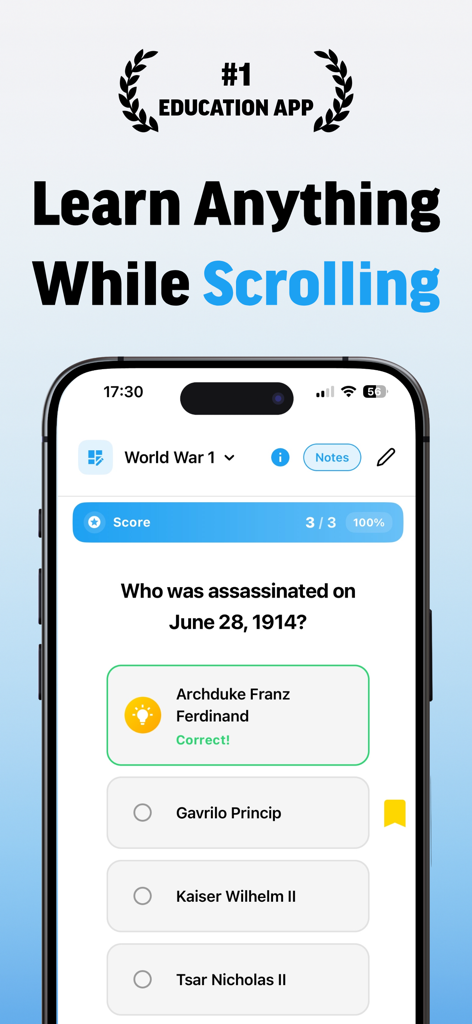
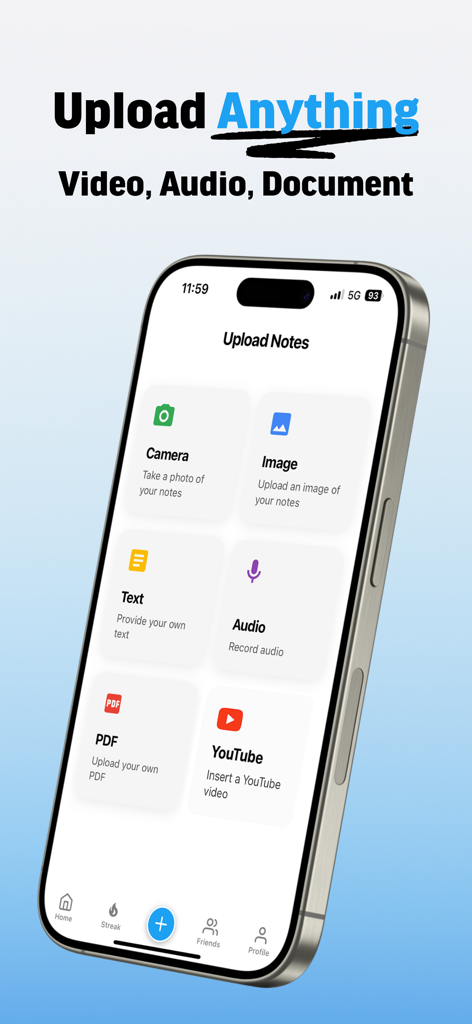
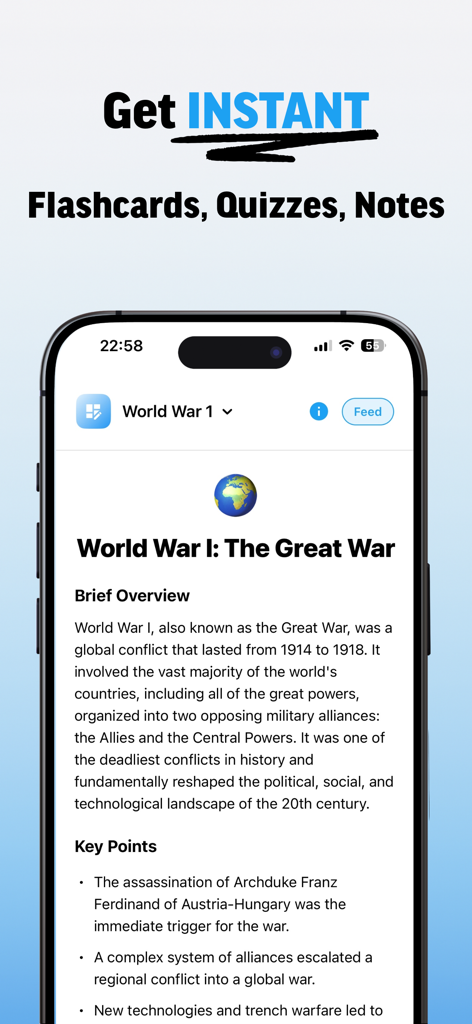
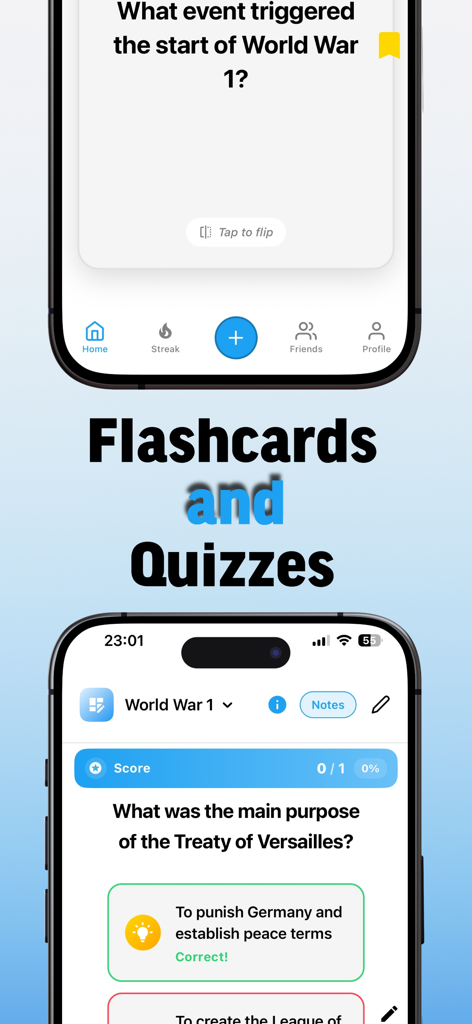
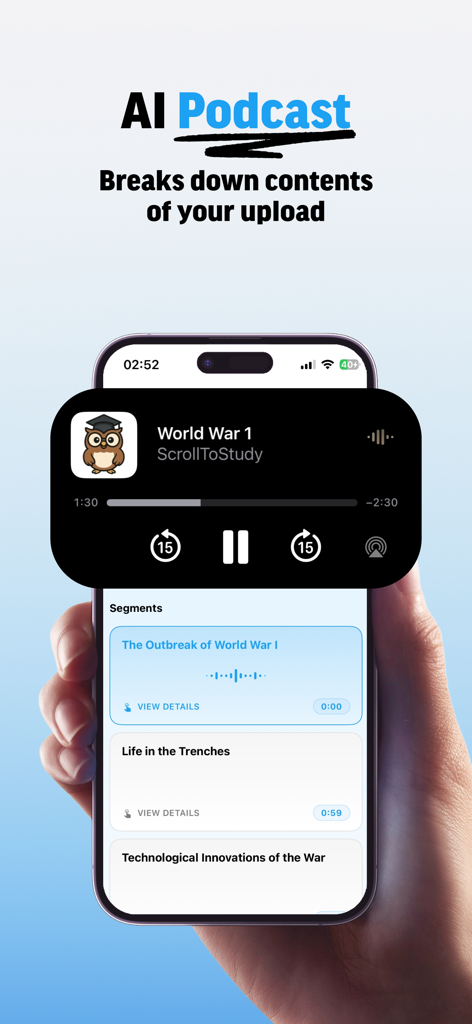
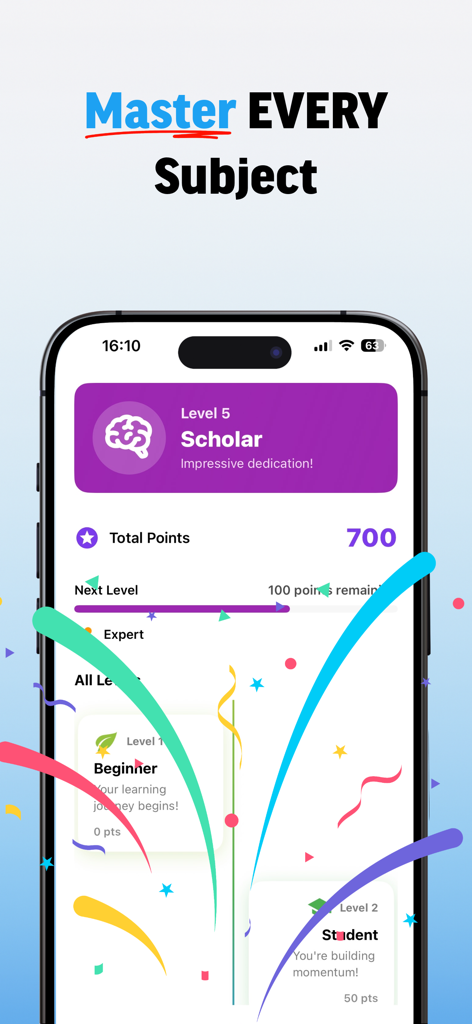
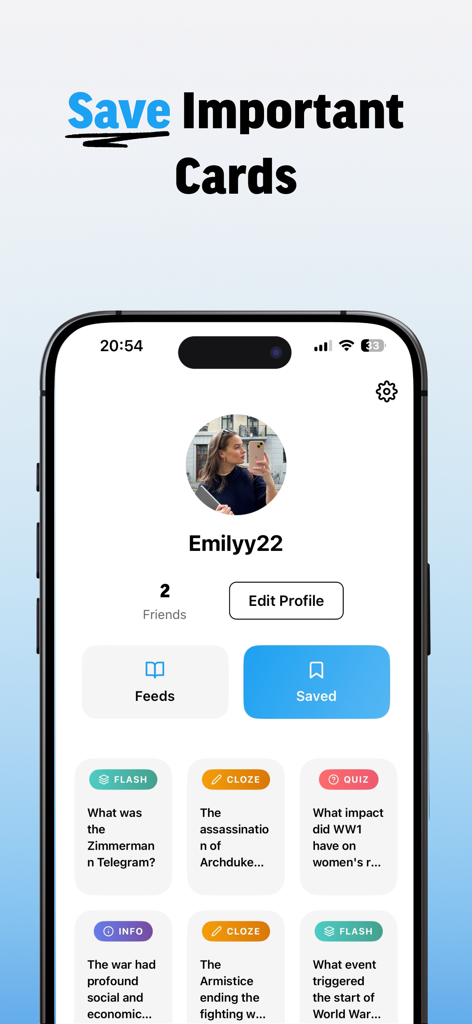
The tools that make this app stand out, trusted by 8K+ users.
Swap doomscrolling for productive scrolling. Review flashcards and summaries in a familiar vertical interface designed for your attention span.
Upload PDFs or paste YouTube links to instantly generate custom study feeds. No more wasting hours creating cards by hand—let AI do the work.
Turn bus rides and coffee breaks into high-impact review sessions. Stay motivated with smart, adaptive quizzes that feel like a game.
Everything you need to know about ScrollToStudy: Study Smarter.
Description
Latest Version
1.6.8
Size
42.6 MB
First Released
Apr 16, 2025
Join thousands of students reclaiming their focus and crushing their exams. Download ScrollToStudy now and start winning back your screen time.
Everything you need to know about ScrollToStudy: Study Smarter
ScrollToStudy is an app that transforms screen time into productive study time. It combines classic learning techniques with a social-media inspired interface, offering personalized study feeds, smart flashcards, and custom quizzes.
ScrollToStudy works by allowing users to add learning materials and create flashcards, quizzes, and summaries. Users then study through a personalized feed, making study sessions engaging and less stressful.
Yes, ScrollToStudy enables users to create smart flashcards, informative summaries, and custom quizzes. The app adapts these learning tools to individual user needs.
ScrollToStudy supports diverse content uploads including camera photos, images, text, audio recordings, PDF documents, and YouTube videos. These imports generate study materials.
Yes, ScrollToStudy includes an "AI Podcast" feature. This functionality analyzes user-uploaded content and breaks it down into structured audio segments for learning.
ScrollToStudy is designed for students, professionals, and lifelong learners. The app helps users retain information and maintain motivation during their study processes.
Yes, ScrollToStudy offers a Pro subscription. This subscription unlocks advanced features like PDF, audio, and YouTube import, along with unlimited feed creation.
A ScrollToStudy Pro subscription is required for PDF import, audio import, YouTube video import, and unlimited feed creation. These features enhance the app's study capabilities.
Users can contact ScrollToStudy support by sending an email to support@scrolltostudy.com for any questions or feedback regarding the app.
Yes, ScrollToStudy allows users to save important study cards. The app features a dedicated "Saved" section within the user profile for easy access to these materials.
Yes, ScrollToStudy tracks user progress through a level-based system. It displays total points and allows advancement through levels like Beginner and Scholar based on dedication.
The Privacy Policy for ScrollToStudy is available on the app's official website. Users can access it directly at https://scrolltostudy.com/privacy-policy.
ScrollToStudy blends classic learning techniques with a social-media inspired interface. It utilizes smart flashcards, informative summaries, and custom quizzes to enhance engagement and retention.
Top-ranked apps in the same category

Duolingo, Inc

DEEP FLOW SOFTWARE SERVICES - FZCO

Wuhan Jiakaobaodian Information Service Co., Ltd.

Toca Boca AB

Google LLC

Guangzhou Polar Future Culture Technology Co., Ltd

Student Information Consultation Service Co., Ltd.

GAUTHTECH PTE. LTD.

Aleksandr Ulitin
App information, icons, screenshots, and descriptions displayed on this page are sourced from the Apple App Store and are the property of their respective developers. Download estimates and rankings are based on MWM's proprietary models and may not reflect actual figures. This page is provided for informational and analytical purposes only.
Believe this page infringes your intellectual property? File a dispute