
This page is not an official page of the app or its developer, but an independent editorial publication created for informational and commentary purposes. Unless expressly stated otherwise, neither the app nor its developer is affiliated with, endorsed by, sponsored by, authorized by, or otherwise officially connected with MWM, Apple, Google Play, the app publisher, or the app's developer, and nothing on this page implies that the app was developed using MWM's services. Any trademarks, logos, screenshots, and other content remain the property of their respective owners.


SHOEBOX QuickTest
Turn any iPad into a powerful customer acquisition tool with automated screening that identifies and prioritizes your best prospects in minutes.
Downloads
0User Rating
Total Ratings
0Publisher
Category
Health & FitnessLocales
19Latest Version
3.0.0Size
29.5 MBFirst Released
Apr 26, 2019Capture and Qualify More Leads Effortlessly
Automate your patient acquisition with our intuitive iPad-based screening solution, designed to identify and prioritize high-value prospects in any setting.
Smart Lead Prioritization
Automatically sync results to our cloud portal to instantly identify and prioritize candidates with hearing loss for immediate follow-up.
Deploy Anywhere, Anytime
Run screenings in attended or unattended modes at health fairs, pharmacies, or community centers to capture leads while you focus on your clinic.
The following screenshots and description are sourced directly from the app's official store listing and are the property of the app developer.
App Store
Screenshots
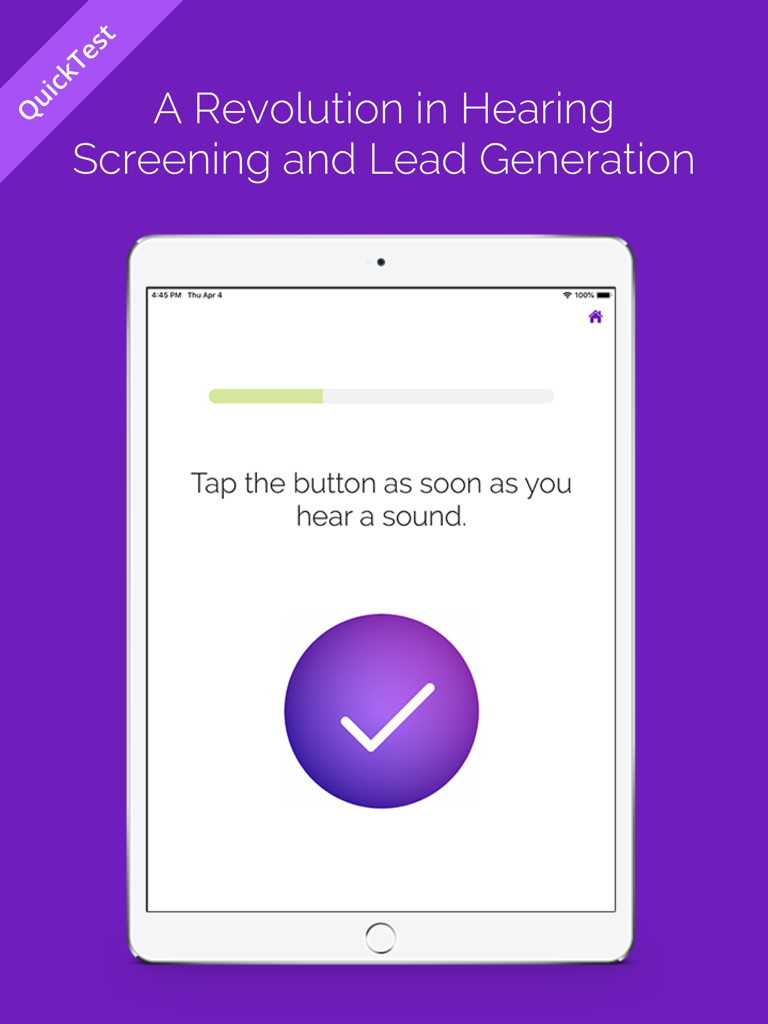
SHOEBOX QuickTest app interface on an iPad displaying a hearing screening instruction to tap a button when a sound is heard.
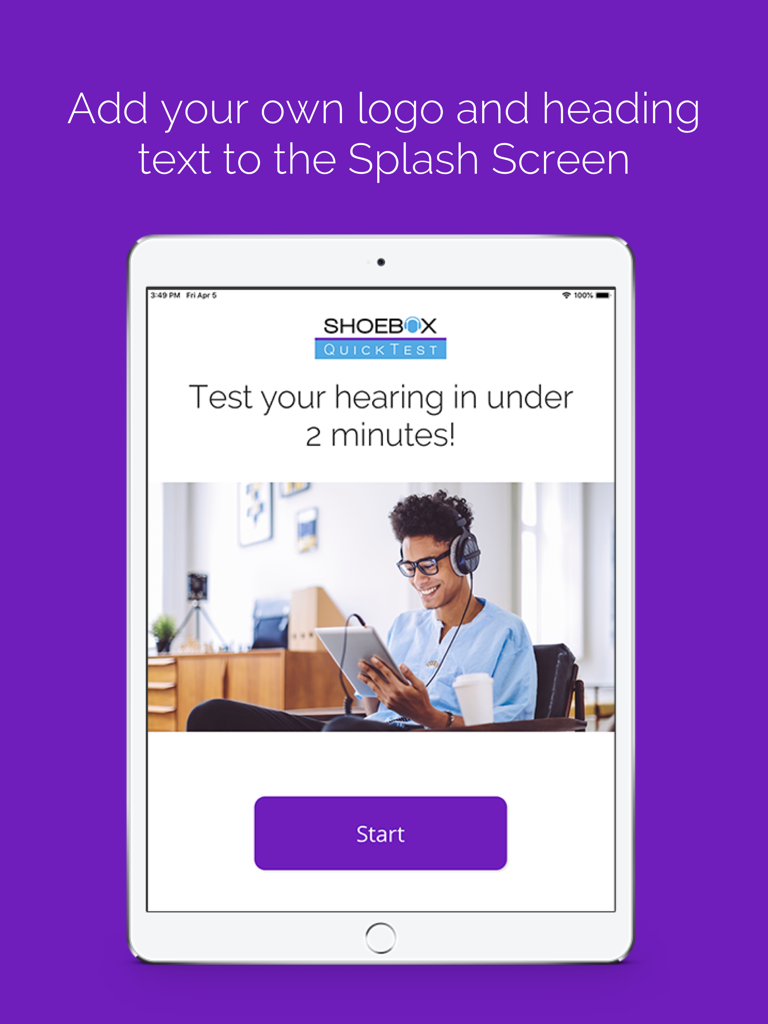
iPad showing the SHOEBOX QuickTest app splash screen with customizable logo and text options for hearing screenings
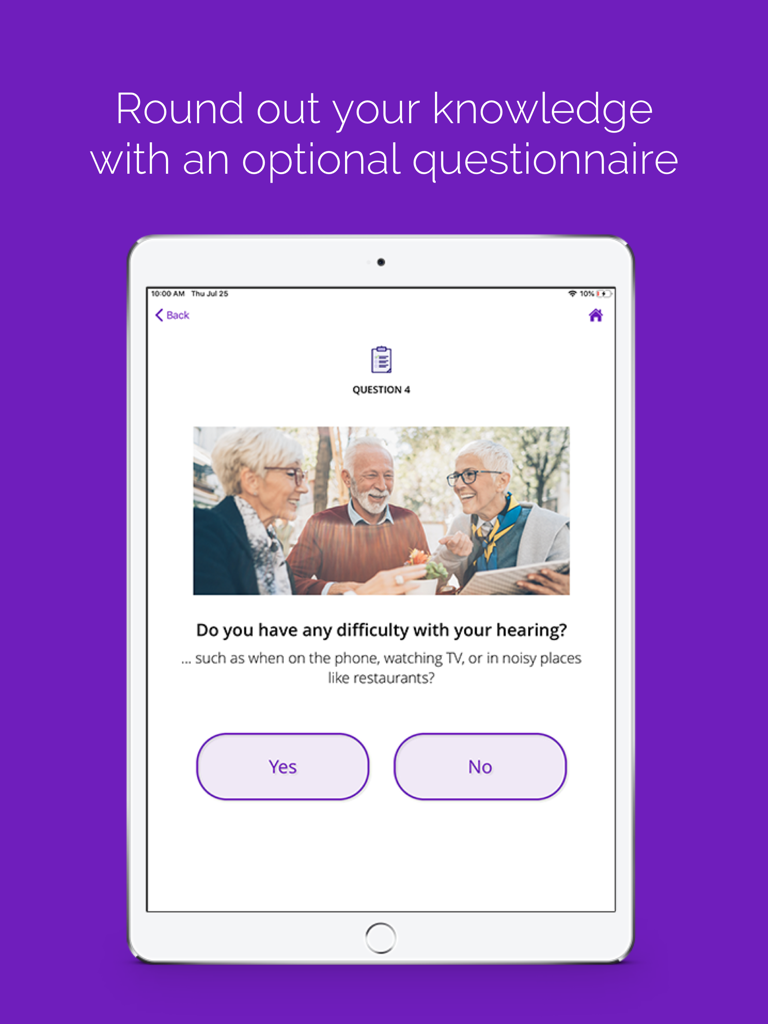
SHOEBOX QuickTest app displaying a hearing difficulty questionnaire screen on an iPad
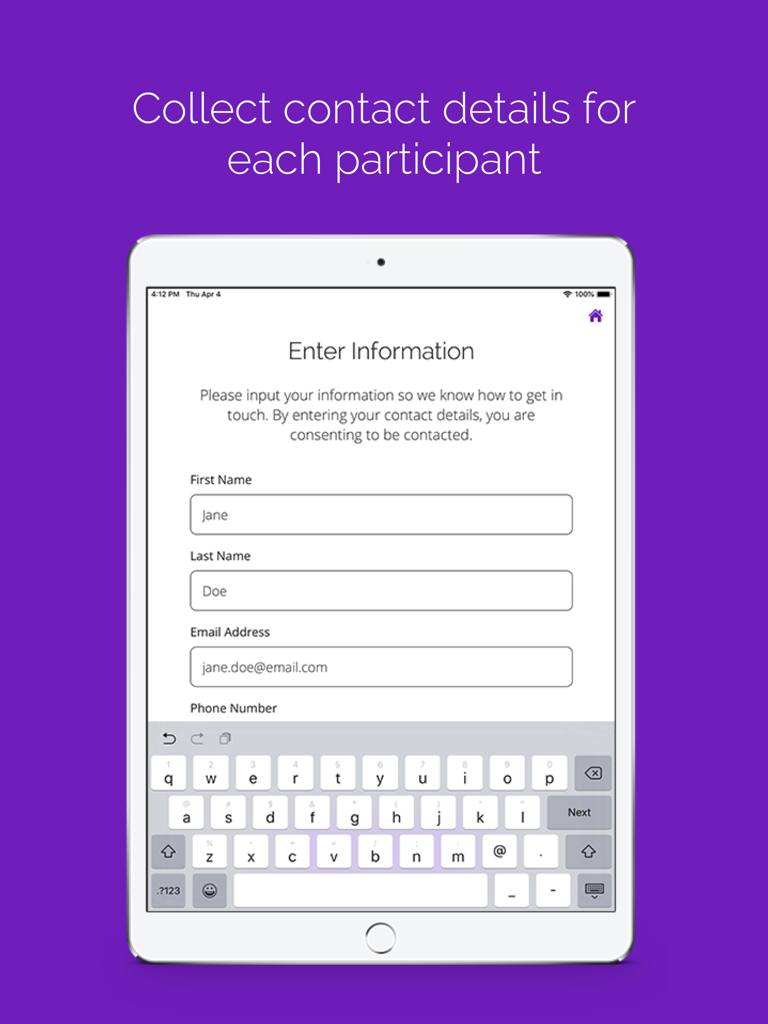
SHOEBOX QuickTest app contact information entry screen on an iPad
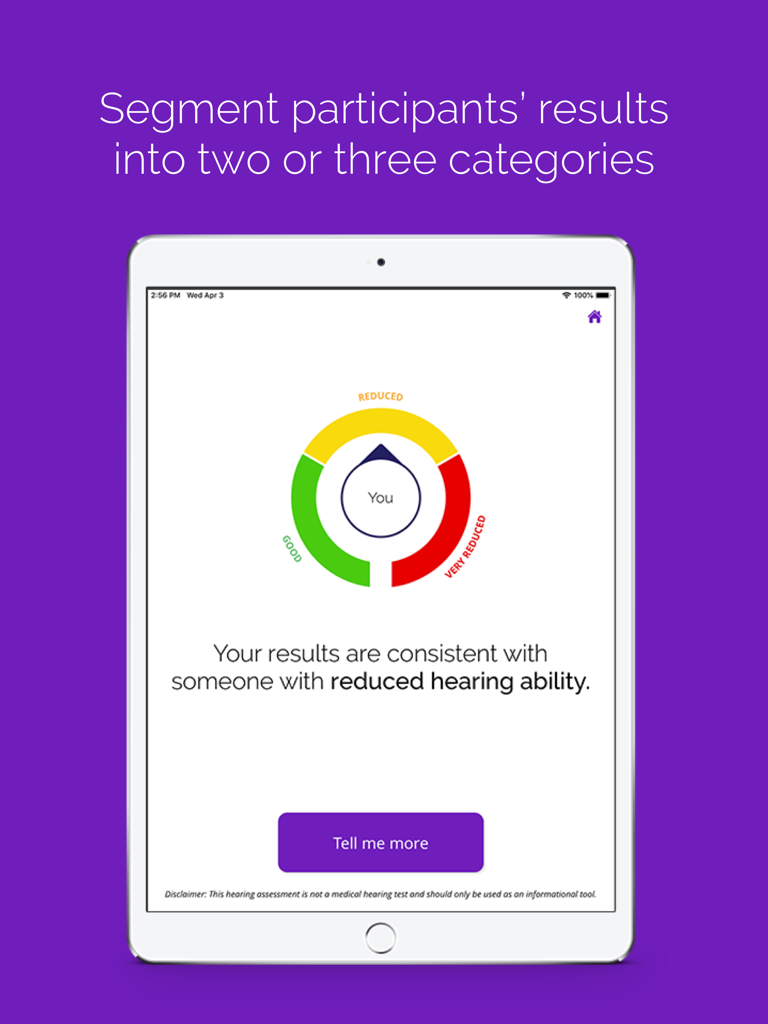
iPad screen showing SHOEBOX QuickTest hearing screening results with a color coded gauge indicating reduced hearing
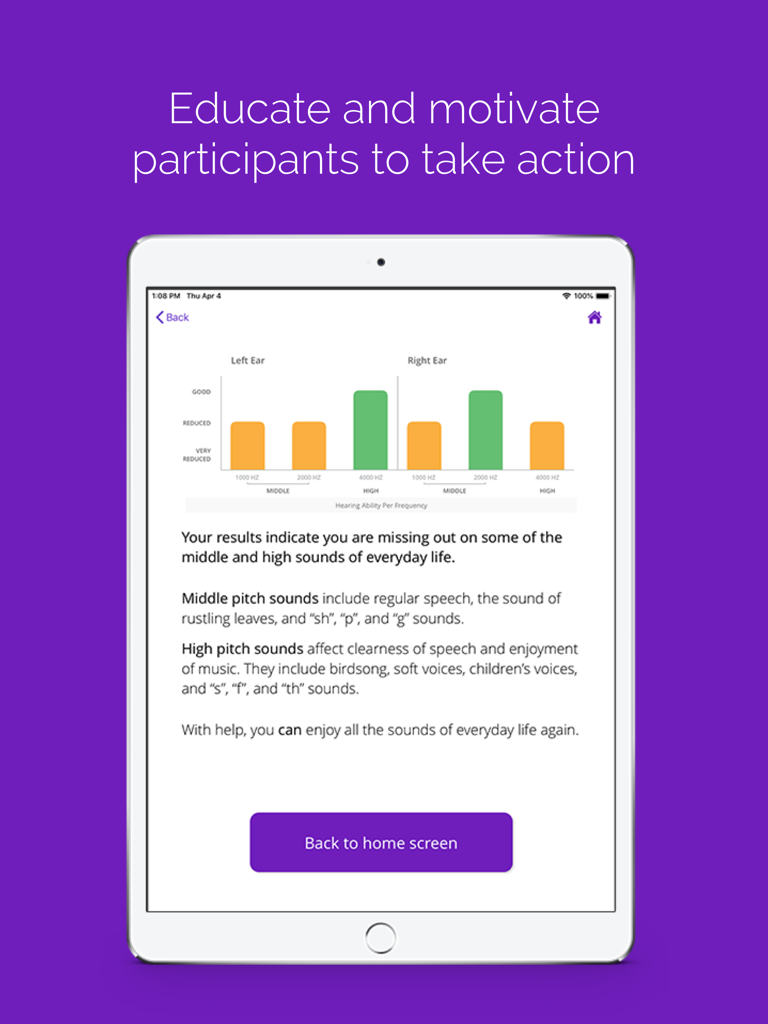
iPad screen showing SHOEBOX QuickTest hearing screening results with bar charts and educational text for patients
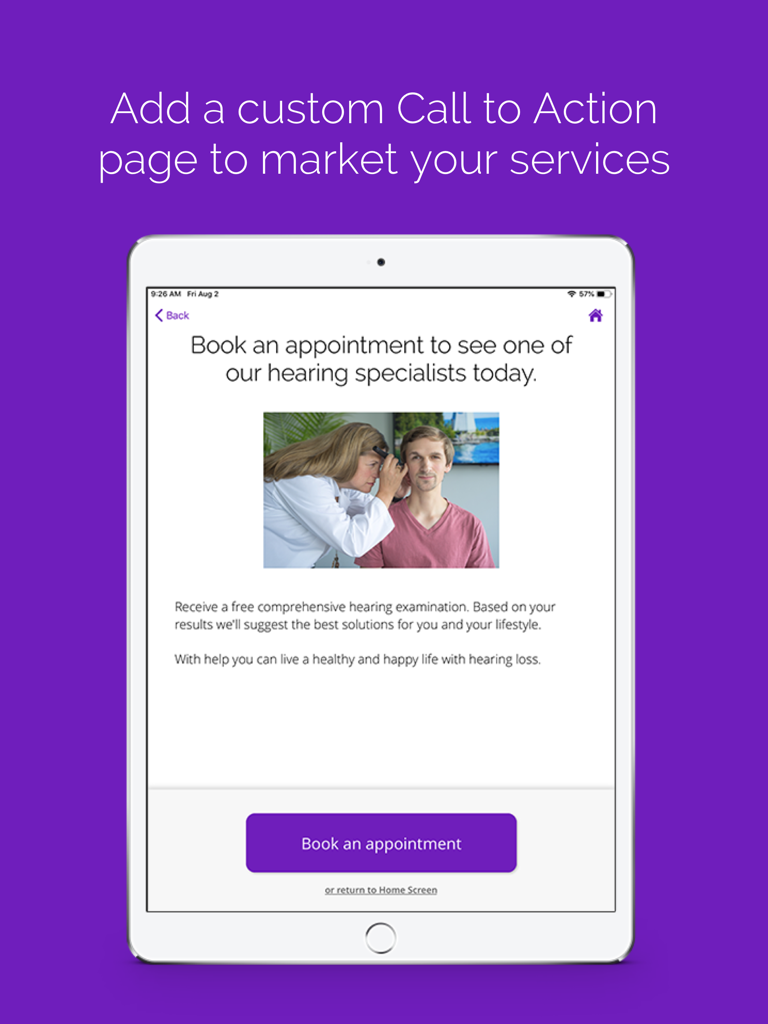
iPad screen displaying a customizable call to action page for booking a hearing specialist appointment
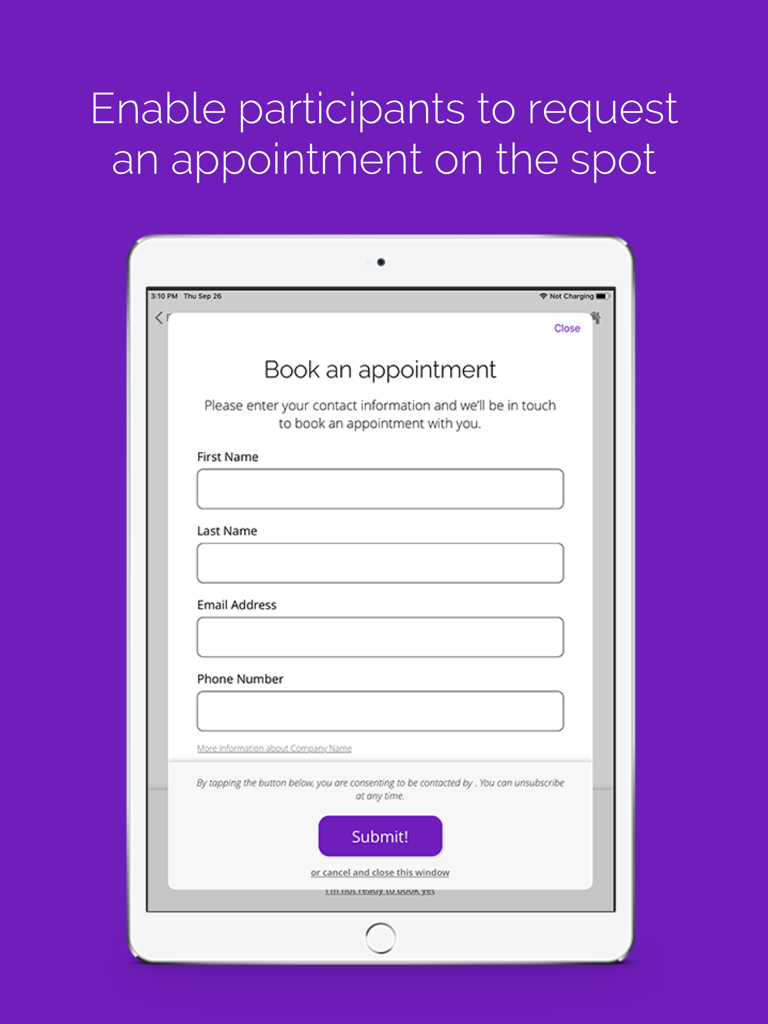
SHOEBOX QuickTest app appointment booking form on iPad
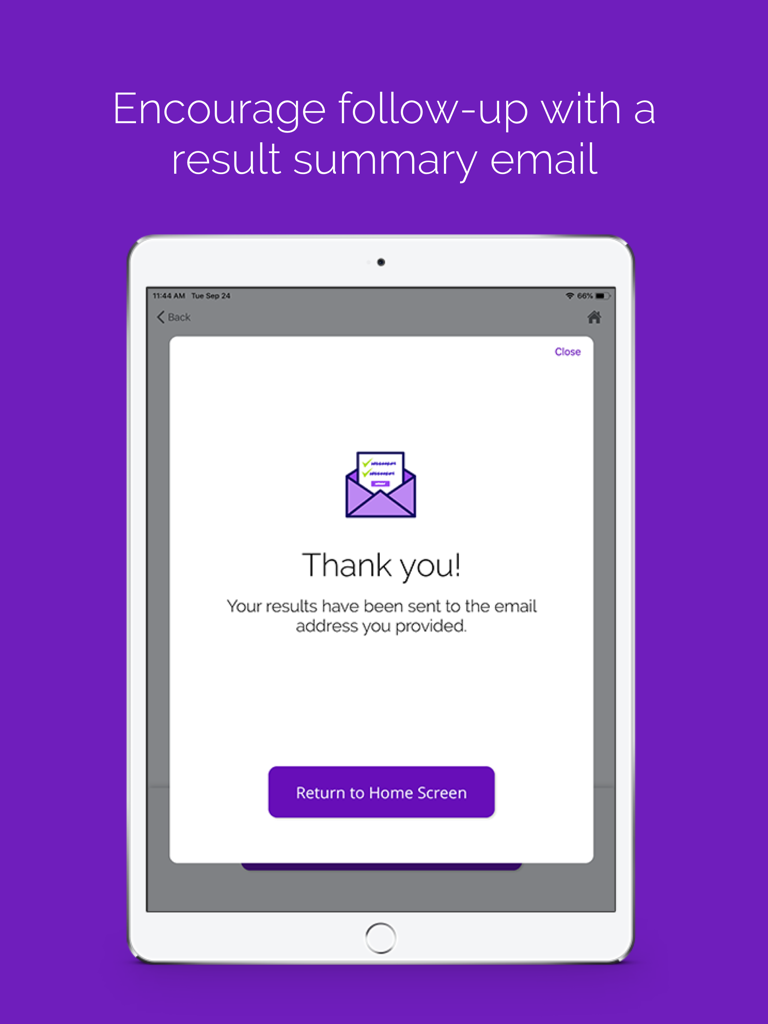
iPad screen displaying a thank you message and confirmation that hearing test results were sent to the participant's email address
Description
Download
More Like This
Top-ranked apps in the same category

Strava: Run, Bike, Walk
Strava Inc.

Flo Cycle & Period Tracker
FLO HEALTH UK LIMITED

Mi Fitness (Xiaomi Wear Lite)
Beijing Xiaomi Co., Ltd

AI Calorie Tracker by Yazio
YAZIO GmbH

MyFitnessPal: Calorie Counter
MyFitnessPal, Inc.

Yuka - Food & Cosmetic Scanner
Yuca

Cal AI - Calorie Tracker
Viral Development LLC

HUAWEI Health
Huawei Software Technologies Co., Ltd.

Period Tracker Period Calendar
ABISHKKING LIMITED.
This page is not an official page of the app or its developer, but an independent editorial publication created for informational and commentary purposes. Unless expressly stated otherwise, neither the app nor its developer is affiliated with, endorsed by, sponsored by, authorized by, or otherwise officially connected with MWM, Apple, Google Play, the app publisher, or the app's developer, and nothing on this page implies that the app was developed using MWM's services. Any trademarks, logos, screenshots, and other content remain the property of their respective owners.