順番待ちパネル | 呼び出し番号の表示用呼出システム
Download on App Store

This page is not an official page of the app or its developer, but an independent editorial publication created for informational and commentary purposes. Unless expressly stated otherwise, neither the app nor its developer is affiliated with, endorsed by, sponsored by, authorized by, or otherwise officially connected with MWM, Apple, Google Play, the app publisher, or the app's developer, and nothing on this page implies that the app was developed using MWM's services. Any trademarks, logos, screenshots, and other content remain the property of their respective owners.


Logo of 順番待ちパネル | 呼び出し番号の表示用呼出システム
Download on App Store

順番待ちパネル | 呼び出し番号の表示用呼出システム

The ultimate zero-friction solution for small businesses. No accounts and no internet required—just professional queue management and voice announcements on your iPhone or iPad.

Key Figures

Downloads

500+

User Rating

4.4/5

Total Ratings

0

Publisher

ryota gunji

Category

Business

Locales

8

Latest Version

1.1.1

Size

20.2 MB

First Released

Oct 23, 2022
Features

Professional Queuing Without the Enterprise Price Tag

Ditch the paper tickets and expensive software. Our all-in-one system handles arrivals, calls, and wait times right from your device—no account or internet required.

Instant, Account-Free Setup

No registration or logins. Download and start calling customers in seconds—perfect for busy pop-ups and high-traffic retail rushes.

100% Offline Reliability

Run your business anywhere from underground shops to outdoor markets without worrying about spotty Wi-Fi or data privacy.

The following screenshots and description are sourced directly from the app's official store listing and are the property of the app developer.

App Store

Screenshots
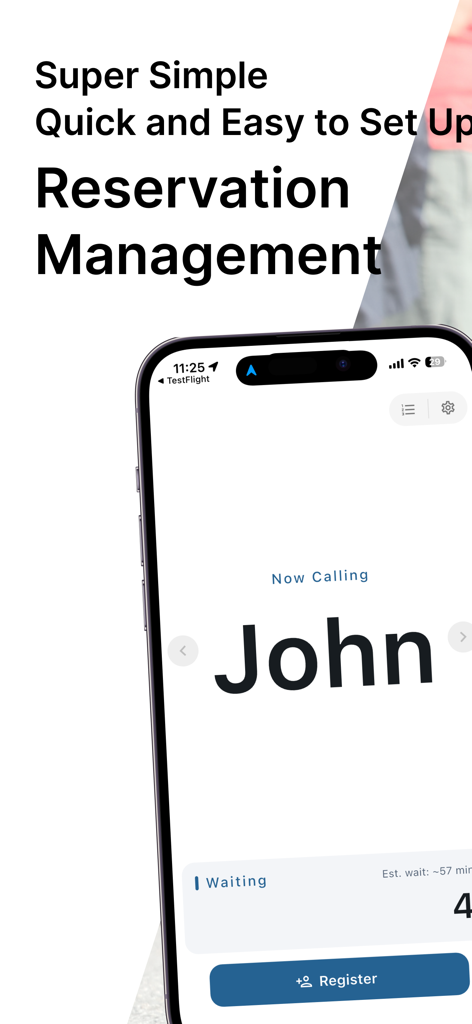
順番待ちパネル | 呼び出し番号の表示用呼出システム - Mobile app screen showing the reservation management and customer call interface for the Queue Management Panel app
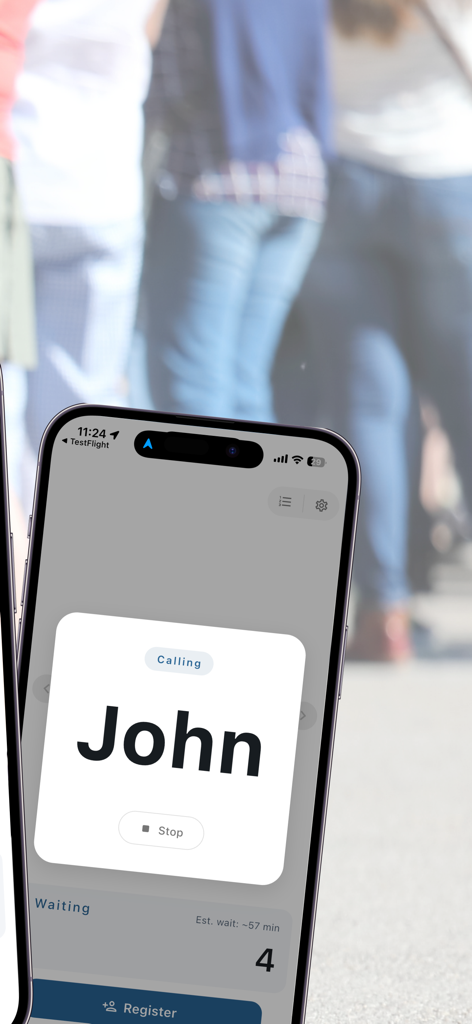
Mobile app screen showing the reservation management and customer call interface for the Queue Management Panel app

順番待ちパネル | 呼び出し番号の表示用呼出システム - Mobile app screen calling a customer by name with estimated wait time display
Mobile app screen calling a customer by name with estimated wait time display

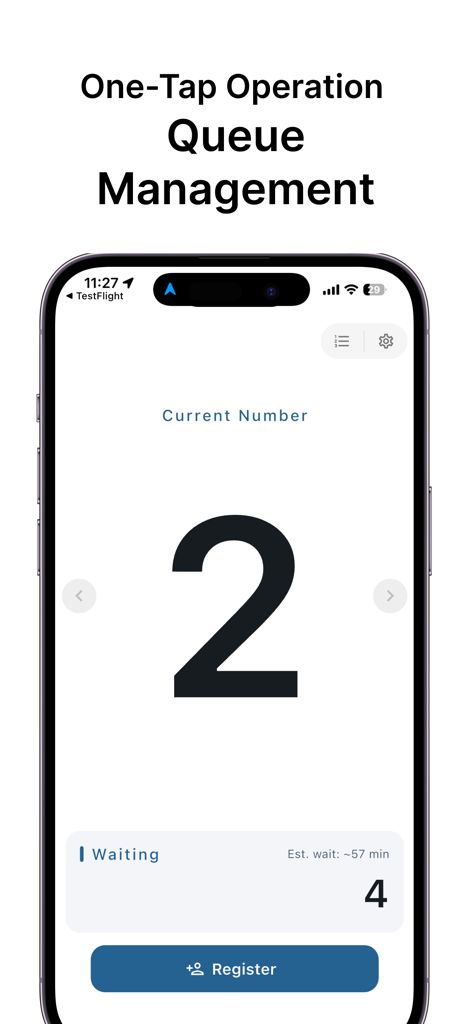
順番待ちパネル | 呼び出し番号の表示用呼出システム - Queue management app interface showing current number two and waiting count with estimated wait time
Queue management app interface showing current number two and waiting count with estimated wait time

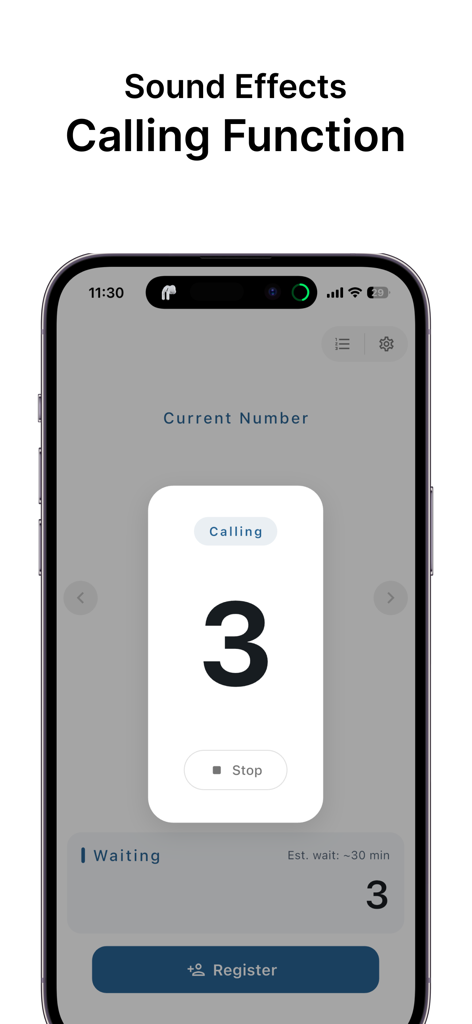
順番待ちパネル | 呼び出し番号の表示用呼出システム - Smartphone display showing the calling screen of a queue management app with number three.
Smartphone display showing the calling screen of a queue management app with number three.

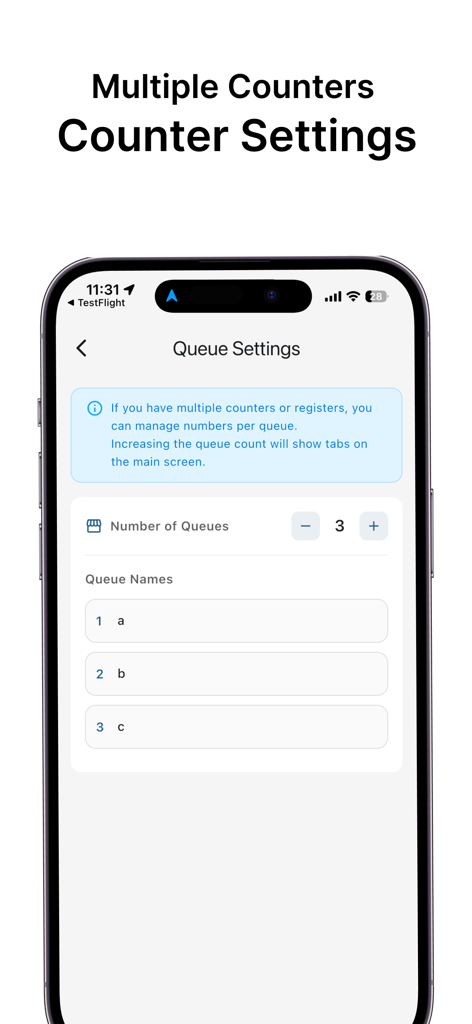
順番待ちパネル | 呼び出し番号の表示用呼出システム - Interface of the Queue Management Panel app showing settings for multiple counters and queue names

Interface of the Queue Management Panel app showing settings for multiple counters and queue names
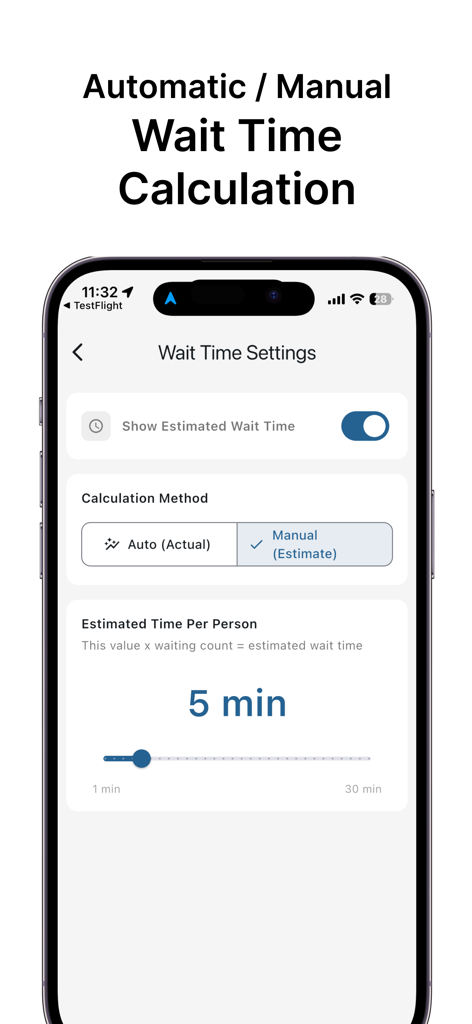
順番待ちパネル | 呼び出し番号の表示用呼出システム - Smartphone screen displaying wait time calculation settings with options for automatic and manual estimation
Smartphone screen displaying wait time calculation settings with options for automatic and manual estimation

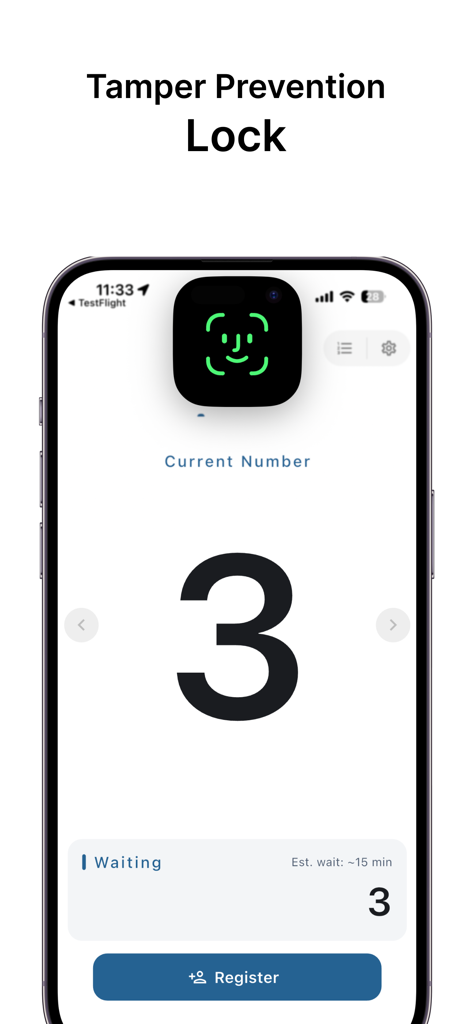
順番待ちパネル | 呼び出し番号の表示用呼出システム - A smartphone displaying the Tamper Prevention Lock feature of the Queue Management Panel app with Face ID biometric authentication

A smartphone displaying the Tamper Prevention Lock feature of the Queue Management Panel app with Face ID biometric authentication

Description

A queue management panel is now available as a smartphone app. This simple queue app handles everything from issuing waiting numbers to calling customers—all in one place. Use it as a reception app for various settings, including restaurant queue management, clinics, salons, and event venues. Say goodbye to paper tickets and whiteboard management. Switch to a digital reception system handled entirely by smartphones. This practical queue management app offers low-cost implementation. Designed for easy adoption regardless of scale, from individually owned shops to small-scale events. -------------------------------- ■ Simple Design for Immediate Use No account registration or login required. Just launch the app to start issuing numbers and managing reception immediately. No complex initial setup or specialized knowledge needed. The interface is designed for intuitive operation by anyone. No internet connection is required either. It operates stably offline, so you can use it with confidence even in locations with unstable signals, like underground stores or outdoor event venues. Data is stored locally on the device, so no information is sent to external servers. -------------------------------- ■ Key Features 【Reception and Number Issuance】 Issue new numbers with a single tap on the screen button. The current call number is prominently displayed in the center of the screen for easy visibility from a distance. If you accidentally proceed too far, you can return to the previous number, allowing for flexible handling. 【Name-Based Calling】 Beyond number management, it also supports calling by name. This is ideal for industries seeking a more courteous impression than using numbers alone. Perfect for one-on-one customer interactions like personal salons, fortune-telling, counseling, and personal training. 【Call Sounds and Voice Announcements】 An effect sound alerts you when someone is called. Volume adjustment and vibration settings are available. Furthermore, enabling the voice announcement feature automatically announces the number or name. This eliminates the need for staff to speak, improving operational efficiency. 【Estimated Wait Time Display】 It automatically calculates and displays the estimated wait time. It features both an automatic mode, which calculates based on actual call intervals, and a manual mode, where you can set an estimated time per person. This allows you to inform customers of the estimated wait time at check-in, reducing anxiety about waiting times. 【Manage Up to 10 Counters】 Simultaneously manage multiple reception areas or lanes. Customizable counter names support diverse operations like restaurant counter management, hospital department-specific reception, or event booth allocation. 【Customer Display Mode】 Switch to a dedicated screen displaying the current number and waiting count prominently. Mount smartphones or tablets on stands to use them as queue display monitors. Supports landscape mode with a layout prioritizing visibility. 【Theme Color Customization】 Choose from 6 theme colors. Match your store's ambiance or brand colors to create a cohesive space. 【Settings Lock Function】 On devices with biometric authentication, lock the settings screen. This ensures secure operation even when used as a self-service kiosk. -------------------------------- ■ Why Choose This App ・Simple, intuitive operation ・Low-cost implementation ・No dedicated hardware required ・Offline capability ・Suitable for small businesses

Download

Download on App Store

This page is not an official page of the app or its developer, but an independent editorial publication created for informational and commentary purposes. Unless expressly stated otherwise, neither the app nor its developer is affiliated with, endorsed by, sponsored by, authorized by, or otherwise officially connected with MWM, Apple, Google Play, the app publisher, or the app's developer, and nothing on this page implies that the app was developed using MWM's services. Any trademarks, logos, screenshots, and other content remain the property of their respective owners.