
This page is not an official page of the app or its developer, but an independent editorial publication created for informational and commentary purposes. Unless expressly stated otherwise, neither the app nor its developer is affiliated with, endorsed by, sponsored by, authorized by, or otherwise officially connected with MWM, Apple, Google Play, the app publisher, or the app's developer, and nothing on this page implies that the app was developed using MWM's services. Any trademarks, logos, screenshots, and other content remain the property of their respective owners.


Simpel
Streamline inspections, QA, and defect tracking with the only app built for the field. Gain real-time visibility, full offline capability, and auditable proof of completion to keep your projects on track and on budget.
Downloads
0User Rating
Total Ratings
0Publisher
Category
BusinessLocales
1Latest Version
1.0.16Size
48.3 MBFirst Released
May 3, 2023Streamline Site Operations and Mitigate Risk
Simpel centralizes your project data and connects your entire team in real-time, ensuring seamless management of inspections and QA from the basement to the boardroom.
Uninterrupted Offline Workflow
Eliminate dead-zone downtime. Complete inspections and log tasks in basements or remote sites with full offline functionality that syncs automatically when you're back online.
Ironclad Accountability
Protect your project from litigation with auditable task workflows. Force photo evidence for repairs and use in-app markups to create a bulletproof digital paper trail.
The following screenshots and description are sourced directly from the app's official store listing and are the property of the app developer.
App Store
Screenshots
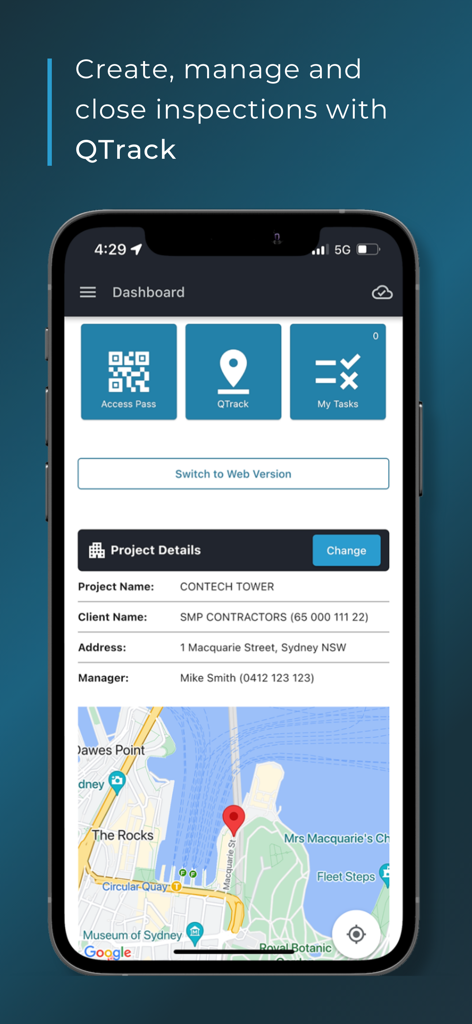
Simpel construction app dashboard displaying project details and a location map for inspection management
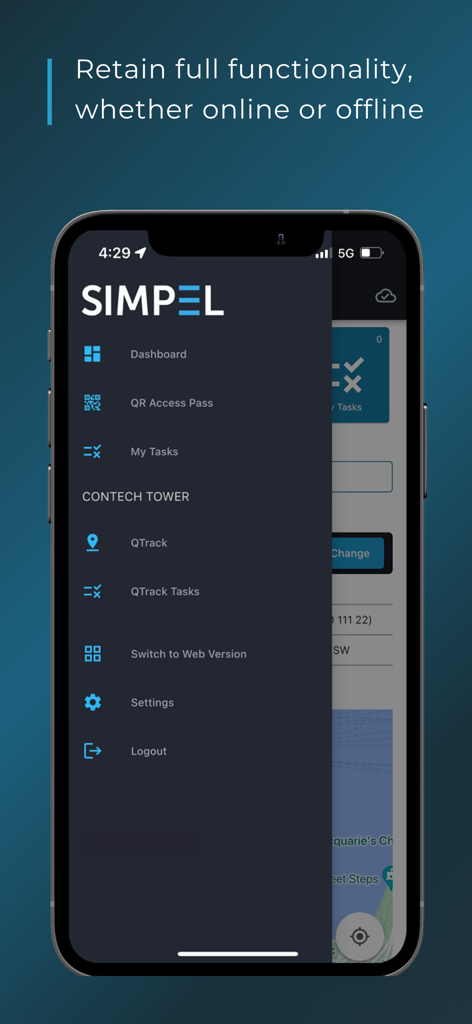
The Simpel construction app menu on a smartphone highlighting its offline functionality feature.
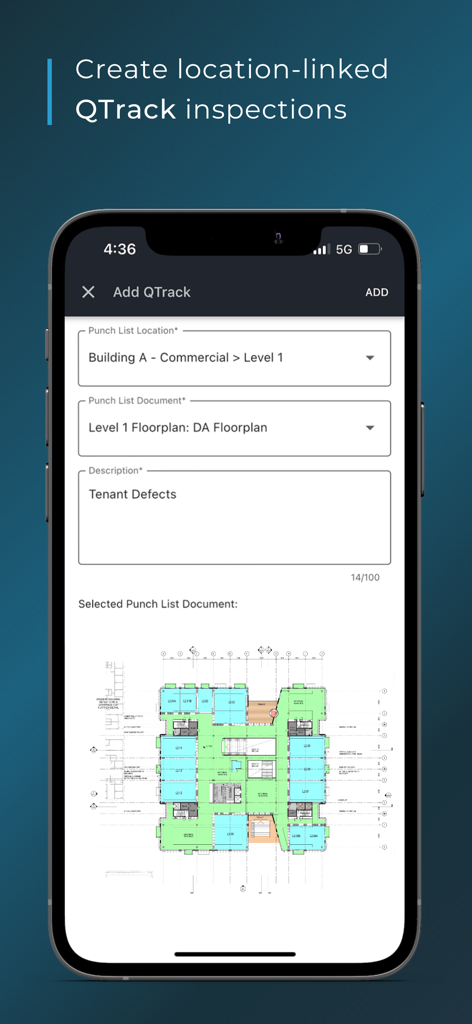
Interface of the Simpel app showing the creation of a location-linked QTrack inspection on a building floorplan
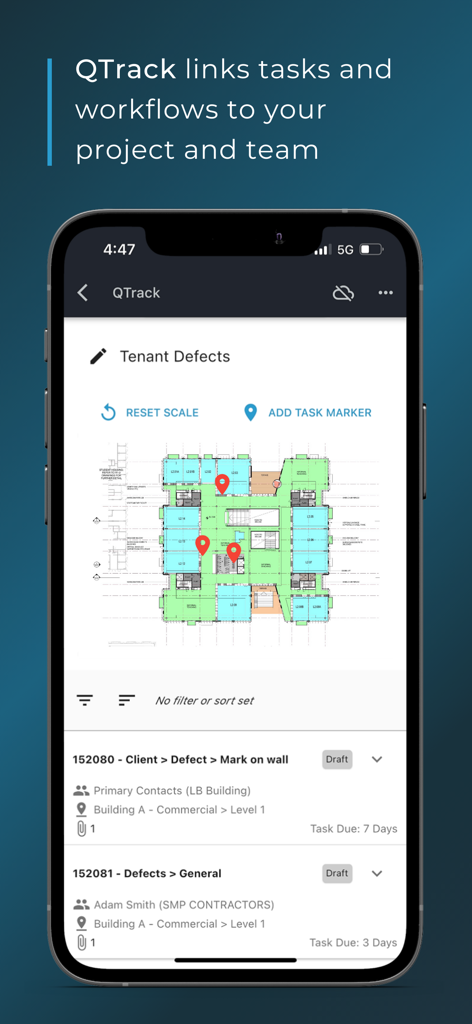
Simpel app QTrack interface showing construction defect markers on a digital floor plan.
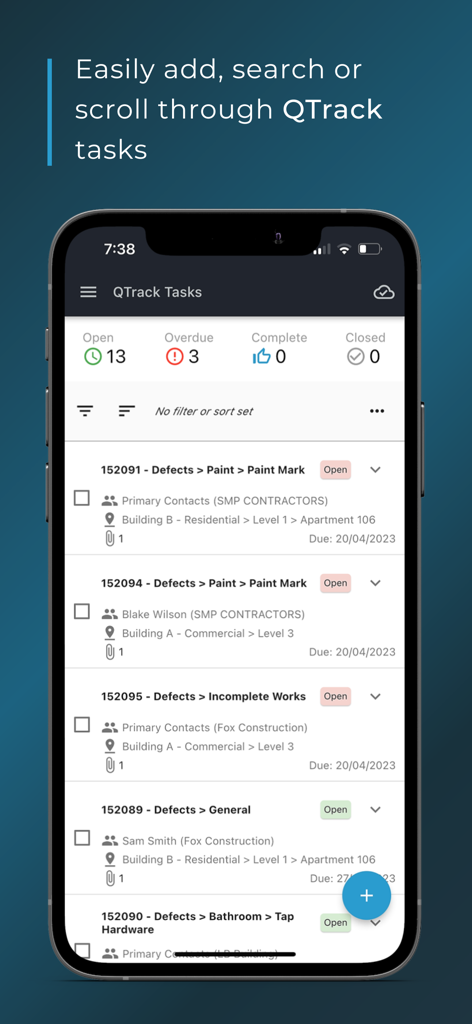
Simpel app interface showing a list of construction tasks and defects with status indicators.
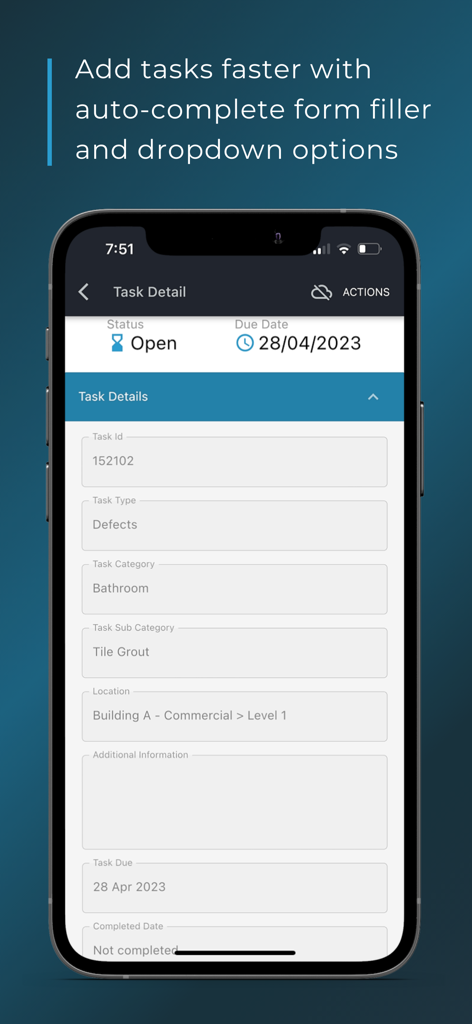
Simpel mobile app interface showing a construction task detail form with auto-complete fields for defect tracking
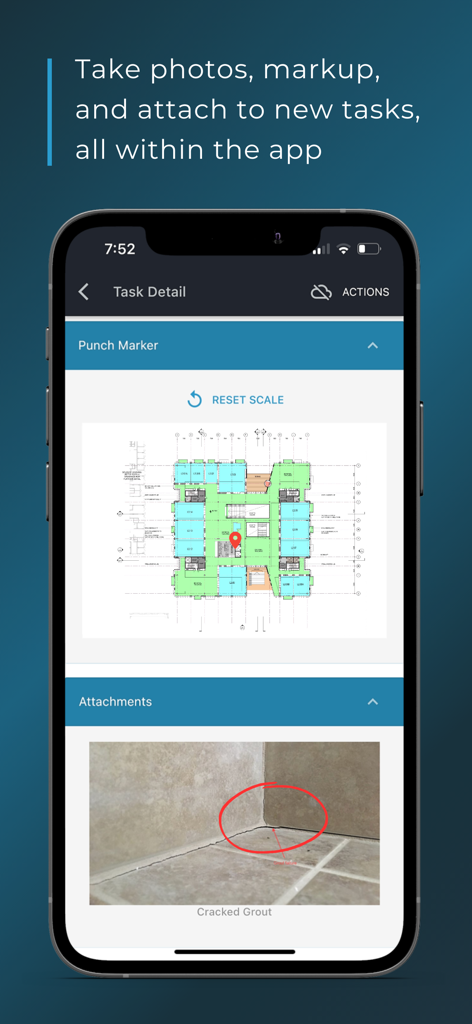
Smartphone screen displaying Simpel app task details with a floor plan marker and a marked up photo of a construction defect
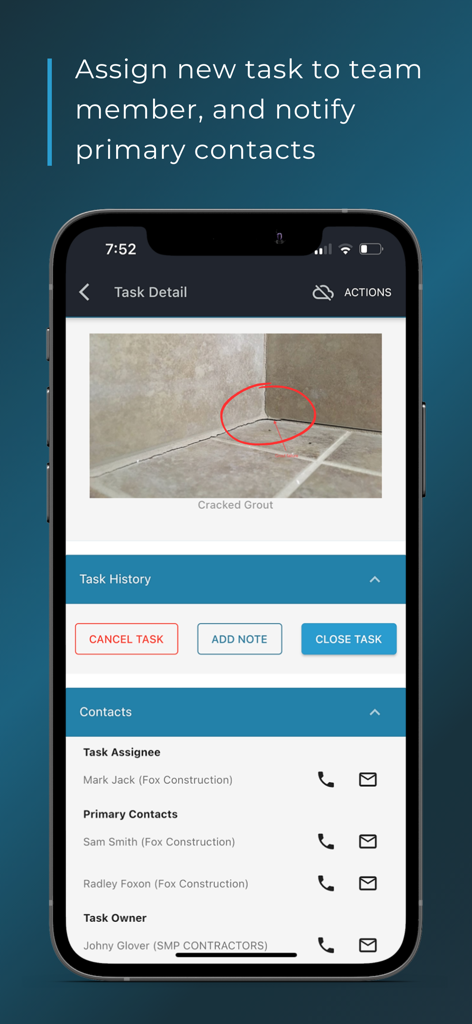
Simpel app screen showing task details with a photo markup of cracked grout and a list of project contacts and assignees.
Description
Download
More Like This
Top-ranked apps in the same category

Microsoft Teams
Microsoft Corporation

Zoom Workplace
Zoom Communications, Inc.

WhatsApp Business
WhatsApp Inc.

Indeed Job Search
Indeed Inc.

LinkedIn: Network & Job Finder
LinkedIn Corporation

Adobe Acrobat Reader: Sign PDF
Adobe Inc.

DingDing - Redefine Work in AI
DingTalk Technology Co., Ltd.

WeCom-Work Communication&Tools
Tencent Technology (Shenzhen) Company Limited

Uber - Driver: Drive & Deliver
Uber Technologies, Inc.
This page is not an official page of the app or its developer, but an independent editorial publication created for informational and commentary purposes. Unless expressly stated otherwise, neither the app nor its developer is affiliated with, endorsed by, sponsored by, authorized by, or otherwise officially connected with MWM, Apple, Google Play, the app publisher, or the app's developer, and nothing on this page implies that the app was developed using MWM's services. Any trademarks, logos, screenshots, and other content remain the property of their respective owners.