Simple Flash Card Maker

Simple Flash Card Maker

Download on App Store
Logo of Simple Flash Card Maker

Simple Flash Card Maker: Master Any Subject with Custom Multimedia Cards

Create interactive study decks with video, audio, and images. Whether you're prepping for the SAT or learning a new language, master your goals 10 cards at a time.

Download on App Store

Publisher

Paul Stevenson

Category

Education

Downloads

3K+

User Rating

3.1/5

Total Ratings

0

Locales

1

Study in Action

Discover the interface used by 3K+ users.
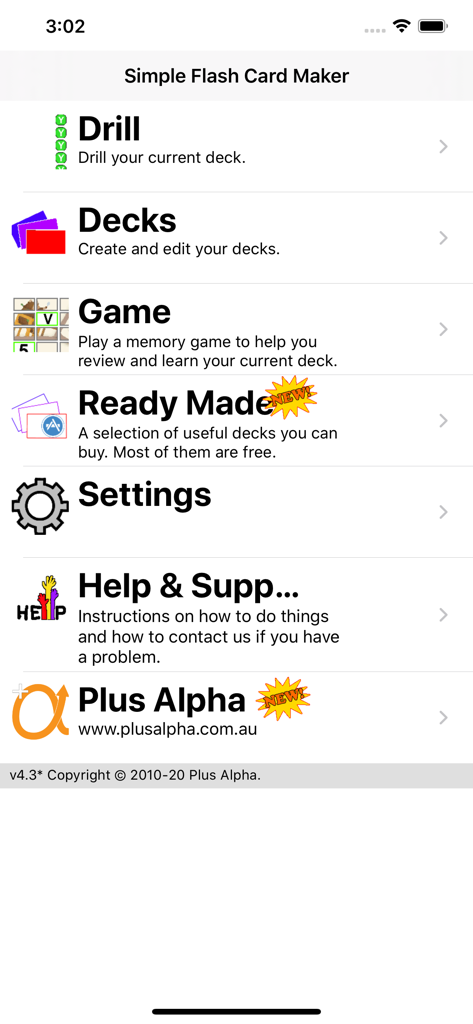
Main menu screen of the Simple Flash Card Maker app showing options for drill, decks, game, and settings.

Main menu screen of the Simple Flash Card Maker app showing options for drill, decks, game, and settings.

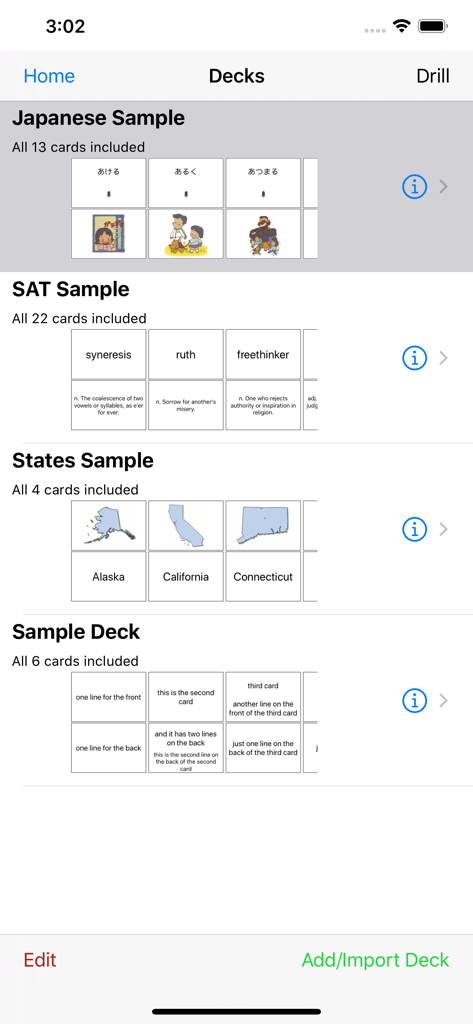
Main interface of Simple Flash Card Maker showing various study decks including Japanese SAT and US States

Main interface of Simple Flash Card Maker showing various study decks including Japanese SAT and US States

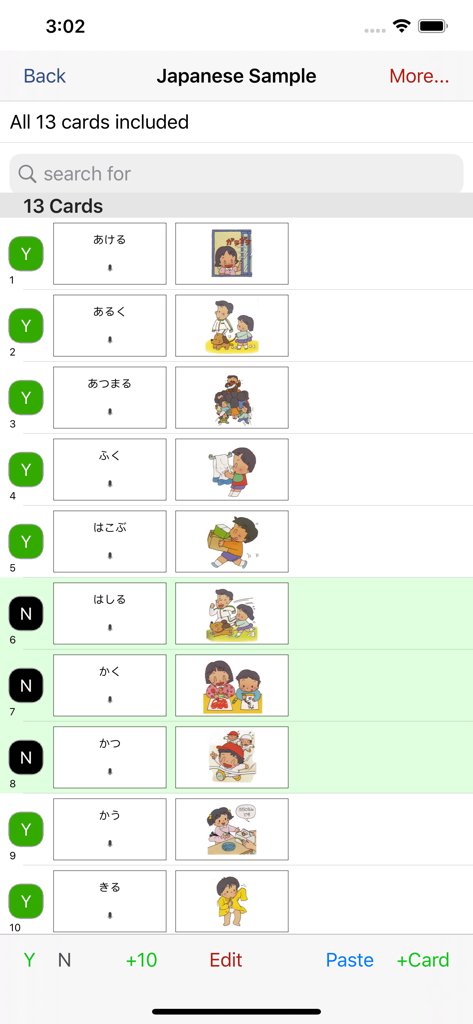
A list of Japanese language flashcards showing text and colorful illustrations in the Simple Flash Card Maker app.

A list of Japanese language flashcards showing text and colorful illustrations in the Simple Flash Card Maker app.

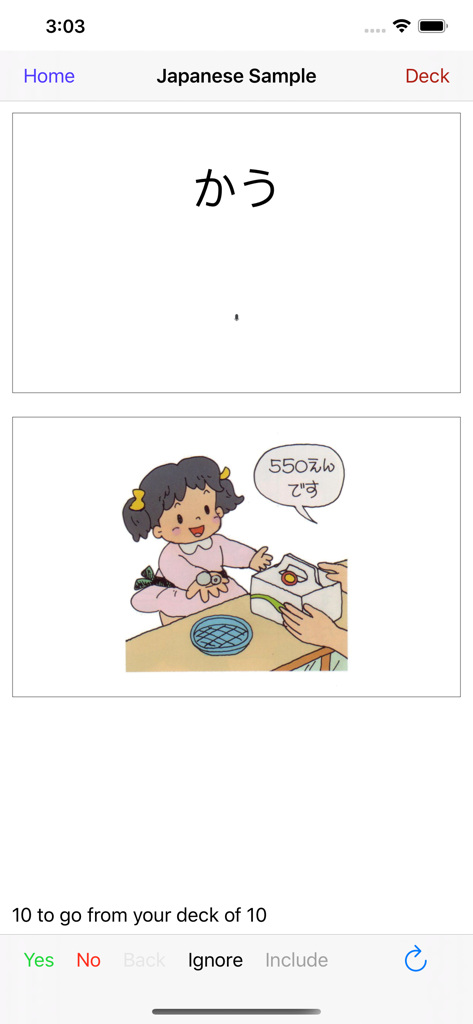
Japanese language flashcard interface displaying hiragana text and an illustration of a character at a store counter

Japanese language flashcard interface displaying hiragana text and an illustration of a character at a store counter

Cartoon illustration of a young boy drying his hands with a white towel

Cartoon illustration of a young boy drying his hands with a white towel

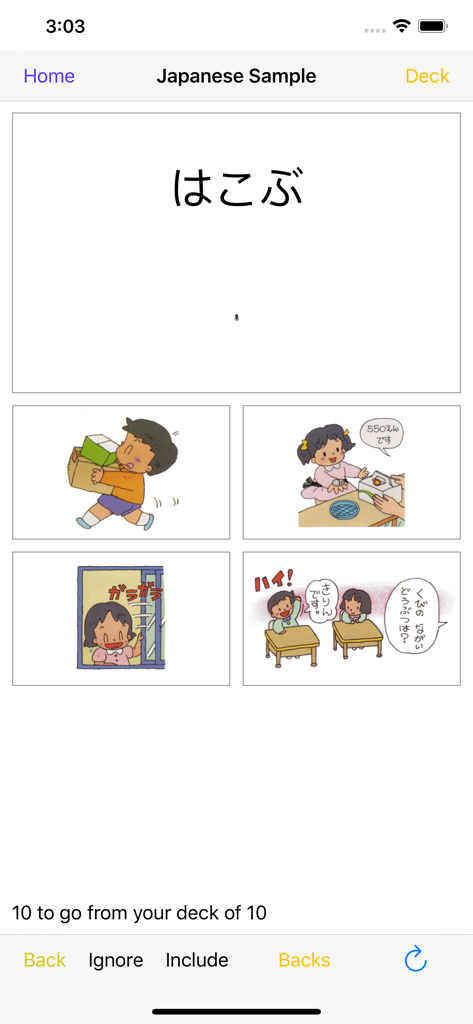
Japanese language flashcard drill with a multiple choice interface featuring hiragana and colorful illustrations

Japanese language flashcard drill with a multiple choice interface featuring hiragana and colorful illustrations

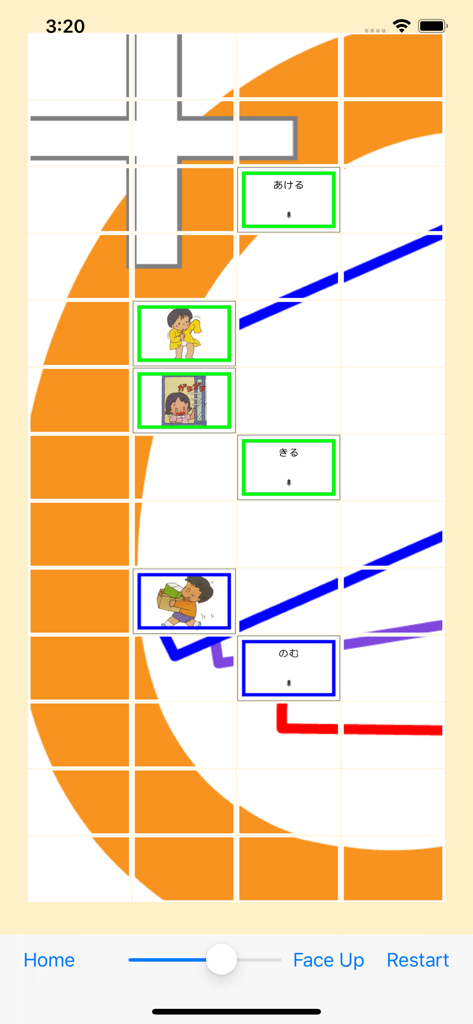
A matching game interface showing Japanese hiragana and illustration cards for vocabulary practice.

A matching game interface showing Japanese hiragana and illustration cards for vocabulary practice.

Master Any Subject with Ease

The tools that make this app stand out, trusted by 3K+ users.

🎥

Interactive Multimedia

Bring your cards to life with video, audio, and images. Perfect for language learners and visual thinkers who need more than just text.

The 10-Card Method

Break down massive subjects into bite-sized pieces. Learn 10 cards at a time to stay focused and see progress during your short breaks.

🚀

Effortless Customization

Create decks quickly on your computer or phone. Import your content instantly and start studying in seconds, not hours.

About the app

Everything you need to know about Simple Flash Card Maker.

Description

User comment: "This app is very convenient for getting some quick studying in when walking from class to class or waiting at a bus stop etc. I highly recommend it especially for college students." User comment: "I like being able to study two ways: playing the matching game as well as drilling with the flashcards." Don't like our flash cards? Then make your own. Simple Flash Card Maker lets you easily make your own flash cards. Either right there on your iOS device, or make them even more quickly on your computer, (mac or pc), and import them using iTunes. Or you can download our ready made decks from within the app (for FREE). We currently have decks for Japanese, Chinese and the SAT. Each card can have combinations of text, images, sound or video. The text can be in any language that you can enter using your keyboard. Images and Video can come direct from your camera, from your albums or from your mac/pc. Sound can be recorded live, from your music, or imported from your mac/pc using iTunes. Cards within your deck can be marked to be included (or not) when you are doing drills. This lets you learn the cards 10 at a time. Easily add 10 more when you master those. And after you have learned those 10, easily drill yourself on the whole deck so far. 10 at a time is a great way to learn even a very large deck. Easily drill just the last 10 cards at the tap of a button. During a drill you can see either the front, the back or both. Or you can rotate to landscape and see "Just the Card" - one side of the card filling the entire screen. You can also do a multichoice drill and choose from one of four answers. If you get a card right it is removed from that drill, (not the deck). If you get it wrong it's shuffled back in and it will come back again later. Keep going until you get them all right. You can also play a simple memory game, (face up or face down), to test your knowledge of the cards by finding pairs of matching cards. Simple Flash Card Maker is great for elementary maths and for learning to read. It is indispensable for language study, and for learning vocabulary. Use it to memorise your favorite Bible verses. Or cram key facts for upcoming examinations. Video takes it to a whole new level beyond old school paper flash cards. Kids can learn from short videos instead of just static text or images. They can record their own voices for names of animals. Video is also great for learning things like sign language where complicated diagrams usually just make it harder to get started. Regular practice and review is the only way to memorise anything using flash cards. You always have your phone with you, so use those spare moments throughout the day to review your deck and you will be amazed at how quickly your knowledge grows.

Latest Version

4.3

Size

10.4 MB

First Released

Jan 27, 2012

Turn Every Spare Minute Into a Study Success

Download the simple, no-nonsense tool designed for busy students and proactive parents. Create custom multimedia cards on your device or computer and start mastering your goals—10 cards at a time.

Download on App Store

App information, icons, screenshots, and descriptions displayed on this page are sourced from the Apple App Store and are the property of their respective developers. Download estimates and rankings are based on MWM's proprietary models and may not reflect actual figures. This page is provided for informational and analytical purposes only.

Believe this page infringes your intellectual property? File a dispute