
This page is not an official page of the app or its developer, but an independent editorial publication created for informational and commentary purposes. Unless expressly stated otherwise, neither the app nor its developer is affiliated with, endorsed by, sponsored by, authorized by, or otherwise officially connected with MWM, Apple, Google Play, the app publisher, or the app's developer, and nothing on this page implies that the app was developed using MWM's services. Any trademarks, logos, screenshots, and other content remain the property of their respective owners.

SKF Authenticate
Ensure machine reliability and safety by verifying your SKF products in seconds. Scan codes for instant feedback or submit photos for direct verification by our global experts.
Downloads
8K+User Rating
Total Ratings
0Publisher
Category
BusinessLocales
20Latest Version
2.4Size
33.4 MBFirst Released
May 5, 2015Stop Counterfeits, Protect Your Operations
The SKF Authenticate app provides the professional tools you need to verify product genuineness and safeguard your critical assets from catastrophic failure.
Direct Expert Review
Submit detailed photos to SKF specialists for manual verification, providing definitive proof of authenticity for high-stakes repairs.
Rapid Field Scanning
Scan package codes for instant validation, allowing you to verify inventory integrity directly on the shop floor or in the warehouse.
The following screenshots and description are sourced directly from the app's official store listing and are the property of the app developer.
App Store
Screenshots
The splash screen of the SKF Authenticate app showing the white SKF logo on a solid blue background
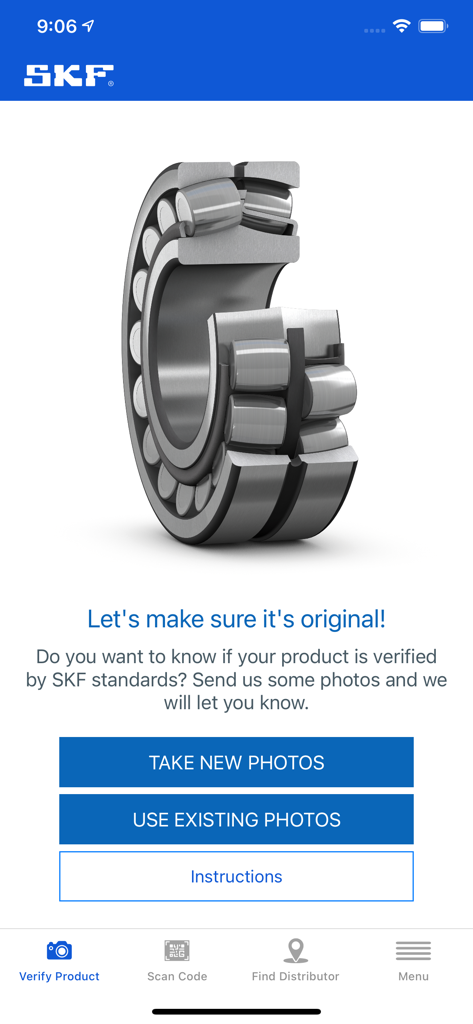
SKF Authenticate app interface for verifying industrial bearings through photo submissions.
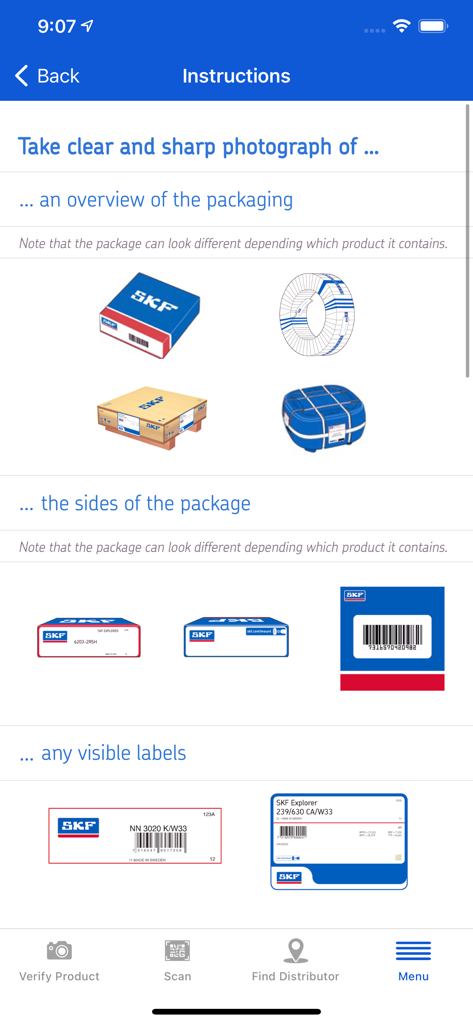
SKF Authenticate app instructions showing how to photograph product packaging and labels for verification.
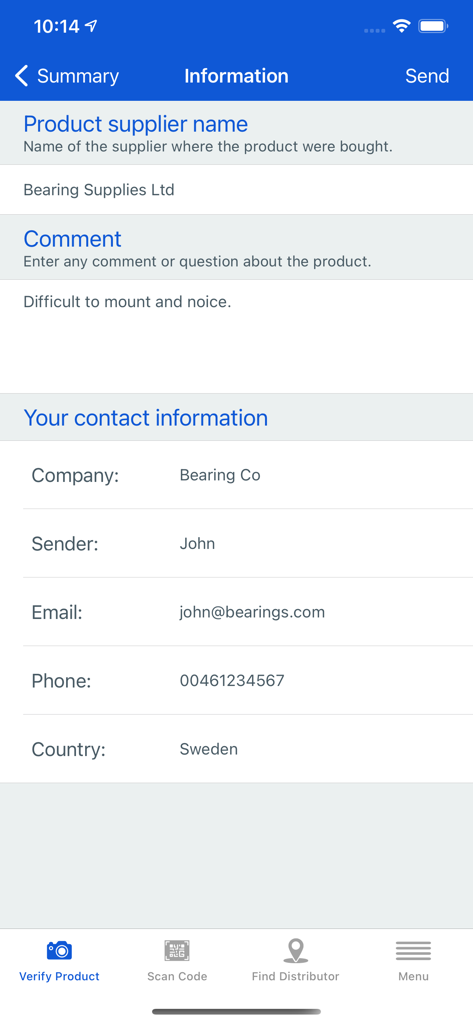
Information form in the SKF Authenticate app for entering product supplier and user contact details during the verification process.
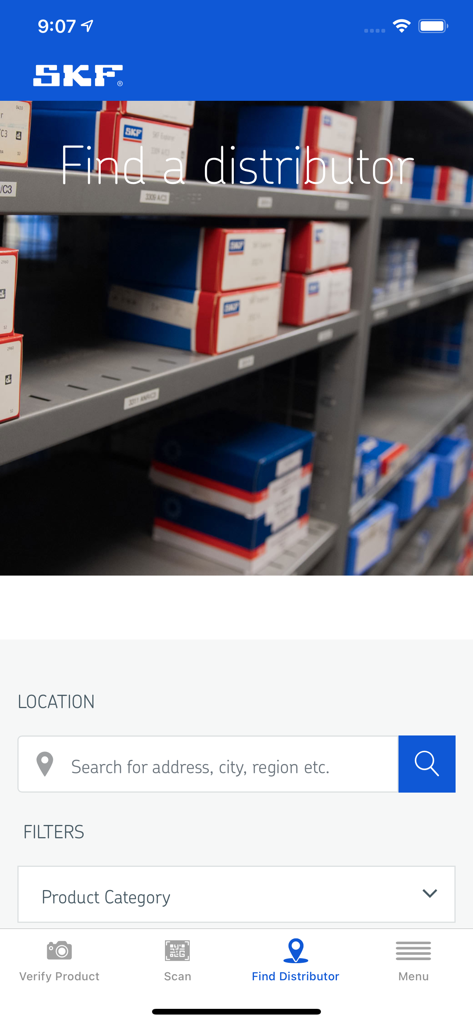
Mobile app screen showing the Find a Distributor interface with location search and product category filters for SKF parts.
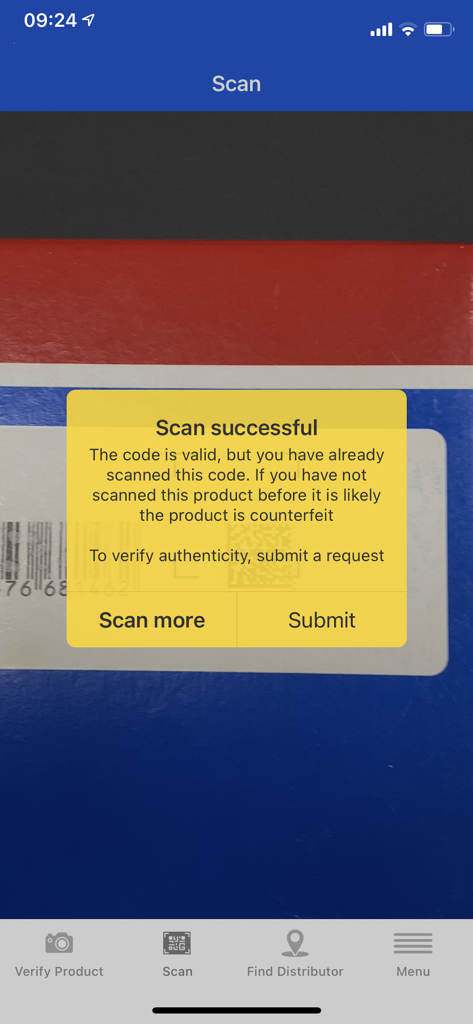
SKF Authenticate app showing a successful scan result with an authenticity warning message
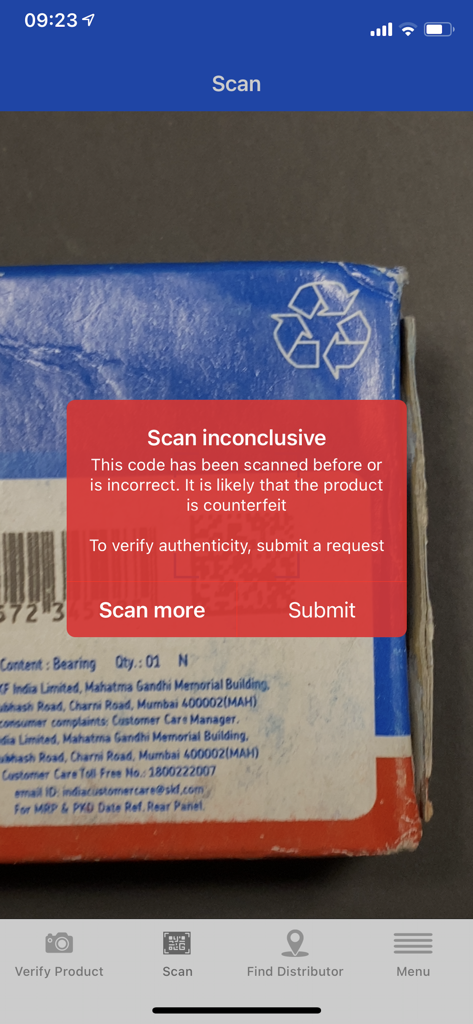
SKF Authenticate app displaying a scan inconclusive warning on a product package
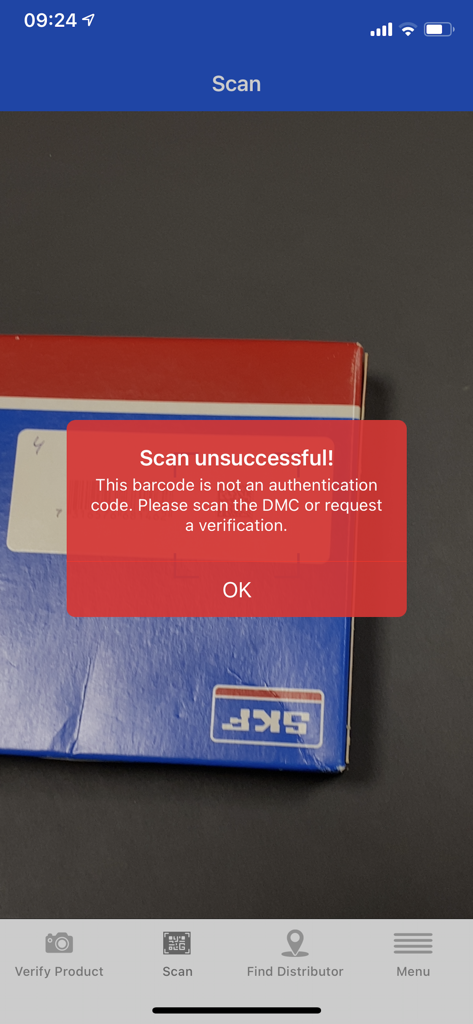
A mobile screen showing a scan unsuccessful error message in the SKF Authenticate app while scanning a product box
Description
Download
More Like This
Top-ranked apps in the same category

Microsoft Teams
Microsoft Corporation

Zoom Workplace
Zoom Communications, Inc.

WhatsApp Business
WhatsApp Inc.

Indeed Job Search
Indeed Inc.

LinkedIn: Network & Job Finder
LinkedIn Corporation

Adobe Acrobat Reader: Sign PDF
Adobe Inc.

DingDing - Redefine Work in AI
DingTalk Technology Co., Ltd.

WeCom-Work Communication&Tools
Tencent Technology (Shenzhen) Company Limited

BOSS直聘-招聘求职找工作神器
Beijing China Product Bo Farce Network Technology Co., Ltd.
This page is not an official page of the app or its developer, but an independent editorial publication created for informational and commentary purposes. Unless expressly stated otherwise, neither the app nor its developer is affiliated with, endorsed by, sponsored by, authorized by, or otherwise officially connected with MWM, Apple, Google Play, the app publisher, or the app's developer, and nothing on this page implies that the app was developed using MWM's services. Any trademarks, logos, screenshots, and other content remain the property of their respective owners.