Sleep Schedule: Stop Scrolling
Download on App Store

This page is not an official page of the app or its developer, but an independent editorial publication created for informational and commentary purposes. Unless expressly stated otherwise, neither the app nor its developer is affiliated with, endorsed by, sponsored by, authorized by, or otherwise officially connected with MWM, Apple, Google Play, the app publisher, or the app's developer, and nothing on this page implies that the app was developed using MWM's services. Any trademarks, logos, screenshots, and other content remain the property of their respective owners.

Logo of Sleep Schedule: Stop Scrolling
Download on App Store

Sleep Schedule: Stop Scrolling

Break the cycle of revenge bedtime procrastination. Automate your digital boundaries, eliminate morning distractions, and invest in your mental clarity with our premium sleep hygiene toolkit.

Key Figures

Downloads

700

User Rating

5.0/5

Total Ratings

0

Publisher

Screen Time Control LLC

Category

Health & Fitness

Locales

1

Latest Version

2.1.5

Size

79.2 MB

First Released

May 14, 2024
Features

Master Your Digital Wellness

Calm Cycle integrates screen-time restrictions with relaxation tools to help you escape the dopamine loop and wake up with peak mental clarity.

Automated Focus Blocks

Eliminate evening scrolling and morning distractions. Use Apple’s native API to lock addictive apps and reclaim your most productive hours.

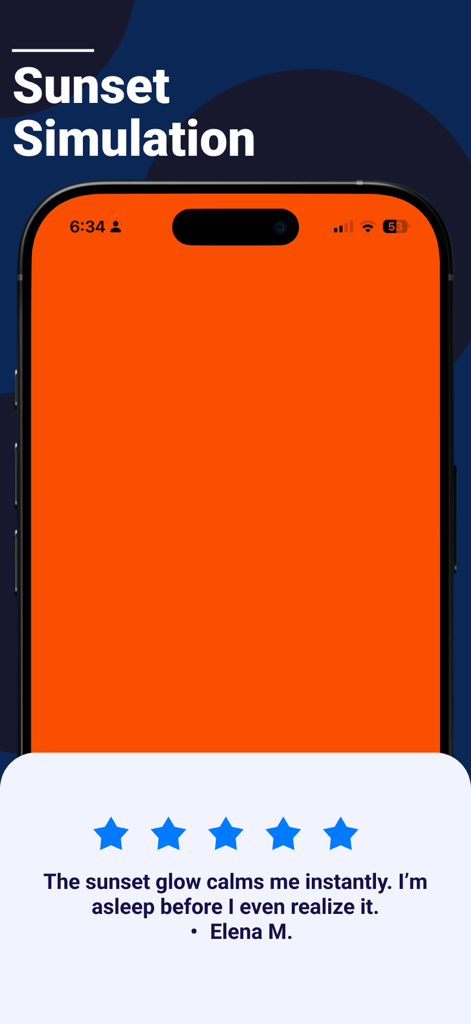
Sunset & Sunrise Simulation

Reset your internal clock. Our light simulation prepares your mind for deep sleep and ensures you wake up feeling energized, not groggy.

The following screenshots and description are sourced directly from the app's official store listing and are the property of the app developer.

App Store

Screenshots
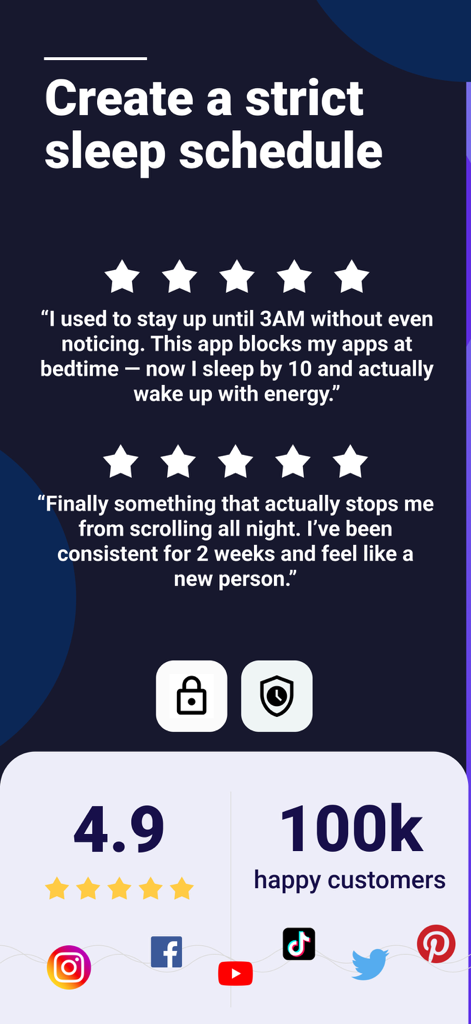
Sleep Schedule: Stop Scrolling - User reviews and 4.9 star rating for the Sleep Schedule app highlighting reduced scrolling and improved sleep.
User reviews and 4.9 star rating for the Sleep Schedule app highlighting reduced scrolling and improved sleep.

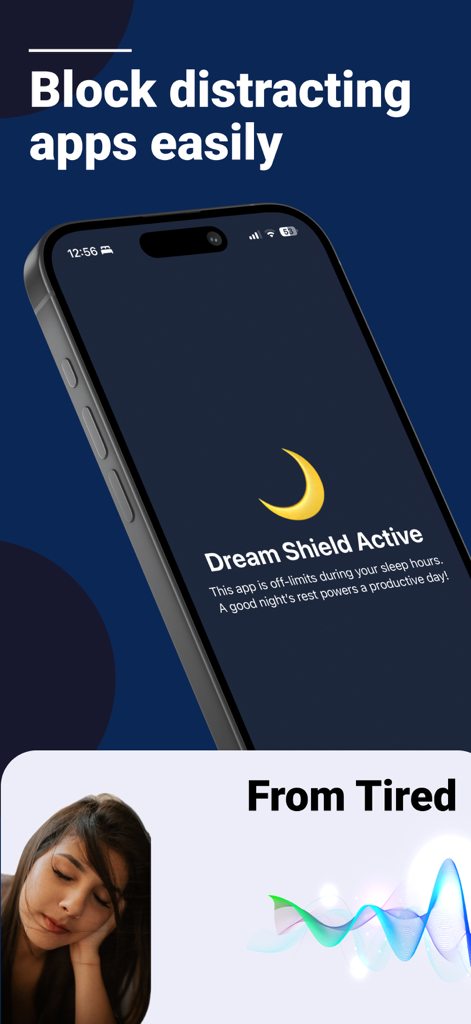
Sleep Schedule: Stop Scrolling - Smartphone showing the Dream Shield active feature blocking distracting apps during sleep hours
Smartphone showing the Dream Shield active feature blocking distracting apps during sleep hours

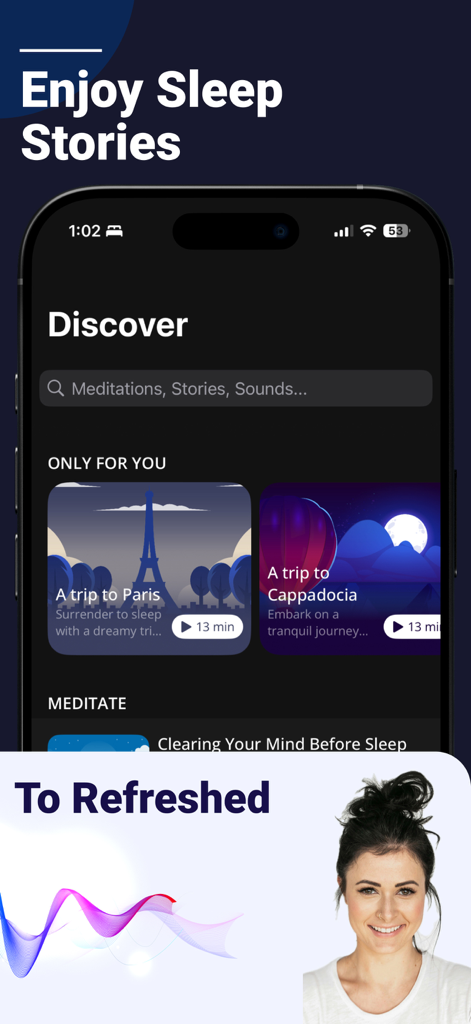
Sleep Schedule: Stop Scrolling - Interface of the Calm Cycle app showing a discovery screen with sleep stories and meditations
Interface of the Calm Cycle app showing a discovery screen with sleep stories and meditations

Sleep Schedule: Stop Scrolling - iPhone screen showing the orange sunset simulation glow feature with a user testimonial
iPhone screen showing the orange sunset simulation glow feature with a user testimonial

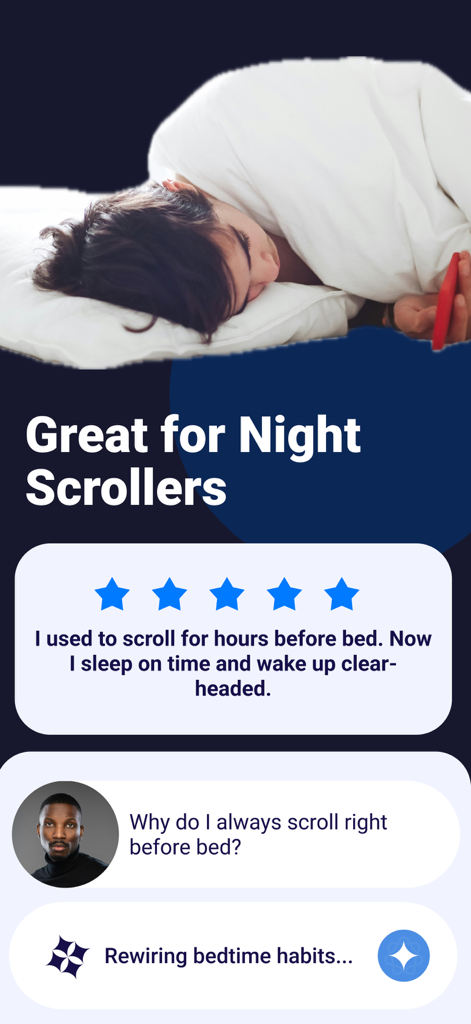
Sleep Schedule: Stop Scrolling - A woman lying in bed with a phone and a five star user review about stopping night scrolling.
A woman lying in bed with a phone and a five star user review about stopping night scrolling.

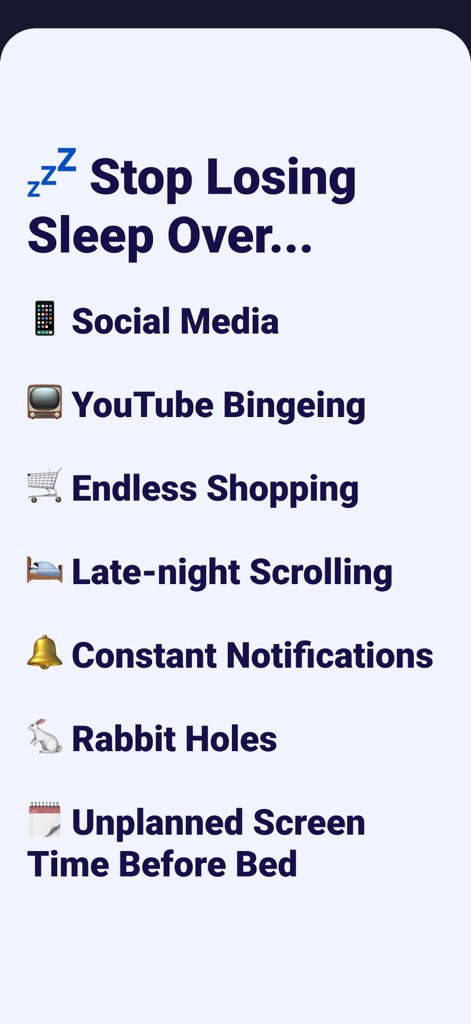
Sleep Schedule: Stop Scrolling - A list of digital distractions that cause sleep loss including social media and late night scrolling

A list of digital distractions that cause sleep loss including social media and late night scrolling

Description

Stop Scrolling Before Bed and Wake Up Refreshed! Embrace Peaceful Nights for a Healthier You. Calm Cycle transforms your evenings and mornings to help you sleep better and wake up refreshed. 7.5 hours. That’s the average time you’ll spend scrolling or stressed before bed and after waking up. With Calm Cycle, you’ll break free from bad habits, find restful sleep, and start each day feeling focused and recharged. BENEFITS 92% of users fall asleep faster 90% wake up with more energy 88% improve their mental clarity throughout the day 83% spend less time scrolling and more time living KEY FEATURES Sleep Timer & Morning Blocks: • Prevent app usage before bedtime to improve your sleep quality. • Block apps in the morning so you can start the day with purpose. • Take control of your evenings and mornings by eliminating distractions. Soothing Sounds & Sleep Stories: • Drift off to sleep with calming white noises and guided meditations. • Discover bedtime stories crafted to ease your mind and help you unwind. Sunset Simulation: • Mimic the natural rhythm of the sun to gently prepare your mind and body for sleep. • Wake up with a gradual light increase, feeling refreshed and ready to go. BENEFITS Better Sleep: 92% of users fall asleep faster and wake up rested. Less Screen Time: Spend less time scrolling and more time living. Improved Mental Health: Enjoy lower stress and better mindfulness. Boosted Productivity: Wake up energized and ready to tackle your day. CREATE A PERSONALIZED BLOCK LIST Customize your app blocking experience to suit your needs: Stop distractions from social media: Facebook, Instagram, Snapchat, TikTok Avoid streaming platforms: YouTube, Netflix Stay off dating apps: Tinder, Bumble, Hinge And much more, including news, messaging, and gaming apps. PRIVATE & SAFE Calm Cycle uses Apple’s Screen Time API to monitor and block apps discreetly. Your data never leaves your device. Installation is quick and effortless, and your privacy is always protected. Subscription pricing and terms: Limit Screen Time offers an auto-renewing yearly subscription at $69.99/year to provide you with unlimited access to the all To-do Lock features while you maintain an active subscription. Payment will be charged to the credit card connected to your iTunes Account when you confirm the initial subscription purchase. Subscriptions automatically renew unless auto-renew is turned off at least 24-hours before the end of the current subscription period. Your account will be charged for renewal within 24-hours prior to the end of the current period, and the cost of the renewal will be identified. You may manage your subscription and auto-renewal may be turned off by going to your Account Settings after the purchase. Any unused portion of a free trial period, if offered, will be forfeited when you purchase a subscription, where applicable. Need help? Contact us here: https://screentimecontrol.app/contact-us Read more about our terms and conditions here: Privacy policy: https://screentimecontrol.app/privacy-and-policy/ Terms and conditions: https://screentimecontrol.app/terms-and-conditions

Download

Download on App Store

This page is not an official page of the app or its developer, but an independent editorial publication created for informational and commentary purposes. Unless expressly stated otherwise, neither the app nor its developer is affiliated with, endorsed by, sponsored by, authorized by, or otherwise officially connected with MWM, Apple, Google Play, the app publisher, or the app's developer, and nothing on this page implies that the app was developed using MWM's services. Any trademarks, logos, screenshots, and other content remain the property of their respective owners.








