
This page is not an official page of the app or its developer, but an independent editorial publication created for informational and commentary purposes. Unless expressly stated otherwise, neither the app nor its developer is affiliated with, endorsed by, sponsored by, authorized by, or otherwise officially connected with MWM, Apple, Google Play, the app publisher, or the app's developer, and nothing on this page implies that the app was developed using MWM's services. Any trademarks, logos, screenshots, and other content remain the property of their respective owners.
Small Business Accounting 2
Master your business finances across iPhone, iPad, and Mac. Track sales and expenses instantly with a native Apple experience designed for privacy—no account registration, no logins, and no hidden data sharing.
Downloads
100+User Rating
Total Ratings
0Publisher
Category
FinanceLocales
11Latest Version
1.1.0Size
5.5 MBFirst Released
Feb 4, 2026Simplify Your Business Finances
The intuitive accounting tool built for solopreneurs who value privacy and speed. Track every transaction across your Apple devices without the complexity of traditional software.
Private & Registration-Free
No accounts or logins required. Your sensitive financial data stays securely on your own devices and iCloud, never on a third-party server.
Instant Business Insights
Visualize your performance with interactive charts. Understand sales trends and expense breakdowns at a glance to make smarter business decisions.
The following screenshots and description are sourced directly from the app's official store listing and are the property of the app developer.
App Store
Screenshots
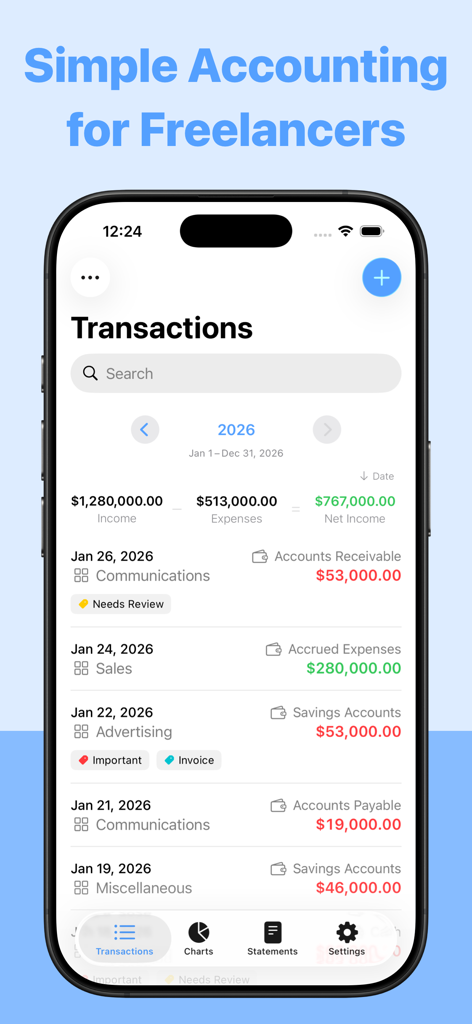
iPhone screen showing a list of business transactions and net income for freelancers
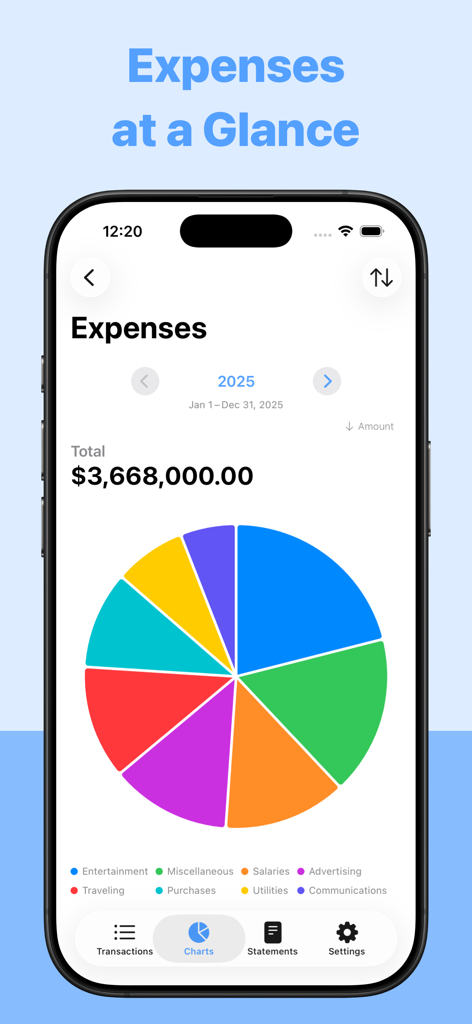
A colorful pie chart showing a breakdown of business expenses by category in the Small Business Accounting 2 app.
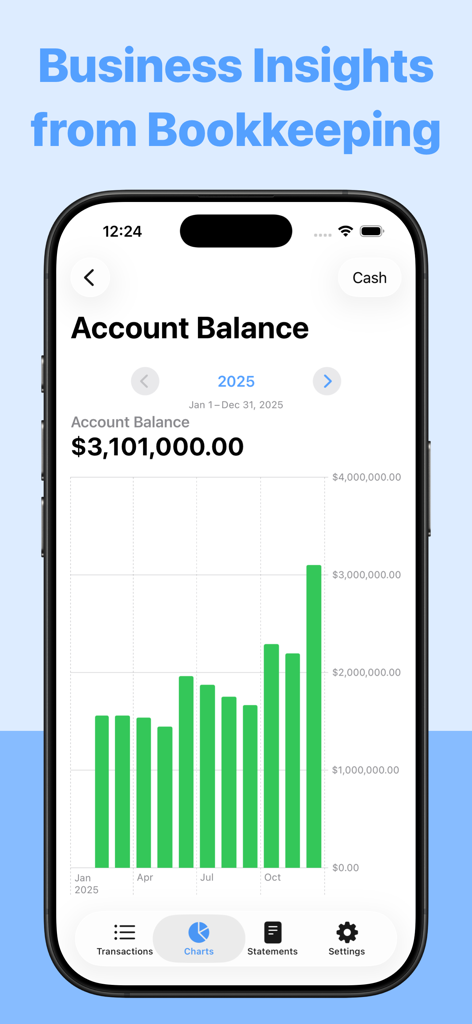
Account balance bar chart showing annual business insights in the Small Business Accounting 2 app.
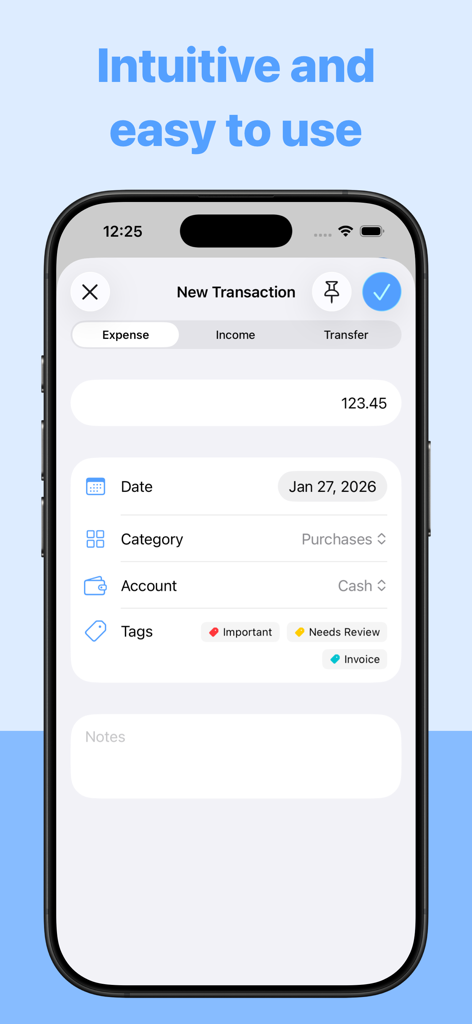
Interface of the Small Business Accounting 2 app showing the entry screen for a new expense with fields for amount, date, and category.
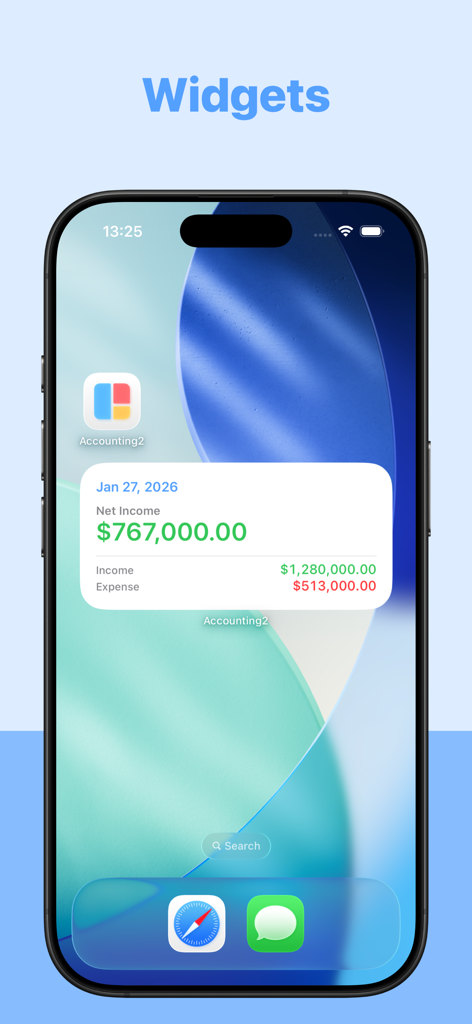
Small Business Accounting 2 app widget on an iPhone home screen showing net income and expense data
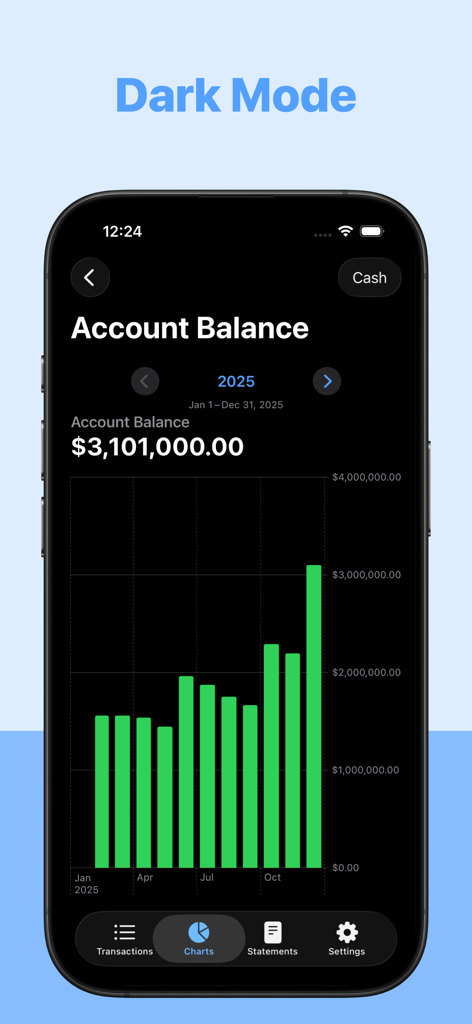
Small Business Accounting 2 app displaying an account balance bar chart in dark mode.
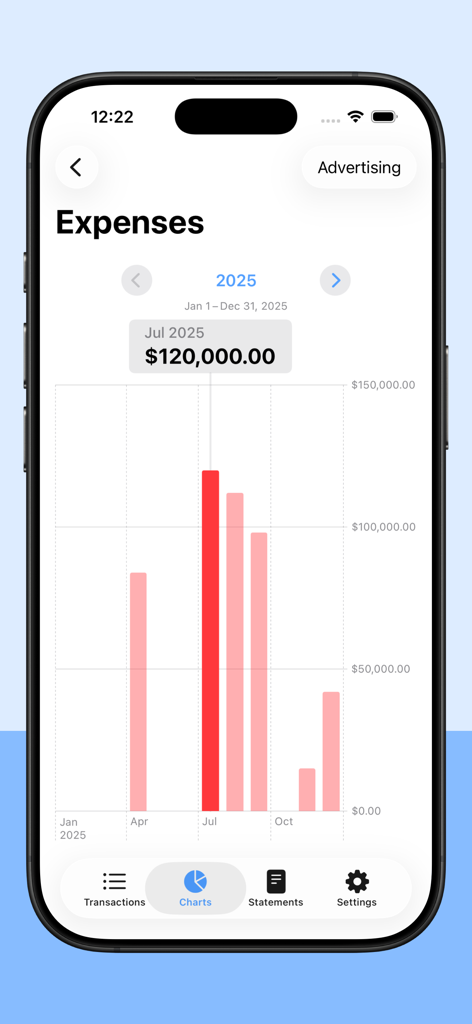
Yearly business expenses bar chart on iPhone app screen
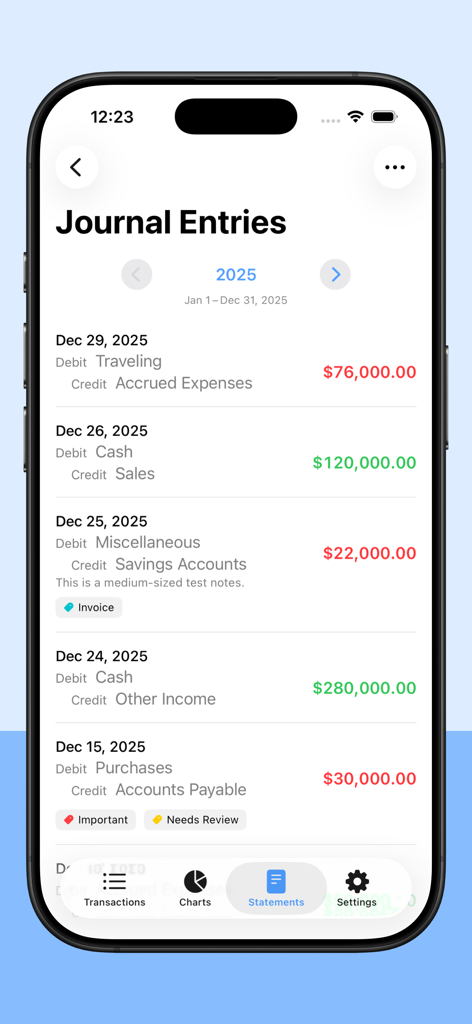
Journal entries screen in the Small Business Accounting 2 app showing a list of debit and credit transactions
Description
Download
More Like This
Top-ranked apps in the same category

个人所得税
State Administration of Taxation

UnionPay APP
China Unionpay Co.,Ltd.

Mercado Pago: cuenta digital
MercadoLibre S.A.

PayPal - Pay, Send, Save
PayPal, Inc.

电子税务局
State Administration of Taxation

中国农业银行
AGRICULTURAL BANK OF CHINA LIMITED

中国工商银行
Industrial and Commercial Bank of China

Cash App
Block, Inc.

Revolut: Send, spend and save
Revolut Ltd
This page is not an official page of the app or its developer, but an independent editorial publication created for informational and commentary purposes. Unless expressly stated otherwise, neither the app nor its developer is affiliated with, endorsed by, sponsored by, authorized by, or otherwise officially connected with MWM, Apple, Google Play, the app publisher, or the app's developer, and nothing on this page implies that the app was developed using MWM's services. Any trademarks, logos, screenshots, and other content remain the property of their respective owners.