
This page is not an official page of the app or its developer, but an independent editorial publication created for informational and commentary purposes. Unless expressly stated otherwise, neither the app nor its developer is affiliated with, endorsed by, sponsored by, authorized by, or otherwise officially connected with MWM, Apple, Google Play, the app publisher, or the app's developer, and nothing on this page implies that the app was developed using MWM's services. Any trademarks, logos, screenshots, and other content remain the property of their respective owners.


Smart TV Club
Stop settling for clunky interfaces. Experience lightning-fast streaming and a premium, clean design for your favorite m3u playlists on iPhone and iPad.
Downloads
18K+User Rating
Total Ratings
200Publisher
Category
EntertainmentLocales
2Latest Version
1.4.4Size
72.8 MBFirst Released
Apr 3, 2025Your Ultimate Portable TV Command Center
Experience the sleekest, most reliable IPTV player designed exclusively for the iOS ecosystem. Take control of your content with a premium interface built for performance.
Native iOS Performance
Forget clunky, outdated ports. Enjoy a fluid, high-end interface optimized specifically for the speed and aesthetic of your iPhone and iPad.
Buffer-Free Streaming
Built for the modern cord-cutter, our player ensures lightning-fast load times and stable playback for your favorite live sports and global channels.
Frequently Asked Questions
Everything you need to know about Smart TV Club
What is Smart TV Club: IPTV Player?
Smart TV Club is a simple and powerful IPTV player. It enables users to stream video content from their IPTV provider by easily loading m3u playlists directly on their iPhone or iPad.
Does Smart TV Club provide content or channels?
No, Smart TV Club does not provide any content or channels. The app functions solely as a player, requiring users to supply their own playlists from a valid IPTV provider.
How do I add my M3U playlist to Smart TV Club?
Yes, Smart TV Club supports adding playlists via M3U URL or M3U File. Users navigate to the "Add playlist" screen, input the required details, and agree to the terms to upload their content.
Can I cast content from Smart TV Club to a Smart TV?
Yes, users can cast movies, series, and channels from Smart TV Club to any Smart TV. This feature allows for a larger viewing experience.
Does Smart TV Club offer channel group protection?
Yes, Smart TV Club offers channel group protection. Users can set up a PIN to secure access to selected channel groups within the app, enhancing privacy and control.
Does Smart TV Club allow users to organize channels?
Yes, Smart TV Club allows quick access to playlist groups. Users can navigate through categories like Educational, Sports, Kids, and Music, indicating organization features.
Is there a search function in Smart TV Club?
Yes, Smart TV Club includes a quick search function. Users can find specific channels or channel groups quickly and easily within the application interface.
What are the key features of Smart TV Club?
Key features include easy m3u playlist import and management, smooth navigation with a user-friendly iOS interface, and fast, reliable high-quality playback dependent on the provider.
Does Smart TV Club store user media content?
No, Smart TV Club does not host, store, or stream any media content. The app functions solely as a tool to connect users with content provided by their own IPTV service.
The following screenshots and description are sourced directly from the app's official store listing and are the property of the app developer.
App Store
Screenshots
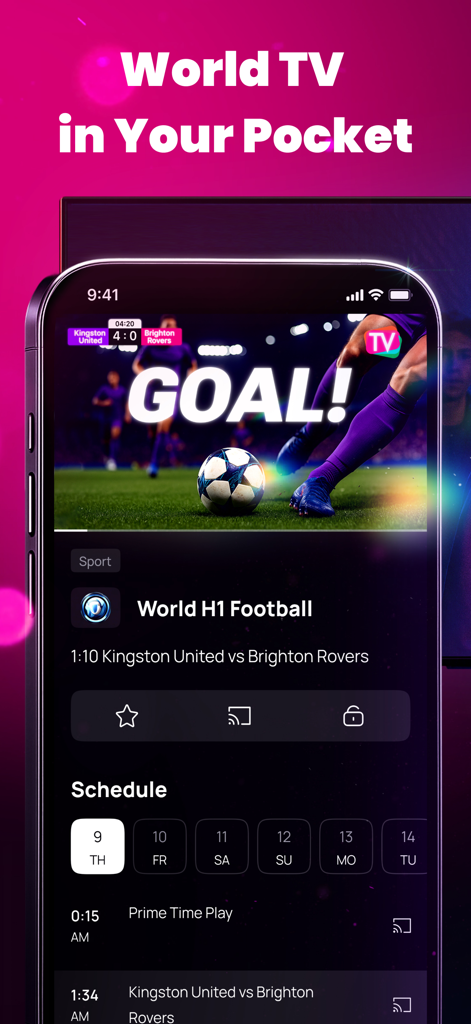
Smart TV Club app interface on an iPhone showing a live football match with a goal alert and a broadcast schedule

Smart TV Club app interface showing casting capabilities to a television with the slogan Play Anywhere Watch Big
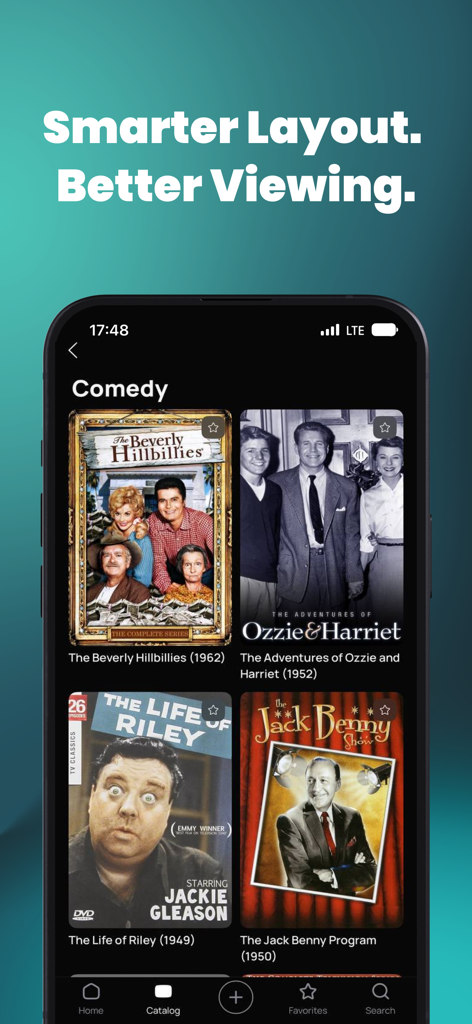
Smart TV Club app interface displaying a comedy category with classic television shows.
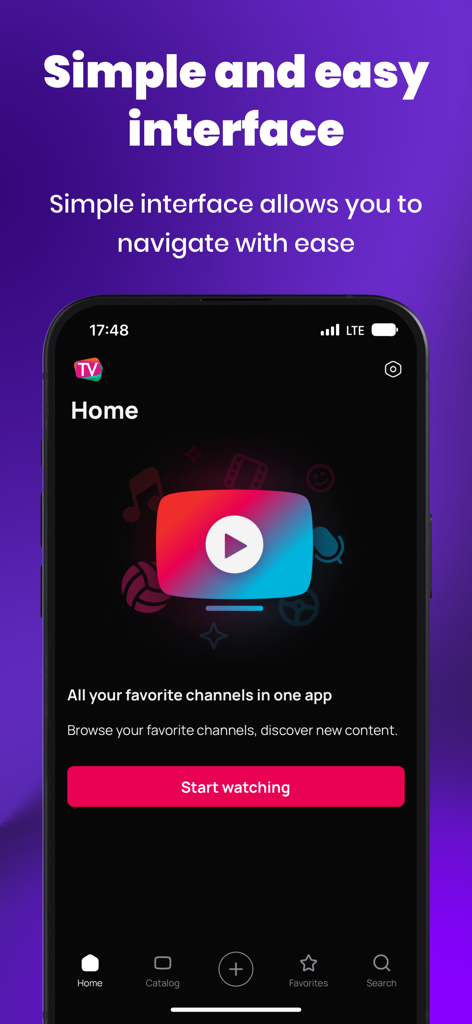
Smart TV Club IPTV player home screen with a simple user interface and start watching button
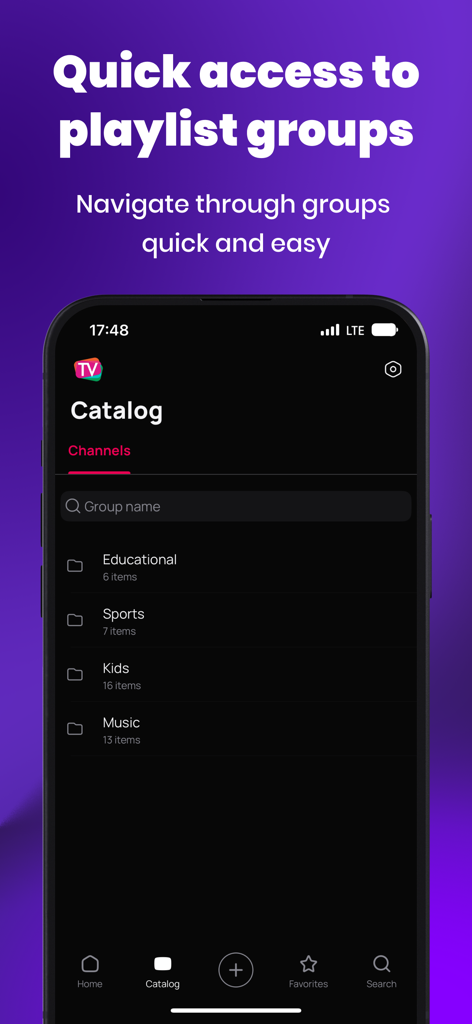
Smart TV Club catalog screen showing organized playlist groups like Sports and Music
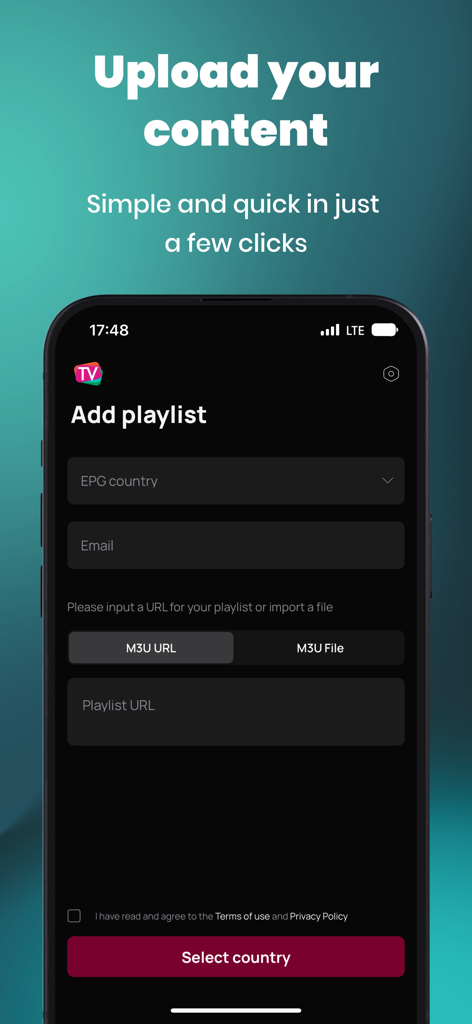
Interface of Smart TV Club app showing the Add Playlist screen to upload M3U playlists and URLs
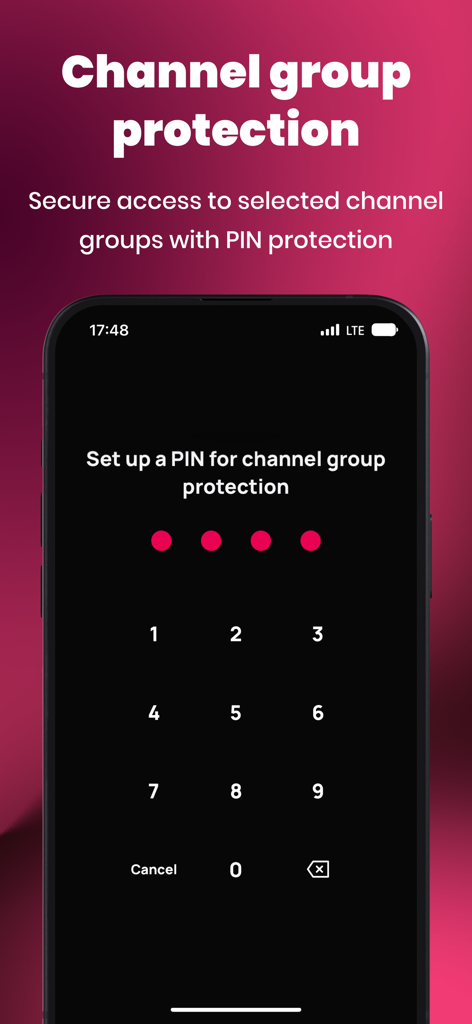
Smart TV Club app interface showing the numeric keypad to set up a PIN for channel group protection
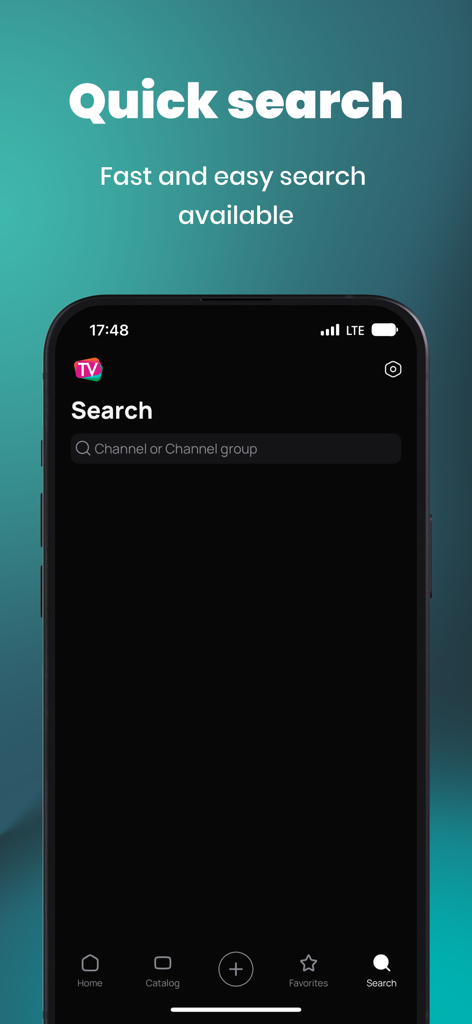
Smart TV Club app search screen for finding IPTV channels and groups
Description
Download
More Like This
Top-ranked apps in the same category

TikTok - Videos, Shop & LIVE
TIKTOK PTE. LTD.

Freecash - Get Paid Real Money
256 REWARDS LTD

Netflix
Netflix, Inc.

HBO Max: Stream Movies & TV
WarnerMedia Global Digital Services, LLC

DramaBox - Stream Drama Shorts
STORYMATRIX PTE. LTD

Amazon Prime Video
AMZN Mobile LLC

Disney+
Disney Electronic Content, Inc.

NetShort - Popular Dramas & TV
NETSTORY PTE. LTD.

Ticketmaster-Buy, Sell Tickets
Ticketmaster L.L.C
This page is not an official page of the app or its developer, but an independent editorial publication created for informational and commentary purposes. Unless expressly stated otherwise, neither the app nor its developer is affiliated with, endorsed by, sponsored by, authorized by, or otherwise officially connected with MWM, Apple, Google Play, the app publisher, or the app's developer, and nothing on this page implies that the app was developed using MWM's services. Any trademarks, logos, screenshots, and other content remain the property of their respective owners.