
This page is not an official page of the app or its developer, but an independent editorial publication created for informational and commentary purposes. Unless expressly stated otherwise, neither the app nor its developer is affiliated with, endorsed by, sponsored by, authorized by, or otherwise officially connected with MWM, Apple, Google Play, the app publisher, or the app's developer, and nothing on this page implies that the app was developed using MWM's services. Any trademarks, logos, screenshots, and other content remain the property of their respective owners.

Sonofield Ear Trainer
Stop memorizing clinical intervals and start feeling the music. Master the unique character of every note with a revolutionary, drone-based method designed to help you play exactly what you hear.
Downloads
11K+User Rating
Total Ratings
300Publisher
Category
MusicLocales
1Latest Version
1.7.17Size
106.7 MBFirst Released
Jan 27, 2025Master Your Musical Intuition
Break free from tedious interval drills. Sonofield Ear Trainer helps you internalize the unique 'feel' of every note so you can play exactly what you hear, instantly.
Develop a Tonal Instinct
Identify notes by their emotional character against sustained drones for faster, more natural melodic recognition than traditional methods.
Learning That Fits Your Life
Turn your commute into a masterclass with Pocket Mode, designed for hands-free training while you're on the go—no screen time required.
Frequently Asked Questions
Everything you need to know about Sonofield Ear Trainer
What is Sonofield Ear Trainer?
Sonofield Ear Trainer (SET) is an ear training app designed to help users intuitively play melodies by learning to feel the unique character of each note within a key. It utilizes sustained drones to provide a foundational tonal context.
How does Sonofield Ear Trainer help improve ear training?
Sonofield Ear Trainer improves ear training by focusing on the inherent *feeling* of scale degrees within a key, departing from traditional interval-based methods. It uses sustained drones to establish a tonal foundation, fostering intuitive note recognition.
What training modes are available in Sonofield Ear Trainer?
Sonofield Ear Trainer offers five distinct training modes: Degrees Mode, Melody Mode, Voice Mode, Pocket Mode, and Free Play. These modes cover various aspects of ear training, from identifying single notes to practicing melodic phrases.
Does Sonofield Ear Trainer have a free version?
Yes, Sonofield Ear Trainer provides a free version. This free version includes the complete foundations for feeling-based ear training. The app does not contain ads or enforce payments.
Can users practice singing with Sonofield Ear Trainer?
Yes, users can practice singing with Sonofield Ear Trainer through its dedicated Voice Mode. This feature allows users to sing requested scale degrees directly into their microphone for real-time training and feedback.
Does Sonofield Ear Trainer offer customized practice sessions?
Yes, Sonofield Ear Trainer allows for customized practice sessions. Users can create custom games by selecting specific musical elements, such as focusing on 'My Weak Points' or 'Major Pentatonic' scales, within the app.
Is Sonofield Ear Trainer suitable for beginners?
Yes, Sonofield Ear Trainer is suitable for beginners. It features a thoughtfully designed progression path and multiple difficulty levels, ensuring the app adapts to the user's current skill level for engaging practice.
The following screenshots and description are sourced directly from the app's official store listing and are the property of the app developer.
App Store
Screenshots
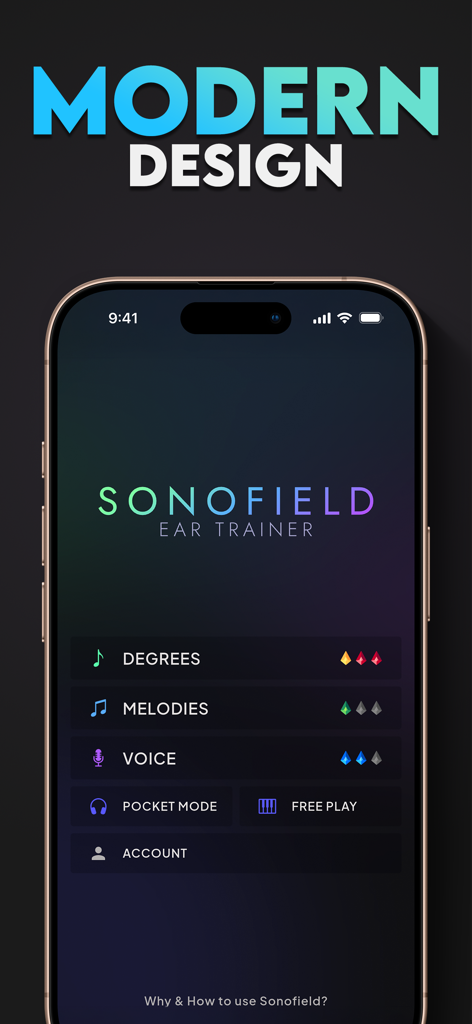
Sonofield Ear Trainer app main menu with modern design and training modes
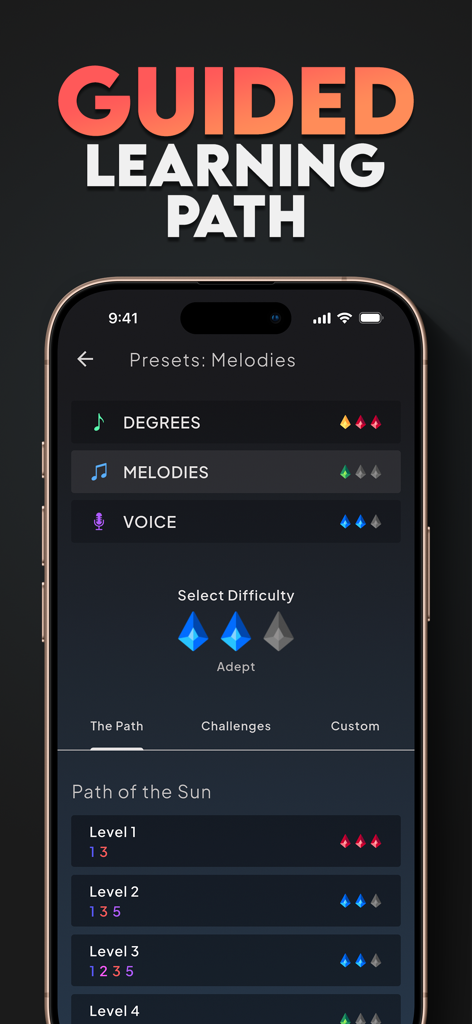
Interface of the Sonofield Ear Trainer app displaying the guided learning path with various levels and music training modes.
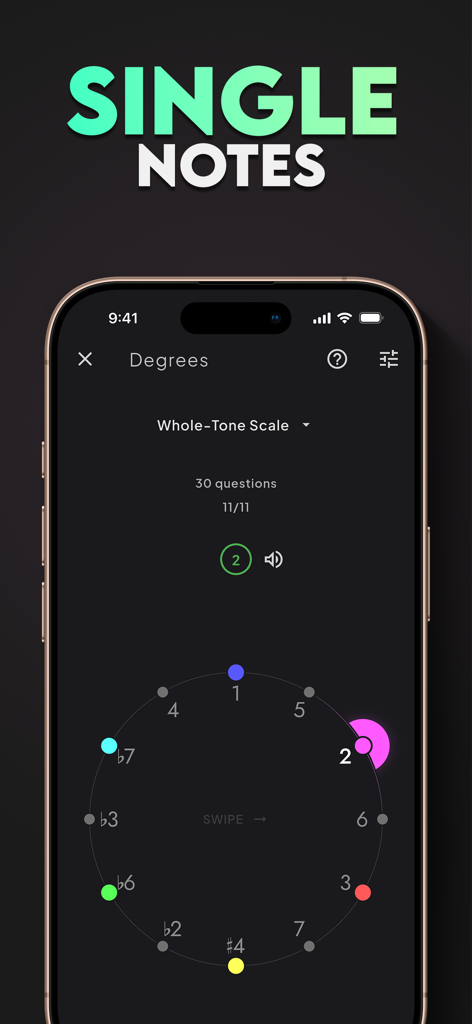
Sonofield Ear Trainer app interface showing the Degrees mode for identifying single notes with a color coded musical scale
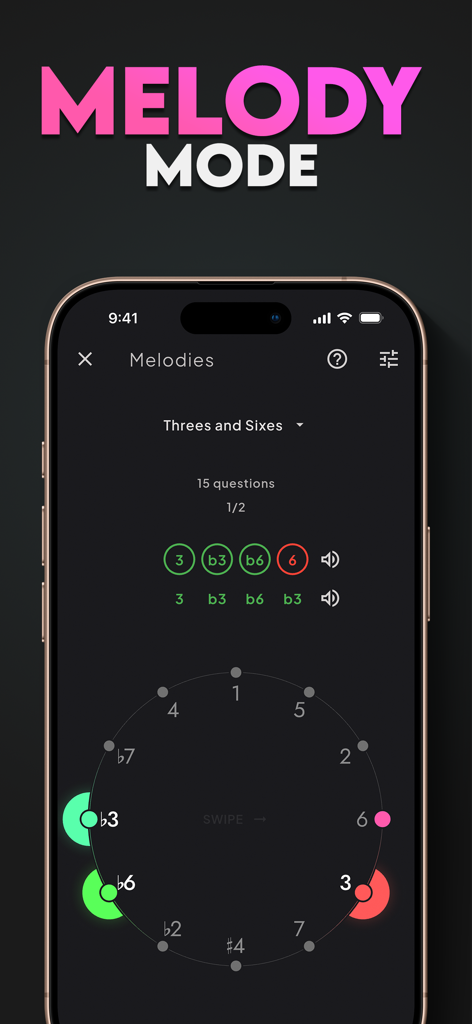
Sonofield Ear Trainer app Melody Mode interface showing a circular scale degree training exercise
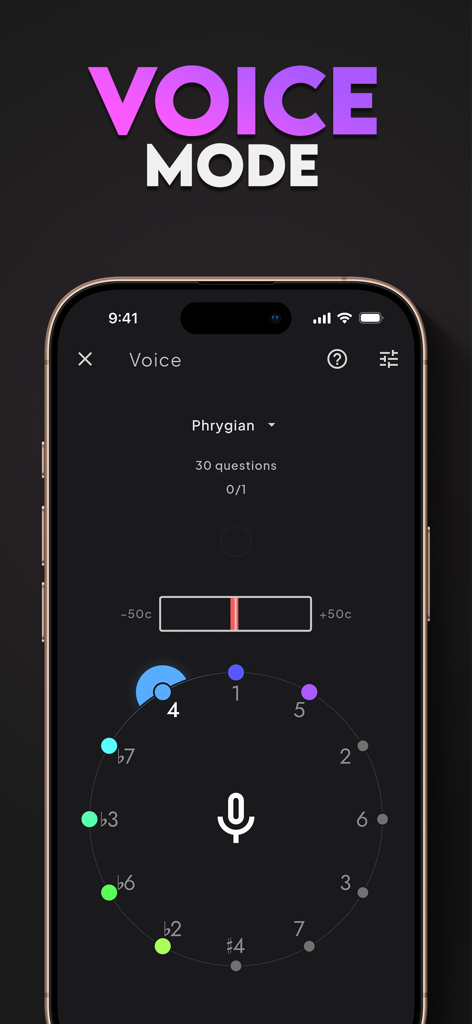
The Voice Mode interface of the Sonofield Ear Trainer app showing a microphone icon and circular pitch tracker for vocal exercises.
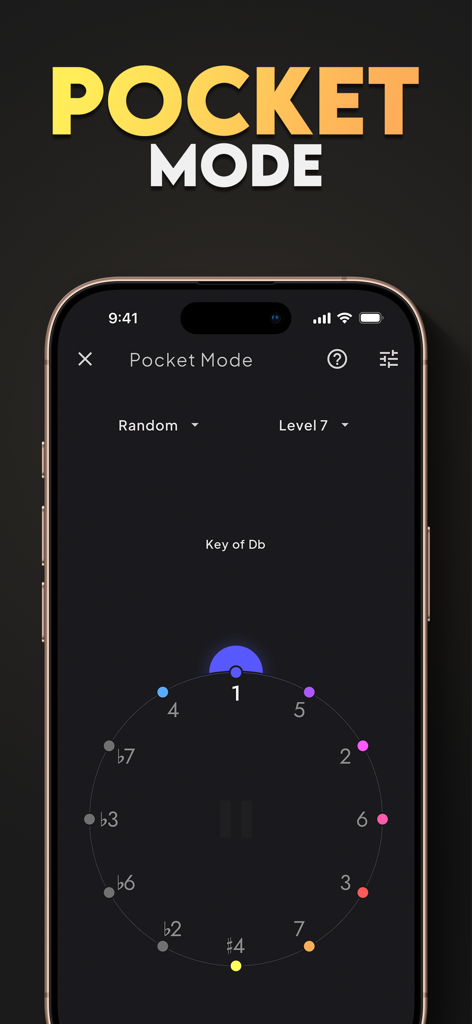
Sonofield Ear Trainer app displaying the Pocket Mode interface with a color coded circular musical scale
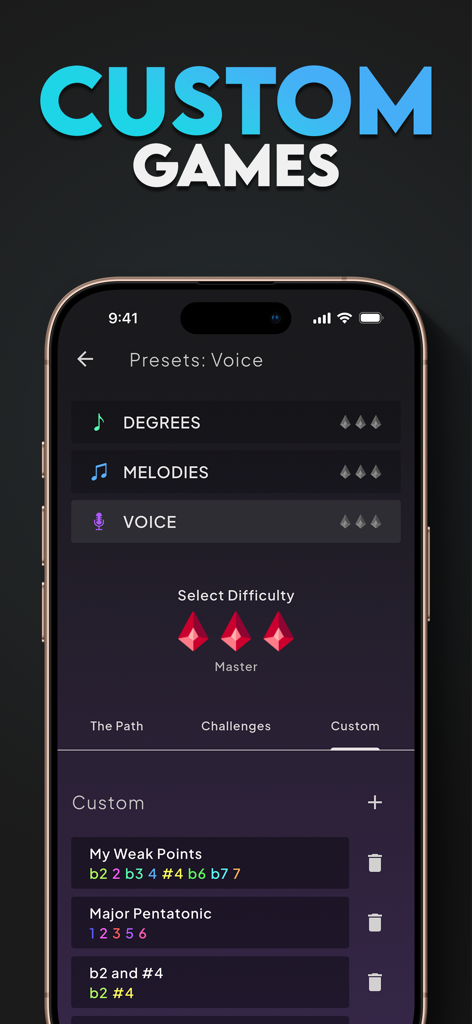
Sonofield Ear Trainer app custom games screen showing voice presets and difficulty levels
Description
Download
More Like This
Top-ranked apps in the same category

Spotify: Music and Podcasts
Spotify

YouTube Music
Google LLC

Shazam: Find Music & Concerts
Apple Inc.

SoundCloud: The Music You Love
SoundCloud Global Limited & Co KG

Suno - AI Songs & Music
Suno Inc.

QQ音乐 - 听我想听
Tencent Technology (Shenzhen) Company Limited

Audiomack - Play Music Offline
Audiomack, Inc.

GuitarTuna: Tune & Play Guitar
Yousician Ltd

BandLab – Music Maker & Beats
BandLab Singapore Pte Ltd
This page is not an official page of the app or its developer, but an independent editorial publication created for informational and commentary purposes. Unless expressly stated otherwise, neither the app nor its developer is affiliated with, endorsed by, sponsored by, authorized by, or otherwise officially connected with MWM, Apple, Google Play, the app publisher, or the app's developer, and nothing on this page implies that the app was developed using MWM's services. Any trademarks, logos, screenshots, and other content remain the property of their respective owners.