
This page is not an official page of the app or its developer, but an independent editorial publication created for informational and commentary purposes. Unless expressly stated otherwise, neither the app nor its developer is affiliated with, endorsed by, sponsored by, authorized by, or otherwise officially connected with MWM, Apple, Google Play, the app publisher, or the app's developer, and nothing on this page implies that the app was developed using MWM's services. Any trademarks, logos, screenshots, and other content remain the property of their respective owners.

Sound Drop AR
Experience the future of beat-making with real physics and AR. Place reactors, tweak gravity, and sculpt evolving sounds in a stunning Glass UI—all with no ads and no logins.
Downloads
3K+User Rating
Total Ratings
0Publisher
Category
GamesLocales
1Latest Version
2.0.0Size
132.6 MBFirst Released
Feb 4, 2019Compose in Your Own Dimension
Transform your environment into a living rhythm machine. Sound Drop AR combines real-world physics with professional sound design for a seamless, ad-free creative experience.
Spatial Beat Construction
Turn your living room into a studio. Place reactors on any surface and let physics create evolving rhythmic patterns in your actual physical space.
Gravity-Based Sound Design
Sculpt your sound by tweaking gravity, speed, and bounciness. Mix 100+ effects with curated loops to build polyrhythms that look as good as they sound.
The following screenshots and description are sourced directly from the app's official store listing and are the property of the app developer.
App Store
Screenshots
Sound Drop AR launch screen featuring the green app logo over a crowd silhouette and a power button
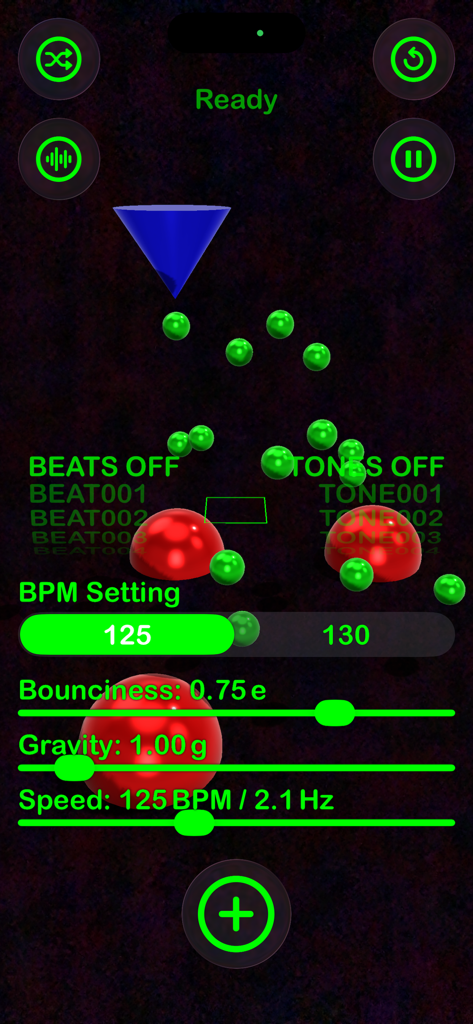
Interface of the Sound Drop AR app showing music production controls and physics sliders
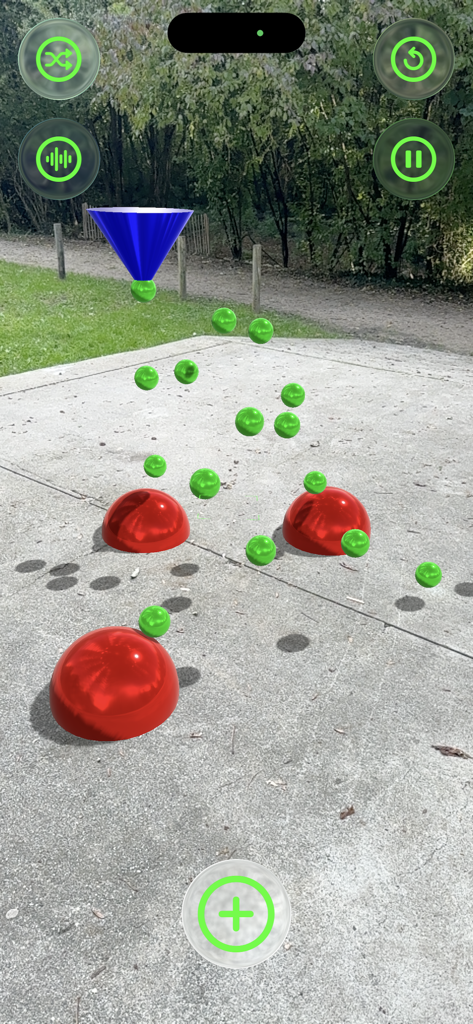
Augmented reality music creation showing green balls bouncing on red reactors in an outdoor setting
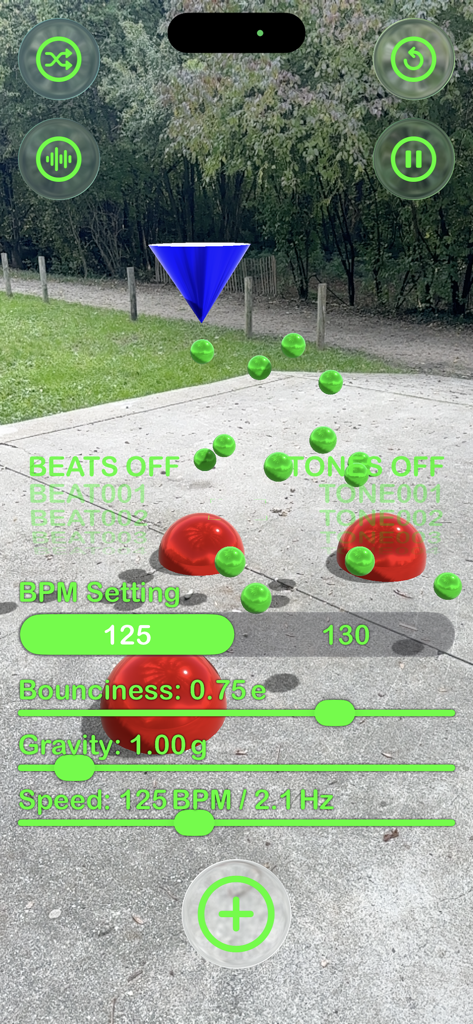
Sound Drop AR interface with physics sliders and green balls bouncing on red reactors in an outdoor augmented reality setting
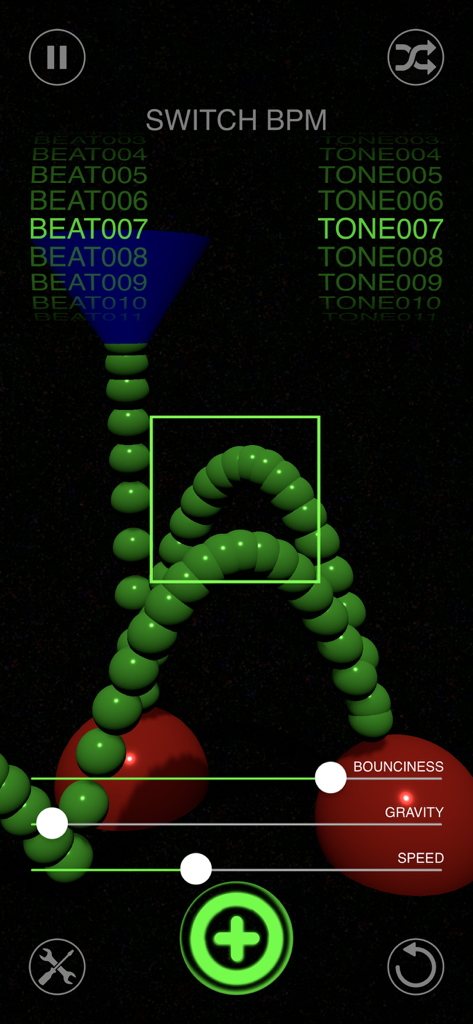
Sound Drop AR interface showing green bouncing balls on reactors and sliders for bounciness gravity and speed
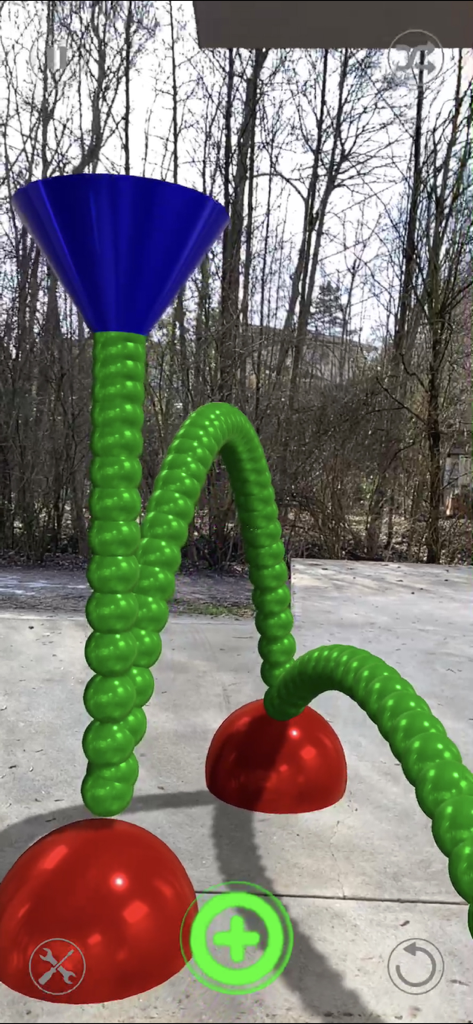
Augmented reality interface showing green spheres bouncing off red reactors to create music in an outdoor environment
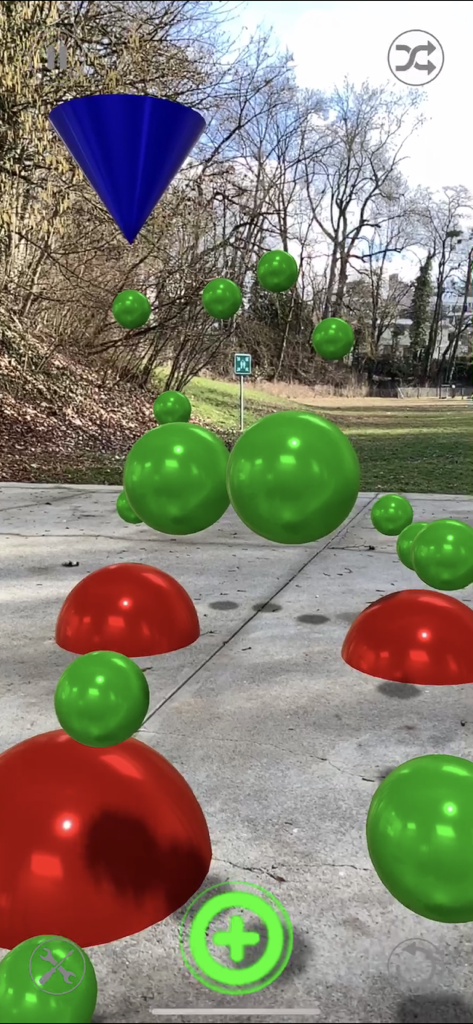
Augmented reality music creation interface showing red and green reactors placed on an outdoor concrete path
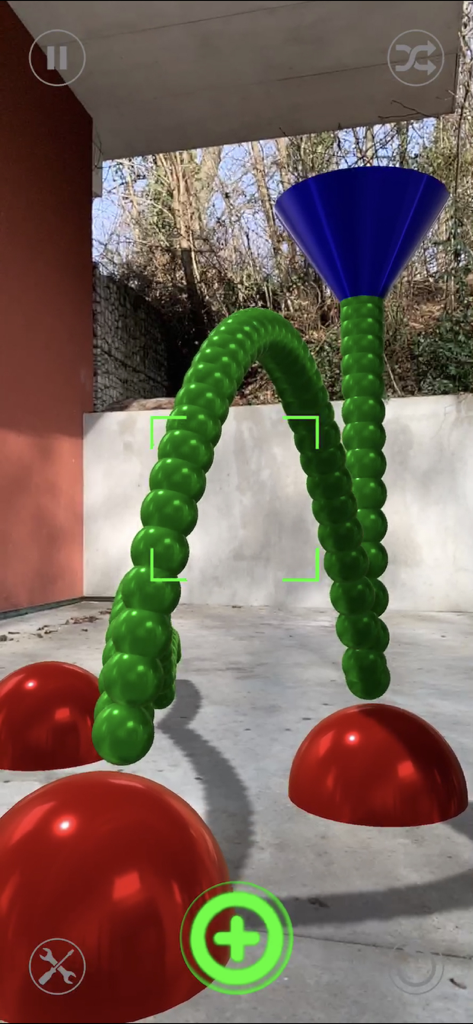
Augmented reality interface of Sound Drop AR with 3D sound reactors and bouncing ball trails in an outdoor setting
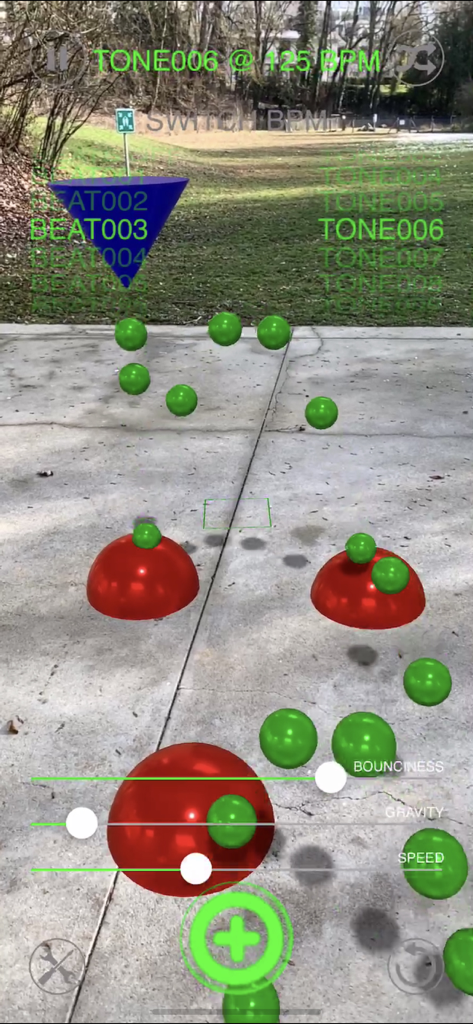
Augmented reality interface showing green balls bouncing on red reactors in an outdoor setting to create music beats.
Description
Download
More Like This
Top-ranked apps in the same category

Block Blast!
ARETIS LIMITED

Heartopia
XD Entertainment Co., Ltd.

Solitaire Associations Journey
Hitapps Games LTD

Roblox
Roblox Corporation

Gossip Harbor®: Merge & Story
Microfun Limited

Arrows – Puzzle Escape
Lessmore UG haftungsbeschraenkt

Township
PLR Worldwide Sales Limited

Last War:Survival
FUNFLY PTE. LTD.

Vita Mahjong
VITA STUDIO PTE. LTD.
This page is not an official page of the app or its developer, but an independent editorial publication created for informational and commentary purposes. Unless expressly stated otherwise, neither the app nor its developer is affiliated with, endorsed by, sponsored by, authorized by, or otherwise officially connected with MWM, Apple, Google Play, the app publisher, or the app's developer, and nothing on this page implies that the app was developed using MWM's services. Any trademarks, logos, screenshots, and other content remain the property of their respective owners.