
This page is not an official page of the app or its developer, but an independent editorial publication created for informational and commentary purposes. Unless expressly stated otherwise, neither the app nor its developer is affiliated with, endorsed by, sponsored by, authorized by, or otherwise officially connected with MWM, Apple, Google Play, the app publisher, or the app's developer, and nothing on this page implies that the app was developed using MWM's services. Any trademarks, logos, screenshots, and other content remain the property of their respective owners.

SoundScope VR
Empower your professional workflow with high-resolution FFT, RTA, and spectrograph tools. Overlay real-time audio data onto your surroundings to pinpoint sound sources and capture precise acoustic evidence.
Downloads
62K+User Rating
Total Ratings
0Publisher
Category
MusicLocales
8Latest Version
7.4Size
35.0 MBFirst Released
Jan 2, 2013Visualize Sound with Absolute Precision
Transform your iOS device into a professional-grade spectrum analyzer with high-resolution FFT algorithms and real-time augmented reality overlays designed for elite audio engineers.
Augmented Reality Mapping
Pinpoint the exact physical source of noise or resonance by overlaying live audio frequency data directly onto your device's camera feed.
High-Resolution FFT & RTA
Access lab-grade analysis with up to 1/48th octave smoothing and proprietary calibration database tailored for every iOS microphone.
The following screenshots and description are sourced directly from the app's official store listing and are the property of the app developer.
App Store
Screenshots
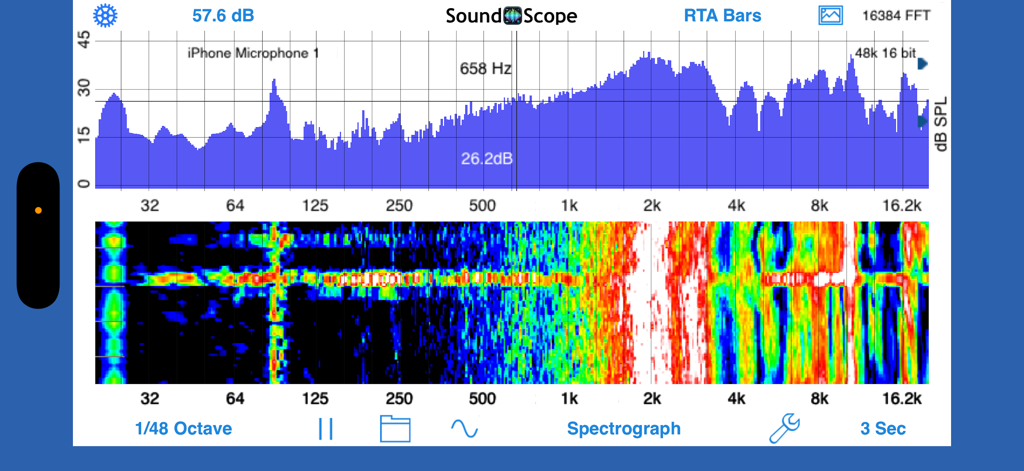
SoundScope VR app split screen showing RTA bar graph and spectrograph audio analysis.
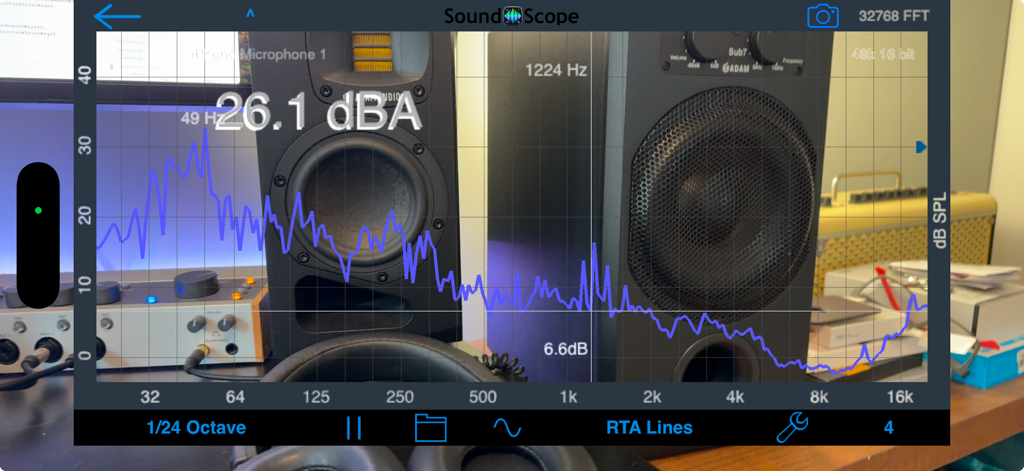
SoundScope VR app displaying an RTA line graph and decibel level over a live camera view of studio equipment
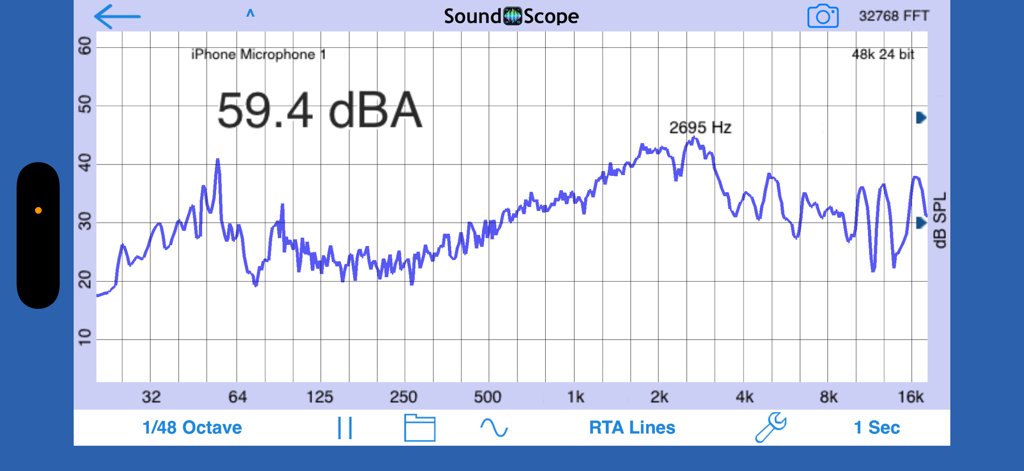
SoundScope VR app displaying a detailed RTA line graph with real-time frequency analysis and decibel measurement.
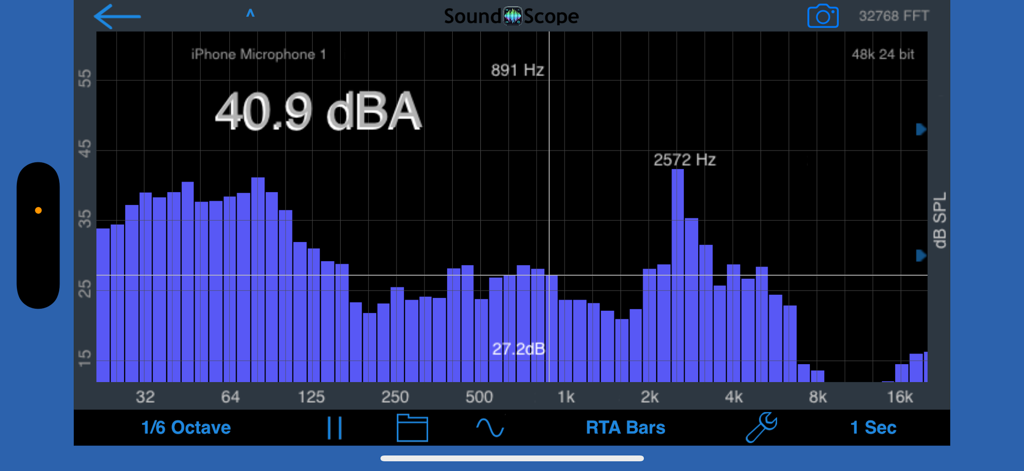
SoundScope VR real-time audio spectrum analyzer displaying RTA bar graph with dBA measurement and frequency peaks
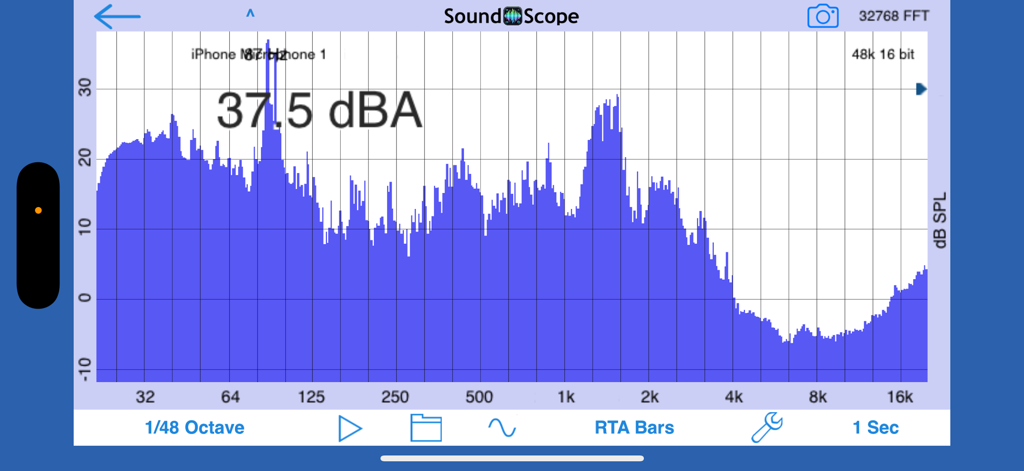
SoundScope VR app interface displaying a blue frequency spectrum graph with a 37.5 dBA sound level measurement
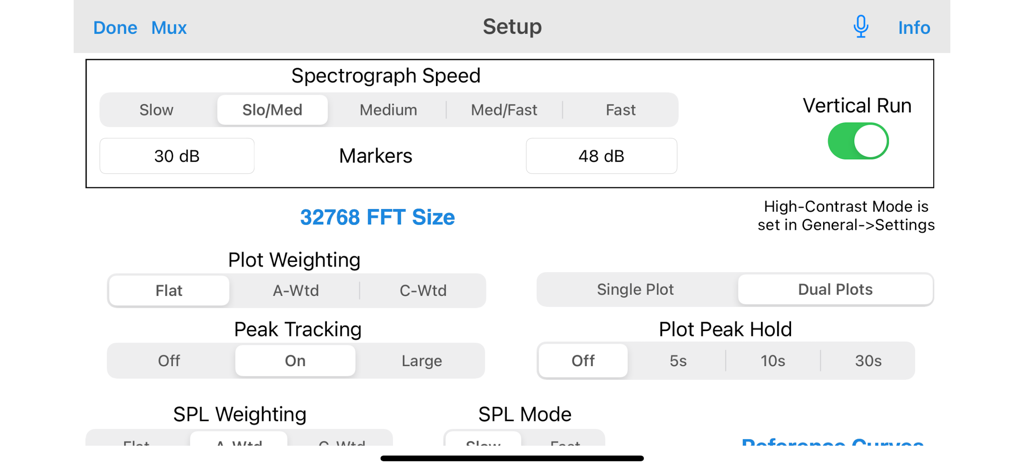
Setup screen in SoundScope VR displaying professional audio analysis settings like FFT size, spectrograph speed, and weighting modes.
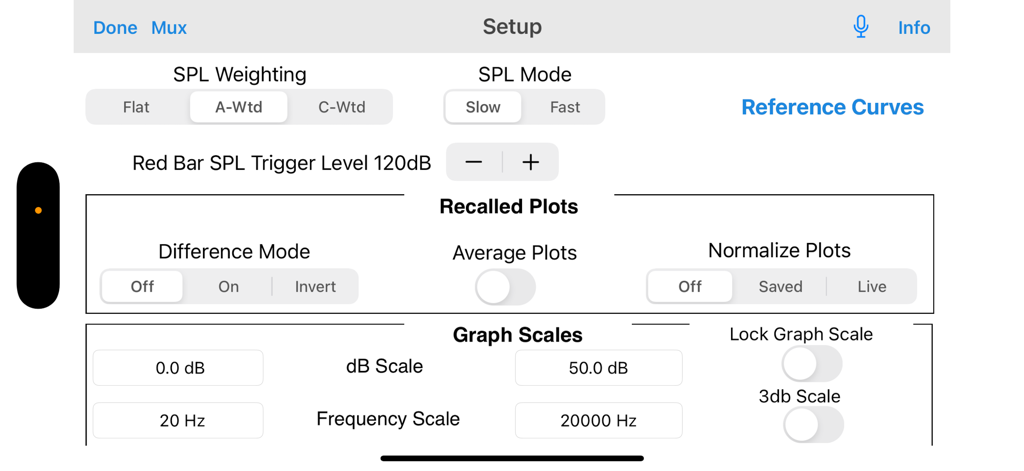
Professional audio analysis setup menu showing SPL weighting and graph scale settings in SoundScope VR
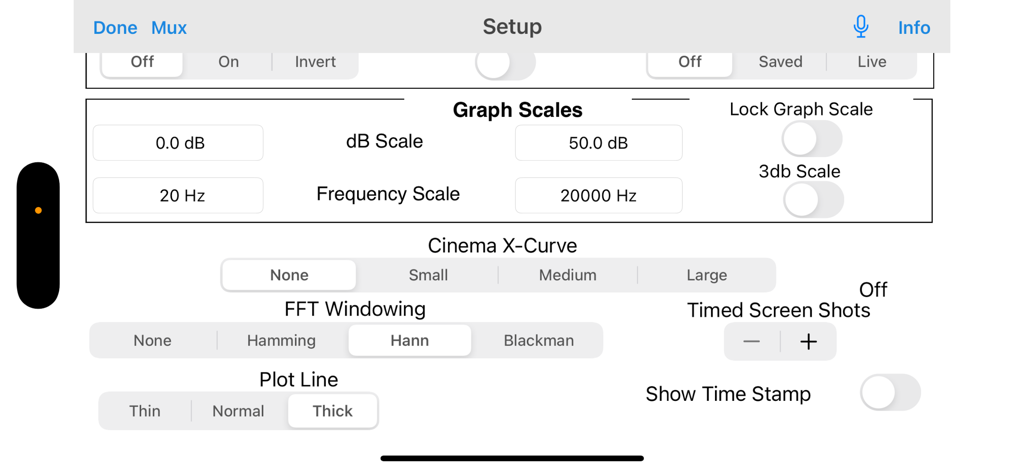
Setup screen of SoundScope VR app featuring graph scales, FFT windowing, and audio analysis configuration settings.
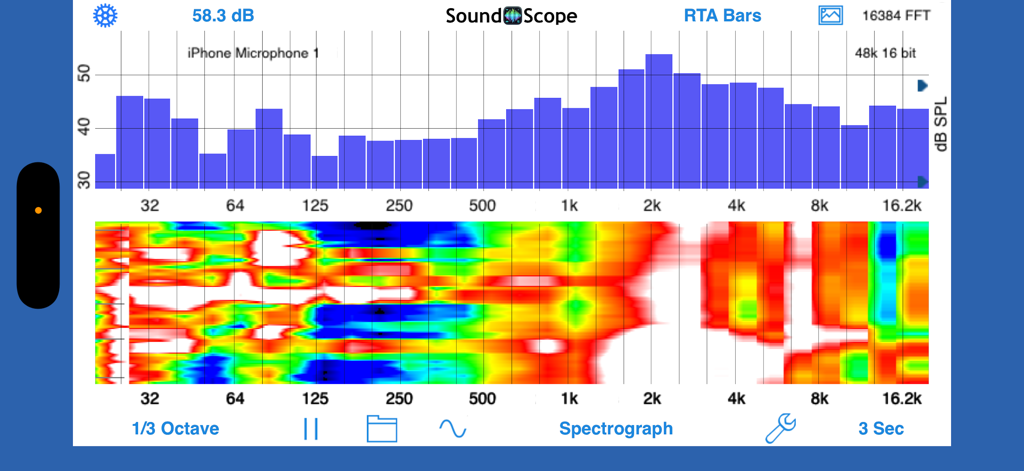
SoundScope VR mobile app interface showing RTA bar graph and spectrograph analysis
Description
Download
More Like This
Top-ranked apps in the same category

Spotify: Music and Podcasts
Spotify

YouTube Music
Google LLC

Shazam: Find Music & Concerts
Apple Inc.

SoundCloud: The Music You Love
SoundCloud Global Limited & Co KG

Suno - AI Songs & Music
Suno Inc.

QQ音乐 - 听我想听
Tencent Technology (Shenzhen) Company Limited

Audiomack - Play Music Offline
Audiomack, Inc.

GuitarTuna: Tune & Play Guitar
Yousician Ltd

BandLab – Music Maker & Beats
BandLab Singapore Pte Ltd
This page is not an official page of the app or its developer, but an independent editorial publication created for informational and commentary purposes. Unless expressly stated otherwise, neither the app nor its developer is affiliated with, endorsed by, sponsored by, authorized by, or otherwise officially connected with MWM, Apple, Google Play, the app publisher, or the app's developer, and nothing on this page implies that the app was developed using MWM's services. Any trademarks, logos, screenshots, and other content remain the property of their respective owners.