
This page is not an official page of the app or its developer, but an independent editorial publication created for informational and commentary purposes. Unless expressly stated otherwise, neither the app nor its developer is affiliated with, endorsed by, sponsored by, authorized by, or otherwise officially connected with MWM, Apple, Google Play, the app publisher, or the app's developer, and nothing on this page implies that the app was developed using MWM's services. Any trademarks, logos, screenshots, and other content remain the property of their respective owners.

Spending Tracker: Sumi
Stop the manual entry. Automatically log expenses, manage subscriptions, and convert foreign currencies in real-time. Designed for the way you live and travel.
Downloads
100+User Rating
Total Ratings
0Publisher
Category
FinanceLocales
1Latest Version
1.1.1Size
49.3 MBFirst Released
Sep 4, 2025Smart Tracking for the Modern Spender
Take total control of your finances with a high-performance tracker designed for your Apple lifestyle—automatic, visual, and completely stress-free.
Invisible Expense Logging
Stop typing and start living. Sumi automatically tracks your Apple Pay purchases, categorizing every transaction in real-time so you never miss a cent.
Seamless Currency Sync
Global travel made simple. Every international charge is instantly converted to your home currency using live rates, removing the mental math from your vacations.
The following screenshots and description are sourced directly from the app's official store listing and are the property of the app developer.
App Store
Screenshots
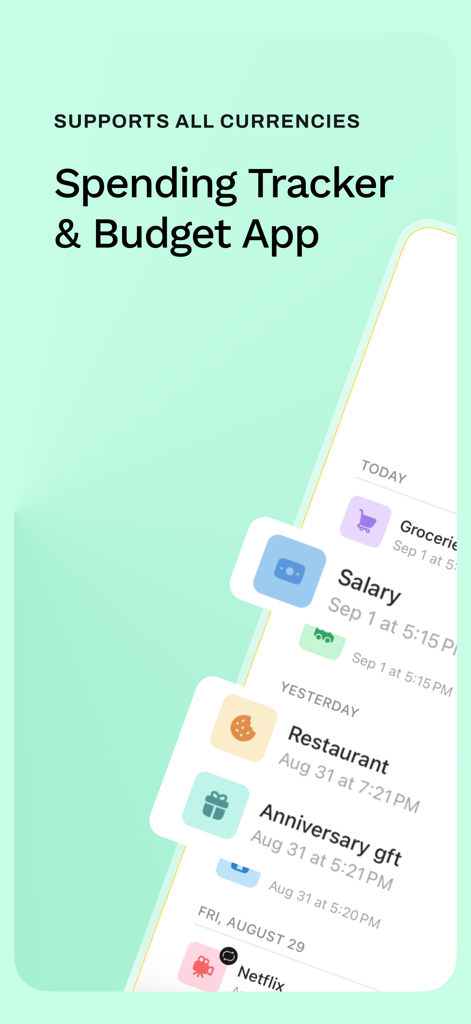
Screenshot of the Sumi Spending Tracker and Budget App showing various transaction categories like groceries and salary
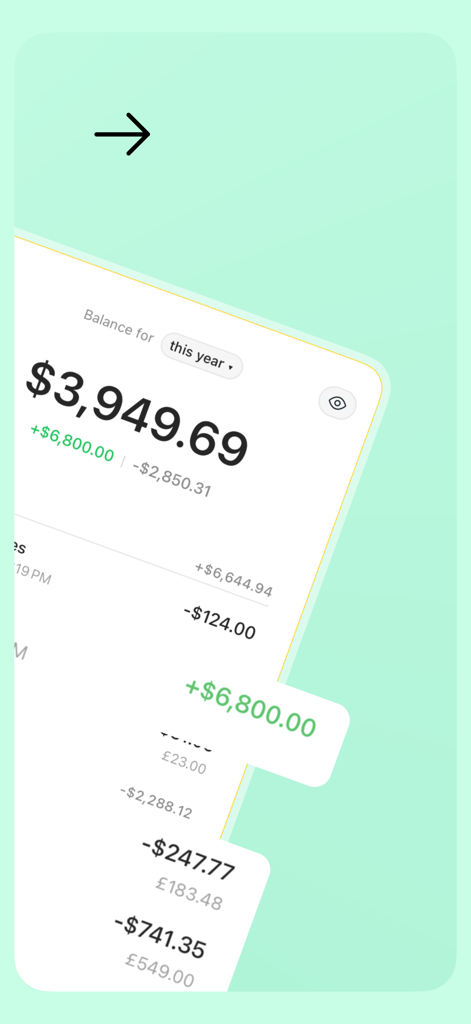
Sumi mobile app interface showing a yearly balance summary and recent transactions with automatic currency conversion.
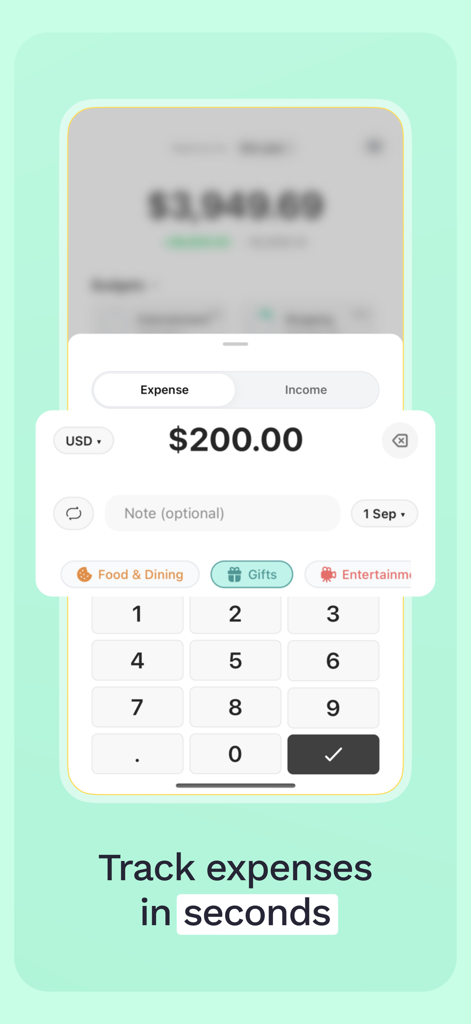
Manual expense tracking interface in the Sumi app with a numeric keypad and spending categories.
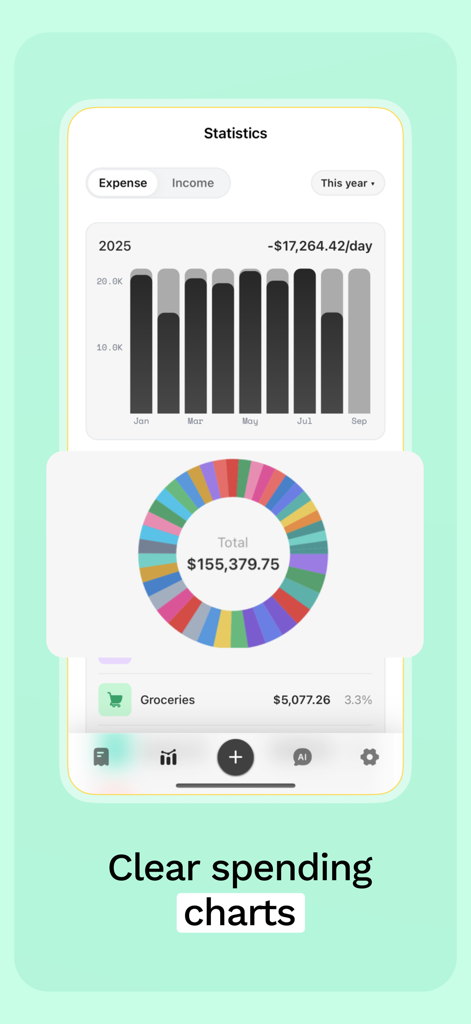
Sumi app spending charts and statistics overview
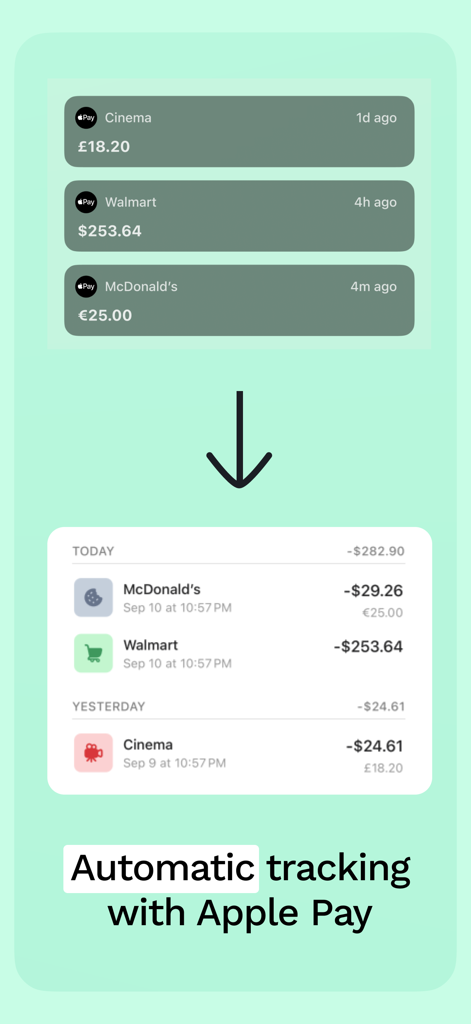
Automatic spending tracking with Apple Pay in the Sumi app
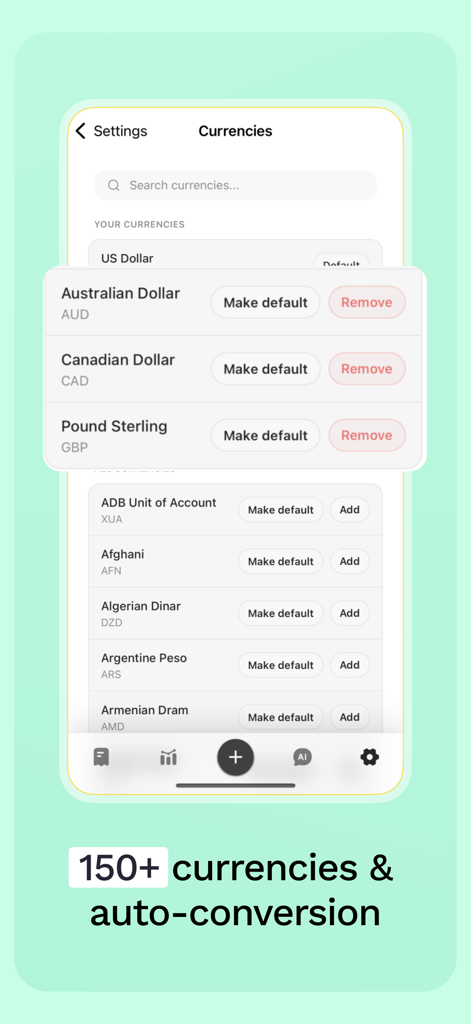
Sumi app settings screen showing currency management and auto conversion options for international spending
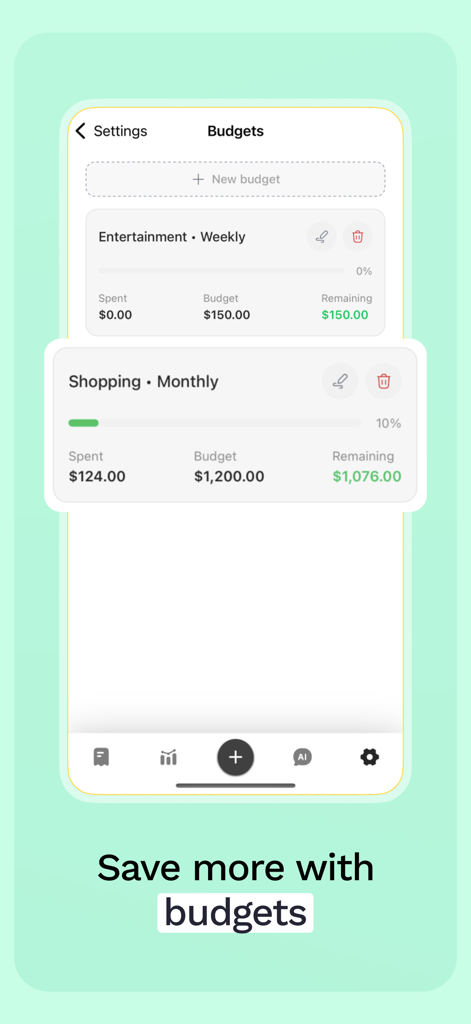
Interface of the Spending Tracker Sumi app showing the budgets screen with weekly and monthly targets.
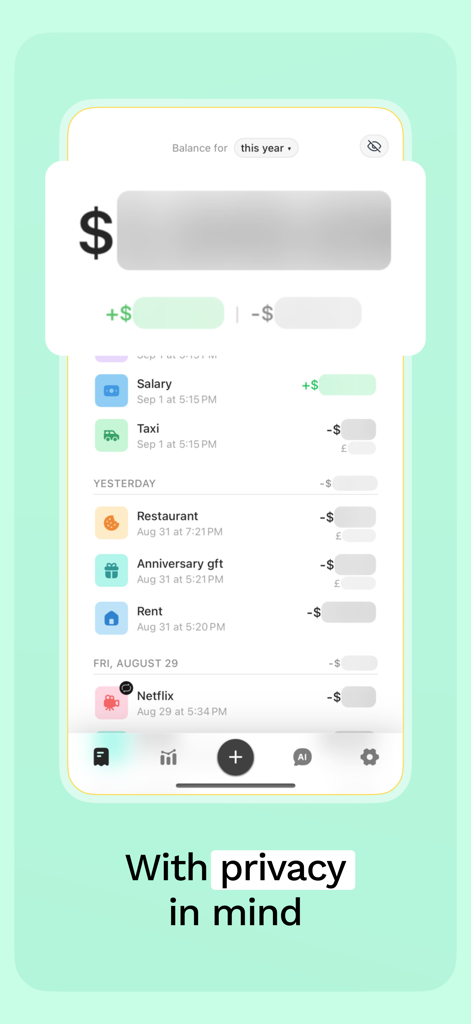
Sumi app transaction history showing blurred balance totals for user privacy.
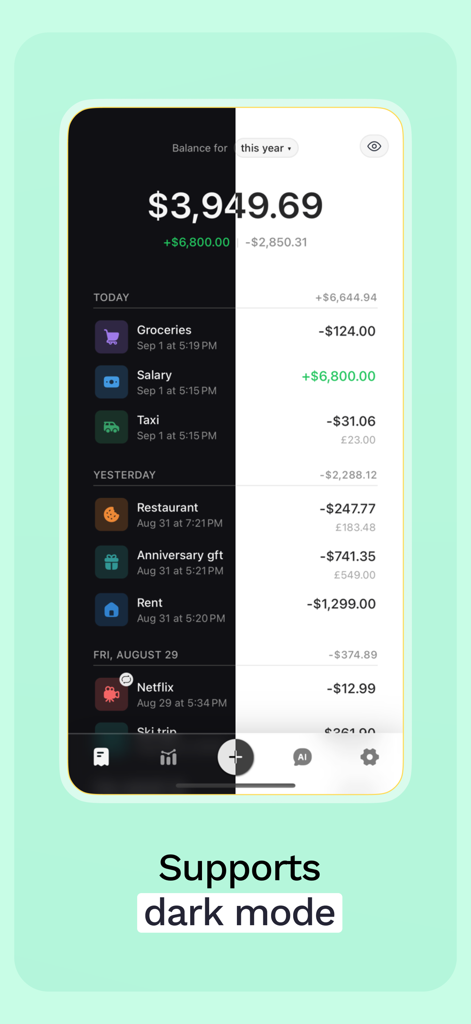
Sumi spending tracker app interface showing a comparison between light and dark mode
Description
Download
More Like This
Top-ranked apps in the same category

UnionPay APP
China Unionpay Co.,Ltd.

个人所得税
State Administration of Taxation

Mercado Pago: cuenta digital
MercadoLibre S.A.

PayPal - Pay, Send, Save
PayPal, Inc.

中国农业银行
AGRICULTURAL BANK OF CHINA LIMITED

电子税务局
State Administration of Taxation

中国工商银行
Industrial and Commercial Bank of China

Cash App
Block, Inc.

Revolut: Send, spend and save
Revolut Ltd
This page is not an official page of the app or its developer, but an independent editorial publication created for informational and commentary purposes. Unless expressly stated otherwise, neither the app nor its developer is affiliated with, endorsed by, sponsored by, authorized by, or otherwise officially connected with MWM, Apple, Google Play, the app publisher, or the app's developer, and nothing on this page implies that the app was developed using MWM's services. Any trademarks, logos, screenshots, and other content remain the property of their respective owners.