
This page is not an official page of the app or its developer, but an independent editorial publication created for informational and commentary purposes. Unless expressly stated otherwise, neither the app nor its developer is affiliated with, endorsed by, sponsored by, authorized by, or otherwise officially connected with MWM, Apple, Google Play, the app publisher, or the app's developer, and nothing on this page implies that the app was developed using MWM's services. Any trademarks, logos, screenshots, and other content remain the property of their respective owners.

Splice: Make music now
Capture every spark of inspiration with millions of royalty-free samples and pro-grade recording tools. Build stacks in seconds and export directly to your DAW to turn mobile ideas into your next hit.
Downloads
833K+User Rating
Total Ratings
1K+Publisher
Category
MusicLocales
1Latest Version
v.3.6.5+6279Size
80.0 MBFirst Released
May 17, 2016Your Professional Studio, Anywhere
Turn every moment of inspiration into a potential hit with the world's largest library of royalty-free samples and intuitive mobile creation tools.
Pro-Grade Sample Library
Browse millions of royalty-free sounds used by chart-topping producers to find the perfect vibe for your next project.
Instant Vibe with Create Mode
Beat writer's block by automatically stacking compatible loops that sound great together in seconds.
Frequently Asked Questions
Everything you need to know about Splice: Make music now
What is the Splice Mobile app?
Splice Mobile is an app allowing users to browse the entire Splice royalty-free catalog, organize sounds, record audio with Splice Mic, and start new music ideas using Create mode, all from their phone.
Can I browse the full Splice catalog on the Splice Mobile app?
Yes, the Splice Mobile app allows users to browse the entire Splice catalog directly from their phone. Users can search by keyword, filter by tags, and audition loops to find specific sounds.
Does the Splice Mobile app allow me to record my own audio?
Yes, Splice Mobile includes a feature called Splice Mic, which allows users to record their own audio. This feature integrates recordings into musical contexts over existing Splice sounds.
How does Splice Mobile's Create mode function?
Splice Mobile's Create mode instantly generates new musical ideas. Users tap the Create icon, select a genre, and drop into a Stack of loops from the Splice library to start beats and develop ideas.
Are Splice samples from the Splice app cleared for commercial use?
Yes, Splice samples are cleared for commercial use. Users can utilize them to create any new works, ensuring legal compliance for their music projects.
What are the export options for creations made in Splice Mobile?
Splice Mobile offers several export options, including stereo mix (WAV), Ableton Live project, Studio One project, Stems, and original samples. Creations can also be shared via unique links or cloud services.
Is a subscription necessary to use the Splice library in the Splice Mobile app?
Yes, a subscription is required to access Splice's expansive library of royalty-free samples, presets, MIDI, and creative tools within the Splice app.
Can I cancel my Splice subscription anytime?
Yes, users can cancel their Splice subscription at any time. All downloaded content remains accessible even after cancellation.
The following screenshots and description are sourced directly from the app's official store listing and are the property of the app developer.
App Store
Screenshots
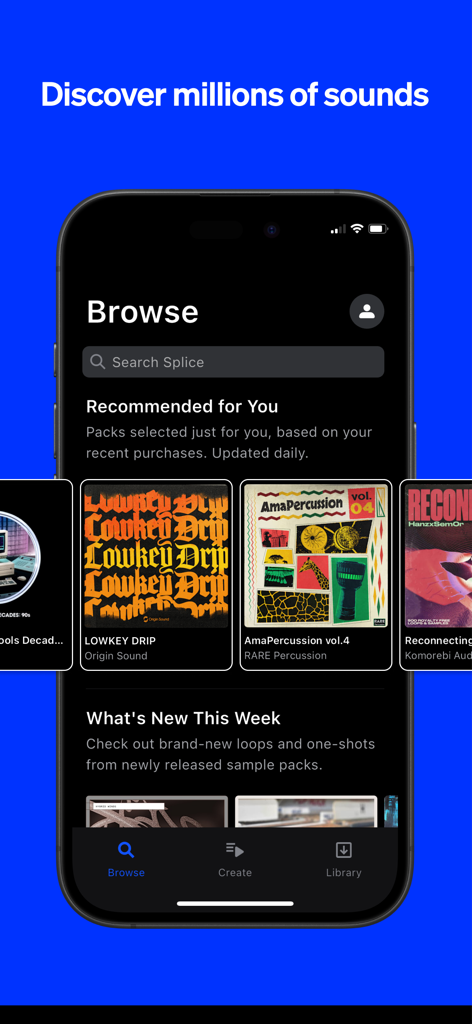
Interface of the Splice mobile app showing the browse section with recommended music sample packs like Lowkey Drip and AmaPercussion.
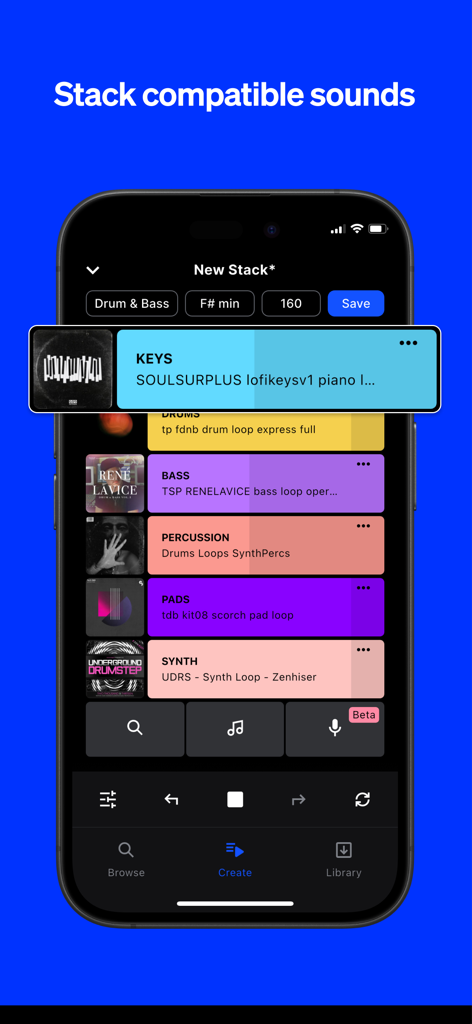
A mobile phone screen showing the Splice app interface for stacking compatible music loops.
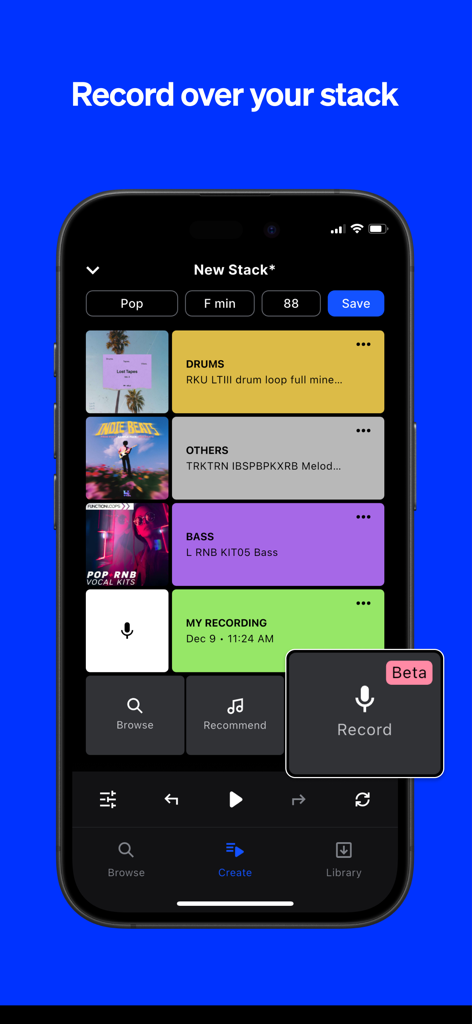
iPhone screen showing Splice app's Create Mode with multi-track loops and a voice recording feature
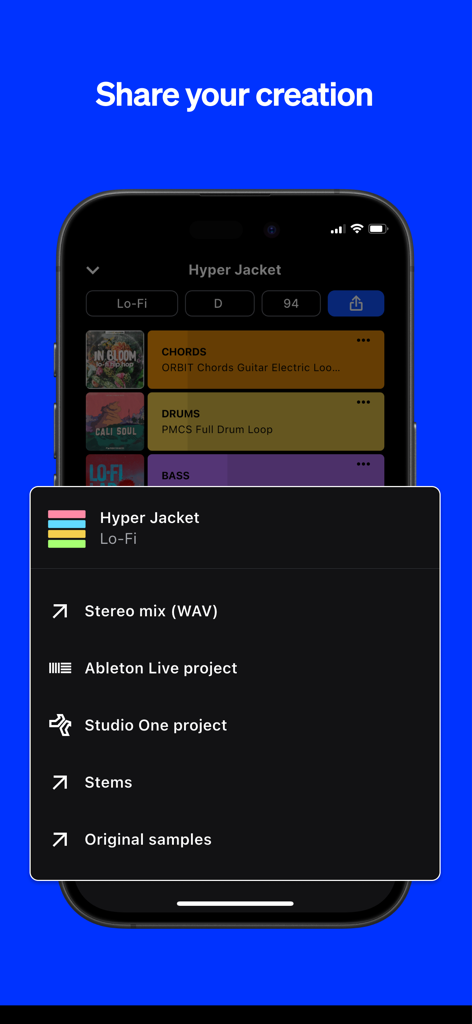
A screenshot of the Splice app showing options to export a music project as a stereo mix, stems, or DAW files for Ableton Live and Studio One.
Description
Download
More Like This
Apps with similar features and user experience




This page is not an official page of the app or its developer, but an independent editorial publication created for informational and commentary purposes. Unless expressly stated otherwise, neither the app nor its developer is affiliated with, endorsed by, sponsored by, authorized by, or otherwise officially connected with MWM, Apple, Google Play, the app publisher, or the app's developer, and nothing on this page implies that the app was developed using MWM's services. Any trademarks, logos, screenshots, and other content remain the property of their respective owners.