
This page is not an official page of the app or its developer, but an independent editorial publication created for informational and commentary purposes. Unless expressly stated otherwise, neither the app nor its developer is affiliated with, endorsed by, sponsored by, authorized by, or otherwise officially connected with MWM, Apple, Google Play, the app publisher, or the app's developer, and nothing on this page implies that the app was developed using MWM's services. Any trademarks, logos, screenshots, and other content remain the property of their respective owners.


Square - Restaurants POS
Streamline your floor plan, automate your kitchen, and sync every order—from dine-in to delivery. Empower your team with the intuitive POS built to grow your business.
Downloads
179K+User Rating
Total Ratings
4K+Publisher
Category
BusinessLocales
5Latest Version
6.90Size
769.9 MBFirst Released
May 23, 2018Built for the Pace of Modern Hospitality
Everything you need to manage your floor, kitchen, and finances in one sleek, intuitive platform designed for growth.
Maximize Output with Fewer Staff
Empower your team with QR code ordering and intuitive mobile interfaces that keep service moving even when you're short-handed.
One Hub for Every Order
Seamlessly sync in-person, online, and delivery orders. Update menus across all platforms instantly from your iPad or phone.
The following screenshots and description are sourced directly from the app's official store listing and are the property of the app developer.
App Store
Screenshots
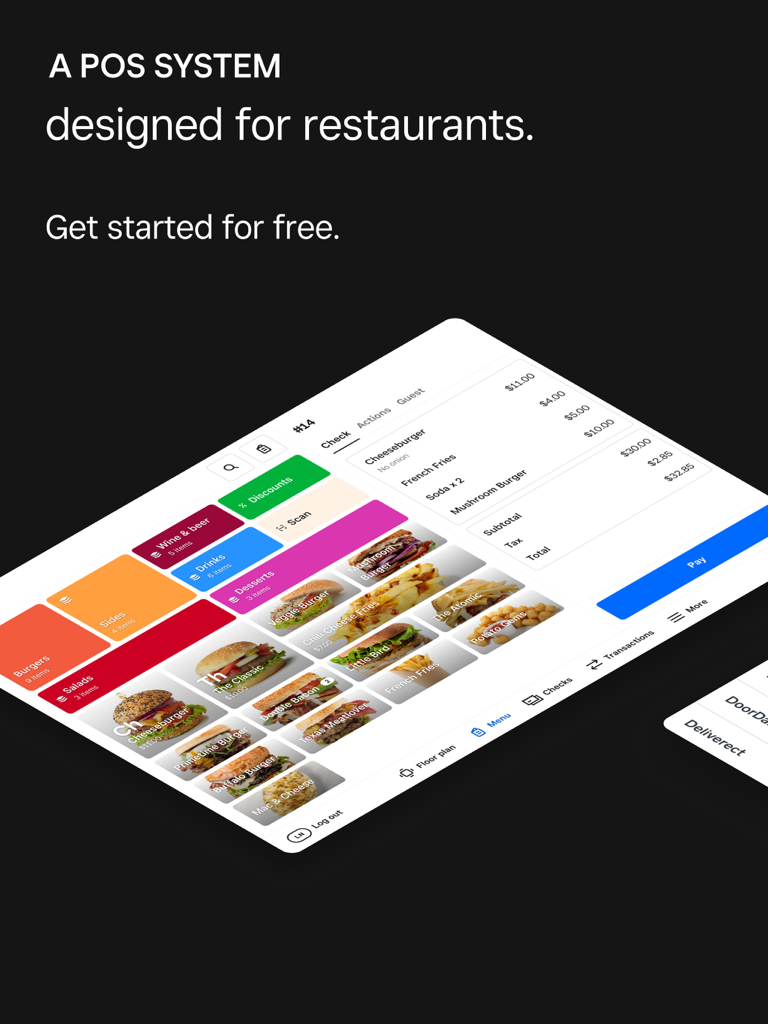
Square for Restaurants POS interface on an iPad displaying menu categories and an active order check.
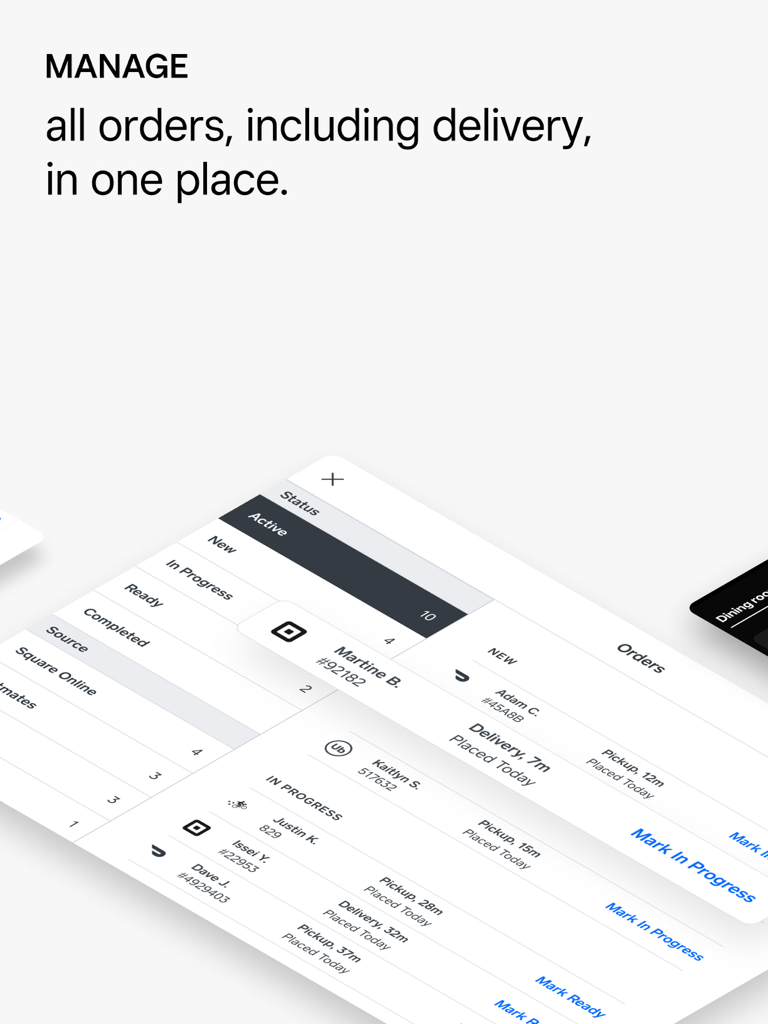
Square for Restaurants POS interface displaying a unified list of active delivery and pickup orders
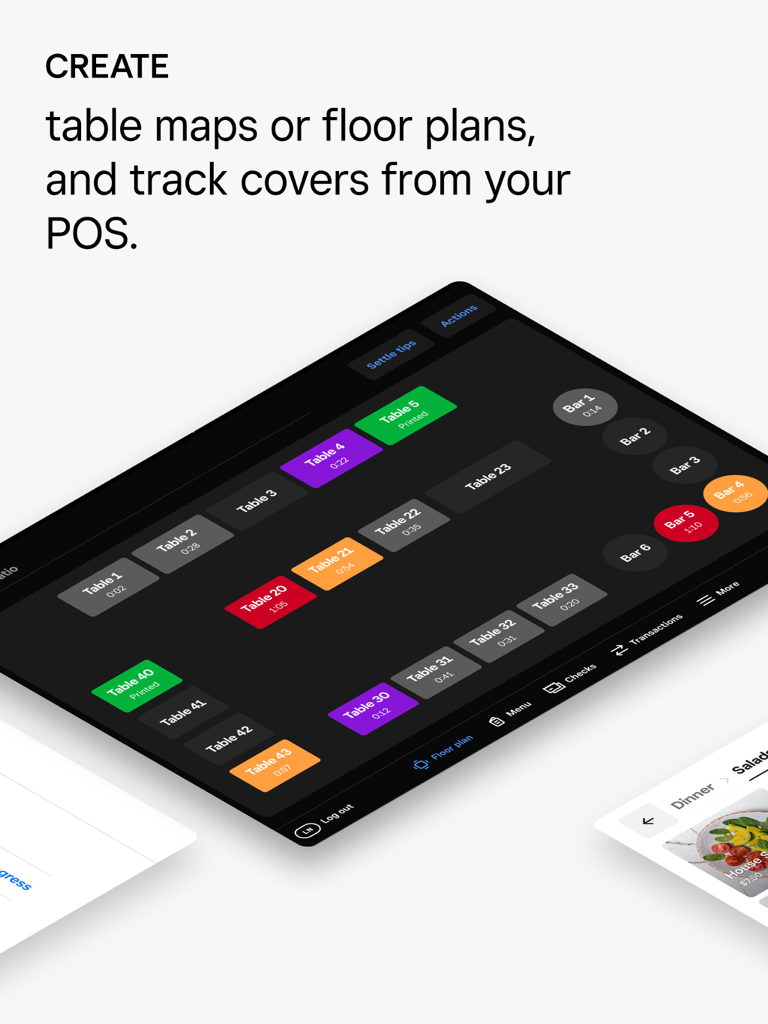
Square for Restaurants POS floor plan and table map management on iPad
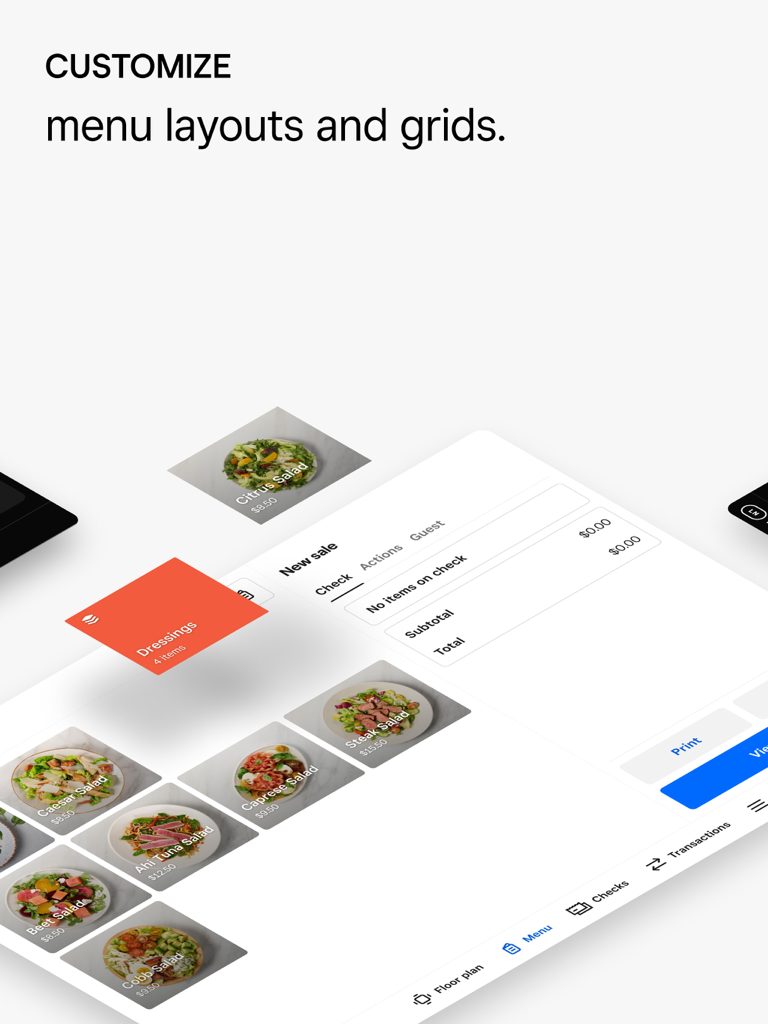
Square for Restaurants POS interface showing customizable menu layouts and grids with food images on an iPad
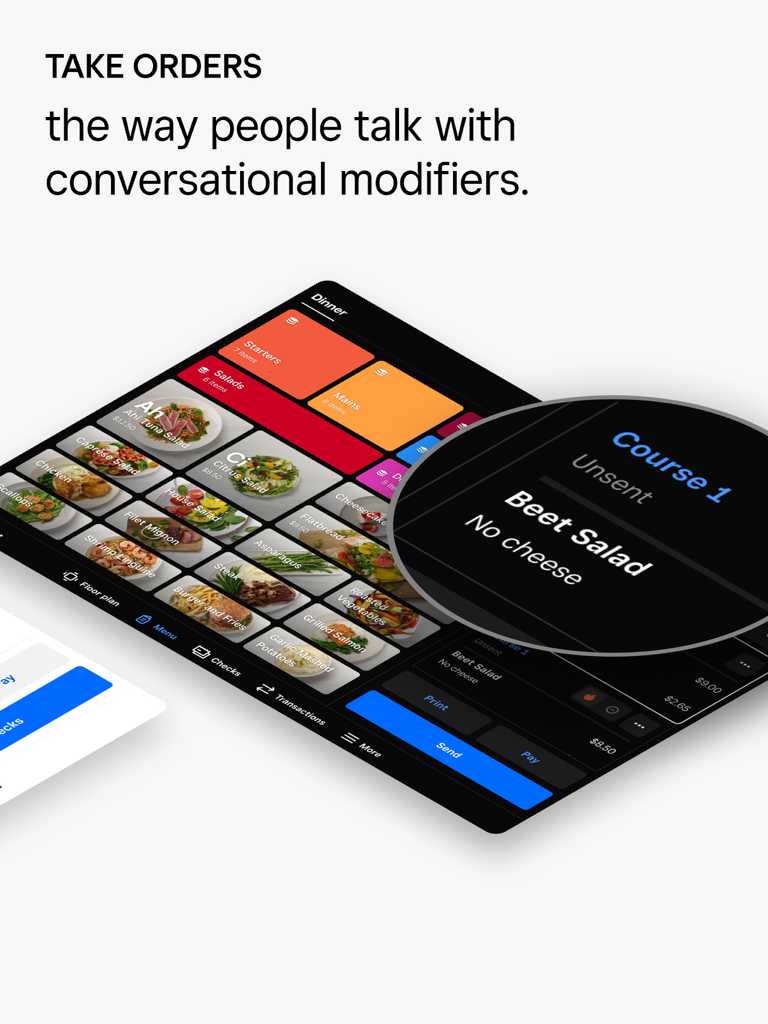
Square for Restaurants POS interface on iPad showing a beet salad order with a no cheese modifier.
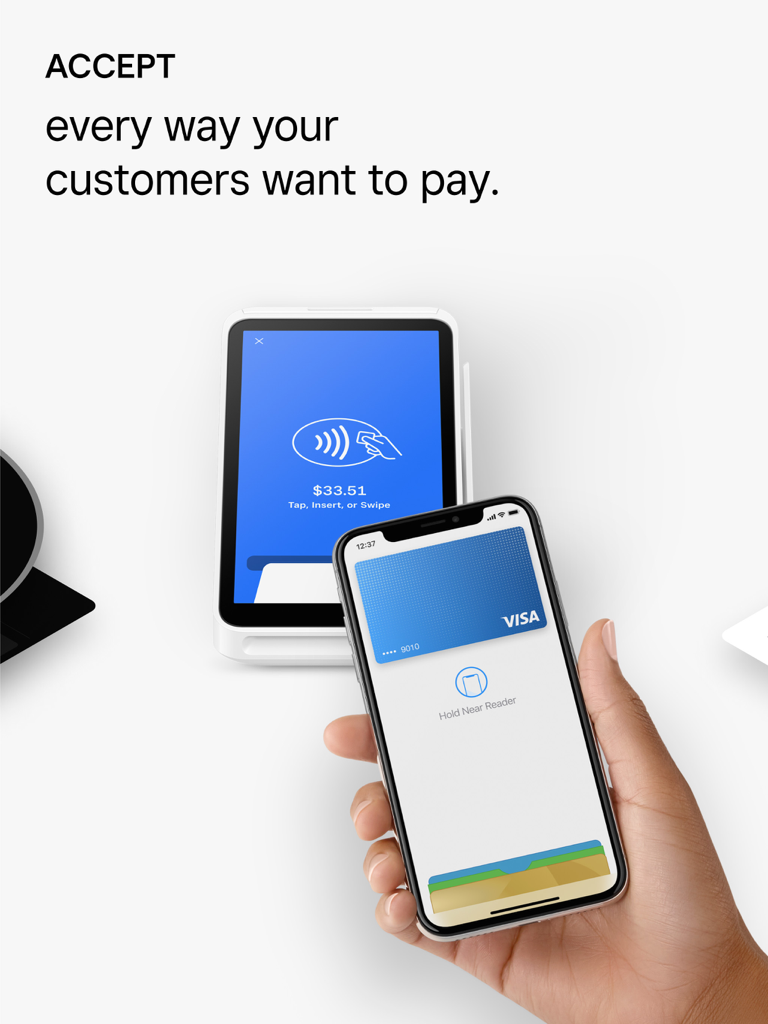
A customer making a contactless mobile payment with a smartphone on a Square terminal for a restaurant transaction
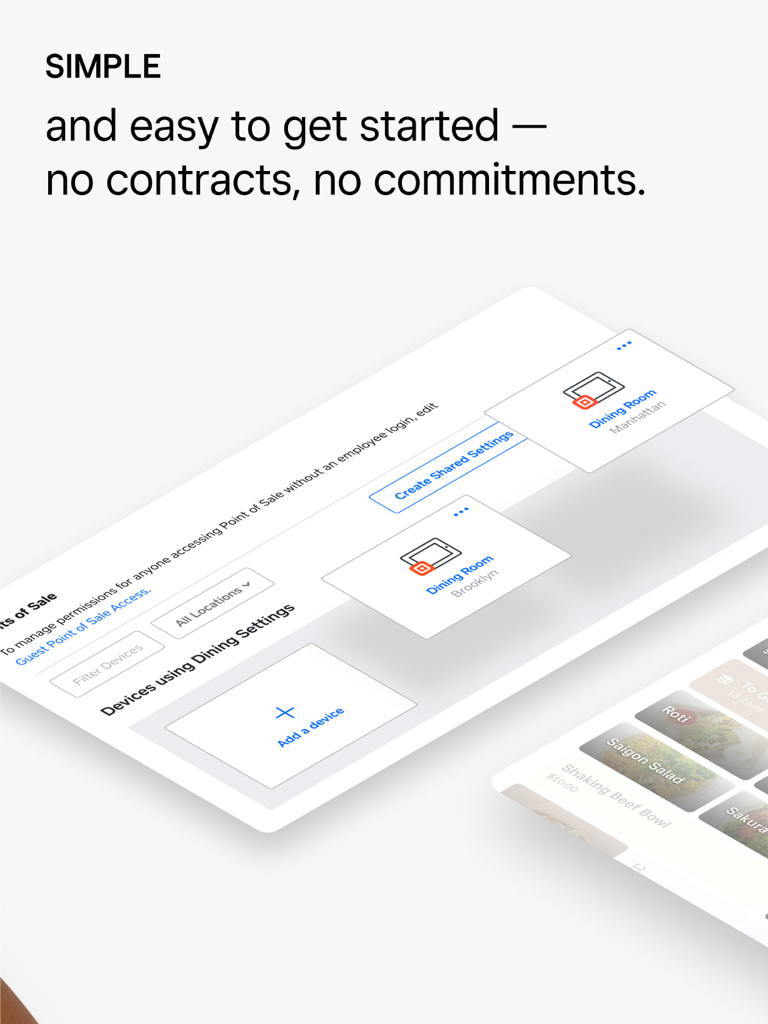
Square for Restaurants POS dashboard showing easy device management and no contract commitment
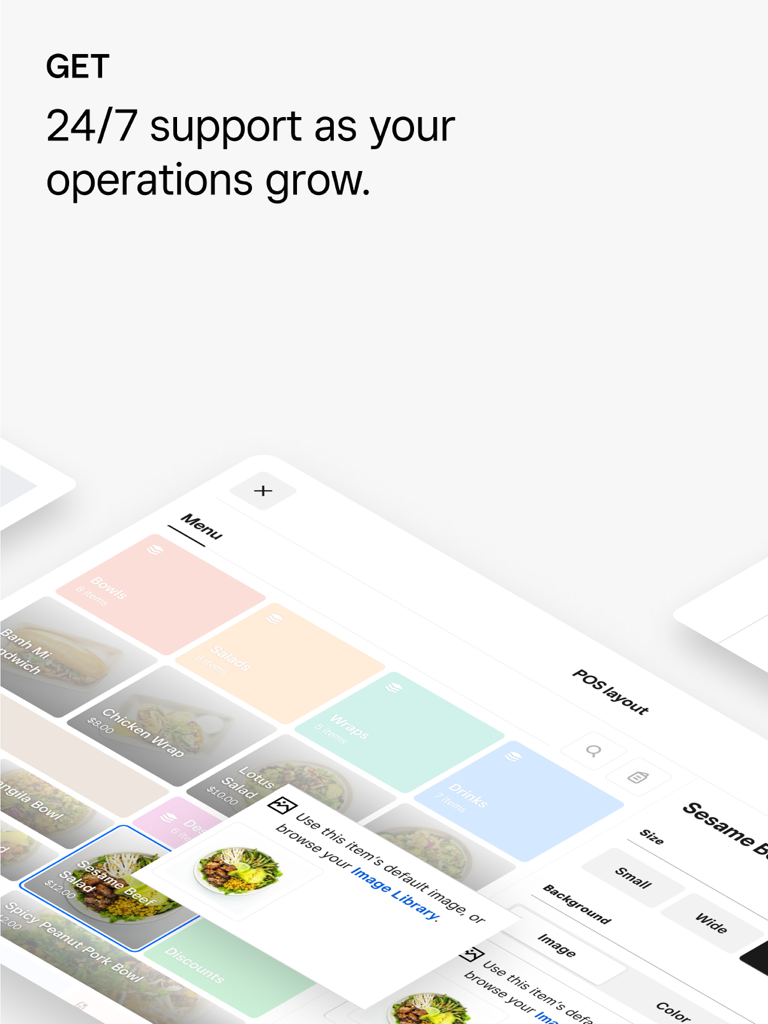
Square for Restaurants POS interface showing menu category management and 24/7 customer support headline.
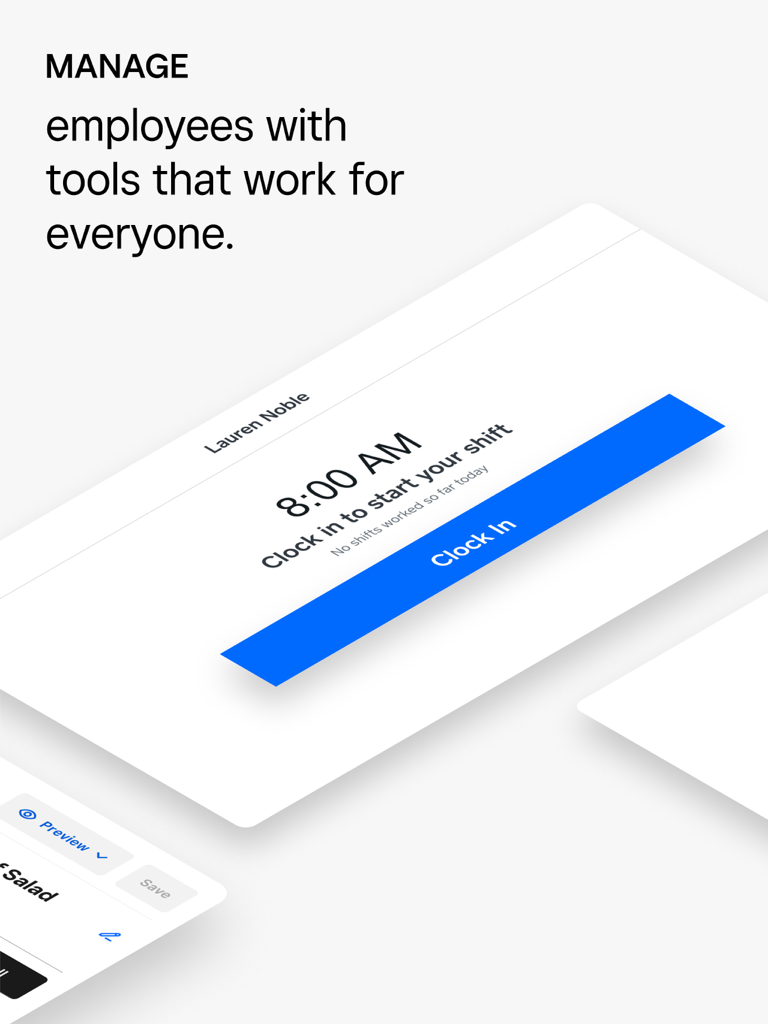
Employee clock in screen on Square for Restaurants POS app
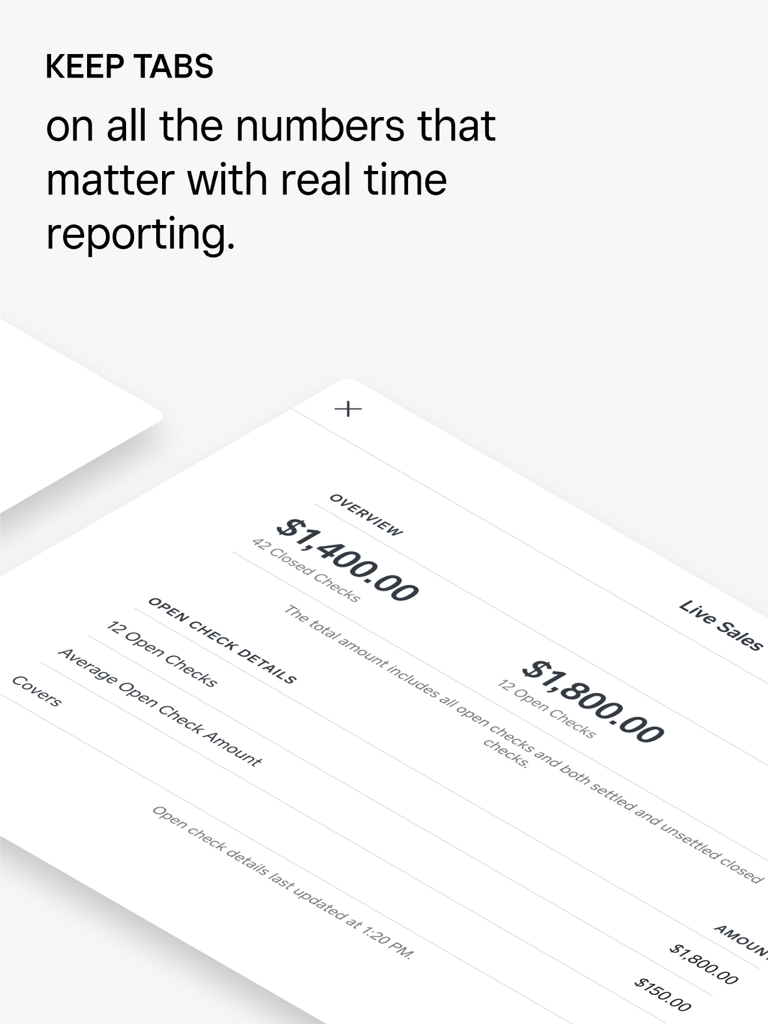
Live sales dashboard showing closed and open checks on Square for Restaurants POS
Description
Download
More Like This
Top-ranked apps in the same category

Microsoft Teams
Microsoft Corporation

Zoom Workplace
Zoom Communications, Inc.

WhatsApp Business
WhatsApp Inc.

Indeed Job Search
Indeed Inc.

LinkedIn: Network & Job Finder
LinkedIn Corporation

Adobe Acrobat Reader: Sign PDF
Adobe Inc.

WeCom-Work Communication&Tools
Tencent Technology (Shenzhen) Company Limited

BOSS直聘-招聘求职找工作神器
Beijing China Product Bo Farce Network Technology Co., Ltd.

DingDing - Redefine Work in AI
DingTalk Technology Co., Ltd.
This page is not an official page of the app or its developer, but an independent editorial publication created for informational and commentary purposes. Unless expressly stated otherwise, neither the app nor its developer is affiliated with, endorsed by, sponsored by, authorized by, or otherwise officially connected with MWM, Apple, Google Play, the app publisher, or the app's developer, and nothing on this page implies that the app was developed using MWM's services. Any trademarks, logos, screenshots, and other content remain the property of their respective owners.