
This page is not an official page of the app or its developer, but an independent editorial publication created for informational and commentary purposes. Unless expressly stated otherwise, neither the app nor its developer is affiliated with, endorsed by, sponsored by, authorized by, or otherwise officially connected with MWM, Apple, Google Play, the app publisher, or the app's developer, and nothing on this page implies that the app was developed using MWM's services. Any trademarks, logos, screenshots, and other content remain the property of their respective owners.

Staff Designer
Ditch generic templates with intuitive gestures. Design, print, and export personalized notation for iPad, Apple Pencil, and your favorite note-taking apps.
Downloads
200User Rating
Total Ratings
0Publisher
Category
MusicLocales
1Latest Version
1.0.6Size
0.3 MBFirst Released
Apr 4, 2025The Last Sheet Music Template You Will Ever Need
Stop settling for generic paper. Design bespoke manuscript layouts tailored to your specific instrument, teaching style, or digital workflow in seconds.
Precision Gesture Design
Pinch and swipe to instantly adjust staff size and line spacing. Create high-visibility sheets for young students or compact scores for complex arrangements.
iPad & Apple Pencil Ready
Export custom PDFs directly into GoodNotes or Notability. Perfect for the paperless musician who loves the feel of writing by hand on a digital canvas.
The following screenshots and description are sourced directly from the app's official store listing and are the property of the app developer.
App Store
Screenshots
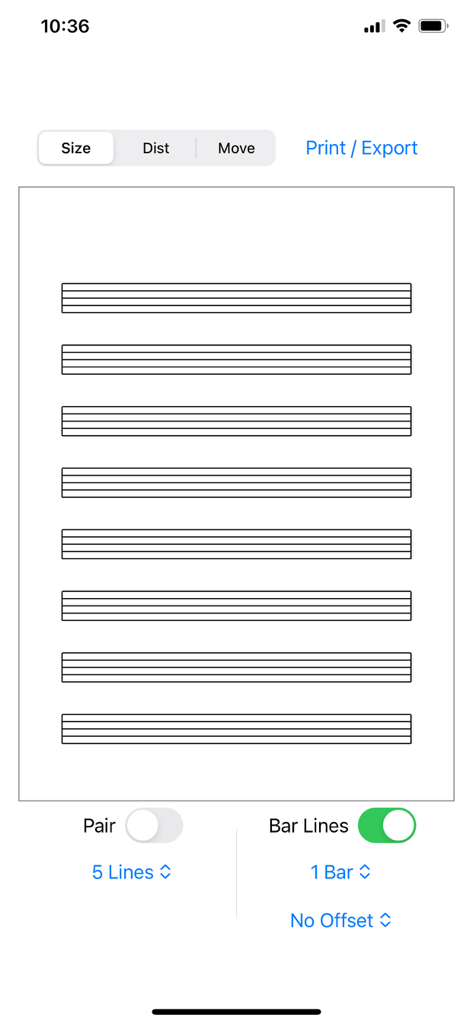
Interface of the Staff Designer app showing a customizable music sheet with eight empty staves and layout tools
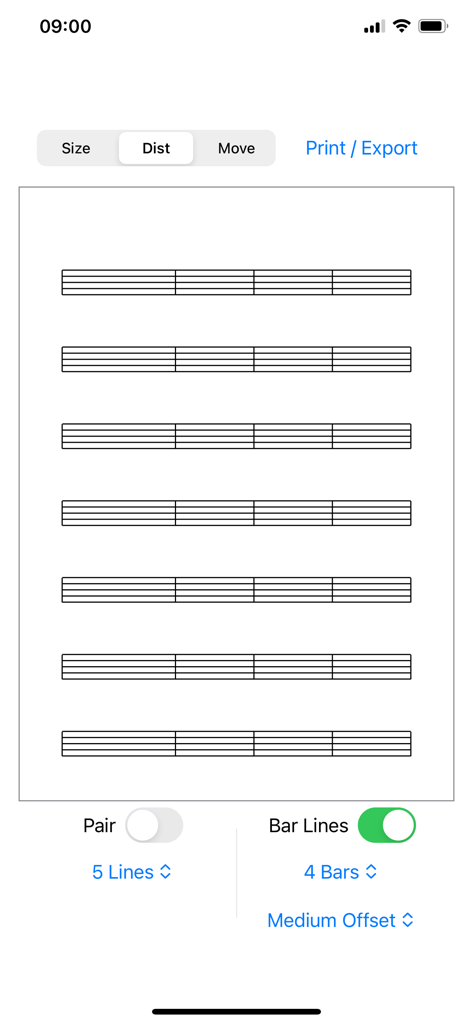
Staff Designer mobile app screen displaying a blank sheet music template with options to adjust staff size, distance, and bar lines.
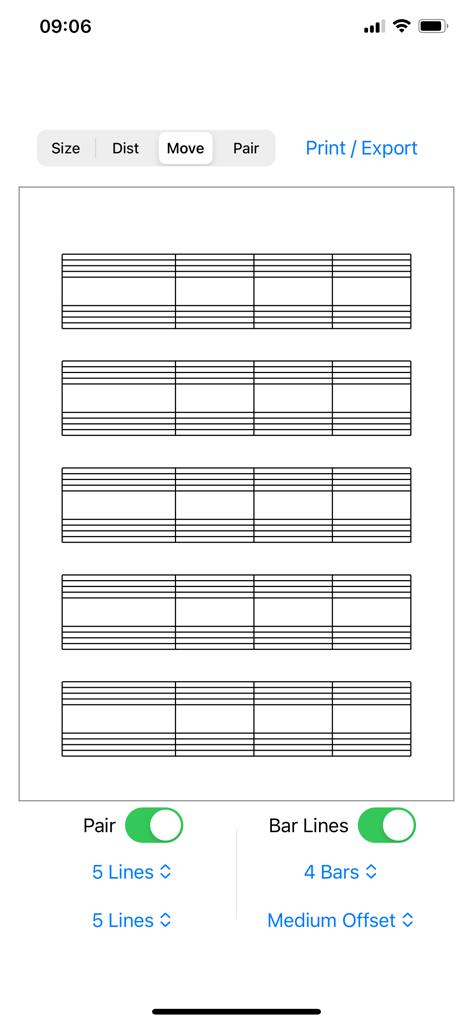
Staff Designer app interface for customizing music sheet layouts with options for staff lines and bar lines
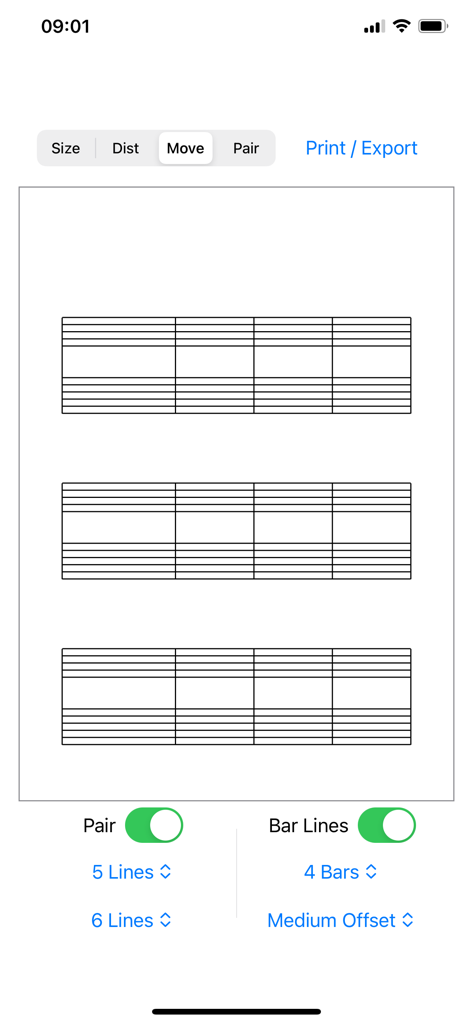
Staff Designer app interface showing a custom sheet music layout with paired notation and tablature staves
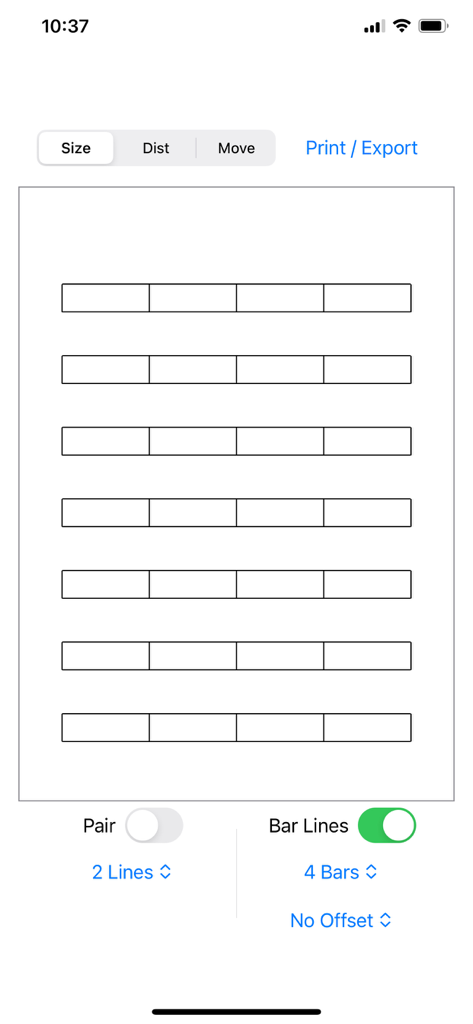
Staff Designer mobile app interface showing a custom music sheet layout with adjustable bar lines and staff settings
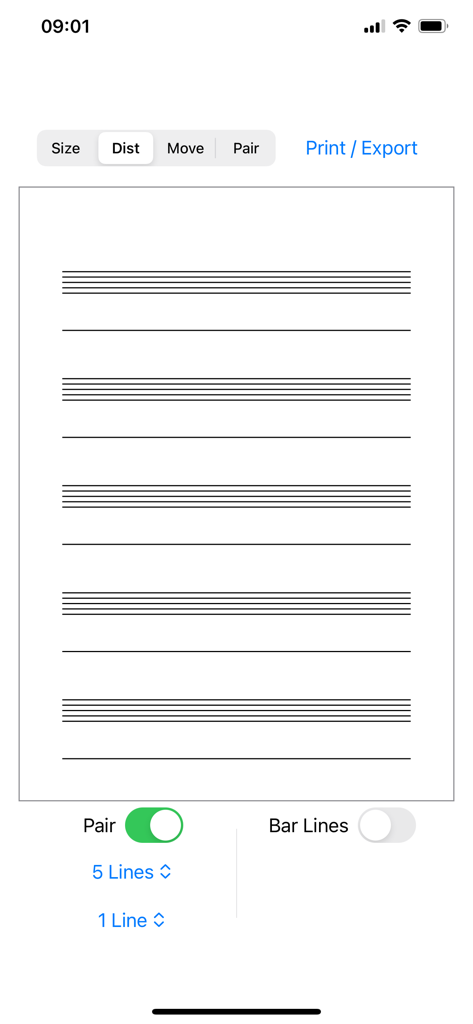
Interface of the Staff Designer app showing a custom sheet music layout with five line staves paired with single lines
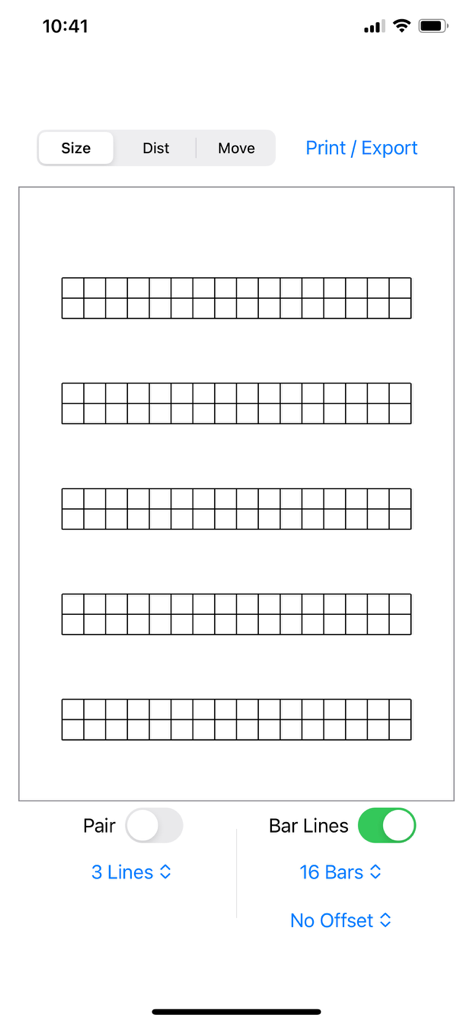
Interface of Staff Designer app showing custom music staff layout settings
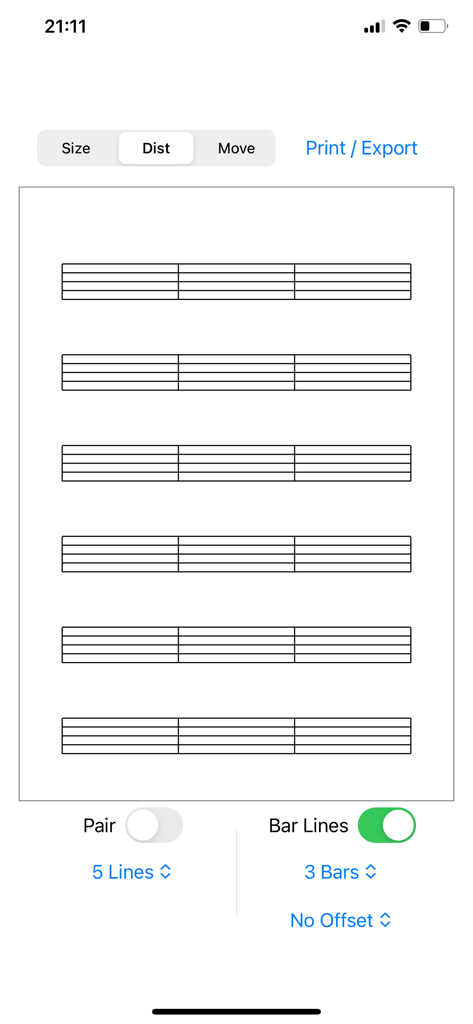
Interface of Staff Designer app with music staves and layout controls
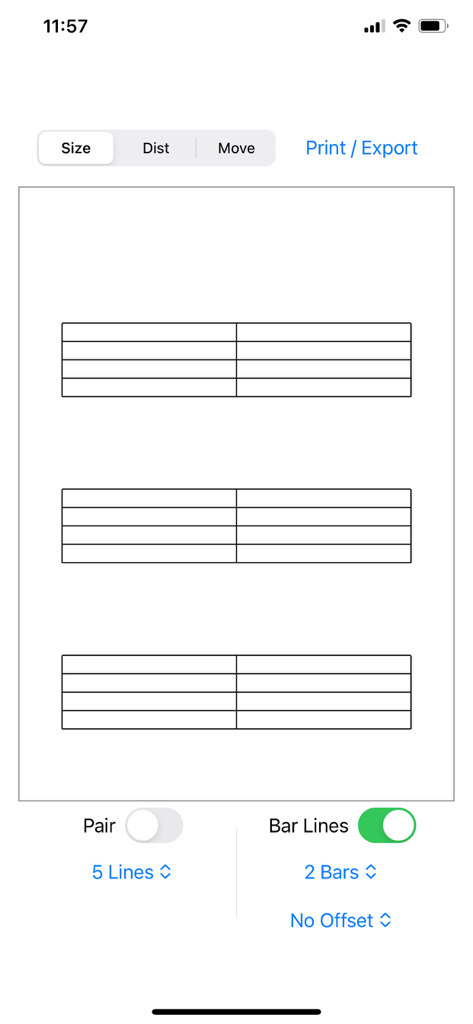
Staff Designer app interface showing a customizable music sheet layout with three staves.
Description
Download
More Like This
Top-ranked apps in the same category

Spotify: Music and Podcasts
Spotify

YouTube Music
Google LLC

Shazam: Find Music & Concerts
Apple Inc.

SoundCloud: The Music You Love
SoundCloud Global Limited & Co KG

Suno - AI Songs & Music
Suno Inc.

QQ音乐 - 听我想听
Tencent Technology (Shenzhen) Company Limited

Audiomack - Play Music Offline
Audiomack, Inc.

GuitarTuna: Tune & Play Guitar
Yousician Ltd

BandLab – Music Maker & Beats
BandLab Singapore Pte Ltd
This page is not an official page of the app or its developer, but an independent editorial publication created for informational and commentary purposes. Unless expressly stated otherwise, neither the app nor its developer is affiliated with, endorsed by, sponsored by, authorized by, or otherwise officially connected with MWM, Apple, Google Play, the app publisher, or the app's developer, and nothing on this page implies that the app was developed using MWM's services. Any trademarks, logos, screenshots, and other content remain the property of their respective owners.