
This page is not an official page of the app or its developer, but an independent editorial publication created for informational and commentary purposes. Unless expressly stated otherwise, neither the app nor its developer is affiliated with, endorsed by, sponsored by, authorized by, or otherwise officially connected with MWM, Apple, Google Play, the app publisher, or the app's developer, and nothing on this page implies that the app was developed using MWM's services. Any trademarks, logos, screenshots, and other content remain the property of their respective owners.


Stats for Spotify Music +
Why wait for the end of the year? Uncover your top artists, track your listening habits in real-time, and dive into data-driven insights like song danceability and popularity rankings.
Downloads
310K+User Rating
Total Ratings
700Publisher
Category
MusicLocales
1Latest Version
1.7Size
58.1 MBFirst Released
Jul 14, 2023Stop Waiting for Your Yearly Wrapped
Your music identity evolves every day. Unlock the real-time rankings, deep track metrics, and personal insights that Spotify only shows you once a year.
Live Listening Rankings
Track your top songs, artists, and albums as they change. No more waiting until December to see your listening habits and claim your 'stan' status.
Analyze Your 'Vibe'
Go beyond the surface with niche data. View danceability, energy, and popularity scores for every track to decode your personal aesthetic.
Frequently Asked Questions
Everything you need to know about Stats for Spotify Music +
What is the "Stats for Spotify Music +" app?
Stats for Spotify Music + is an application that analyzes your Spotify music collection. It provides detailed statistics about your listening habits, including favorite genres, albums, artists, and songs.
How do I view my Spotify statistics using the "Stats for Spotify Music +" app?
Yes, to view your statistics, install Stats for Spotify Music + and log in with your Spotify account. Navigate to the "My Spotify Stats" section within the app to see personalized data.
Does "Stats for Spotify Music +" show my top artists?
Yes, Stats for Spotify Music + displays your top artists. You can view them across different timeframes like 6 months or lifetime, as shown in the app's 'Top' section.
Can I see my favorite songs in "Stats for Spotify Music +"?
Yes, Stats for Spotify Music + allows you to see your favorite songs. The app provides personalized analytics for your top tracks and helps discover their popularity rankings.
Does "Stats for Spotify Music +" provide genre statistics?
Yes, Stats for Spotify Music + provides detailed genre statistics. It identifies your most popular genres and other characteristics like dancefloor or instrumental tracks.
Can "Stats for Spotify Music +" recommend new music?
Yes, Stats for Spotify Music + includes recommended songs to assist you in discovering new music based on your listening patterns and statistics.
Can I open songs or artists directly in Spotify from the "Stats for Spotify Music +" app?
Yes, Stats for Spotify Music + allows you to open any album, artist, or song directly in Spotify with just one tap for convenience.
Does the "Stats for Spotify Music +" app show track characteristics like danceability?
Yes, Stats for Spotify Music + provides information about songs' popularity, danceability, and other characteristics, offering detailed insights into your music.
Where can I find the privacy policy for "Stats for Spotify Music +"?
The privacy policy for Stats for Spotify Music + is available at the provided URL: https://telegra.ph/Privacy-Policy-11-22-24.
Does "Stats for Spotify Music +" require a Spotify account to function?
Yes, Stats for Spotify Music + requires you to log in with your Spotify account. This enables the app to access and analyze your music listening history.
The following screenshots and description are sourced directly from the app's official store listing and are the property of the app developer.
App Store
Screenshots
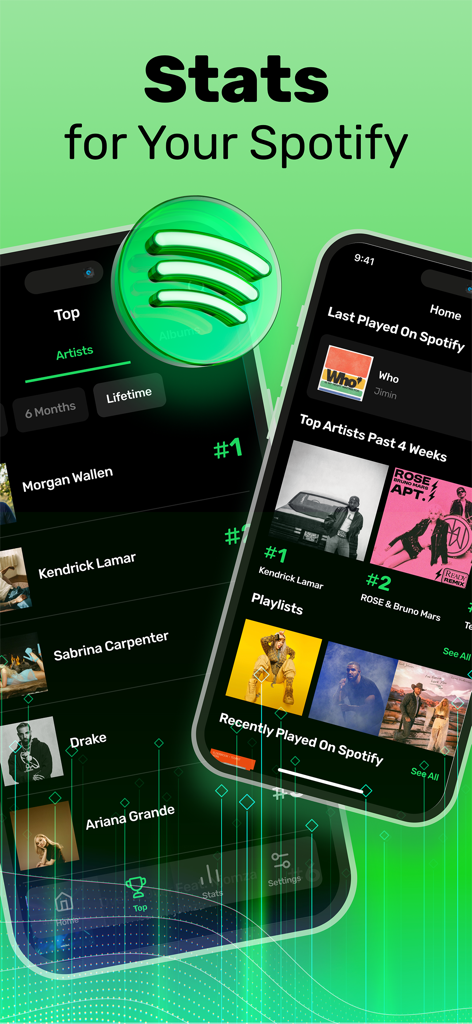
App interface showing Spotify listening stats and top artists on mobile screens
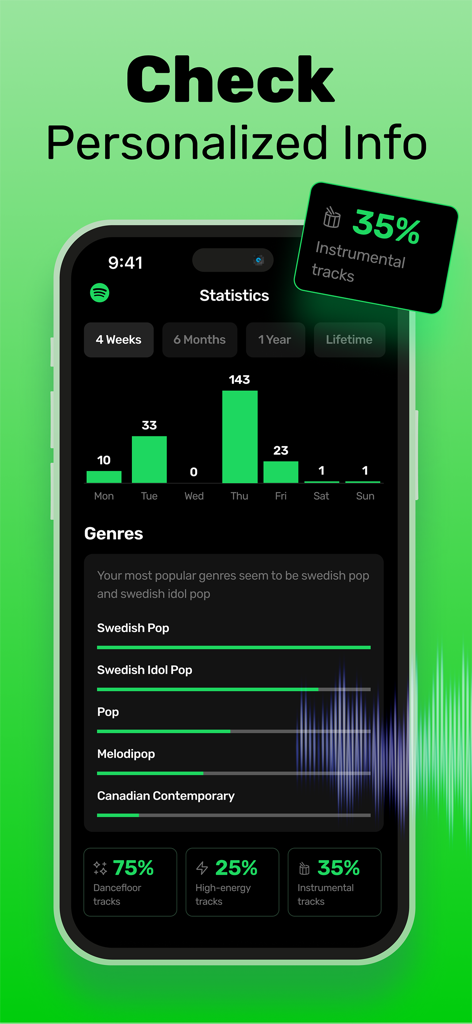
App interface displaying personalized Spotify listening statistics including weekly activity charts top genres and track attributes
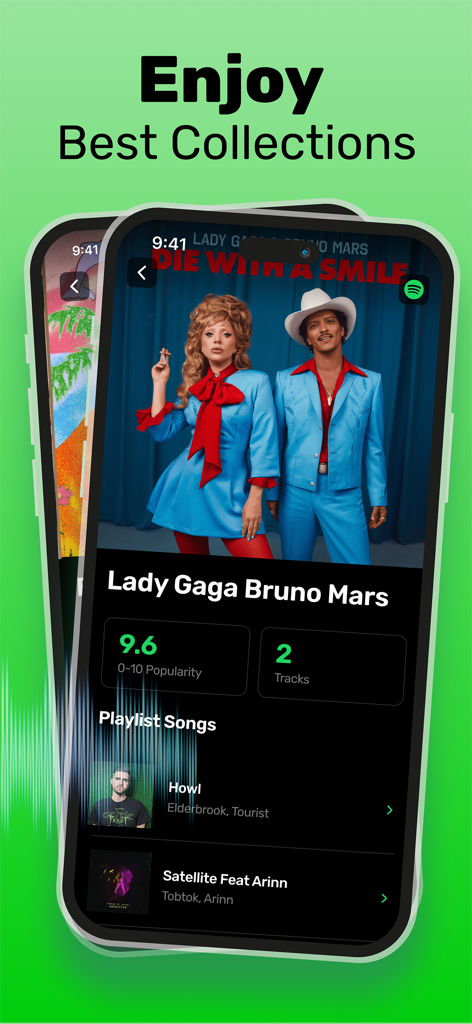
Stats for Spotify app screen showing music popularity scores and artist collections for Lady Gaga and Bruno Mars.
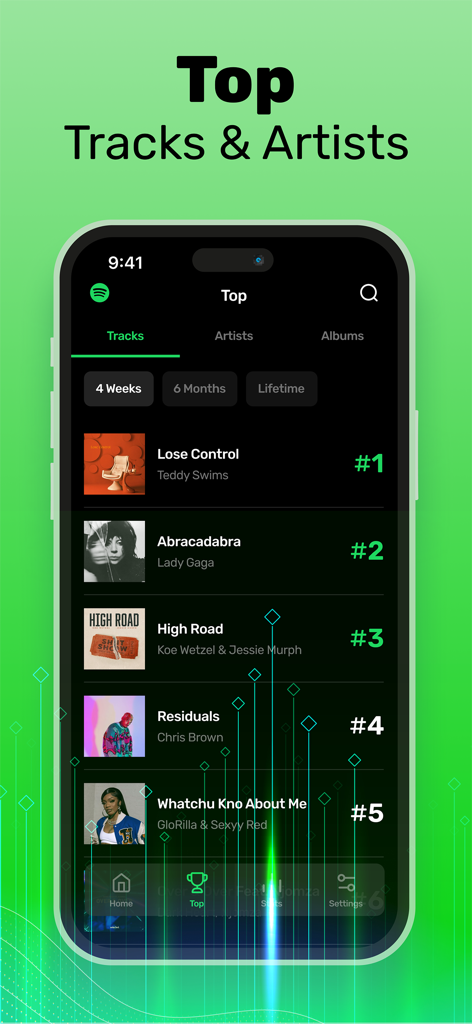
Mobile app interface displaying the top tracks and artists ranking on Stats for Spotify
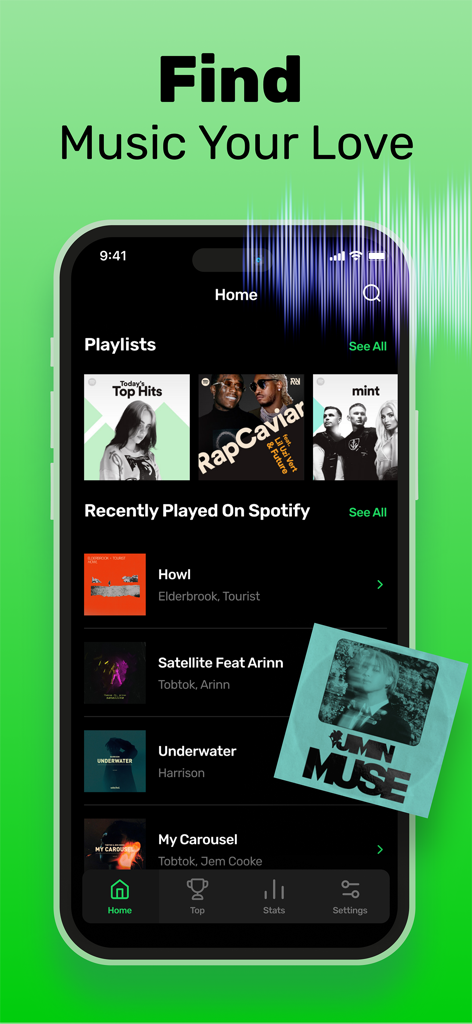
Mobile app interface for Stats for Spotify showing playlists and recently played music history.
Description
Download
More Like This
Apps with similar features and user experience

Music Stats for Spotify Song
Changsha Shenguangyuan Technology Co., Ltd.

stats.fm for Spotify Music App
StatsFM B.V.

must.fm for Spotify Stats
VICTORY LABS S.L.

StatsApp for Spotify Stats
XLABS DIJITAL HIZMETLER ANONIM SIRKETI

NARYA: Wrapped & AI Coach
MODERNIST YAZILIM HIZMETLERI SANAYI VE TICARET LIMITED SIRKETI

Still Friends Who Deleted Me
Bobgoo, S.L.

GameBox:Screw Movie Pulse
Nguyen Van Duy

Вся Активность на странице ВК
Dominant Studios LLC

Bagga Calc: Flick Fortune Reel
Cung Tien Kien
This page is not an official page of the app or its developer, but an independent editorial publication created for informational and commentary purposes. Unless expressly stated otherwise, neither the app nor its developer is affiliated with, endorsed by, sponsored by, authorized by, or otherwise officially connected with MWM, Apple, Google Play, the app publisher, or the app's developer, and nothing on this page implies that the app was developed using MWM's services. Any trademarks, logos, screenshots, and other content remain the property of their respective owners.