
This page is not an official page of the app or its developer, but an independent editorial publication created for informational and commentary purposes. Unless expressly stated otherwise, neither the app nor its developer is affiliated with, endorsed by, sponsored by, authorized by, or otherwise officially connected with MWM, Apple, Google Play, the app publisher, or the app's developer, and nothing on this page implies that the app was developed using MWM's services. Any trademarks, logos, screenshots, and other content remain the property of their respective owners.

Sticky Notes:Widget Color Icon
Transform your home screen into a vibrant productivity hub. Capture quick thoughts, manage daily checklists, and stay on top of your schedule with beautiful, color-coded widgets designed for your busy life.
Downloads
1K+User Rating
Total Ratings
0Publisher
Category
BooksLocales
1Latest Version
1.5Size
40.4 MBFirst Released
Aug 13, 2025Master Your Day with Visual Clarity
Transform your iPhone home screen into a productivity hub with aesthetic sticky notes that keep your goals in sight and your mind clear.
Glanceable To-Do Widgets
Stop digging through folders. Your most important tasks live right on your home screen for instant access and zero friction.
Aesthetic Customization
Design notes that match your wallpaper and vibe. Use color-coding to organize work, study, and life in a way that looks beautiful.
Frequently Asked Questions
Everything you need to know about Sticky Notes:Widget Color Icon
What is My Sticky Notes: Widget?
My Sticky Notes: Widget is an all-in-one productivity app. It offers sticky notes, digital notes, task management, checklists, and customizable widgets to organize ideas and boost efficiency.
Can I create checklists using My Sticky Notes: Widget?
Yes, My Sticky Notes: Widget includes a checklist feature. Users can create and manage tasks with checklists to efficiently track projects and deadlines within the app.
Does My Sticky Notes: Widget support home screen widgets?
Yes, My Sticky Notes: Widget supports customizable home screen widgets. The Notes Widget feature allows users to quickly access and view notes or lists directly from their device's home screen.
How do I set reminders in My Sticky Notes: Widget?
My Sticky Notes: Widget allows users to set reminders. Users can customize sticky notes with reminders to ensure they do not forget important events or deadlines.
Is it possible to customize the appearance of sticky notes in My Sticky Notes: Widget?
Yes, My Sticky Notes: Widget enables customization of sticky notes. Users can personalize their notes with various colors and add reminders to suit their preferences.
Does My Sticky Notes: Widget have a drawing capability?
Yes, My Sticky Notes: Widget includes a drawing feature. This functionality allows users to create and save drawings directly within the application interface.
Where is the privacy policy for My Sticky Notes: Widget located?
The privacy policy for My Sticky Notes: Widget is accessible via the link http://appsvilla.net/privacy-policy/. This document outlines the app's data handling practices.
Can My Sticky Notes: Widget assist with daily planning?
Yes, My Sticky Notes: Widget assists with daily planning. The Memo App helps users manage tasks, create checklists, and organize important events, making it ideal for daily organization.
The following screenshots and description are sourced directly from the app's official store listing and are the property of the app developer.
App Store
Screenshots
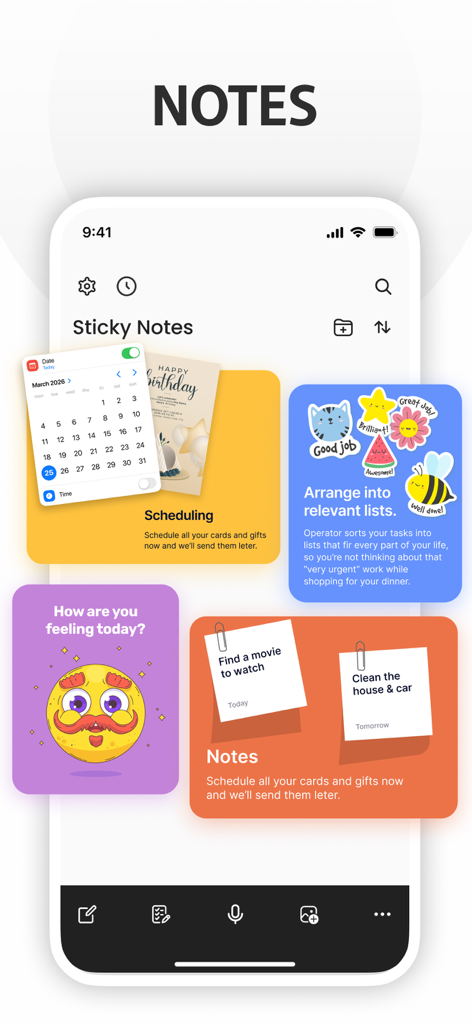
iPhone screen showing colorful sticky note widgets for scheduling task lists and mood tracking
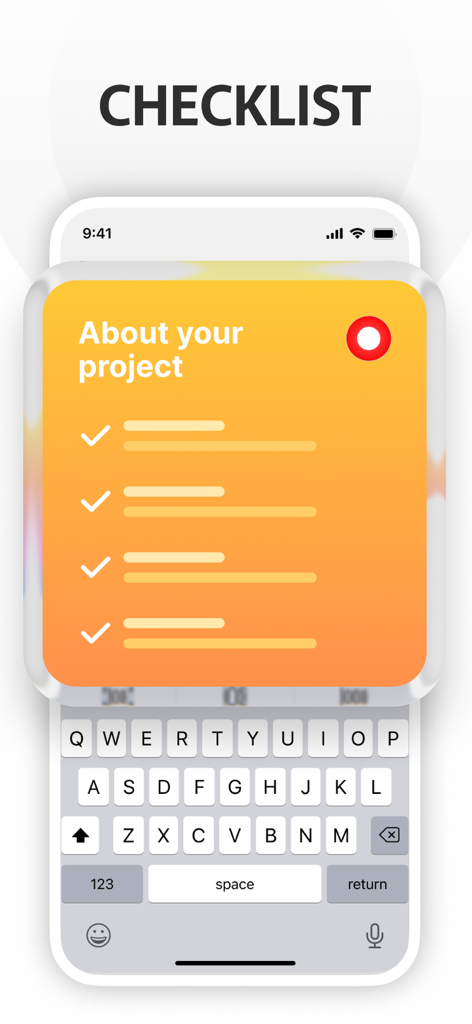
A digital sticky note with a checklist and an orange gradient background on an iPhone screen.
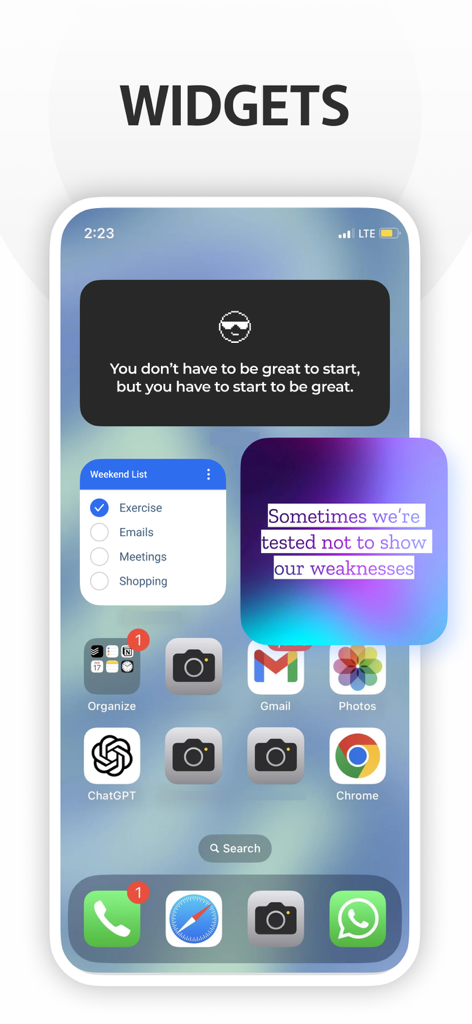
iPhone home screen displaying various aesthetic sticky note and checklist widgets
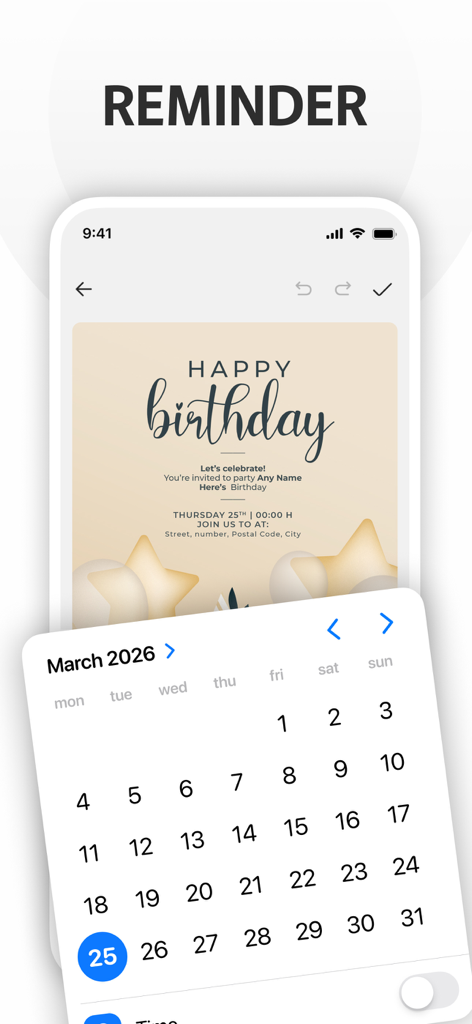
Sticky notes app interface showing a birthday reminder and calendar selector
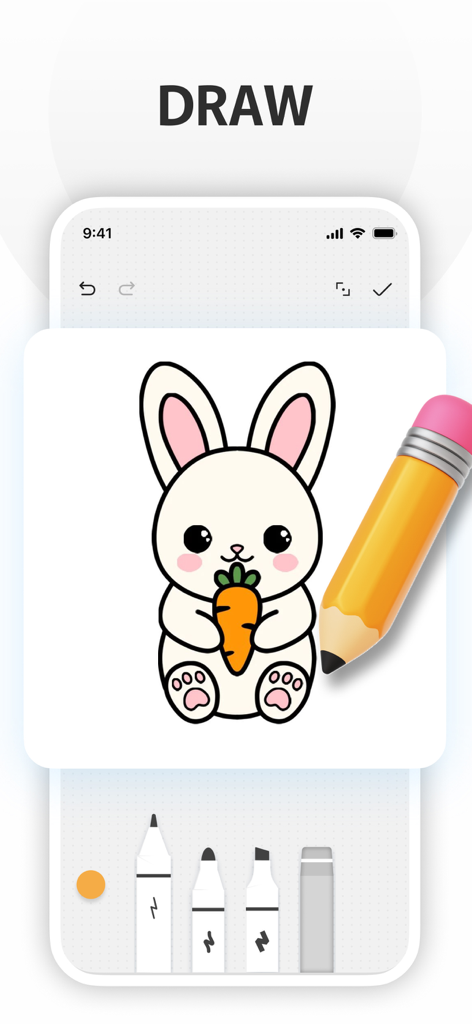
A digital drawing of a cute bunny holding a carrot in the Sticky Notes app drawing interface with pencil and marker tools below.
Description
Download
More Like This
Top-ranked apps in the same category

Amazon Kindle
AMZN Mobile LLC

Audible: Audiobooks & Podcasts
Audible, Inc.

七猫小说-看小说电子书的阅读神器
Shanghai Seven-Cat Culture Media Co.,Ltd.

QQ阅读
Shenzhen Tencent Computer Systems Company Limited

Wattpad - Read & Write Stories
Wattpad Corp

Libby, the library app
OverDrive, Inc.

微信读书
Tencent Technology (Shenzhen) Company Limited

起点读书-看小说听书的阅读神器
Shanghai Xuan Ting Entertainment Information & technology CO.,LTD

Goodreads: Book Reviews
Goodreads, Inc
This page is not an official page of the app or its developer, but an independent editorial publication created for informational and commentary purposes. Unless expressly stated otherwise, neither the app nor its developer is affiliated with, endorsed by, sponsored by, authorized by, or otherwise officially connected with MWM, Apple, Google Play, the app publisher, or the app's developer, and nothing on this page implies that the app was developed using MWM's services. Any trademarks, logos, screenshots, and other content remain the property of their respective owners.