Storage Cleaner · Smart Clean

Storage Cleaner · Smart Clean

Download on App Store
Logo of Storage Cleaner · Smart Clean

Storage Cleaner · Smart Clean: Reclaim Your Space and Speed Up Your iPhone

Stop the 'Storage Full' alerts forever. Effortlessly swipe through messy galleries, merge duplicate contacts, and secure your private apps with the ultimate digital hygiene assistant.

Download on App Store

Publisher

涛 马

Category

Utilities

Downloads

171K+

User Rating

4.5/5

Total Ratings

1K+

Locales

11

Cleanliness at a Glance

Discover the interface used by 171K+ users.
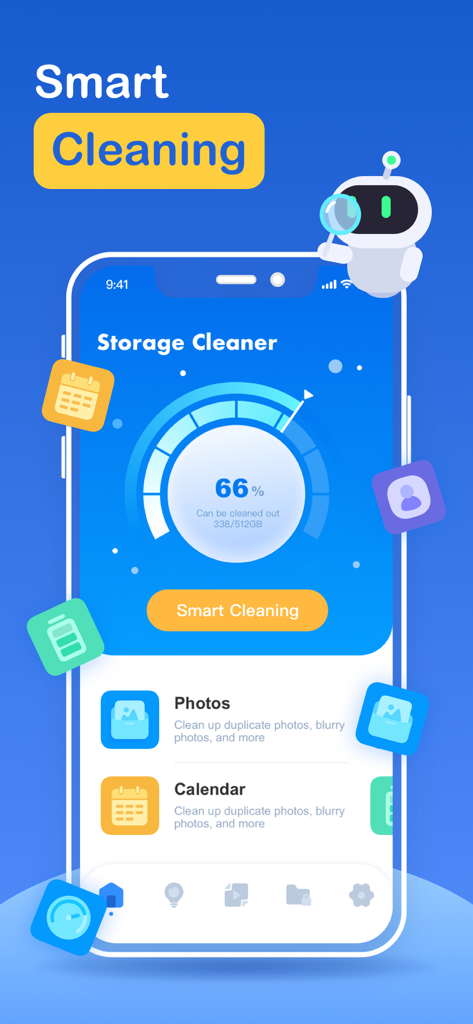
Dashboard of the Storage Cleaner app showing storage usage and smart cleaning options

Dashboard of the Storage Cleaner app showing storage usage and smart cleaning options

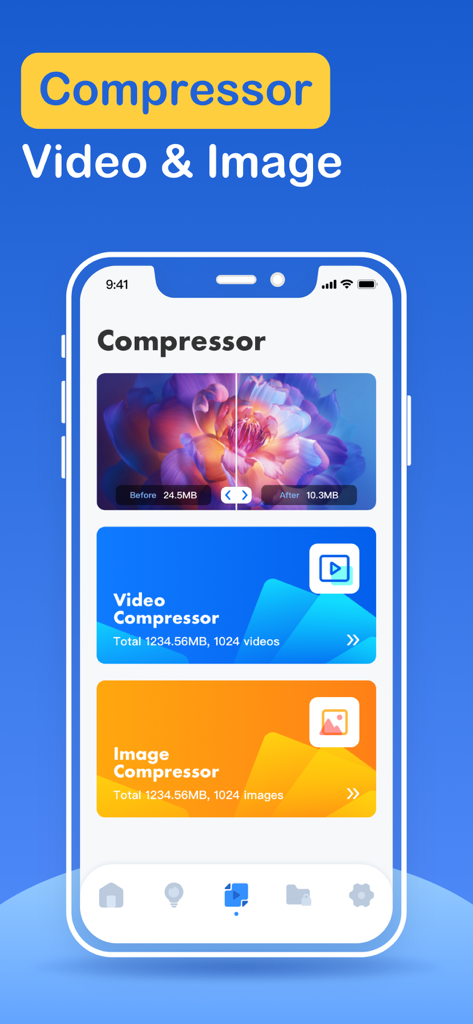
Storage Cleaner app interface showing video and image compression features for saving phone storage space

Storage Cleaner app interface showing video and image compression features for saving phone storage space

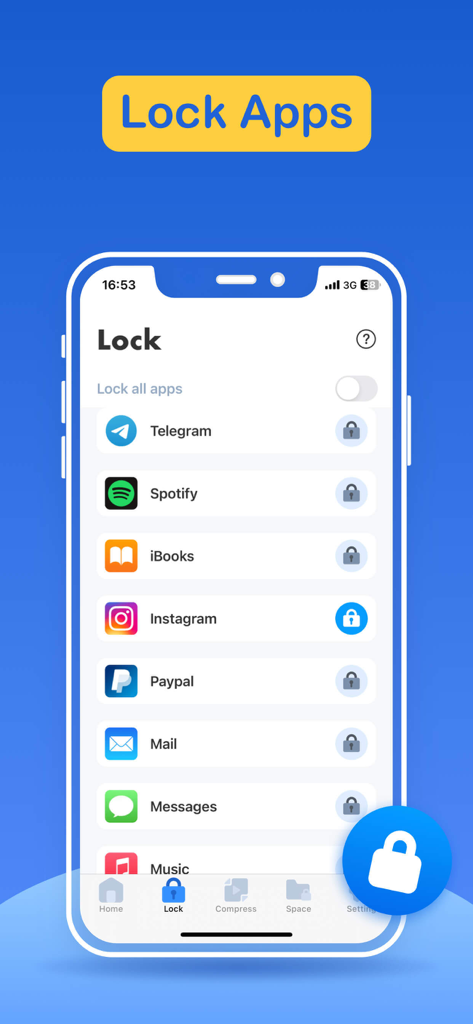
Interface of the Storage Cleaner app showing the Lock Apps feature to secure social media and private applications.

Interface of the Storage Cleaner app showing the Lock Apps feature to secure social media and private applications.

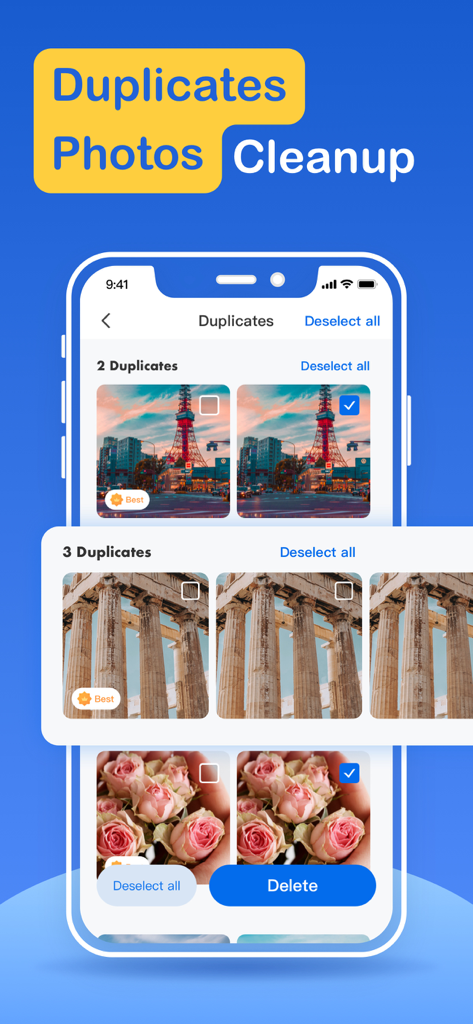
Storage Cleaner app interface showing duplicate photos identified for deletion

Storage Cleaner app interface showing duplicate photos identified for deletion

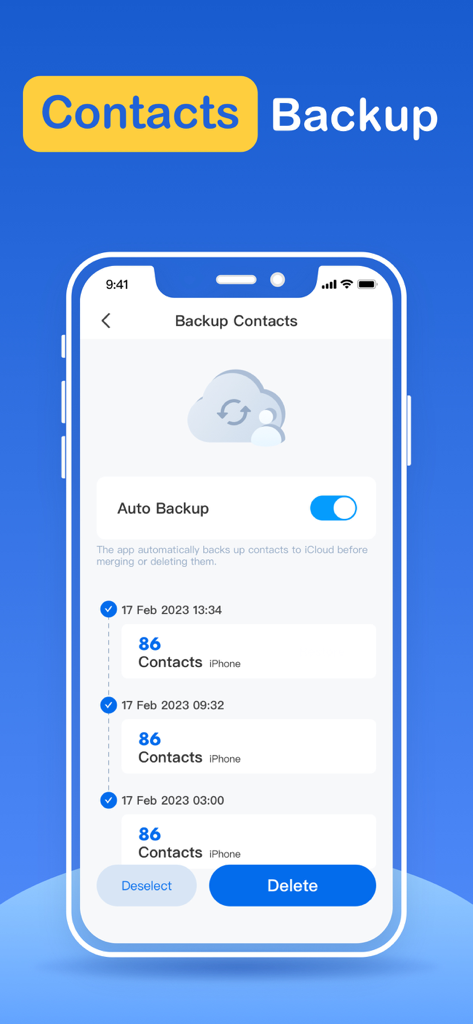
Storage Cleaner app interface for contact backup with auto backup toggle and history list

Storage Cleaner app interface for contact backup with auto backup toggle and history list

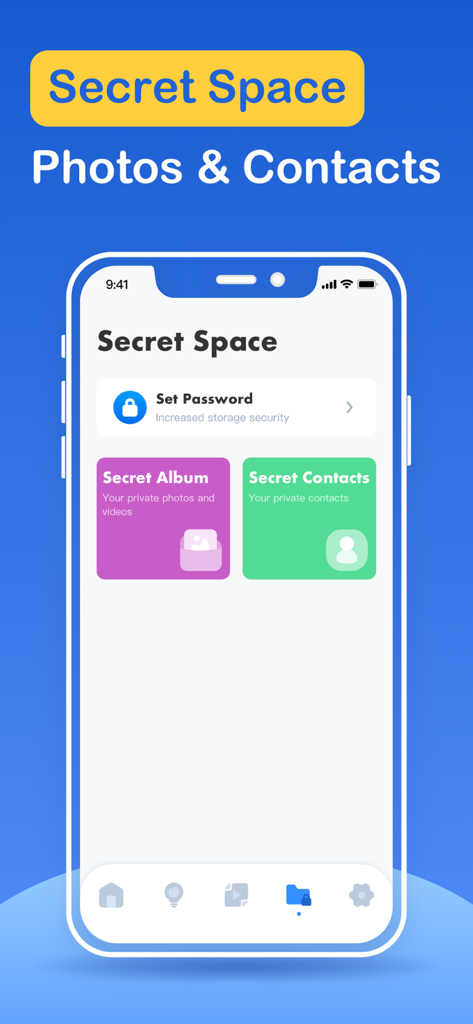
Storage Cleaner app interface showing the Secret Space feature for private photos and contacts

Storage Cleaner app interface showing the Secret Space feature for private photos and contacts

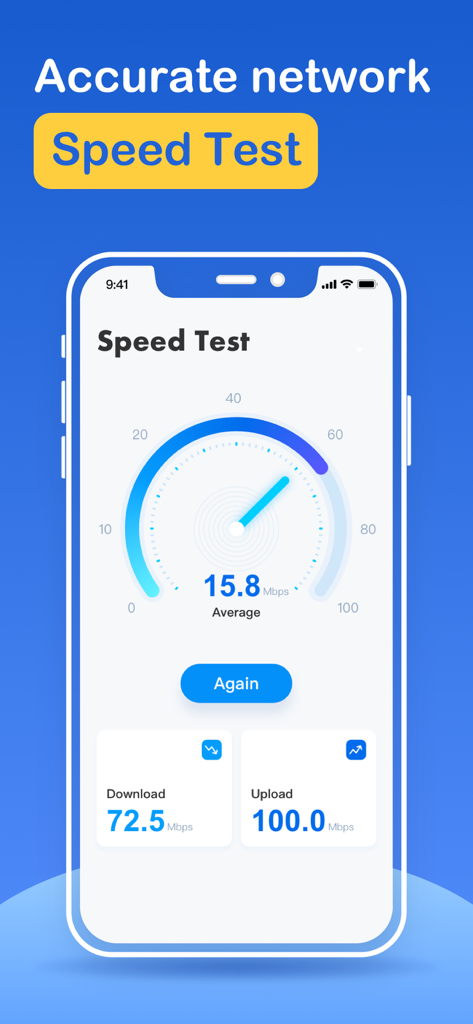
A screenshot of the internet speed test interface in the Storage Cleaner app showing download and upload speeds

A screenshot of the internet speed test interface in the Storage Cleaner app showing download and upload speeds

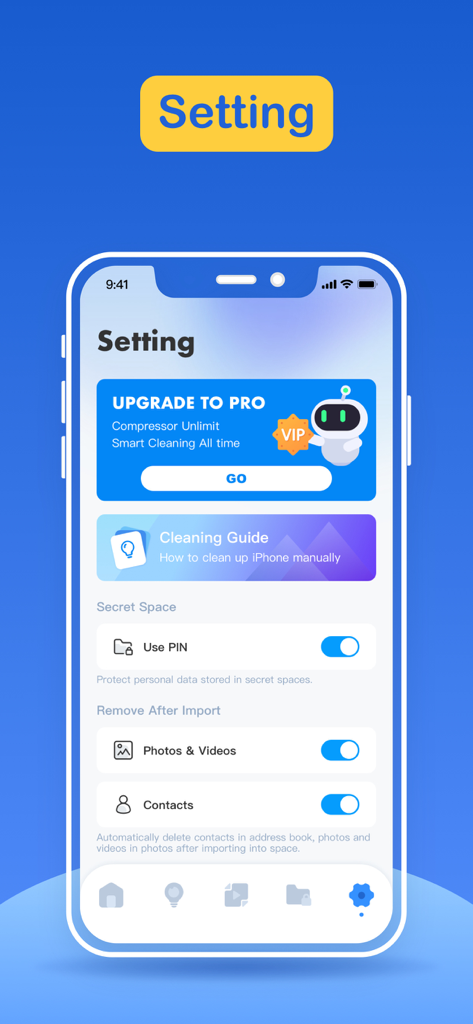
Settings interface of the Storage Cleaner app showing privacy options and cleaning guides

Settings interface of the Storage Cleaner app showing privacy options and cleaning guides

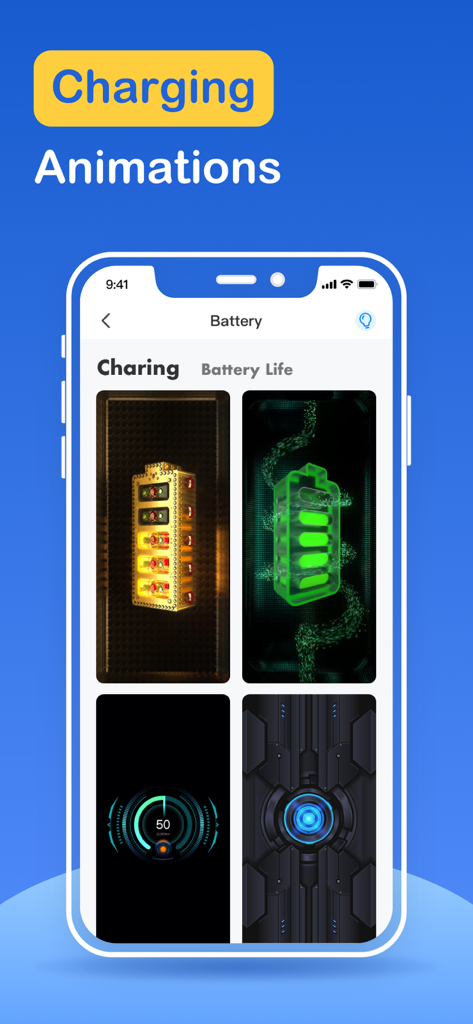
iPhone app screen showing custom battery charging animations

iPhone app screen showing custom battery charging animations

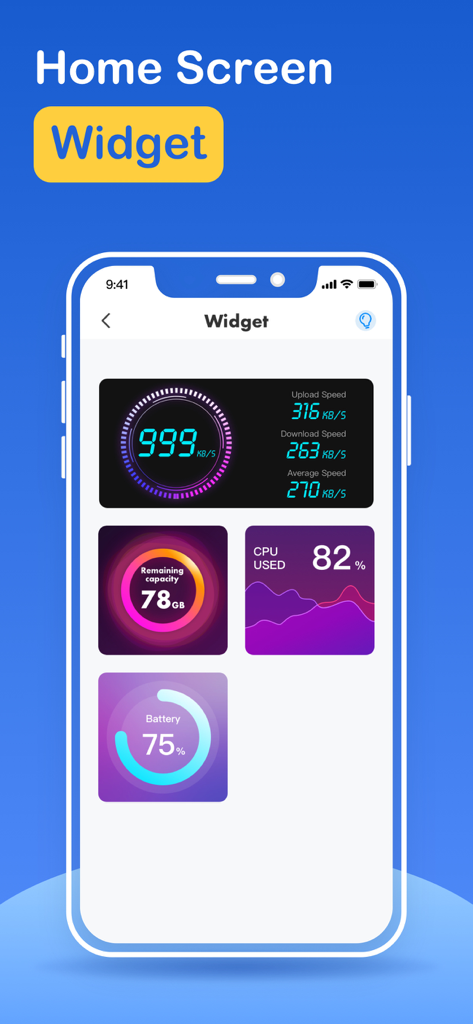
Storage cleaner app interface showing various home screen widgets including internet speed, storage capacity, cpu usage, and battery life.

Storage cleaner app interface showing various home screen widgets including internet speed, storage capacity, cpu usage, and battery life.

Reclaim Your iPhone Storage in Seconds

The tools that make this app stand out, trusted by 171K+ users.

Smart One-Tap Cleanup

Instantly identify and remove bloated files, blurry duplicates, and useless cache with our intelligent filtering engine.

📸

Intuitive Swipe-to-Clear

Decluttering your gallery shouldn't be a chore. Use Tinder-style swipes to keep your best memories and toss the digital junk.

🔒

Private App Protection

Secure your personal space. Add an extra layer of privacy by locking sensitive apps away from prying eyes.

About the app

Everything you need to know about Storage Cleaner · Smart Clean.

Description

What can Storage Cleaner help you do? 1. Smart cleaning Smart cleaning helps you search and filter related data such as picture information, address book information, calendar information, etc. You can manage multiple types of data at one time through the one-click cleaning function. 2. Picture management Picture management can help you analyze similar or duplicate picture resources in the system album, and can also help you analyze screenshots and other resources, and you can choose to delete them. 3. Address book management Address book management helps you analyze and filter duplicate contacts, similar contacts, invalid contacts and other information, and you can merge these contacts with one click. 4. Swipe You can quickly browse and filter the resources in the album. How to filter them? You only need to swipe left or right to distinguish them. After filtering, you can clear the pictures you don't like. 5. Lock App You can choose which application to lock in the Lock module, and then follow the tutorial instructions to create Personal Automation using the Shortcuts application. Then, you can lock the app you specify so that others cannot peek into the privacy of your app. 6. Internet speed test It only takes one click, and everything is automatically produced. After a short time test, you can get the downlink speed and uplink speed of the current network. 7. Widgets Desktop widgets allow you to add network tests, memory usage, CPU usage, etc. to your desktop. 8. Calendar management Calendar management can make it easier for you to manage events added to the calendar in history. The app provides a simple operation method that allows you to delete unnecessary events very easily. 9. Mobile phone optimization guide Here you can learn how to find unused apps, how to delete useless apps, and some common social software optimization methods. For unlocking all features and content, Premium Membership offers one auto-renewable subscription options: Weekly payment and annual payment subscription options. - Payment will be charged to iTunes Account at confirmation of purchases. - Subscription automatically renews unless auto-renew is turned off at least 24 hours before the end of the current period. - Account will be charged for renewal within 24-hours prior to the end of the current period, and identify the cost of the renewal. - Subscriptions may be managed by the user and auto-renewal may be turned off by going to the user’s Account Settings after purchase. - Any unused portion of a free trial period, if offered, will be forfeited when the user purchases a subscription to that publication, where applicable. Privacy policy: http://www.conhor.pro/privacystatement/smartdevice/privacyPolicy.html Terms of use: http://www.conhor.pro/privacystatement/smartdevice/termsofuse.html

Latest Version

2.8.1

Size

103.4 MB

First Released

Mar 15, 2023

Say goodbye to 'Storage Full' alerts forever.

Join over 171,000 users who have reclaimed their space. Swipe through the clutter, lock your private apps, and give your iPhone the room it needs to breathe.

Download on App Store

App information, icons, screenshots, and descriptions displayed on this page are sourced from the Apple App Store and are the property of their respective developers. Download estimates and rankings are based on MWM's proprietary models and may not reflect actual figures. This page is provided for informational and analytical purposes only.

Believe this page infringes your intellectual property? File a dispute