
This page is not an official page of the app or its developer, but an independent editorial publication created for informational and commentary purposes. Unless expressly stated otherwise, neither the app nor its developer is affiliated with, endorsed by, sponsored by, authorized by, or otherwise officially connected with MWM, Apple, Google Play, the app publisher, or the app's developer, and nothing on this page implies that the app was developed using MWM's services. Any trademarks, logos, screenshots, and other content remain the property of their respective owners.

Stroke Rate Stopwatch
Ditch the mental math and manual calculations. Master every cycle with haptic feedback, oversized buttons, and integrated stroke rate analytics designed specifically for the poolside.
Downloads
0User Rating
Total Ratings
0Publisher
Category
SportsLocales
1Latest Version
2.1Size
1.0 MBFirst Released
Apr 18, 2021Engineered for Elite Swim Coaching
Ditch the bulky physical stopwatches. Get professional-grade stroke metrics, intuitive haptics, and automated split calculations in one powerful tool designed for the pool deck.
No-Look Precision Haptics
Focus on the swimmer, not the screen. Large buttons and customizable haptic feedback ensure you never miss a touch in a wet, chaotic environment.
Real-Time Stroke Analysis
Instantly calculate stroke rates and median counts per lap. Track performance efficiency and decay without the need for expensive hardware or manual math.
The following screenshots and description are sourced directly from the app's official store listing and are the property of the app developer.
App Store
Screenshots
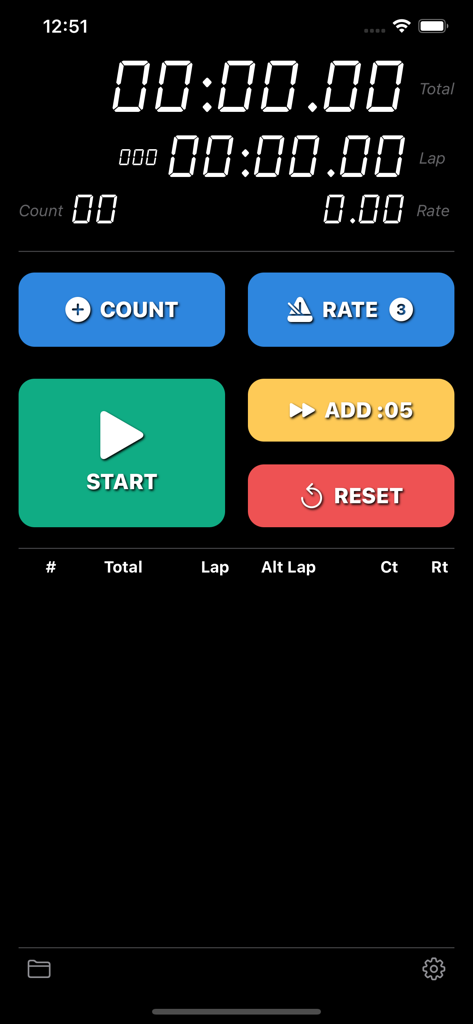
Main interface of Stroke Rate Stopwatch app with specialized swim coaching controls and big buttons
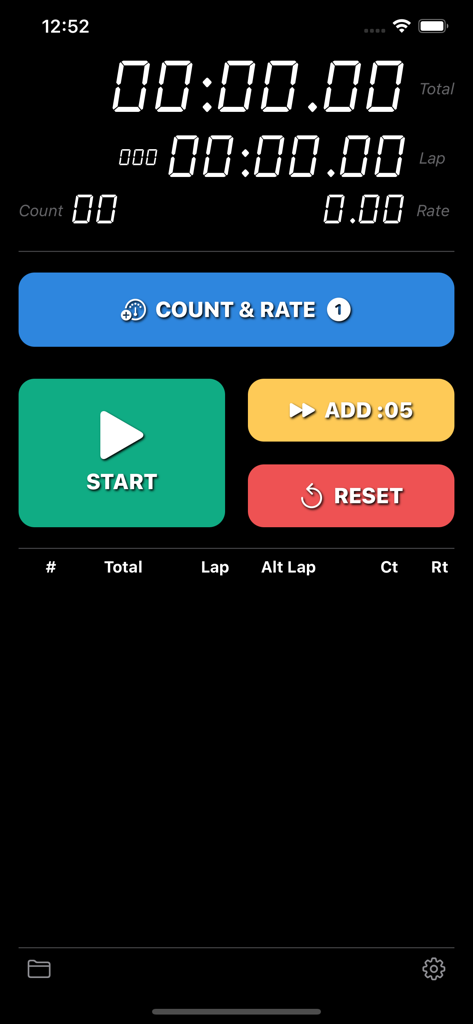
Main interface of the Stroke Rate Stopwatch app with digital timers and large buttons for start reset and rate tracking
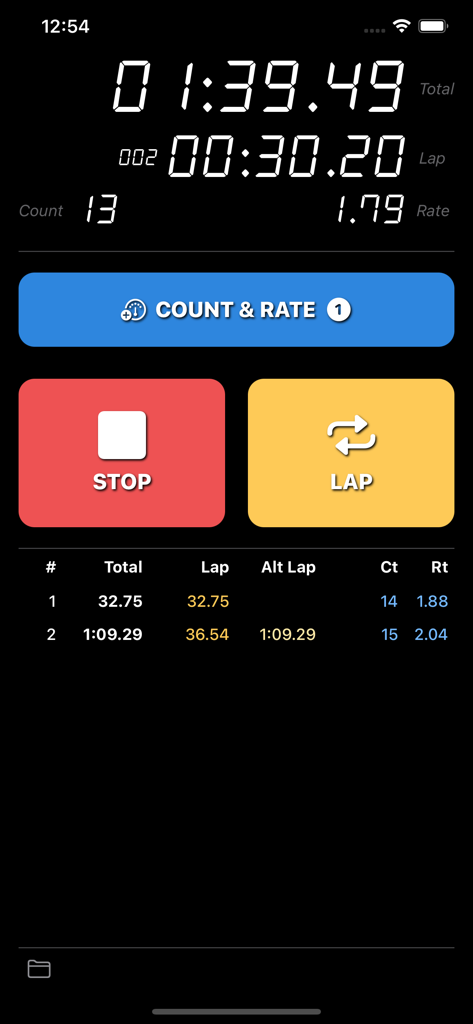
Main interface of the Stroke Rate Stopwatch app showing large timing buttons and a detailed lap data table with swimming stroke metrics
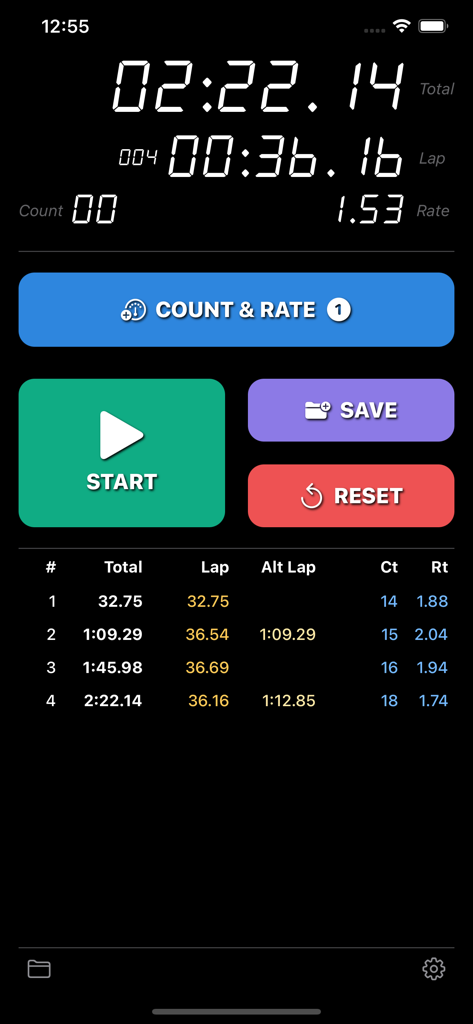
The main timing screen of the Stroke Rate Stopwatch app featuring large buttons and detailed lap data for swimming coaches.
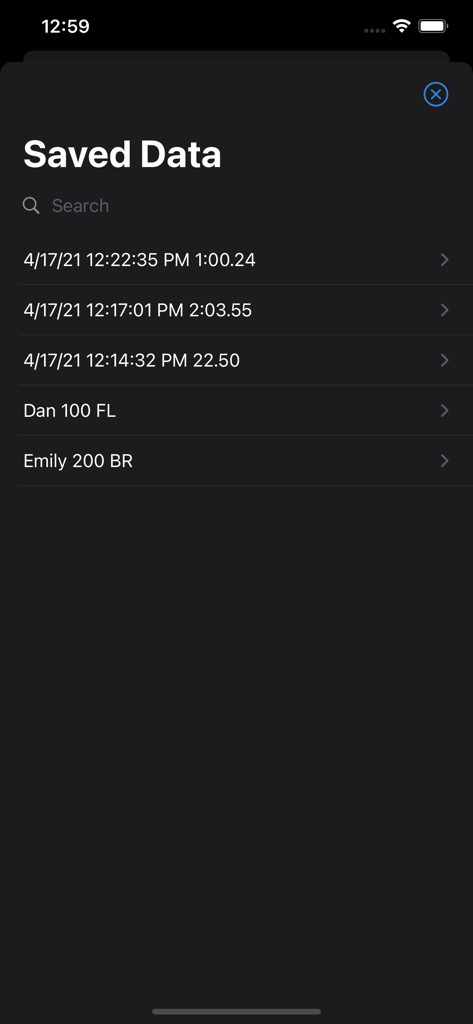
A list of saved swimming race data records showing dates, times, and athlete names in the Stroke Rate Stopwatch app.
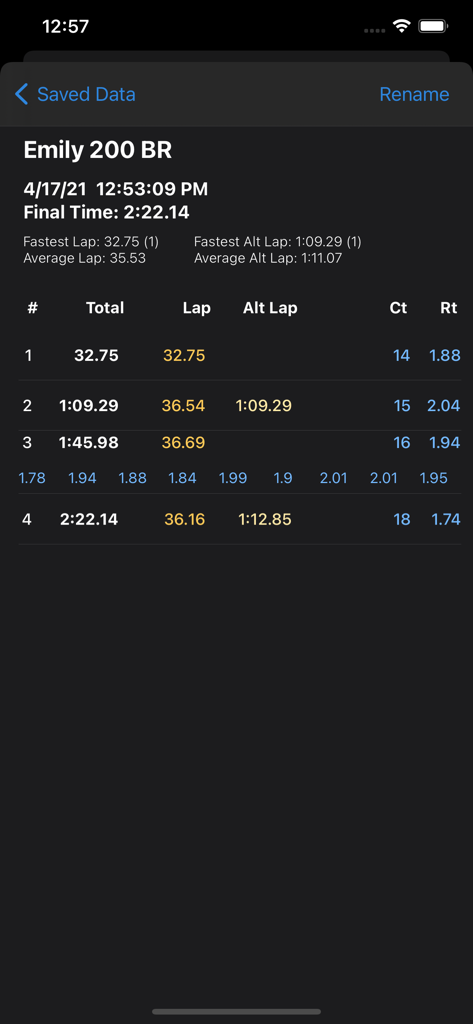
Detailed swimming race analytics showing lap splits stroke count and stroke rate for a 200 breaststroke event
Description
Download
More Like This
Top-ranked apps in the same category

得物 - 得到美好事物
Shanghai Dewu Information Group Co., Ltd.

虎扑-评分篮球足球游戏影视
Shanghai Kuanghui Network Technology Co., LTD

Olympic Games™
International Olympic Committee

懂球帝 - 足球篮球体坛数据
Hainan Football-Loving Girl Network Technology Co., Ltd.

Flashscore: Live Scores & News
Livesport s.r.o.

滑呗 - 1000万雪友的选择
Pow Snow Technology Co., Ltd.

Underdog Sports
Underdog Sports, Inc.

DAZN: Stream Live Sports
DAZN Limited

PrizePicks - Sports Picks
SidePrize, LLC
This page is not an official page of the app or its developer, but an independent editorial publication created for informational and commentary purposes. Unless expressly stated otherwise, neither the app nor its developer is affiliated with, endorsed by, sponsored by, authorized by, or otherwise officially connected with MWM, Apple, Google Play, the app publisher, or the app's developer, and nothing on this page implies that the app was developed using MWM's services. Any trademarks, logos, screenshots, and other content remain the property of their respective owners.