Student Timetable

Student Timetable

Download on App Store
Logo of Student Timetable

Student Timetable: Organize Your School Life with Ease

The minimalist guide for tracking classes and tasks. Stay on top of your schedule with glanceable lock screen widgets and seamless sync across your iPhone, iPad, and Mac.

Publisher

Armchair Engineering

Category

Education

Downloads

51K+

User Rating

3.9/5

Total Ratings

500

Locales

6

Your Semester at a Glance

Discover the interface used by 51K+ users.
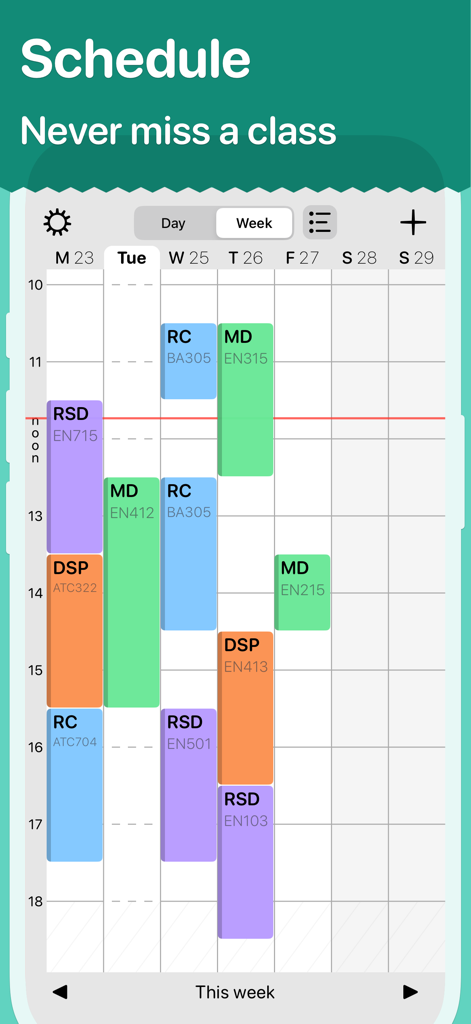
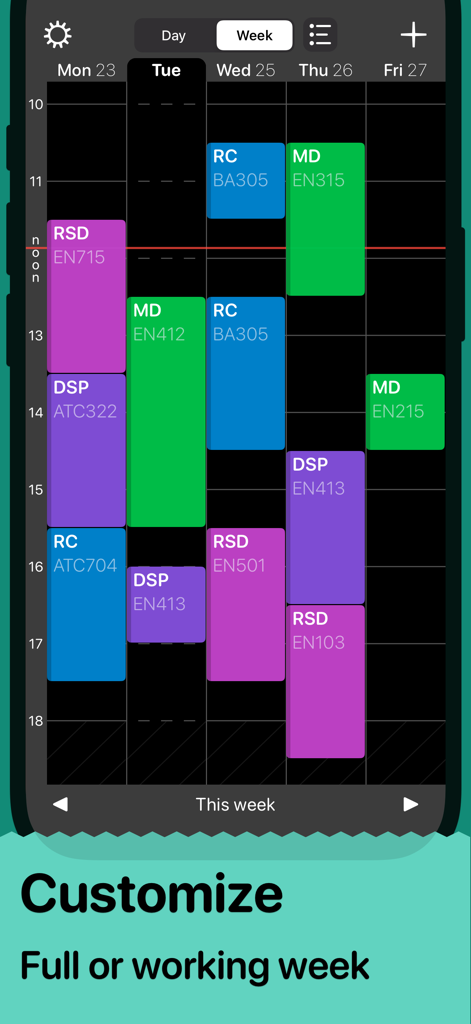
Weekly class schedule view in the Student Timetable app featuring color-coded blocks for different subjects

Weekly class schedule view in the Student Timetable app featuring color-coded blocks for different subjects

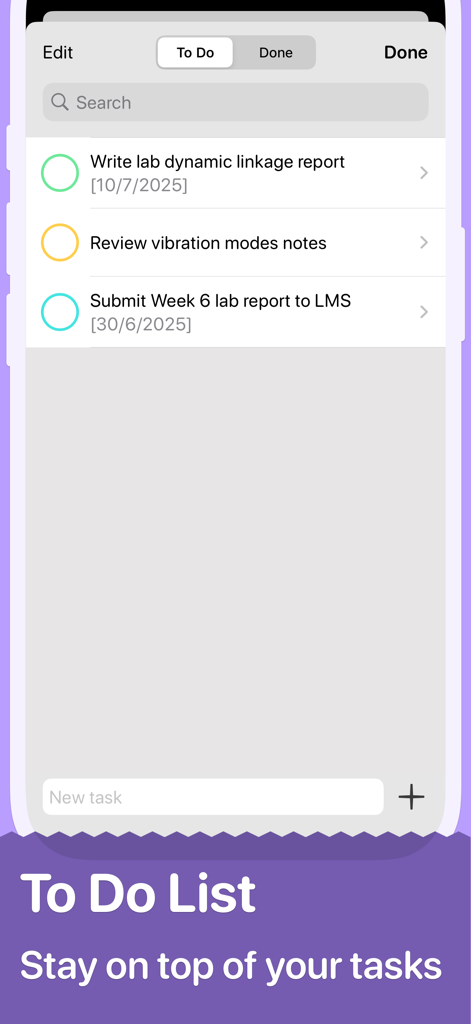
Student Timetable app interface showing a to-do list with school assignments and lab report deadlines

Student Timetable app interface showing a to-do list with school assignments and lab report deadlines

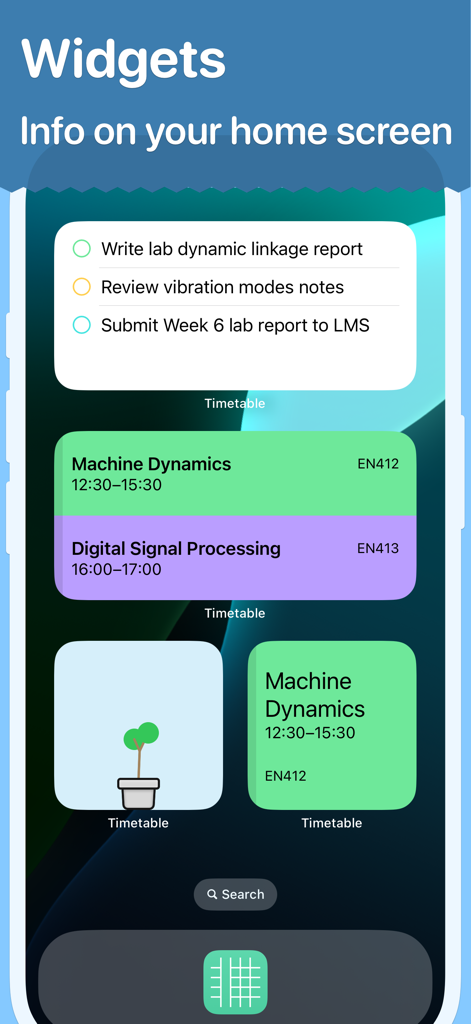
Student Timetable app home screen widgets showing class schedules and tasks

Student Timetable app home screen widgets showing class schedules and tasks

A color coded weekly class schedule in the Student Timetable app

A color coded weekly class schedule in the Student Timetable app

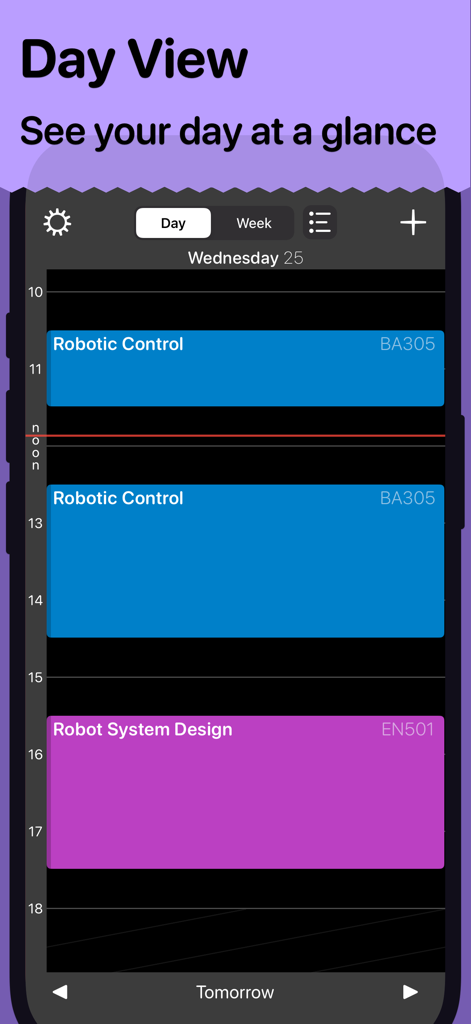
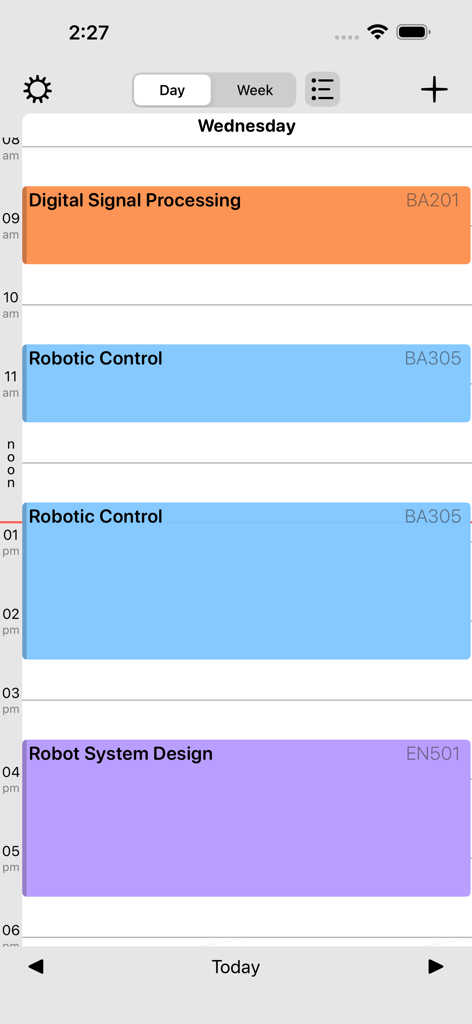
Screenshot of the Student Timetable app displaying a color-coded daily class schedule with sessions for Robotic Control and Robot System Design.

Screenshot of the Student Timetable app displaying a color-coded daily class schedule with sessions for Robotic Control and Robot System Design.

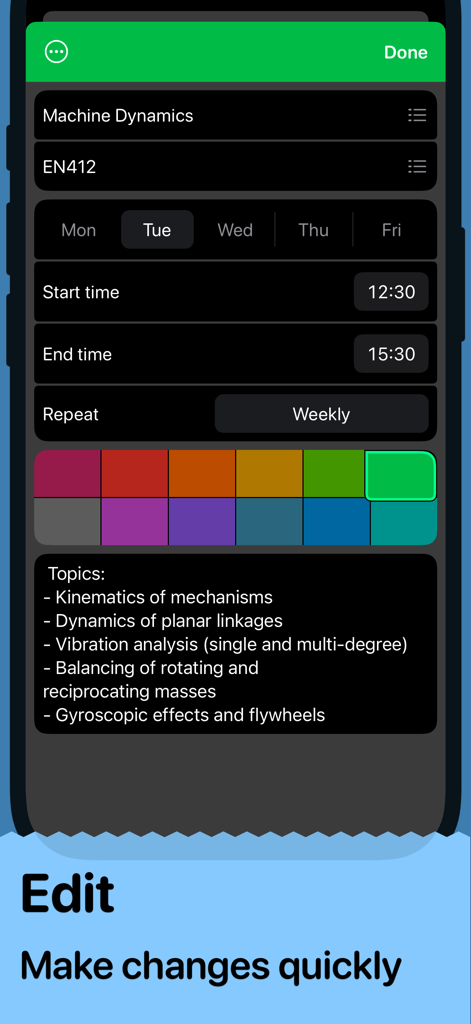
Interface of the Student Timetable app showing the edit screen for a class titled Machine Dynamics

Interface of the Student Timetable app showing the edit screen for a class titled Machine Dynamics

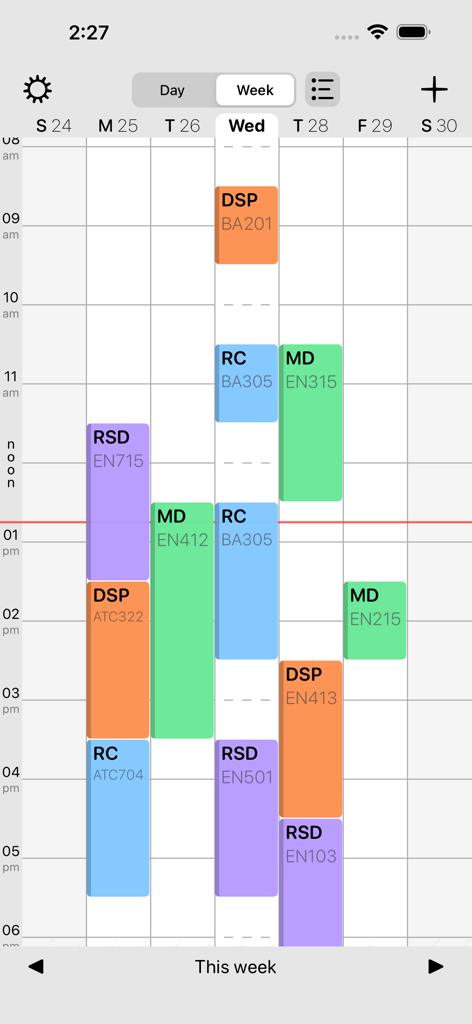
Weekly view of the Student Timetable app showing color-coded classes and room numbers

Weekly view of the Student Timetable app showing color-coded classes and room numbers

Daily schedule view in the Student Timetable app with color-coded course blocks

Daily schedule view in the Student Timetable app with color-coded course blocks

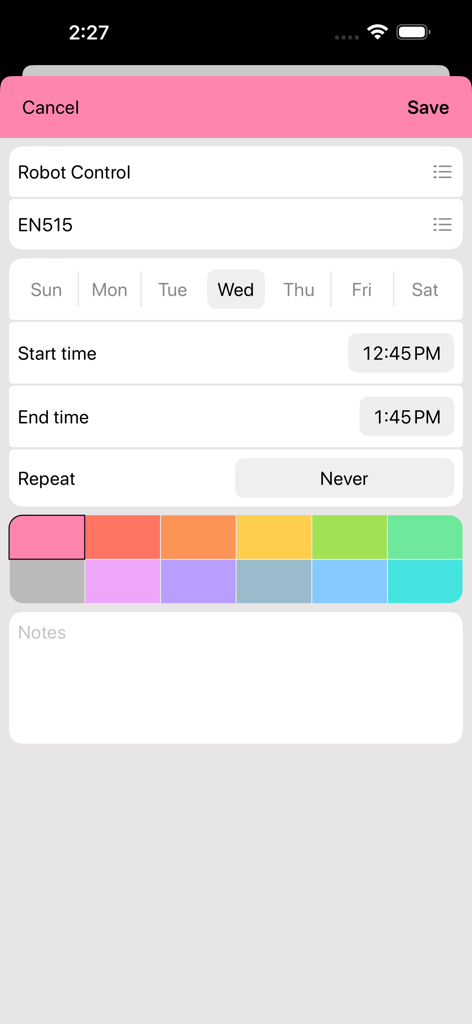
Mobile interface for adding or editing a class schedule entry with color coding and time selection options.

Mobile interface for adding or editing a class schedule entry with color coding and time selection options.

Master Your School Week

The tools that make this app stand out, trusted by 51K+ users.

📱

Glance-and-Go Widgets

See your next class and room number right on your Lock Screen. Stay on track during those quick 5-minute passing periods.

🔄

Seamless Ecosystem Sync

Input your schedule on your MacBook and access it instantly on your iPhone. Your data moves with you across campus.

📝

Integrated Task List

Track assignments and micro-to-dos alongside your classes. Stay organized without the bloat of complex management apps.

About the app

Everything you need to know about Student Timetable.

Description

Student Timetable is a simple and straightforward reference for your school or college timetable. After easily entering your timetable details, Student Timetable will become your 'go-to' guide for knowing when and where your studies take place! Features include: • Full seven-day week • Task list • Lock screen widget • Seamless data sync across all your iOS & macOS devices Find full terms of use and our privacy policy at https://armchairengineering.com/privacy.

Latest Version

3.1.6

Size

30.3 MB

First Released

Feb 11, 2011

Master Your Semester with One Simple Tool

Join thousands of students staying organized across all their Apple devices. Get your schedule and tasks synced, accessible, and effortless today.

Download on App Store

App information, icons, screenshots, and descriptions displayed on this page are sourced from the Apple App Store and are the property of their respective developers. Download estimates and rankings are based on MWM's proprietary models and may not reflect actual figures. This page is provided for informational and analytical purposes only.

Believe this page infringes your intellectual property? File a dispute